
LXQt is where the word ‘theme’ is most likely to hide three unrelated systems. Its panel and desktop use an LXQt QSS theme, Qt applications use a Qt style such as Fusion, Breeze or Kvantum, and window borders belong to whichever window manager or Wayland compositor you chose. A coherent LXQt setup is therefore a matched set, not one package.
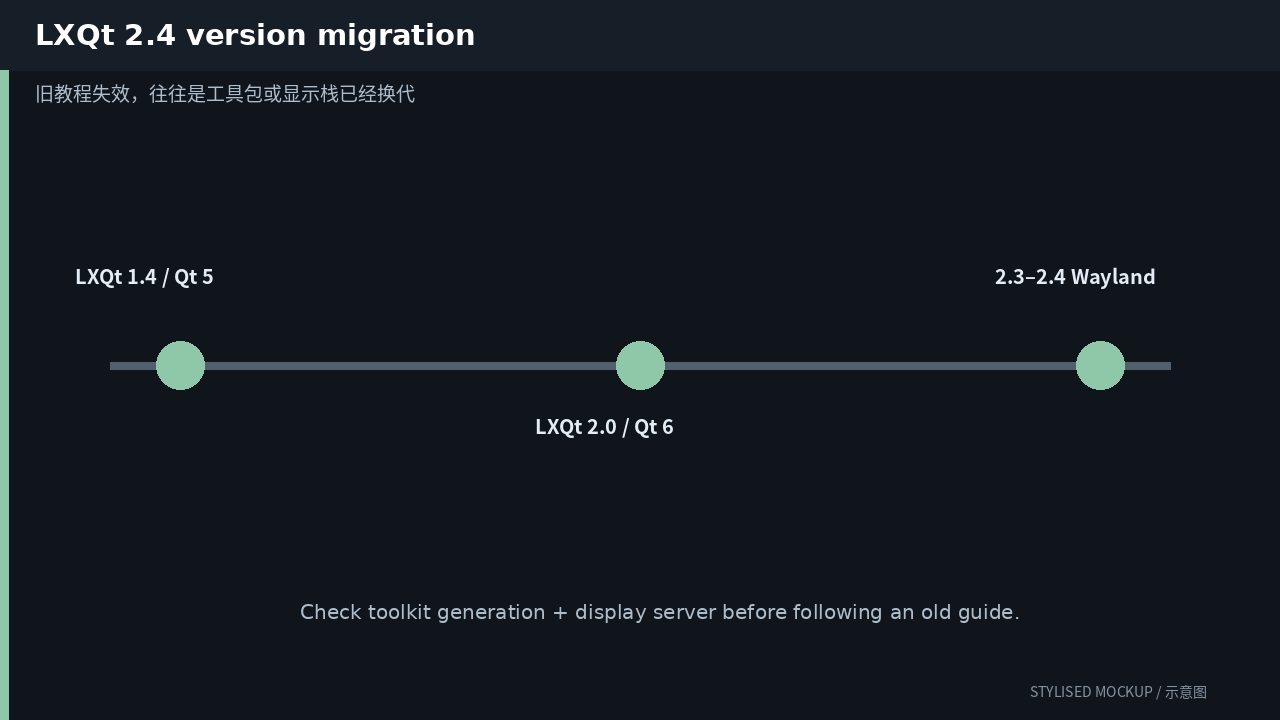
The three diagrams in this article are documentation-based illustrations, not desktop screenshots. Official screenshot assets could not be fetched reliably while preparing the article, so every image is explicitly marked “STYLISED MOCKUP / 示意图”.
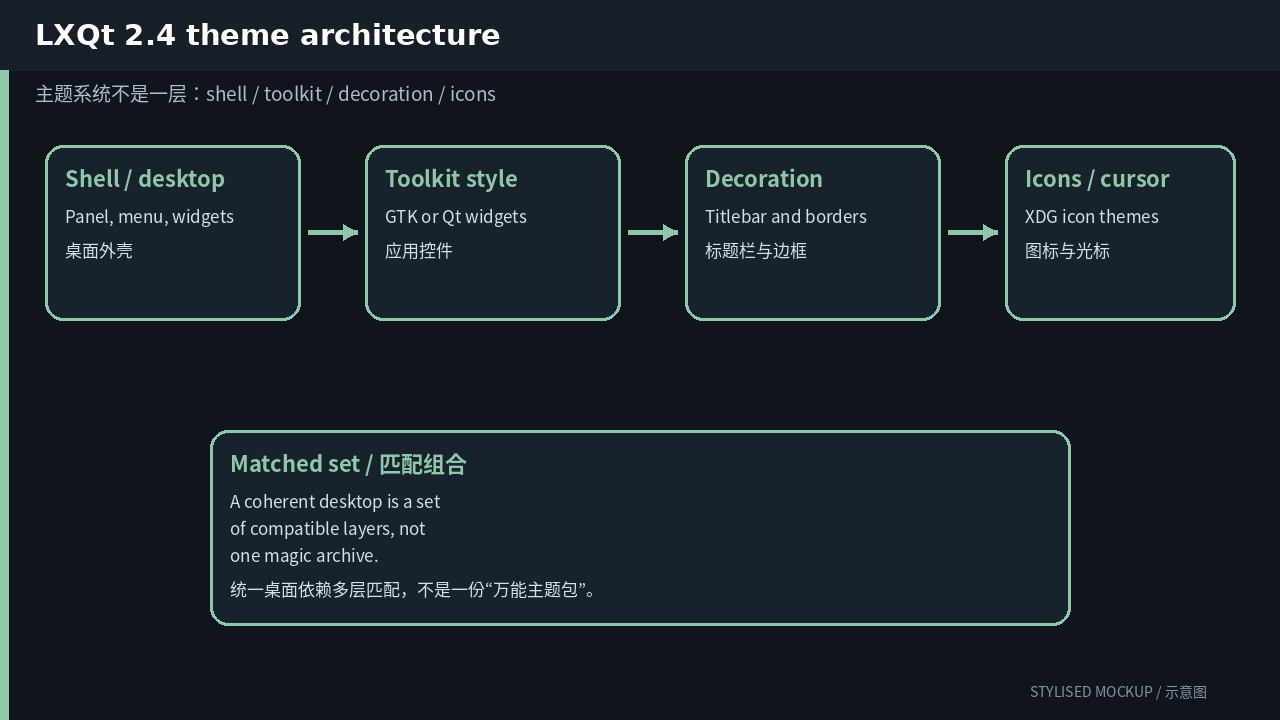
First question: which layer are you changing?
| Layer | What it controls | User path / entry |
|---|---|---|
| LXQt theme | Panel, main menu, runner and LXQt-specific surfaces | ~/.local/share/lxqt/themes/<name>/ |
| Qt widget style | Buttons, lists, menus and controls inside Qt applications | A Qt style plugin: Fusion, Breeze, Kvantum, etc. |
| Qt palette | Colors supplied to the selected Qt style | ~/.local/share/lxqt/palettes/ |
| Window decoration | Titlebars and borders | Owned by KWin, Openbox, Labwc, Niri or another compositor |
| Icons and cursors | Freedesktop icon and Xcursor themes | ~/.local/share/icons/ |
| GTK compatibility | GTK applications inside the same session | Chosen separately in Appearance |
When a newly installed theme changes only half the desktop, that is usually not a bug. It means you installed one layer. Icons, window decorations, application controls and the desktop shell commonly have different owners.
A customization order that is easy to undo
- Open LXQt Configuration Center → Appearance. Choose the LXQt Theme and Qt Style separately; watch which preview changes.
- For the simplest consistent result, use the System LXQt theme with a strong Qt style such as Breeze or Kvantum, then tune the palette.
- When using Kvantum, select Kvantum as the Qt Style and pick the actual theme in Kvantum Manager. As on Plasma, these are two stages.
- Match the window decoration in the active WM or compositor. Openbox themes cannot configure KWin, and Labwc decorations do not come from LXQt QSS.
- Set a compatible GTK theme from Appearance for Firefox utilities and other GTK applications, then verify Flatpak apps separately.
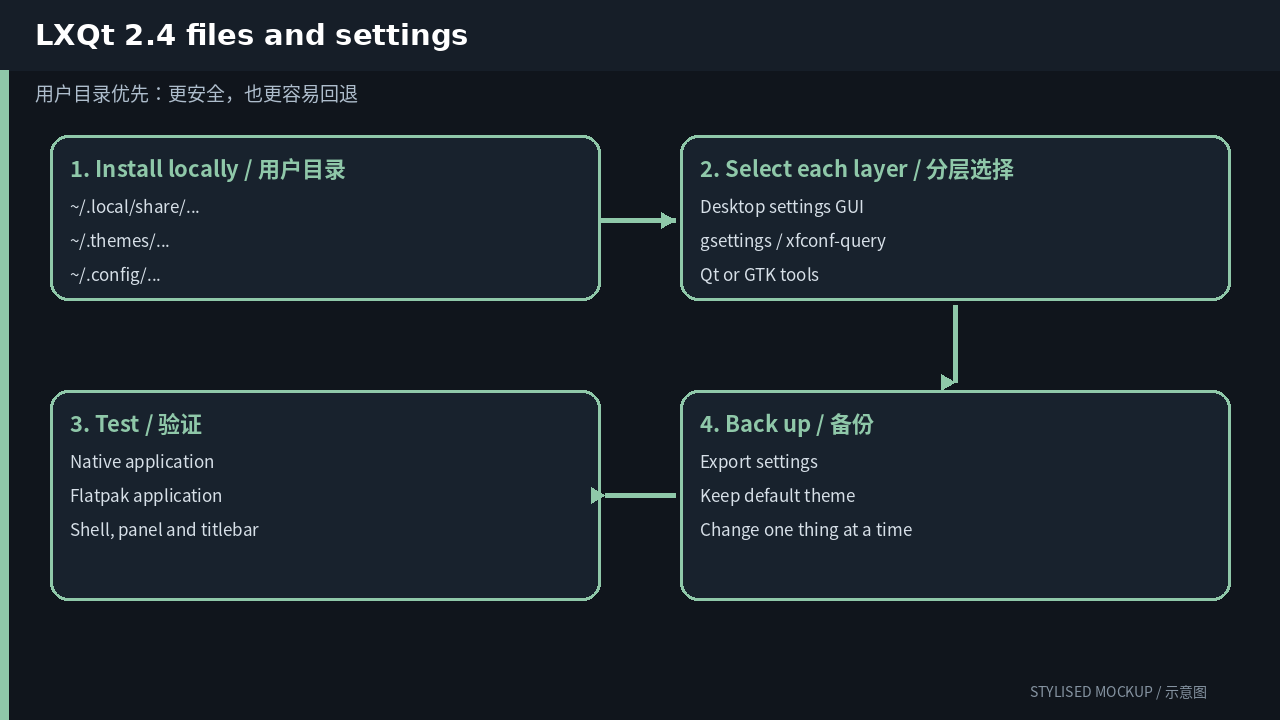
Inspect and switch settings from the terminal
The GUI is good for discovery; commands are good for repeatability. The examples below affect only the current user. Confirm that every theme name exists locally before applying it.
# user-installed LXQt themes
mkdir -p ~/.local/share/lxqt/themes
cp -a ./MyLXQtTheme ~/.local/share/lxqt/themes/

# inspect the active LXQt configuration
find ~/.config/lxqt -maxdepth 2 -type f -print

# a per-process Qt style test; useful before changing the session
QT_STYLE_OVERRIDE=Fusion pcmanfm-qt
QT_STYLE_OVERRIDE=kvantum qterminal
Do not begin by copying everything into a system directory with sudo. A user-local install is easier to remove and will not leave unmanaged files mixed into distribution packages.
If you are editing a theme, change one thing first
Copy an existing theme into the user directory and give it a new internal name. Do not edit the distribution copy under /usr/share. For the first pass, change one color, one spacing value or one icon group. Once the loader path and cache behavior are proven, widen the edit.
If the package has metadata or an index.theme, update its internal name as well. Renaming only the directory can create two identically named entries and leave inheritance pointing at the original package.
Version changes: why old guides fail
| Version | Theme-relevant change |
|---|---|
| LXQt 1.4 | The final Qt 5.15 generation. Themes and styles built only against Qt 5 can still appear in old screenshots and packages. |
| LXQt 2.0 | Moved the desktop baseline to Qt 6 and introduced the first broad Wayland session work. Qt style plugins had to exist for Qt 6. |
| LXQt 2.3 | The Wayland session stopped being labelled experimental, though behavior still varies by compositor protocol support. |
| LXQt 2.4 | Current stable generation, with separate X11/Wayland session settings and continued multi-monitor and desktop work. The basic QSS + Qt style + compositor split remains intact. |
A path from an old guide may still exist while the theme engine, toolkit generation or display server has changed underneath it. Before following a recipe, identify whether it targets GTK 2/3/4, Qt 5/6, X11 or Wayland, then check its date.
Common failure modes
- An LXQt QSS theme does not style every Qt application. That is the Qt Style layer.
- Installing a Qt 5 Kvantum or style plugin will not help an LXQt 2.x Qt 6 session.
- Window borders can change when you switch from Openbox to KWin or Labwc even though every LXQt setting is identical.
- Dark panels and symbolic icons can produce invisible icons. Use the panel icon override or a palette-aware icon theme.
A sensible end state
Tune the default theme until it is comfortable, then replace one third-party component at a time. A complete makeover is satisfying, but it makes readability, scaling and Flatpak mismatches harder to diagnose. The durable setup is often conservative: keep the desktop’s default widget style and change colors, icons, cursors and window decoration around it.
More desktop theming guides
- KDE Plasma theming guide
- GNOME theming guide
- Xfce theming guide
- Cinnamon theming guide
- MATE theming guide
Comments