
Xfce looks simple because it does not hide its modules. The same modularity explains its most common theme complaint: changing Appearance styles the applications but may leave the titlebars untouched. Xfwm4 draws those separately. Once that split is clear, Xfce is one of the easiest desktops to theme, back up and automate.
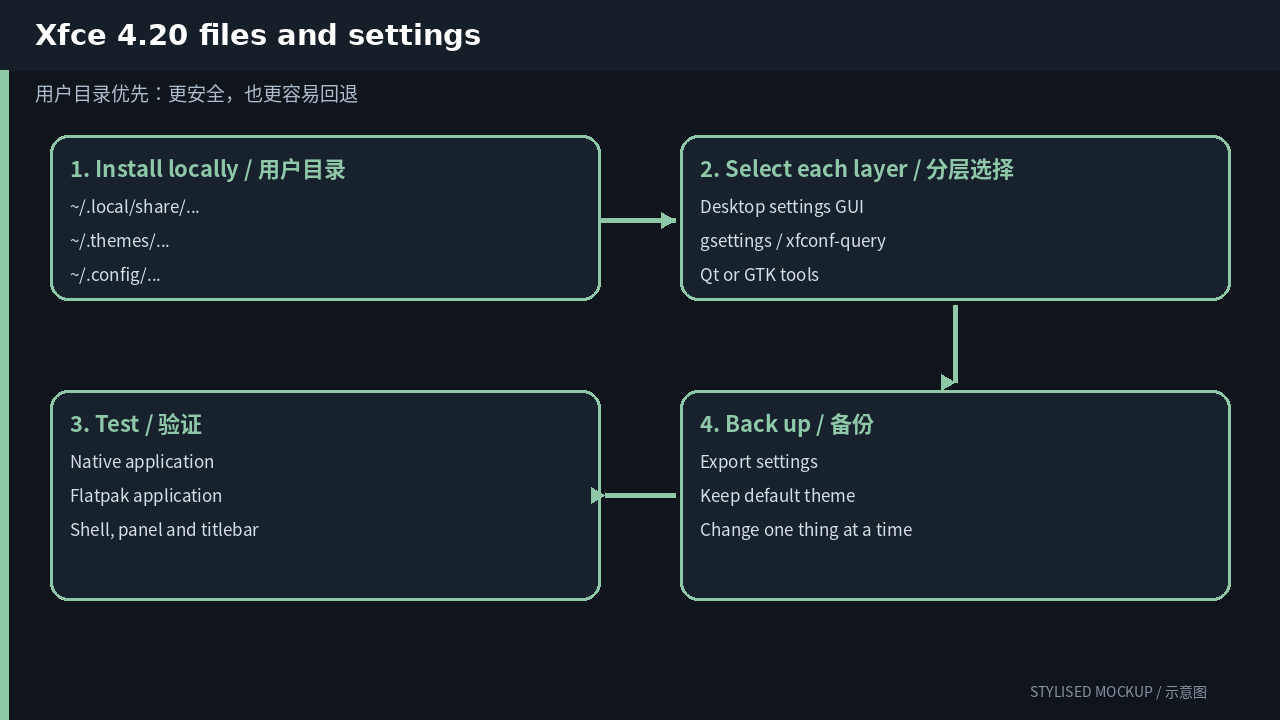
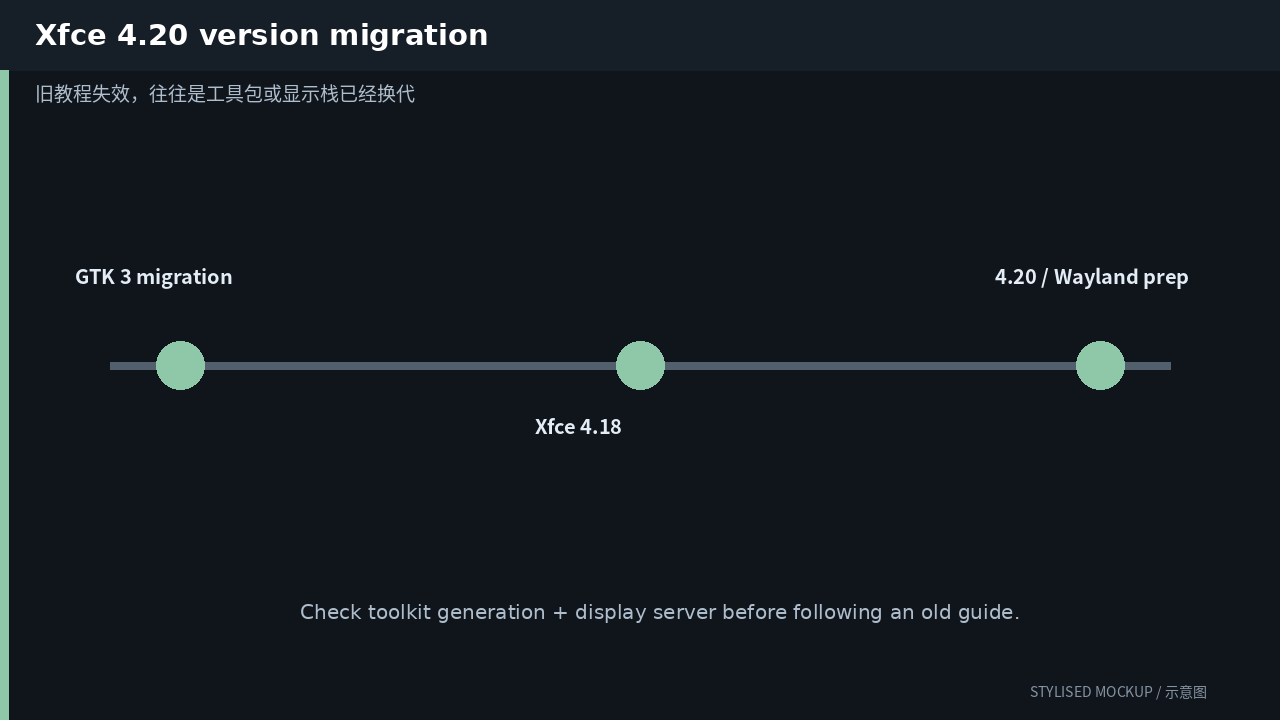
The three diagrams in this article are documentation-based illustrations, not desktop screenshots. Official screenshot assets could not be fetched reliably while preparing the article, so every image is explicitly marked “STYLISED MOCKUP / 示意图”.
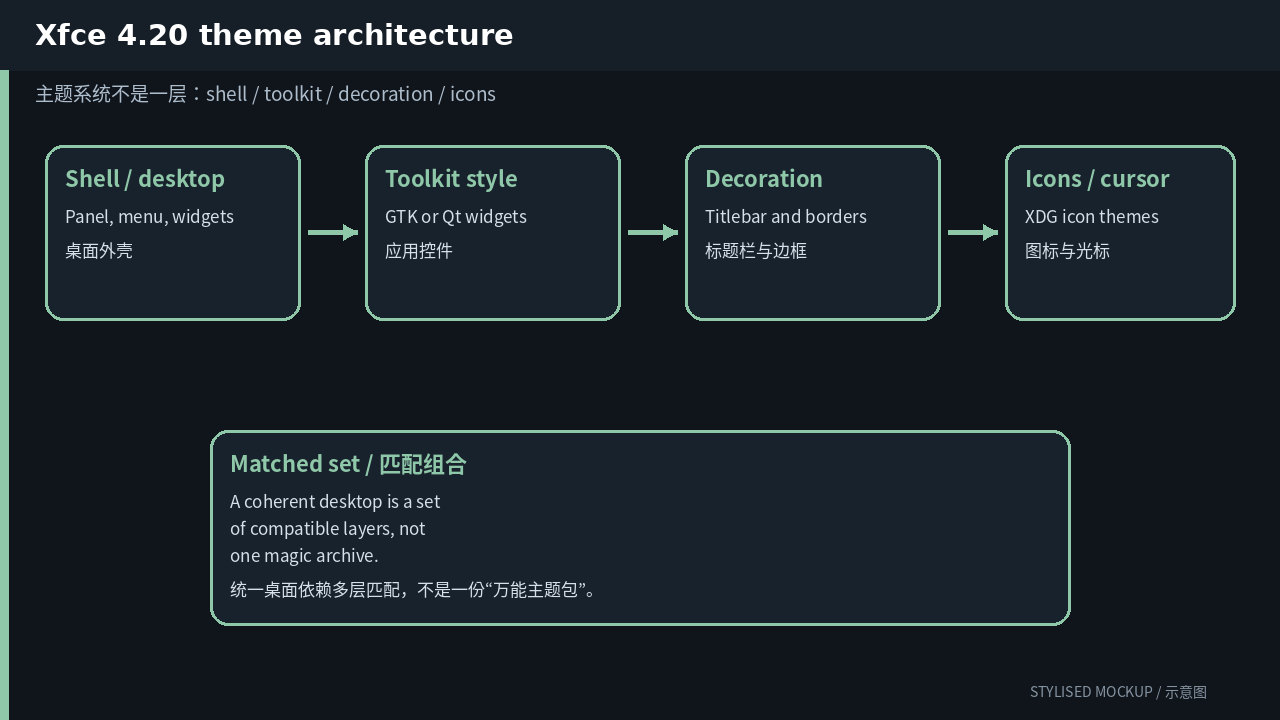
First question: which layer are you changing?
| Layer | What it controls | User path / entry |
|---|---|---|
| GTK style | Application widgets, menus and controls | ~/.themes/<name>/gtk-3.0/ and gtk-4.0/ |
| xfwm4 decoration | Titlebar, borders and window buttons | ~/.themes/<name>/xfwm4/ |
| Icon theme | Panel, Thunar, launchers and menu icons | ~/.local/share/icons/ or ~/.icons/ |
| Cursor theme | Xcursor pointer images and sizes | The icon-theme directory under cursors/ |
| Notifications | xfce4-notifyd appearance | Selected in Notification settings |
| Panel and desktop | Layout, plugins and wallpaper rather than one CSS theme | Xfconf channels and panel preferences |
When a newly installed theme changes only half the desktop, that is usually not a bug. It means you installed one layer. Icons, window decorations, application controls and the desktop shell commonly have different owners.
A customization order that is easy to undo
- Open Appearance for the GTK style, icons and fonts. Then open Window Manager for xfwm4 decorations. Treat those as one two-step operation.
- Extract user themes to ~/.themes and icons/cursors to ~/.local/share/icons. A complete Xfce theme may contain both gtk-3.0 and xfwm4 subdirectories.
- Use Window Manager Tweaks for compositor shadows, focus behavior and snapping. These settings change the feel without changing artwork.
- Use xfconf-query only after checking the property names on your installation. Xfconf makes theme profiles easy to script and restore.
- Keep the default theme available. A broken GTK stylesheet can make a settings dialog unreadable, but xfconf-query can still switch back from a terminal.
Inspect and switch settings from the terminal
The GUI is good for discovery; commands are good for repeatability. The examples below affect only the current user. Confirm that every theme name exists locally before applying it.
# inspect current selections
xfconf-query -c xsettings -p /Net/ThemeName
xfconf-query -c xsettings -p /Net/IconThemeName
xfconf-query -c xfwm4 -p /general/theme

# apply a matched set
xfconf-query -c xsettings -p /Net/ThemeName -s 'Greybird-dark'
xfconf-query -c xsettings -p /Net/IconThemeName -s 'Papirus-Dark'
xfconf-query -c xfwm4 -p /general/theme -s 'Greybird-dark'
Do not begin by copying everything into a system directory with sudo. A user-local install is easier to remove and will not leave unmanaged files mixed into distribution packages.
If you are editing a theme, change one thing first
Copy an existing theme into the user directory and give it a new internal name. Do not edit the distribution copy under /usr/share. For the first pass, change one color, one spacing value or one icon group. Once the loader path and cache behavior are proven, widen the edit.
If the package has metadata or an index.theme, update its internal name as well. Renaming only the directory can create two identically named entries and leave inheritance pointing at the original package.
Version changes: why old guides fail
| Version | Theme-relevant change |
|---|---|
| Xfce 4.12–4.16 | The desktop completed its GTK 3 transition and raised the toolkit baseline. Very old GTK 2-only themes became increasingly incomplete. |
| Xfce 4.18 | Polished Thunar, settings and HiDPI behavior while keeping the familiar GTK/xfwm4 theme split. |
| Xfce 4.20 | Added libxfce4windowing and experimental Wayland support, plus more scaling fixes. Xfwm4 remains the normal X11 decorator; Wayland sessions depend on their compositor for decorations and several settings. |
A path from an old guide may still exist while the theme engine, toolkit generation or display server has changed underneath it. Before following a recipe, identify whether it targets GTK 2/3/4, Qt 5/6, X11 or Wayland, then check its date.
Common failure modes
- Changing only Appearance leaves xfwm4 borders unchanged.
- A GTK 2-only archive is not a modern Xfce theme. Check for gtk-3.0 and preferably gtk-4.0.
- On Wayland, Labwc or Wayfire owns window decorations and input settings that xfwm4 used to own.
- Do not edit the binary dconf database; Xfce normally stores its own settings as Xfconf XML. Use xfconf-query or copy the XML while logged out.
A sensible end state
Tune the default theme until it is comfortable, then replace one third-party component at a time. A complete makeover is satisfying, but it makes readability, scaling and Flatpak mismatches harder to diagnose. The durable setup is often conservative: keep the desktop’s default widget style and change colors, icons, cursors and window decoration around it.
More desktop theming guides
- KDE Plasma theming guide
- GNOME theming guide
- Cinnamon theming guide
- MATE theming guide
- LXQt theming guide
Comments