
Ubuntu 26.10 vs 26.04 LTS: Which One Should You Run in 2026?
Figure: AI-generated infographic comparing Ubuntu 26.04 LTS (5-year support, green) with Ubuntu 26.10 (9-month support, blue). Not an official Ubuntu graphic.
Ubuntu 26.10 “Stonking Stingray” is the second interim release after 26.04 LTS “Resolute Raccoon.” Picking between them is the single most common decision Ubuntu users make each October, and the answer is not “always the newest.” It depends on what you use the box for, how long you need it to last, and how much risk you are willing to absorb.
This article breaks down the differences that actually matter. For the full feature dump on 26.10, see Ubuntu 26.10 Stonking Stingray Lands: Myna, GNOME 51, Rust Done. For the upgrade procedure, see How to Upgrade to Ubuntu 26.10 Stonking Stingray (2026).
Quick verdict
- Pick 26.04 LTS if you run a fleet, depend on commercial software with LTS-only validation, or want a box you can install once and forget about for five years.
- Pick 26.10 if you are a hobbyist, a workstation user, or a developer who wants the latest desktop, the newest kernel features, and the earliest look at Canonical’s Myna speech-to-text work.
- Pick 26.10 if you have a separate test box. You can run 26.10 for nine months, evaluate the polish, then decide whether to make the 2028 LTS jump from 26.04.
Support lifecycle — the single biggest difference
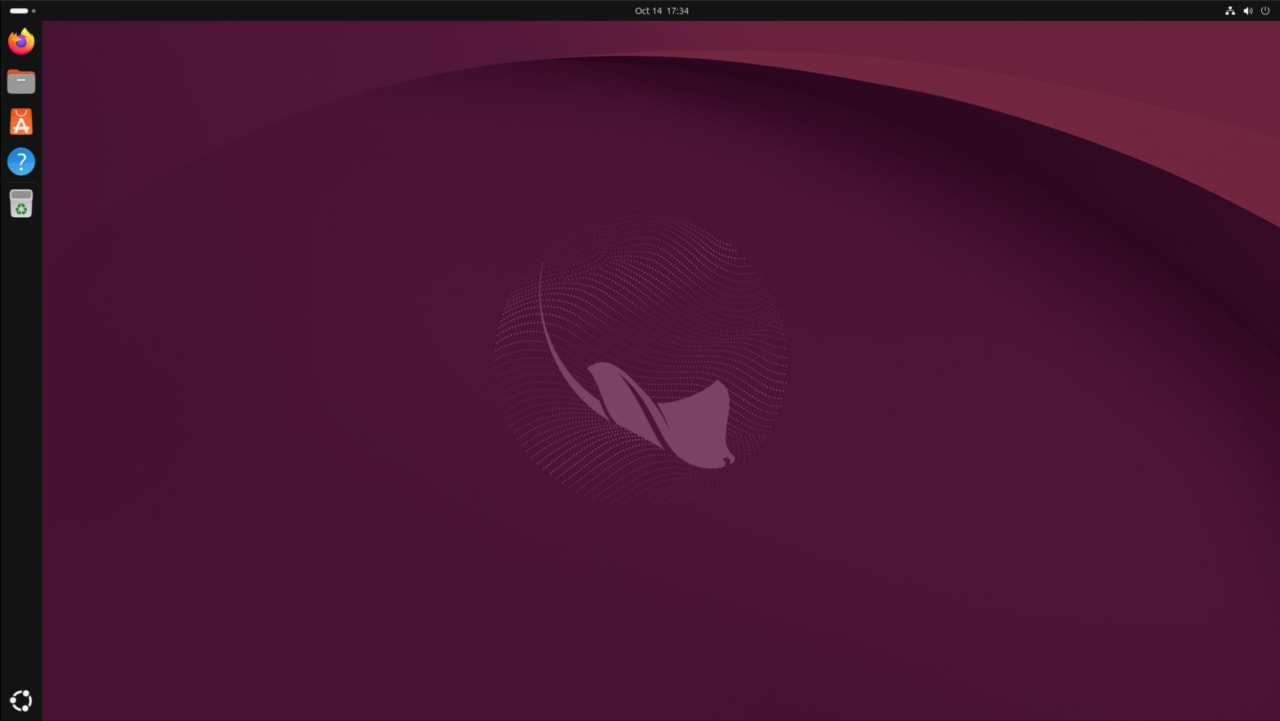
Figure: Canonical’s Ubuntu 26.10 announcement banner. Source — ubuntu.com/blog.
This is the table that matters:
| Release | Codename | Released | Desktop support | EOL |
|---|---|---|---|---|
| 26.04 LTS | Resolute Raccoon | 23 Apr 2026 | 5 years (standard) | Apr 2031 |
| 26.10 interim | Stonking Stingray | 15 Oct 2026 | 9 months | Jul 2027 |
| 27.04 interim | Tenacious T-Rex | Apr 2027 (planned) | 9 months | Jan 2028 |
| 28.04 LTS | (codename TBA) | Apr 2028 (planned) | 5 years | Apr 2033 |
If you want a box that lives for five years on a single install, 26.04 LTS is the choice. If you want the freshest experience and are happy to upgrade every six months (or take a server through its 9-month life), 26.10 is fine.
The “interim” label does not mean “unstable.” Interims ship with newer kernel, newer desktop, newer toolchain. They are just not patched for as long. You will see fewer security backports because the window is shorter, and you’ll need to plan to upgrade to 27.04 next spring (or to 28.04 LTS in 2028) before July 2027.
What 26.10 adds on top of 26.04 LTS
The deltas worth caring about, listed by how much they actually change day-to-day use:
Headline new feature: Myna (26.10)
26.10 ships the first public technology preview of Myna, Canonical’s on-device speech-to-text agent. Myna runs entirely locally, supports Parakeet / Whisper / FunASR engines, and is the first concrete step toward Canonical’s planned “context-aware desktop.”
The block of Myna on 26.10: it is opt-in, you have to add a PPA and install it. On 26.04 LTS, the same PPA also works, but you are running it on a slightly older desktop. If you want the most polished Myna experience, run it on 26.10.
GNOME 51 vs GNOME 50 (26.10 vs 26.04)
26.04 LTS ships GNOME 50. 26.10 ships GNOME 51, which is faster, more accessible, and brings the unified App Center (snap + deb in one view). If you have ever been frustrated by GNOME’s memory behaviour on a low-RAM box, 51 is a noticeable improvement over 50.
The desktop polish on 26.10 is real. It is the difference between “this is the Ubuntu of two years ago with a fresh wallpaper” and “this is the current GNOME.”
Linux kernel 7.3 vs 7.0 (26.10 vs 26.04)
26.04 LTS shipped with Linux 7.0. 26.10 ships with Linux 7.3 (7.3.0-9.9, based on 7.3-rc6 because the final lands after GA). The kernel jump covers:
- AMD DCN 6.0 display block and the new Ryzen AI Halo LED/RGB driver
- Initial Apple M3 Pro / Max / Ultra CPU support
- Power optimisations for M1 Pro / Max / Ultra
- Multiple new RISC-V extensions
- Scheduler improvements for hybrid CPUs and old gaming hardware
- Btrfs performance improvements
- Nouveau NVDEC for NVK Vulkan Video via Mesa 26.3
If your hardware is newer than mid-2025, 7.3 will likely run it better than 7.0. If you are on Intel / AMD from the 2020-2024 era, the difference is mostly invisible.
Rust coreutils — 26.10 finishes what 26.04 started
26.04 LTS started the migration of coreutils to the Rust-based uutils implementation. 26.10 completes it: as of this release, cp, mv, rm, ls, cat, chmod and friends are all the Rust implementation by default.
For 99% of users, this is invisible. For the 1% with shell scripts that lean on coreutils edge cases, sanity-check them on 26.10 before deploying widely.
Post-quantum package signing (26.10 first)
26.10 enables post-quantum-ready signatures for APT. This is forward-looking work — Ubuntu is the first major distribution to make the cutover. It does not change day-to-day use but it matters for long-term supply-chain security.
TPM-backed FDE expansion (26.10 only)
26.04 introduced TPM-backed FDE for hardware with a Hardware Root of Trust. 26.10 extends the same protection to hardware without an HRoT — you can require a PIN or passphrase on a much wider set of machines. If you have a laptop that 26.04 couldn’t encrypt, 26.10 probably can.
RISC-V desktop image (26.10 first)
26.10 ships the first Ubuntu desktop image targeting RVA23 RISC-V silicon. Useful if you are evaluating RISC-V hardware; irrelevant for x86 / ARM64 boxes.
amd64v3 optimised install image (26.10 first)
26.10 also ships an amd64v3 install image that uses AVX2. On supported CPUs (anything Haswell or newer) you get a measurable performance improvement over the generic amd64 image. Pick the amd64v3 image at install time if your CPU supports it.
What 26.04 LTS gives you that 26.10 does not
The inverse list — what you lose by going to the interim:
- Five years of security updates instead of nine months. This is the headline trade-off. If you run a server you can’t easily upgrade every six months, 26.04 LTS is the right choice.
- Commercial software validation. NVIDIA’s data-center GPU driver, several workstation ISV products, and some enterprise SaaS agents certify against LTS releases. Running 26.10 may put you on an unvalidated configuration.
- Hardware vendor certification. Some OEMs ship laptops / workstations with 26.04 LTS specifically validated; the same OEM may not have validated 26.10. Check with the vendor if you bought preinstalled Ubuntu.
- More bug-fix coverage. LTS releases get point releases (26.04.1, 26.04.2, …) that bundle all the fixes since GA. Interim releases get point releases less frequently and with a smaller bundle.
- ESM (Extended Security Maintenance) option. When 26.04 reaches end of standard support in 2031, you can extend it further with paid ESM. 26.10 has no equivalent — once it EOLs in July 2027, that’s it.
What both releases share
- Same Ubuntu base. Underneath the version number, both releases are the same distro with the same package archive, same update cadence, same Ubuntu Insights opt-in, same Snap store, same desktop experience at a high level.
- Same upgrade tool.
do-release-upgradehandles both directions (26.04 → 26.10 and 26.10 → 27.04 in spring 2027). - Same Myna. Myna runs on 24.04 LTS, 26.04 LTS, and 26.10. You can try the headline new 26.10 feature on 26.04 without upgrading.
- Same App Center. Snap + deb, same Software Updater, same Ubuntu Pro / Landscape integration for fleets.
Decision matrix — pick by use case
| If you are… | Pick | Why |
|---|---|---|
| Hobbyist / single desktop | 26.10 | Newest experience, fine to upgrade every six months |
| Developer / homelab | 26.10 | Newer kernel + toolchain, Myna is a fun toy |
| Running a fleet of servers | 26.04 | Five-year support, ESM option, commercial validation |
| Workstation for video / 3D / scientific computing | depends | Check your software’s validated versions, otherwise lean 26.04 LTS |
| Power user who wants the newest of everything | 26.10 | That’s literally what interims are for |
| Corporate laptop with vendor cert | 26.04 | Stay on the validated configuration |
| Just installed fresh, no strong preference | 26.04 LTS | You can upgrade to 26.10 in three minutes if you change your mind |
| Want to evaluate before committing | 26.10 (test box) | Run it for a month, decide later |
How to switch directions
- 26.04 → 26.10: see the upgrade guide for the steps and the three known blockers (
/lib32symlink, TPM-FDE,/bootsize). - 26.10 → 26.04 LTS: not supported as an in-place downgrade. You must back up
/etc,/home, and any data, then do a fresh install of 26.04. Plan for it. - 26.10 → 27.04 (April 2027): standard
do-release-upgradewhen the channel opens. - 26.04 → 28.04 LTS (April 2028): standard
do-release-upgradeonce 28.04.1 lands in mid-2028.
Verdict
The closer your use case is to “install once, forget for years, expect vendor support,” the more 26.04 LTS makes sense. The closer your use case is to “I want to play with the freshest stuff and don’t mind upgrading twice a year,” the more 26.10 makes sense. There is no wrong answer — there is just the answer that fits your situation.
If you do not have a strong reason to pick 26.10, stay on 26.04 LTS and let the interim mature. If you do have a reason — Myna, RISC-V, AMD DCN 6.0, post-quantum signing, RVA23 — then 26.10 is the right choice and the upgrade is straightforward.
For the broader feature overview, see Ubuntu 26.10 Stonking Stingray Lands. For the exact upgrade steps, see How to Upgrade to Ubuntu 26.10. For the kernel/RISC-V/AI details, see Ubuntu 26.10 Deep Dive: Kernel 7.3, RISC-V, amd64v3, Myna.
Sources: Ubuntu release cycle, Ubuntu 26.04 LTS release notes, Ubuntu 26.10 release notes, Canonical Ubuntu 26.10 announcement.
Comments