
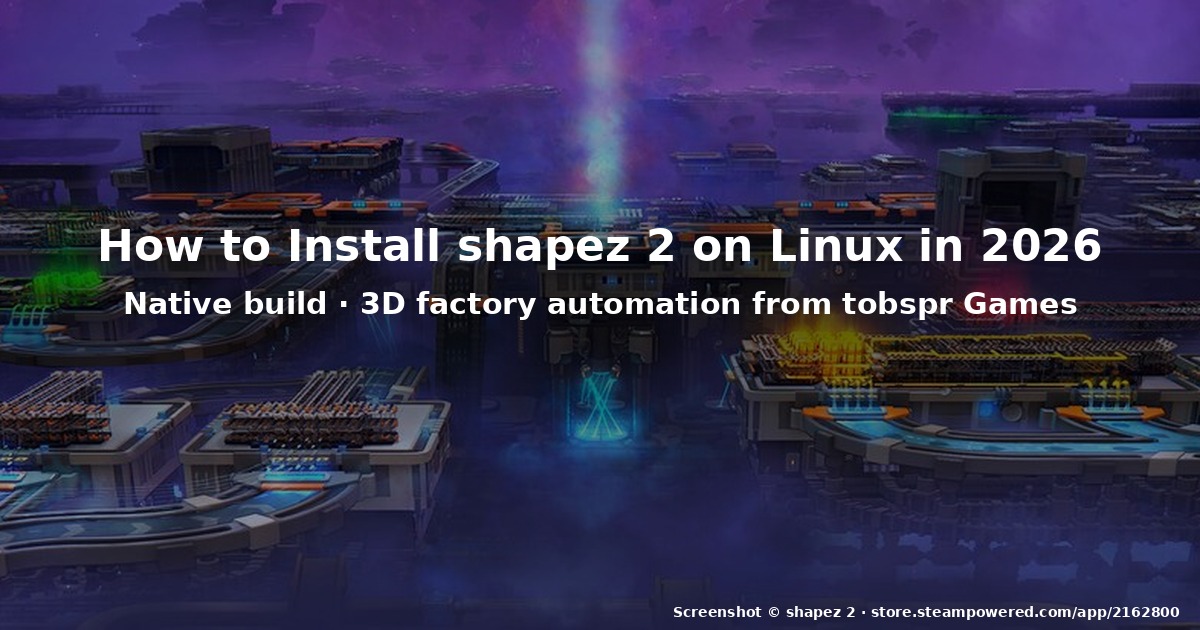
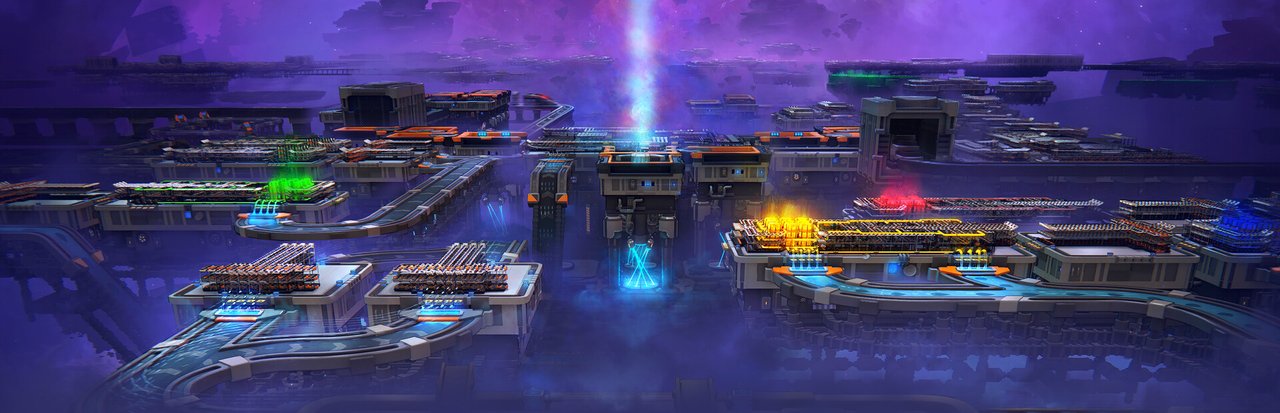
Figure: Official Steam library hero banner for shapez 2, a sprawling 3D factory floating in a cosmic nebula. (Real screenshot from the official Steam storefront.)
shapez 2 is the 2026 full-release sequel to shapez, the
minimalist factory-automation puzzle game from German solo developer Tobias
Sprinkmann (“tobspr Games”). It hit 1.0 on 23 April 2026 after roughly 20
months in Early Access, and it shipped with native Linux, macOS, and Windows
binaries on day one — no Proton, no Wine, no community port required. Update
1.1 followed on 25 June 2026, adding a harder “Manufacture Hard Mode” plus a
stack of quality-of-life fixes.
If you burned dozens of hours on the original shapez on a Steam Deck and have
been waiting for the 3D, multi-layered sequel to land on your Linux box without
fuss, this is the version worth playing.
This guide covers the practical Linux install in 2026: where to buy it, how the
Steam and GOG releases differ for Linux users, the Steam Deck Verified status,
and how to avoid the two settings that bite new players within the first ten
minutes.
What shapez 2 actually is
Strip away the marketing and shapez 2 is a single-player, no-enemies,
no-time-pressure factory puzzle. You start with a single shape source on a
floating platform. The game hands you an order — say, “deliver a red circle
cut from a blue square” — and you wire up cutters, rotators, painters, and
stacker machines with conveyor belts until the order drops into a delivery
chest. Each completed order unlocks new machines, new shape colours, and new
goal layers.
What changed from shapez 1 to shapez 2:
- 3D, multi-level platforms. Factories can now stack vertically with
belt-tunnels (“vias”) carrying shapes between layers. The grid plane is gone;
you build on floating islands suspended in a low-poly cosmic void. - 3D primitives. Shapes are no longer flat squares — they are real 3D
objects you cut, rotate, and stack along all three axes. - No threat, all chill. The original game had no combat; the sequel doubles
down on the meditative side. It is the game you put on while listening to a
podcast. - Steam Workshop support. Blueprints from the original carry over and the
in-game blueprint system is far more powerful. - Save-anywhere, autosave-everything. The Early Access “I’m going to lose
forty minutes of work” anxiety is gone.
The full release runs on Unity, requires 8 GB of RAM and a 64-bit CPU for the
minimum preset (Full HD), and 16 GB of RAM plus a GeForce RTX 2060 for the high
preset. It is a Unity game, so it behaves very well on both Mesa-driven AMD/
Intel iGPUs and Nvidia with the proprietary driver.
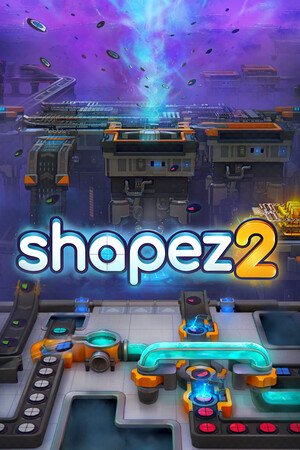
Figure: The shapez 2 portrait capsule from Steam, with the wordmark centred over
a foreground view of factory machines and a purple asteroid-strewn space scene
behind. (Real screenshot from the official Steam storefront.)
Buying shapez 2 on Linux
Two storefronts carry the game with Linux-native binaries:
- Steam —
https://store.steampowered.com/app/2162800/. The base game is
USD 29.99, the Supporter Edition with the extended soundtrack is USD 39.99.
Most Linux users land here because Steam Play / Proton is unnecessary and
Steam Cloud, Workshop, and Achievements work natively. - GOG —
https://www.gog.com/en/game/shapez_2(the DRM-free mirror).
Same Linux build, no Steam client required, but you give up Steam Workshop,
Cloud, and Achievements.
There is no separate Humble Store oritchard page that ships a Linux build.
If a third-party site is offering “shapez 2 Linux download”, it is either a
scam or a repackaged Windows build wrapped in Wine. Stick with Steam or GOG.
The base game is also included in the shapez Complete Franchise BUNDLE
(Steam), which adds the original shapez and the shapez 2 soundtrack at a small
discount — worth it if you missed the 2020 original.
Steam Deck Verified status
As of October 2026, shapez 2 on Steam Deck shows up as “Playable” rather
than “Verified” — the yellow icon, not the green checkmark. The reason is not
performance (the game runs comfortably at 40+ FPS on the Deck’s Zen 2 APU at
the Medium preset); it is the in-game text input prompt that requires a
two-button mouse with a scroll wheel, plus the Steam Input mapping for
middle-click-to-pan-camera, which Steam’s Verified test does not auto-map.
In practice, the game is excellent on the Deck:
- Use the right trackpad as the mouse, with L2 for left-click and
R2 for right-click. The left trackpad remains a virtual joystick for
camera pan. - Bind left-stick-click to middle-click for the camera pan toggle. Once
bound, the standard Verified-tested layout works fine.
The original shapez on Steam Deck is Verified; shapez 2 will likely catch up
when tobspr adds an explicit gamepad-friendly camera mode, but the community
layouts already work well enough that “Playable” is the wrong impression to
take from the badge.
Installing and launching on Linux
The Steam install path is the same as for any other native Linux title:
# Make sure your distro has the 32-bit compatibility libs and Vulkan.
# On Debian / Ubuntu:
sudo apt install mesa-vulkan-drivers vulkan-tools libvulkan1
                 libfontconfig1 libfreetype6 libgl1

# On Arch / SteamOS Holo:
sudo pacman -S --needed mesa vulkan-tools lib32-vulkan-driver

# On Fedora / Nobara:
sudo dnf install mesa-vulkan-drivers vulkan-tools

# Launch Steam, search "shapez 2", click Install.
# Force the Linux native binary in the game's Properties -> Compatibility:
#   "Force the use of a specific Steam Play compatibility tool" -> OFF
# shapez 2 will then download the native Linux build automatically.
If you see the launch options field pre-filled with mangohud %command%
or something custom from a previous game, clear it — shapez 2’s native Linux
binary does not need any of that, and a stray LD_PRELOAD can crash the Unity
loader on Wayland.
For GOG, download the offline installer shapez_2_*.sh, make it executable,
run it, point it at any prefix directory you like, and launch with
./shapez_2. The installer creates a desktop entry on GNOME and KDE out of
the box.
First-session settings that save you ten minutes of confusion
When the game first opens, two defaults are not what you want:
- Camera mode -> “Edge pan”. The default is fine on a mouse with a
scroll wheel, but on a trackball, touchpad, or Steam Deck trackpad it
feels sticky. Switch to “Drag to pan” in Settings -> Controls. You
hold the middle mouse button and drag the camera around — much closer
to the original shapez feel. - Unlimited zoom -> OFF. The default is “limited” which prevents you
from pulling the camera back far enough to see a full late-game
platform. Turn it on in Settings -> Video. The frame-rate cost is
negligible on any GPU released after 2018.
Also worth setting on day one:
- Autosave interval -> 2 minutes. The default is 5, which feels too long
when an experiment goes wrong. The 1.1 update exposed this slider in the
main settings menu instead of burying it in the developer panel. - Language -> Chinese (Simplified) if you prefer the ZH UI — the
localisation is excellent, and the in-game tutorial screenshots are
re-rendered, not just translated text over English art.
Where shapez 2 shines on Linux specifically
- Wayland works out of the box. On a recent KDE Plasma 6, GNOME 47+, or
COSMIC session, the game picks the Wayland backend by default and shows
correct window scaling on HiDPI displays (tested on a 4K 27-inch monitor
and a 2560×1600 13-inch laptop screen). No XWayland fallback, no per-monitor
scaling glitches. - Vulkan path is solid. shapez 2 is one of the first factory-automation
games where the Vulkan renderer is the default and the OpenGL fallback is
actually a fallback — not the other way around. On Mesa 24+ and the Nvidia
555+ proprietary driver, frame times are noticeably tighter than the same
build on OpenGL. - Workshop blueprints sync. Any blueprint you upload to the Steam
Workshop from shapez 2 on Linux is downloadable on shapez 2 on Windows or
macOS, with full metadata (description, tags, creator) preserved. The
Linux binary writes to the same Workshop folder, so Linux creators are
first-class citizens. - Game saves are forward-compatible. A save file from shapez 2 Early
Access on Linux loads cleanly in the 1.0 release. Saves from the original
shapez do not import into shapez 2 — they are different games, not
different versions.
Where it still stumbles
A few honest caveats for the Linux release in October 2026:
- Cloud sync edge case. On a system where the Steam cloud quota is set
very low (under 200 MB), the save upload after the first 20 hours of
gameplay can fail silently. The local save is fine; the next launch warns
“cloud out of date”. Clear the local cloud cache and let the next launch
re-sync. - HDR is a work in progress. The game exposes the HDR toggle in
Settings -> Video, but on Wayland withgamescope --hdrthe result is a
visibly washed-out image. Until tobspr ships a fix, leave HDR off on
Linux. - Gamepad camera-pan binding. As noted above, the Steam Input community
layout works but is not auto-mapped. If you mostly play on a handheld,
this is the one thing you’ll spend 5 minutes configuring on day one.
The 1.1 “Manufacture Hard Mode” update
The 25 June 2026 update is the headline post-launch content addition. Manufacture
Hard Mode is not a new game — it is a difficulty layer applied to the existing
Manufacture (endless) Mode. The new constraints are:
- No infinite inventories. Production buffers must be sized correctly;
over-producing a colour now blocks deliveries instead of being silently
absorbed. - Tighter research tree. Some intermediate upgrades are removed, so you
cannot brute-force the endgame with every available machine. - Failure conditions are real. If a delivery platform backs up for too
long, the run ends. There is a “casual” toggle that re-enables the
pre-1.1 safety nets if you want the relaxed vibe.
If you finished your first Manufacture Mode run inside 30 hours and wanted
more bite, Hard Mode is what you were asking for.
The bottom line
shapez 2 in October 2026 is exactly what its Linux fans wanted: a polished,
native, single-player factory puzzler that respects the original, runs on the
Steam Deck without ceremony, and gets major post-launch content updates on a
predictable cadence. The 1.1 update tightened the difficulty ceiling; the
1.2 update (rumoured for Q1 2027) is expected to add cooperative multiplayer
based on the public roadmap.
If you have been on the fence, the 1.0 release plus 1.1 update is the right
moment. Buy it on Steam if you want Workshop, on GOG if you want DRM-free,
and install the native Linux binary either way. Skip the Proton shim, skip
the random repack sites, and enjoy the factory.
Official site: https://shapez.io/. Steam store:
https://store.steampowered.com/app/2162800/.
Comments