
How to Play Tower64 on Linux in 2026: A Native Roguelite

Figure: AI-generated illustration. Real screenshots were unavailable at time of writing.
If you’ve been waiting for a fresh tower-defense roguelite that just works on Linux out of the box, Tower64 is one of the most interesting indie releases of late summer 2026. It launched on Steam on August 18, 2026 with a real native Linux build — not a Proton wrapper, not a “we’ll get to it” promise. The game shipped on day one with both Windows and Linux 64-bit depots, and a day-one patch fixed the kind of Vulkan rendering issues that often plague the very first wave of a new indie title on Linux.
This guide walks through what Tower64 is, why Linux players in particular should pay attention, how to install and run it on a desktop Linux system in 2026, and what to expect from the early-access experience.
What is Tower64?
Tower64 is a single-tower survival roguelite. You defend an evolving crystal at the center of a small arena against endless waves of fantasy creatures. The twist is the build-craft: the tower is your character, and every run is an exercise in stacking elemental attacks — beams, missiles, lightning, frost, fire, void, bloom, prism, and holy — until the screen becomes a fireworks show of overlapping area-of-effect damage.
The pitch is unusually focused for the genre. Rather than a sprawling tower-defense map with dozens of placements, you are one crystal, the arena is small, and every upgrade either augments the tower or changes how an existing attack works. The developer (Kev) calls it an “old-school tower-survivor roguelite,” and the styling — chunky 3D pixel-art, deep purples, electric blues, and a moody arena floor — leans into that retro-modern hybrid.
It launched with 70 Steam achievements, 9 playable configurations, 16+ weapon types, and a global wave leaderboard. On Linux it is rated as one of the easier ports to run: the system requirements are modest by 2026 standards, and the engine appears to be a custom in-house one rather than Unity or Unreal — which is why the Linux version got shipped on day one.
Why Linux players should care
Three things make Tower64 worth a closer look for Linux specifically:
-
Native day-one support. Both the Windows and Linux depots exist from release. SteamDB confirms separate Windows 64-bit (depot 4279131) and Linux 64-bit (depot 4279132) packages, and the developer has continued to ship the Linux side of each patch. This is the rarest and most valuable signal in the indie Linux space — a small studio that takes the platform seriously enough to keep the native build in sync.
-
Real Vulkan fixes shipped fast. The day-two “Crash Fixes” patch (August 19, 2026) explicitly addresses a Vulkan rendering issue caused by unsafe shadow settings, and enabled VSync to improve frame pacing on Linux. That’s the kind of patch note you want to see — the developer is testing on Vulkan drivers, not just assuming Wine will paper over it.
-
It’s a clean fit for Steam Deck and SteamOS. Tower64 is rated for Steam Deck Verified (the store page lists SteamOS + Linux support and the platform is mentioned in the OS requirements for the minimum spec). Because it’s a tower-survivor with a static arena and a fixed top-down camera, performance on the Deck’s AMD APU is excellent. There is no fast camera, no massive open world to stream, no shader-heavy lighting that requires desktop GPU horsepower.
How to install Tower64 on Linux
The install path is the same as any other native Linux Steam game:
- Open Steam and log in. Make sure your Steam client is up to date — the November/December 2026 SteamOS betas have introduced a number of Linux-side fixes that Tower64 benefits from.
- Search for Tower64 in the store, or visit the Tower64 store page directly.
- Click Add to Cart ($6.99 USD at launch). There’s a demo available if you want to try before buying — the demo page is on the store listing.
- After purchase, open your Steam library. Right-click Tower64 → Properties → Compatibility. Confirm “Force the use of a specific Steam Play compatibility tool” is unchecked. Tower64 is native; you do not need Proton for this title.
- Click Install. Steam will pull the Linux 64-bit depot. You should see “Linux” listed as the platform in your library, not “Windows” — that’s the signal that the native build is active.
- Launch from your library. The first launch will create a save-data directory under
~/.local/share/Steam/steamapps/common/Tower64/(or your custom library path).
If you’ve previously installed Tower64 and want to confirm you’re on the native build, run:
cat ~/.local/share/Steam/steamapps/appmanifest_4279130.acf | grep -E "name|buildid"You should see name "Tower64" and a recent build ID corresponding to the latest patch. The Windows build would never appear in this manifest because Steam writes the manifest for whichever platform you installed.
What to expect on first launch
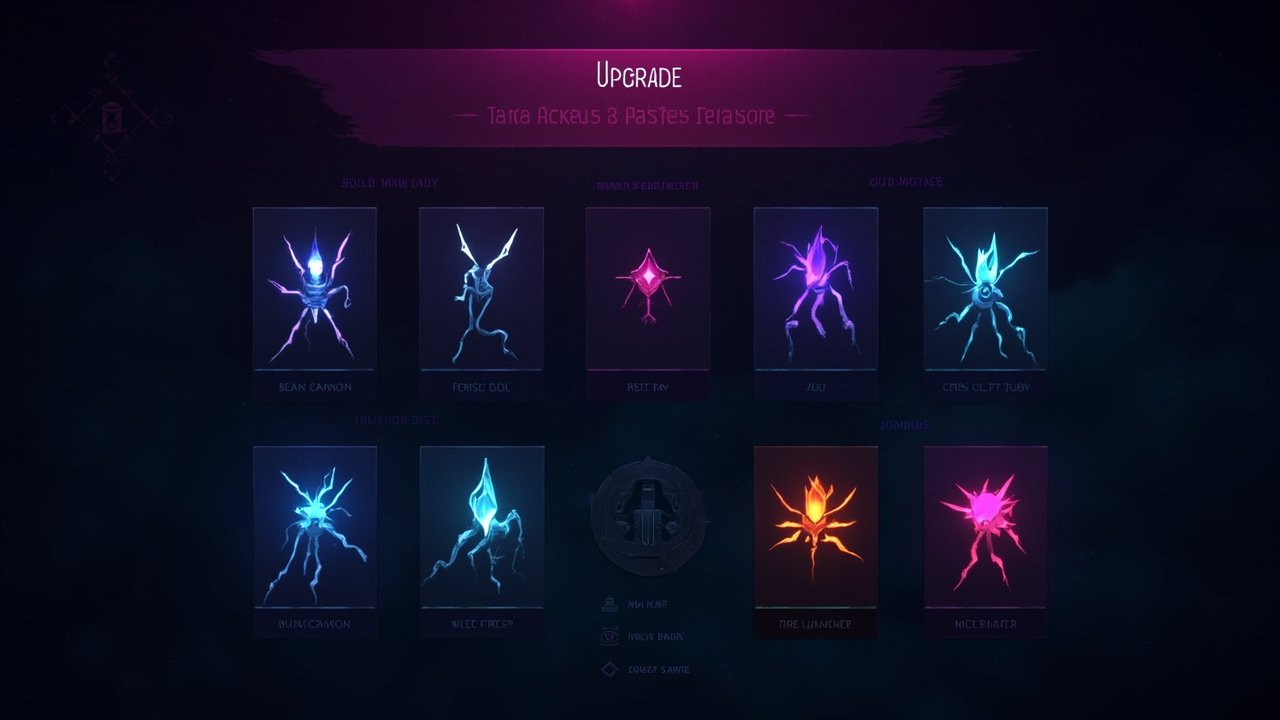
Figure: AI-generated illustration. Real screenshots were unavailable at time of writing.
When the game opens you’ll see the arena immediately — a circular stone platform with your crystal at the center, surrounded by columned walls. There is no main menu in the traditional sense; the pause-upgrade screen is part of the gameplay loop. You survive waves, gain XP from kills, and when you level up the game pauses and shows you three upgrade choices from a deep pool of elemental effects.
A few things to know going in:
- The first wave is a tutorial in disguise. Enemy speed, density, and attack patterns ramp gently. Use this time to learn how your crystal’s default beam tracks — it commits to a target through the kill before moving on, which is by design but feels odd if you’re used to bullet-hell games that retarget every frame.
- Don’t hoard upgrades. Resist the temptation to save XP or rerolls for “the perfect build.” The game’s roguelite pacing rewards committing to an elemental identity early and pushing it deep. A focused beam-and-missile build at wave 15 will outperform a scattered rainbow build at the same wave.
- Read the upgrade text carefully. Each card has both an effect and a synergy. Some cards say “+25% damage” but their real value is that they unlock a new elemental interaction with a specific other card. The wiki community on Steam has been filling in these synergies — worth a glance when you start.
Performance and known issues
On a typical 2026 Linux desktop (Ryzen 5 / Intel i5 class, GTX 1060 or RX 580 or newer, Mesa 24+ drivers), Tower64 runs at a locked 60 fps at 1080p. Steam Deck performance is in the same ballpark — this is a low-poly game with a fixed camera, so the GPU isn’t doing much heavy lifting.
The Crash Fixes patch from August 19, 2026 addressed the main launch-day issues:
- Random crashes during later waves (especially after wave 10)
- Crashes while sitting in the level-up menu
- Vulkan rendering issue caused by unsafe shadow settings
- Storm/lightning effects accidentally re-enabling shadows that had been disabled
If you launch Tower64 and see flickering shadows during weather effects, or experience a crash during a level-up choice, you are likely on an older build. Force an update through Steam (right-click → Properties → Updates → “Always update this game”) and restart.
Is it worth $6.99?
Figure: AI-generated illustration. Real screenshots were unavailable at time of writing.
For the Linux indie audience specifically: yes. Most tower-defense roguelites of the last two years have shipped without native Linux support and depend on Proton, with mixed results. Tower64 is one of a small handful of 2026 releases that:
- Shipped a native Linux build on day one
- Continued to patch it alongside Windows
- Documented Vulkan-specific fixes in their patch notes
- Costs less than a takeaway lunch
If you’re a fan of Vampire Survivors, They Are Billions, Dungeon Defenders, or Soulstone Survivors, the gameplay loop will feel familiar — but the single-tower focus and the deep elemental synergy system give Tower64 its own identity.
The early-access state is honest: the game has only 5 user reviews as of this writing, which is normal for a fresh solo-dev release. The developer is active in the Steam community and responding to bug reports. If you’ve been burned by indie early-access games that go silent, that’s a fair concern — but the day-two crash patch is a good early signal.
Tower64 is available now on Steam for $6.99, with a free demo and full Linux native support. If you want a quick roguelite session that doesn’t fight your graphics stack, it’s a worthy addition to your Linux library.
Comments