
How to Set Up Ghostty 1.3 on Ubuntu 26.04 LTS in 2026
For the first time in the project’s two-year history, Ghostty is now in the Ubuntu repos. As of April 2026 — and rolled out across Ubuntu 26.04 LTS — the GPU-accelerated terminal Mitchell Hashimoto launched in December 2024 is just an apt install ghostty away. No PPA, no Snap, no manual download. That alone makes this the easiest month ever to try Ghostty on Linux.
This guide covers the practical setup on Ubuntu 26.04 LTS: installing the package, writing a minimal ~/.config/ghostty/config, getting native tabs and splits working, and enabling the new Find-in-scrollback feature that arrived in 1.3.0. We also look at why Ghostty is interesting at all if you’ve been happily using GNOME Terminal or Ptyxis for years.
What’s new since 1.2 (and why it matters)
Ghostty 1.3.0 shipped in March 2026 with two long-requested features:
- Find in scrollback. Press Ctrl+Shift+F on Linux (or ⌘+F on macOS) to search your terminal history. Arrow keys or Enter / Shift+Enter jump between matches. Pre-1.3 you had to dump scrollback to a file and grep it — for many of us, that’s the single most annoying thing about any terminal. It’s solved now.
- Toggleable scrollbar. A new
scrollbar = systemsetting respects your OS scrollbar preference;scrollbar = falseturns it off entirely for the minimalist look.
Version 1.3.1 followed on March 13, 2026 with bug fixes. The current tip build (rolling, updated September 4, 2026) is what packages like Arch’s and Alpine’s edge are shipping right now — 1.3.1_git20260810-r1 on Alpine as of late August.
The bigger story for Linux users is the distribution story: Ubuntu 26.04 LTS is the first LTS to ship Ghostty in the universal archive. Canonical engineer Pushkar Niranjan Kulkarni announced it on Phoronix in April 2026; Ptyxis remains the default terminal (it became default in 25.04), but Ghostty is now a first-class citizen.

Figure: AI-generated illustration. Real Ghostty screenshots were not available at time of writing; the image shows the project’s dark-mode aesthetic symbolically.
Install Ghostty on Ubuntu 26.04 LTS
With the package now in the main archive, the install is a single command. Ptyxis is still the default, so installing Ghostty does not change your default terminal — it just adds it as an option.
sudo apt update
sudo apt install ghostty
That’s it. You should now have /usr/bin/ghostty available. Launch it from your application launcher, or run ghostty from any terminal.
If you’re on Ubuntu 25.10 or earlier, the repo path won’t work yet. The fallback options remain:
- Snap:
sudo snap install ghostty - PPA: add
ppa:ghostty-dev/ppaandapt install ghostty(community-maintained) - Flatpak:
flatpak install flathub org.ghostty.Ghostty - Build from source:
zig build -Doptimize=ReleaseSafeagainst themainbranch — but you almost certainly don’t need to.
Fedora 41+ has ghostty in the official repos too. Arch and Alpine ship it in their mainline repos (Alpine’s edge/testing as of late August 2026 is on 1.3.1_git20260810-r1). NixOS has a stable module. The Ubuntu 26.04 milestone is the headline because LTS users historically had the hardest time.
First-launch configuration
Ghostty reads a single config file at ~/.config/ghostty/config (created on first launch as a stub). The syntax is key = value, INI-style. Here’s a minimal starting point that gets you the most useful features without overcommitting:
# Window
window-width = 110
window-height = 32
window-padding-x = 8
window-padding-y = 4

# Font
font-size = 12
font-family = JetBrains Mono
font-feature = -liga  # ligatures off — keep monospace pure

# Theme — pick one of the bundled themes
theme = catppuccin-mocha

# Behavior
confirm-close-surface = false
shell-integration = bash,fish,zsh
Save it, then either restart Ghostty or press Ctrl+, to live-reload. The bundled themes list is solid; catppuccin-mocha, tokyo-night, gruvbox-dark, and rose-pine are all worth trying. For a clean system-default look, theme = system follows your GTK/Adwaita dark/light setting.
The config file is the only place Ghostty reads settings. There’s no in-app GUI settings panel and no per-project config layering — by design, per the project’s “one source of truth” philosophy. If you prefer per-directory overrides, Git-style include directives work:
# In a project directory: .ghostty
include = ~/.config/ghostty/themes/catppuccin-mocha
Figure: AI-generated illustration. The image is symbolic — actual ~/.config/ghostty/config files were not captured at write time.
Native tabs and splits
This is where Ghostty pulls ahead of gnome-terminal and even many dedicated tiling terminals. Tabs and splits are native first-class citizens — no tmux, no Zellij, no extensions, no multiplexer process consuming CPU between keystrokes.
| Action | Default keybinding |
|---|---|
| New tab | Ctrl+Shift+T |
| Close tab | Ctrl+Shift+W |
| Next / previous tab | Ctrl+Shift+→ / ← |
| Split right (vertical) | Ctrl+Shift++ |
| Split down (horizontal) | Ctrl+Shift+- |
| Zoom pane to full / restore | Ctrl+Shift+Enter |
| Resize pane | Ctrl+Shift+Alt+arrows |
Every split is a separate PTY running independently. Panes can be rebalanced, swapped with Ctrl+Shift+J / K, and individually closed without affecting the others. If you’ve ever wanted the spirit of tmux but without the remote-session overhead, this is it.
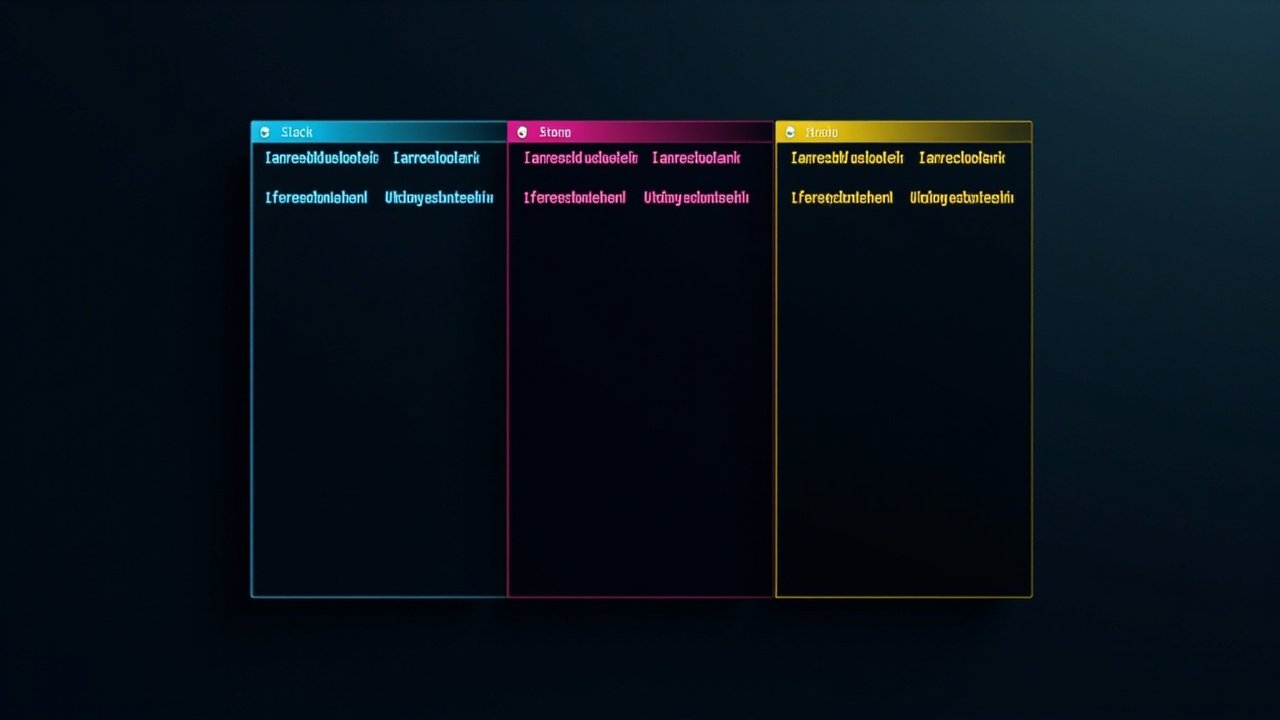
Figure: AI-generated illustration. Real Ghostty split-pane screenshots were not available; the image shows the multi-pane concept symbolically.
The Find feature (1.3.0+)
If you only update one thing about how you use a terminal this month, make it muscle memory for Ctrl+Shift+F. The search:
- Highlights all matches in the current viewport
- Lets you arrow-key or Enter-key between them
- Supports regex (toggle the
.button next to the search box) - Reuses your
font-familyand theme colors so it visually belongs
It’s a small thing, but every terminal user has hit the “I ran that git log --oneline -200 | grep five minutes ago and now I need it again” problem. With Ghostty 1.3 you scroll back, hit Ctrl+Shift+F, type the substring, and you’re there.
Performance, briefly
Ghostty benchmarks in the same tier as Alacritty and kitty — “noticeably faster than gnome-terminal and iTerm2, within margin of the dedicated GPU-render terminals.” In practice this means:
- 4K video in
mpvrunning in a pane at 60fps without dropping frames cat-ing a 500MB log file scrolls smoothly- TUI apps like
lazygit,btop, andvimwithsyntax onfeel instant
The renderer uses OpenGL on Linux GTK builds (Metal on macOS), which is why the package depends on libgtk-4, libglslang, libadwaita-1, and the usual GTK4 + Wayland stack. If you’re stuck on X11 without Wayland support, Ghostty falls back to X11 with reduced performance — fine, but you’ll notice.
When Ghostty is not the right choice
- You need a multiplexer that survives SSH disconnects. Ghostty’s splits are local-only. For remote sessions that outlive your network, pair it with tmux or Zellij inside one pane.
- You want a built-in file browser / IDE features. Ghostty is a terminal. Install a TUI tool inside it.
- You’re on Windows. Windows support is explicitly out of scope; the project documents this as a roadmap item, not a near-term plan.
- You need a one-click per-distro package with zero config. Try
kittyorfoot— both have the same “one config file” philosophy with broader packaging.
Verdict
Ghostty on Ubuntu 26.04 LTS is the first time the project has had a true Linux distribution story. Before April 2026 you were either compiling, adding PPAs, or using Flatpak — fine, but not the “install Ubuntu, get Ghostty in two commands” experience that gnome-terminal and Ptyxis had enjoyed for years.
If you’ve been curious about Ghostty since the December 2024 launch and held off because of packaging friction, this is your sign. sudo apt install ghostty, drop a 10-line config at ~/.config/ghostty/config, and you have a GPU-accelerated, natively-tabbed-and-split, Find-in-scrollback terminal that benchmarks alongside Alacritty but feels like a real application.
For more on Ghostty’s design philosophy and the libghostty C/Zig embeddable library (which lets other apps build their own terminal — including a Phoenix LiveView renderer that’s been shipping stable Elixir bindings since April 2026), see the official docs at ghostty.org/docs.
Comments