
title: “How to Install Valheim 1.0 on Linux in 2026”
slug: valheim-1-linux-deep-north
date: 2026-09-14
categories: [Linux Gaming]
tags: [Valheim, native Linux, survival game, Iron Gate, SteamOS]
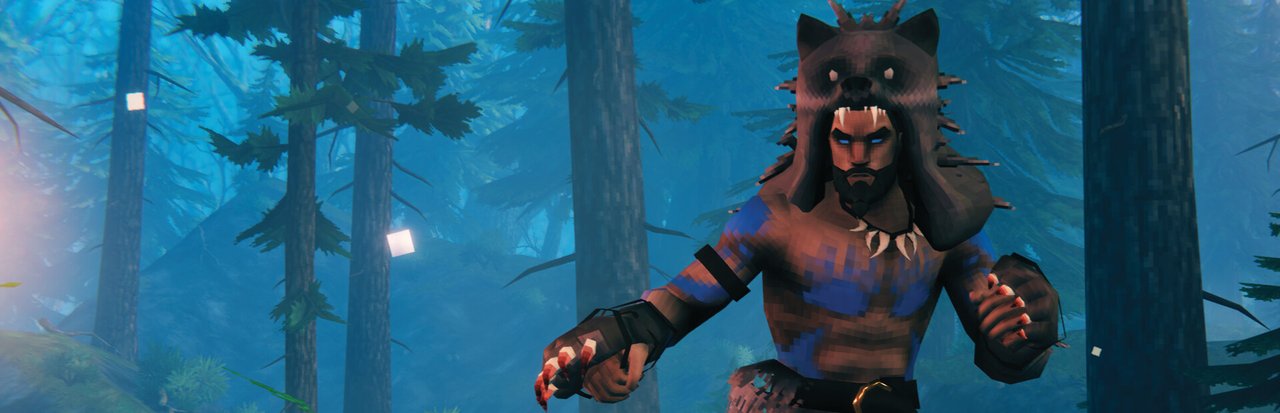
After almost six years in Steam Early Access, Valheim 1.0 finally shipped on September 9, 2026. Iron Gate Studio closed out the Early Access chapter with the Deep North biome, 40+ new weapons, 80+ new buildable pieces, a grappling hook, upgradeable pockets, 53 Steam achievements, and — new this launch — crossplay with PlayStation 5 and Nintendo Switch 2. For Linux players this is especially good news: Valheim has shipped a native Linux build on Steam since the 2021 Early Access launch, and the 1.0 release continues that commitment. The native Linux depot is updated alongside Windows and macOS on day one.
This guide walks through every supported way to install and run Valheim 1.0 on a Linux desktop or Steam Deck in 2026 — including Steam’s native client, the standalone dedicated server, Flatpak, and the cross-platform PlayStation / Switch 2 console pairings.
What is Valheim 1.0?
Valheim is a Viking-themed open-world survival crafting game set in a procedural Norse purgatory. You play a fallen warrior slain in battle and sent to Valheim by the Valkyries, tasked with earning Odin’s favor by slaying the forsaken rivals of the Norse gods.
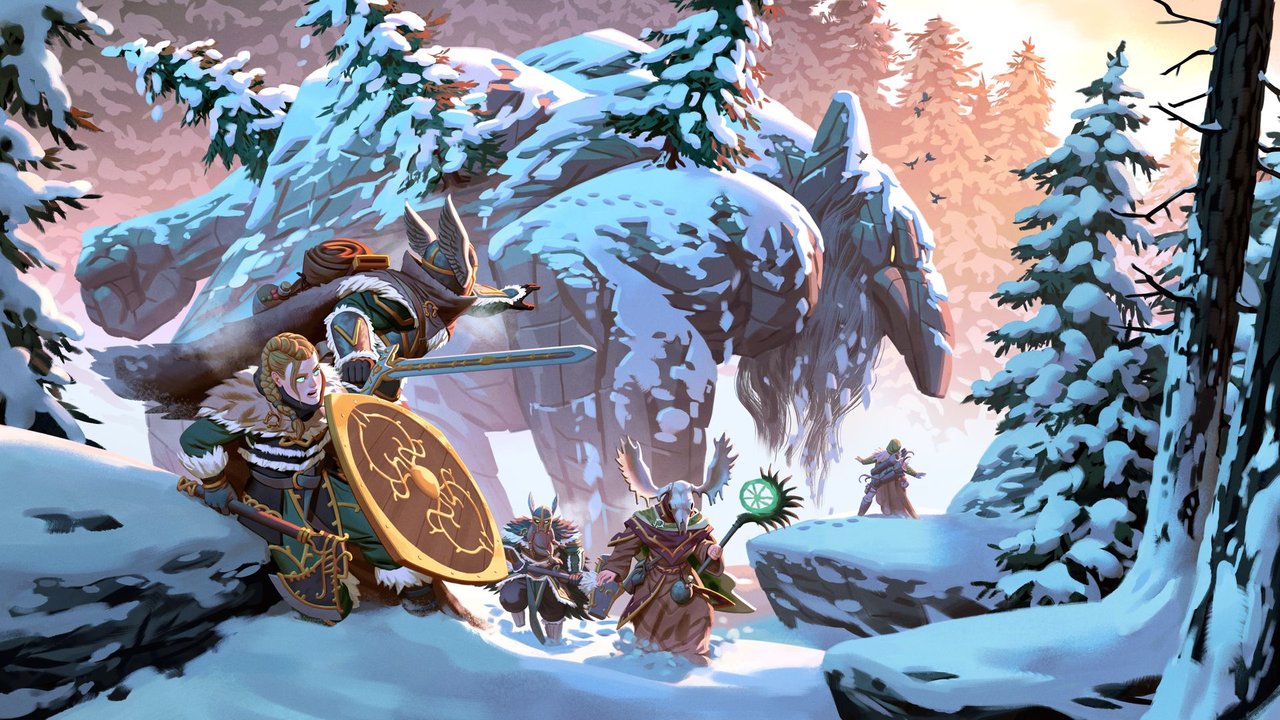
The 1.0 update is the conclusion of the Early Access roadmap Iron Gate first drew up in late 2020. Highlights from the official patch notes (Build 25185596, September 9 2026):
- New Biome — Deep North — a snowy, Jotun-invaded frontier approximately 2.5× the size of any previous Valheim biome.
- 40+ new weapons, 4 new armor sets, 2 capes, 2 trinkets, new tools.
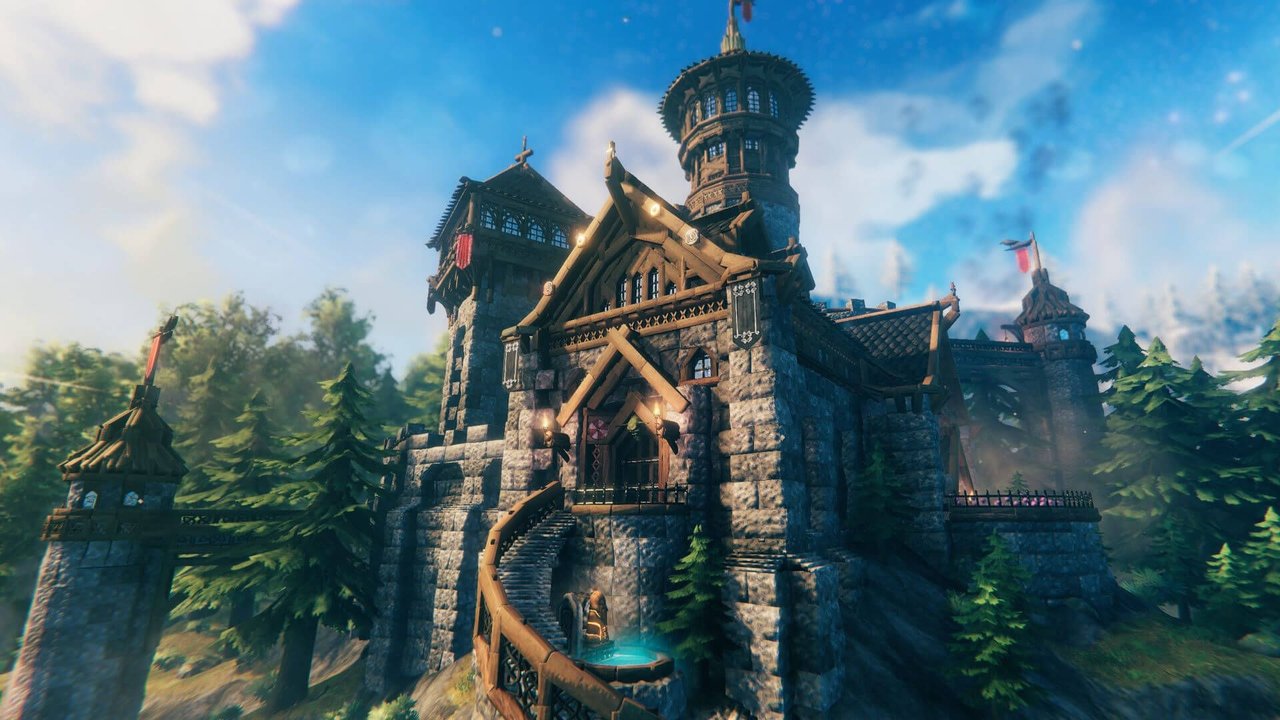
- 80+ new buildable pieces, 5 new crafting-related build pieces.
- 30+ new crafting materials and 20+ new food items.
- New mechanics — snow clearing, ice traversal, Jotun invasion events, alternate biomes at the world edges, grappling hook, hidden forges that upgrade existing items via mysterious idols.
- Magica cloth system and upgradeable pockets (inventory expansion via Haldor).
- 53 Steam achievements — the first achievement system in Valheim.
- Unity engine upgrade and a new graphic setting for draw distance.
- All hair and beard styles available from character creation (previously gated behind progression).
- PS5 and Nintendo Switch 2 versions with full crossplay across PC, Linux, Mac, Xbox One, Xbox Series X|S, PS5, and Switch 2.
Valheim uses a procedural world, dedicated server architecture, and supports up to 10 players per server. On Linux it runs natively through Steam’s Linux depot (892971) — no Proton translation layer required, though Proton works as a fallback if you ever need it.
What you need
Minimum (Linux desktop)
- OS: SteamOS 3.x, Ubuntu 22.04 LTS or newer, Fedora 39+, Arch, Manjaro, Nobara, Bazzite, or any distro with glibc 2.35+ and recent graphics drivers.
- CPU: 2-core 64-bit (a quad-core is strongly recommended for co-op).
- RAM: 4 GB minimum, 8 GB recommended for servers with 5+ players.
- GPU: Any Vulkan-capable GPU with open-source Mesa drivers (Intel Arc / AMD Radeon / NVIDIA with the proprietary 555+ driver or nouveau).
- Storage: ~3 GB for the client, ~2 GB for a dedicated server.
Steam Deck
Valheim is Steam Deck Verified. The native Linux build runs comfortably on the Deck’s APU at 40–60 FPS on Medium settings, and the new draw-distance slider helps when crossing the wide Deep North biome.
Linux server (dedicated)
A headless Linux box works fine. The dedicated server is a separate Steam app (ID 896660) with its own Linux build; many admins run it inside a LXC container, a systemd-nspawn, or just a bare-metal Ubuntu 22.04 VM.
Install Valheim 1.0 via Steam (the easy path)
This is the path 95% of Linux players will use.
- Open Steam. If you don’t have Steam installed, install it via your distro package manager:
- Ubuntu / Debian:
sudo apt install steam(enable the multiverse repo first on Ubuntu) - Fedora / Nobara / Bazzite:
sudo dnf install steam(usesteamfrom RPM Fusion) - Arch / Manjaro:
sudo pacman -S steam - SteamOS / Steam Deck: Steam is preinstalled.
- Flatpak fallback:
flatpak install flathub com.valvesoftware.Steam
- Ubuntu / Debian:
- Sign in and search the Store for Valheim (or paste the URL: https://store.steampowered.com/app/892970/Valheim/).
- Purchase Valheim — it costs USD 19.99 at full price and goes on sale frequently. Linux players should always buy on Steam directly, not on the PlayStation Store or eShop, because Steam is the only storefront that hands you the native Linux build.
- Install the game. Steam’s installer defaults to the native Linux build automatically. You can verify by right-clicking Valheim → Properties → Compatibility → “Force the use of a specific Steam Play compatibility tool” should be unchecked for the native build. (If you ever need Proton as a fallback, set it to Proton 9 or newer.)
- Launch the game. The first launch creates the local config and shader cache directories under
~/.local/share/Steam/steamapps/compat/...— wait for this to finish before joining or hosting a server.
Install the standalone dedicated server on Linux
If you are self-hosting a persistent world, install Valheim Dedicated Server (Steam app ID 896660) via steamcmd:
# Install steamcmd (Ubuntu 22.04 example)
sudo apt update && sudo apt install -y curl lib32gcc-s1
sudo useradd -m -s /bin/bash steam
sudo -u steam -H bash -c 'cd ~ &&
  curl -sqL "https://steamcdn-a.akamaihd.net/client/installer/steamcmd_linux.tar.gz" | tar xzf -'

# Install Valheim dedicated server
sudo -u steam -H bash -c 'cd ~ &&
  ./steamcmd.sh +login anonymous +force_install_dir ./valheim-server +
  app_update 896660 validate +quit'

# Run it (defaults to a public server, set admin password first!)
cd /home/steam/valheim-server
./valheim_server.x86_64 -name "My Linux Server" -port 2456 -world "Dedicated" -password "set-this"
Wrap the server in a systemd unit for auto-restart:
# /etc/systemd/system/valheim-server.service
[Unit]
Description=Valheim Dedicated Server
After=network.target

[Service]
User=steam
WorkingDirectory=/home/steam/valheim-server
ExecStart=/home/steam/valheim-server/valheim_server.x86_64
  -name "My Linux Server" -port 2456 -world "Dedicated" -password "set-this" -public 1
Restart=on-failure
RestartSec=10

[Install]
WantedBy=multi-user.target
Then sudo systemctl daemon-reload && sudo systemctl enable --now valheim-server. Open UDP port 2456 on your firewall (and 2457-2458 if you use crossplay).
Install via Flatpak (sandboxed alternative)
Valheim itself isn’t distributed as a Flatpak, but Steam is. If your distro (Fedora Silverblue, Endless OS, some immutable distros) prefers Flatpaks:
flatpak install flathub com.valvesoftware.Steam
flatpak run com.valvesoftware.Steam
Steam Flatpak works correctly with the native Linux Valheim build, including Steam Cloud saves and Steam Input on Steam Deck.
First-run checklist on Linux
After installing Valheim 1.0, do these four things:
- Verify the build is native. Open a terminal and check the process list while the game is running — you should see
valheim.x86_64rather thanwine64-preloaderorproton. If you see Proton, disable “Force the use of a specific Steam Play compatibility tool” in Properties → Compatibility. - Bind the Steam overlay (F12) if you want to chat with friends mid-game. The overlay works in the native Linux build.
- Pick your starting biome at character creation. The world seed determines biome layout; if you want a quick Deep North experience, choose a Mountain seed or use the world modifiers menu.
- Set up a backup of your world saves. Valheim worlds live under
~/.local/share/Steam/steamapps/common/Valheim/worlds/. Copy them to a backup directory weekly.
Performance tuning for the Deep North biome
The new biome is the largest in the game, so frame-rate dips are more common there than in the Meadows or Black Forest. Three knobs that help:
- Draw distance slider — new in 1.0, find it under Settings → Graphics. Medium is the sweet spot on Steam Deck.
-window-mode exclusivelaunch option if you see vsync tearing on Wayland.LD_PRELOAD=/usr/lib/libvulkan.so.1launch option — forces the system Vulkan loader on distros that ship Steam with its own bundled loader (rare on Linux but worth trying on NVIDIA+nouveau).
Crossplay with PS5 and Nintendo Switch 2
A first for the 1.0 launch: PlayStation 5 and Nintendo Switch 2 versions ship day-and-date with the PC update. Crossplay is enabled by default between all platforms — PC, Linux, Mac, Steam Deck, Xbox One, Xbox Series X|S, PS5, and Switch 2.
To enable crossplay on a Linux-hosted dedicated server, add -crossplay to the launch flags:
./valheim_server.x86_64
  -name "Linux + Console Crossplay Server"
  -port 2456 -world "Dedicated" -password "set-this"
  -crossplay
Console players join via an invite code generated from the in-game “Show Crossplay Code” menu. There is no separate matchmaking pool — your Linux server can host up to 10 players regardless of platform.
What about mods?
Valheim’s BepInEx-based mod ecosystem is intact in 1.0 but most popular mods (Valheim Plus, Build Camera, Plant Everything) have not yet released official 1.0-compatible builds at the time of writing. The modding community usually catches up within 2-3 weeks of a major patch. If you need a stable modded experience today, stay on the last 0.221.x patch by opting out of the 1.0 update in Steam → Properties → Updates → “Only update this game when I launch it.”
For mod installation on Linux, the pattern is unchanged from Early Access:
mkdir -p ~/.local/share/Steam/steamapps/common/Valheim/BepInEx/plugins/
# Drop mod .dll files into the plugins/ directory
Troubleshooting common Linux issues
Game won’t launch / silent exit
Check ~/.local/share/Steam/steamapps/common/Valheim/stdout_log.txt. Most common causes:
- Missing libwayland-client0 or libxkbcommon0 on Debian minimal installs.
- Stale shader cache — delete
~/.local/share/Steam/steamapps/shadercache/892970/and relaunch. - Outdated NVIDIA driver — bump to 555+.
Audio crackling on PipeWire
# Lower Valheim's audio buffer in the in-game settings (Settings → Audio → Buffer size: High)
# Or add this to /etc/pipewire/pipewire.conf.d/valheim.conf:
context.properties = {
  default.clock.rate = 48000
}
Dedicated server OOM kills
The Valheim server process can use 4–6 GB RAM with a full 10-player world. Add -batchmode -nographics if running headless, and bump the systemd unit’s MemoryMax= to 8G.
Is Valheim 1.0 worth buying in 2026?
If you bounced off Valheim during Early Access because the world felt small or the endgame lacked hooks, 1.0 is the right time to revisit. The Deep North biome gives you a third “endgame” arc after the Mountains and the Ashlands, the grappling hook opens up traversal, and the achievement system finally gives the casual crowd a reason to stick with a save past the Bronze Age.
For USD 19.99 with a native Linux build, Steam Deck Verified status, dedicated Linux server, and full crossplay across seven platforms, Valheim 1.0 remains one of the strongest survival-crafting values on Linux in 2026.
The official site is https://www.valheim.com/ and the Steam store page is https://store.steampowered.com/app/892970/Valheim/.
Skål!
Comments