
KeePassXC 2.8.0 landed on 21 October 2026, and for Linux users it is one of the more consequential password manager releases in a while. The headline items are the long-awaited Qt 6 port, Auto-Type that finally works on Wayland through XDG Desktop Portals, and Quick Unlock via Polkit — which is Linux’s answer to the biometric unlock that Windows Hello and Touch ID provide on the other two platforms. On top of that sit a set of security fixes, including a use-after-free in the legacy KDB importer (CVE-2026-69150) and an entry reference injection flaw in the browser extension.
If you have been running KeePassXC 2.7.x and putting up with “Auto-Type doesn’t work under Wayland”, this release is the reason to finally move. Here is how to get it, and what to check afterwards.
Figure: Official KeePassXC project artwork, darkened for banner use. Sourced from keepassxc.org.
Why 2.8.0 is a bigger deal than a version bump
The 2.8.0 stable release arrived exactly one month after 2.8.0-beta1, which itself followed months of work on the Qt 6 migration. That migration is the structural change: the main application interface now runs on Qt 6, and the CLI has been slimmed down with fewer GUI library dependencies. The maintainers bundled build features under a single KPXC_MINIMAL CMake option along the way.
For end users the Qt 6 port is mostly invisible, but it is what unlocks the rest of the release. A modern Qt 6 base is far easier to keep in step with current desktop environments — and it is the reason the Wayland Auto-Type work could land cleanly in this cycle instead of some indefinite future release.
Auto-Type on Wayland: the feature Linux users waited years for
Auto-Type is KeePassXC’s signature feature: you press a hotkey, pick an entry, and KeePassXC types the username and password into the focused window for you. Under X11 this has worked for years. Under Wayland it was essentially broken, because Wayland deliberately refuses to let applications see the title of the active window or type into other applications’ input fields.
KeePassXC 2.8.0 solves this the way the desktop is supposed to: through XDG Desktop Portals. The Remote Desktop Portal provides the input synthesis, and the Global Shortcuts Portal provides the hotkey. Auto-Type is available only when an implementation of both portals is present on your system.
The official documentation names the current state of support:
- KDE Plasma 6.6+ — supported since 5.27. Reconfiguration before 6.6 is done via System Settings → Shortcuts → KeePassXC. Be aware that Plasma versions before 6.4 have a bug that pops up the configuration dialog on every start.
- GNOME 51+ — supported since 48. Reconfiguration from 48 to 50 is done via GNOME Settings → Apps → KeePassXC.
- Other compositors (Sway, labwc, Hyprland and friends) — may require a custom XDG Desktop Portal implementation providing the Remote Desktop and Global Shortcuts services. A generic Python-based implementation,
xdg-desktop-portal-pyrtal, can be used as a workaround until official implementations arrive.
There are real limitations worth internalising before you rely on this daily. Wayland exposes no window title, so KeePassXC cannot match the focused window and the selection dialog simply shows entries from all unlocked databases — the “remember last used entry” feature becomes more important than usual. There is no active-window tracking either, so if keyboard focus changes mid-sequence the typing continues into the newly focused window rather than being interrupted. And input method frameworks such as fcitx5 and ibus can interfere with key simulation, particularly for CJK text, causing character corruption or stuck modifier keys. That last one is a compositor and IME issue rather than a KeePassXC bug, but it is the first thing to suspect if CJK auto-type looks wrong.
Quick Unlock via Polkit
Quick Unlock stores your credentials securely so subsequent unlocks can happen without typing the full master password. On Windows this uses Windows Hello, on macOS Touch ID or Apple Watch, and — new in 2.8.0 — on Linux it uses Polkit.
The mechanism is straightforward: the packaged builds install a Polkit action named org.keepassxc.KeePassXC.unlockDatabase, and your desktop’s authentication agent prompts you to authorise the unlock. When you enable the feature, KeePassXC adds a UUID to the database’s public metadata, which marks the database as modified on first launch.
The practical requirement is a running Polkit authentication agent. Every mainstream desktop session provides one by default, so on GNOME, KDE Plasma and Xfce this tends to just work. If you are on a bare compositor, check that polkit-agent is running before you conclude the feature is broken.
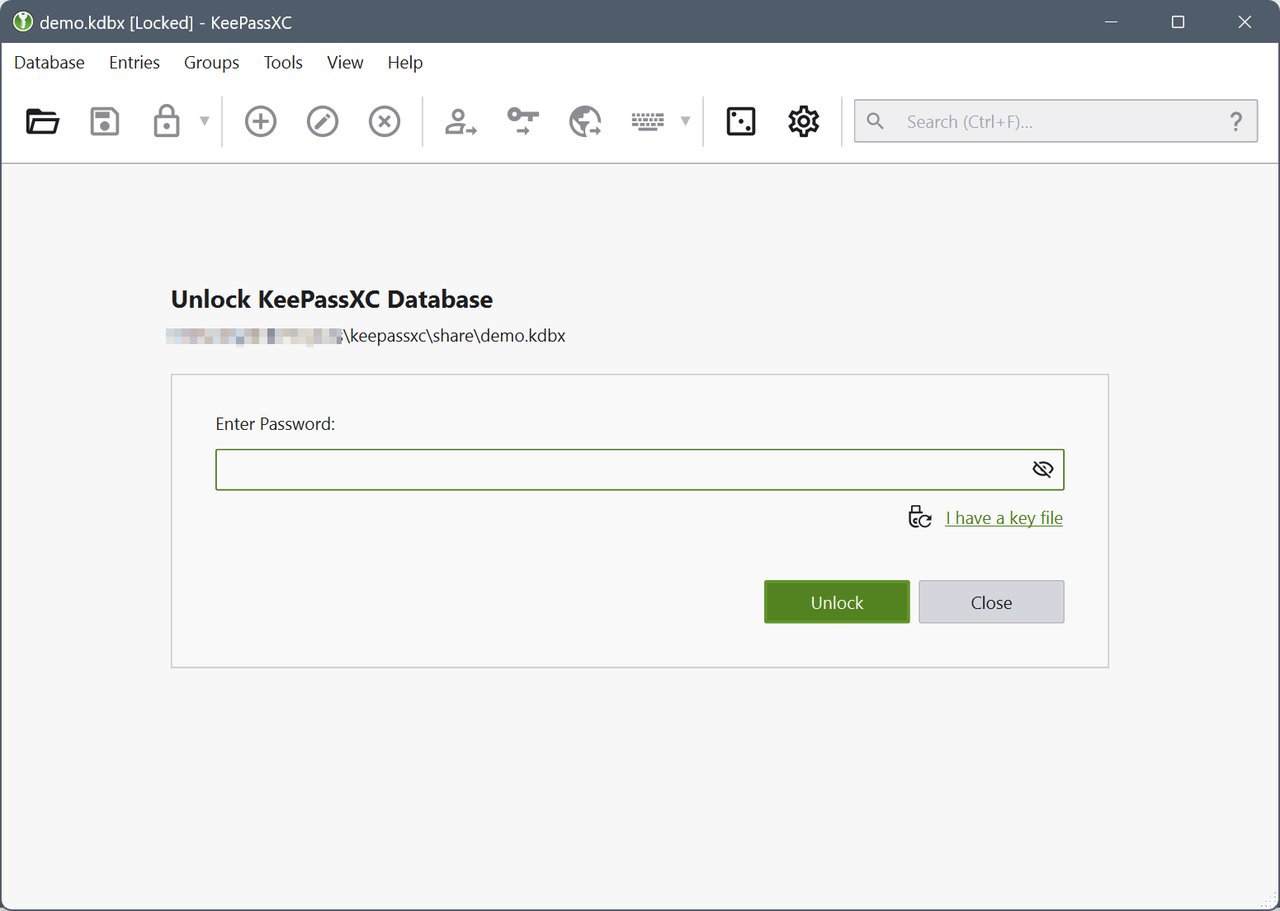
Figure: The unlock dialog. With Quick Unlock enabled, unlocking is a Polkit authorisation prompt rather than a full master-password entry.
Remote database synchronisation and import
KeePassXC 2.8.0 adds the ability to sync a local database with a copy on another system using external programs, and to import a remote database directly. This is the first release in which KeePassXC can talk to third-party sync backends rather than expecting you to mount a cloud folder yourself.
The SSH Agent also grew: you can now generate RSA, ECDSA and Ed25519 keys from inside KeePassXC, and the Proton Pass importer learned to handle Wi-Fi credentials, SSH keys and unknown entry types.
The security fixes — the real reason to upgrade promptly
The project says it plainly: all 2.7.x versions and earlier are affected, the CVEs are rated low to moderate severity, and none of them touch the core cryptography. Even so, the advisory list is worth reading:
| Area | Fix |
|---|---|
| Crafted KDB import | Use-after-free when importing crafted KDB files (CVE-2026-69150) |
| Browser extension | Entry reference injection when creating or updating entries via the extension |
| Browser native messaging | Out-of-bounds writes when encrypting and decrypting native messaging messages |
| Windows Pageant | Shared-memory mapping names randomised when sending SSH keys to Pageant |
| Legacy KDB importer | Integer overflow and out-of-bounds read |
The last two were reported by the NATO Cyber Security Centre. GitHub had not assigned CVE identifiers to most of these issues more than a month after they were requested, which is worth remembering when you triage advisories yourself.
Beyond the numbered CVEs there is meaningful hardening: the Secret Service integration now excludes protected attributes from attribute listings, decrypted database fragments in zlib memory are cleared more thoroughly, and several Secret Service crashes were fixed.
Installing 2.8.0 on Linux
The official downloads page lists Flatpak as the recommended route, with AppImage, Snap, the Ubuntu PPA and distribution packages as alternatives.
Flatpak (recommended)
flatpak remote-add --user --if-not-exists flathub https://dl.flathub.org/repo/flathub.flatpakrepo
flatpak install --user flathub org.keepassxc.KeePassXC
If you already have it installed as a Flatpak, update it with flatpak update org.keepassxc.KeePassXC. The 2.8.0 release also improves AppImage TLS handling, so you should see fewer errors when downloading favicons or checking for updates.
Ubuntu PPA
If you prefer a regular .deb, the team’s own PPA carries 2.8.0 for Ubuntu 22.04, 24.04, 26.04 and 26.10:
sudo add-apt-repository ppa:phoerious/keepassxc
sudo apt update
sudo apt install keepassxc
Ubuntu’s own archive still ships the 2.7.x series, so the PPA is what gets you onto the new release.
Snap and AppImage
sudo snap install keepassxcThe official Snap is maintained by the team, though they consider Flatpak their first choice. AppImages are available for x86-64, and 2.8.0 adds an experimental AArch64 AppImage for ARM Linux hardware — the same release also ships native ARM64 builds for Windows for the first time.
Distribution packages
Every major distro has a package: sudo apt install keepassxc on Debian and Ubuntu, sudo dnf install keepassxc on Fedora (RHEL and CentOS Stream need EPEL enabled first), sudo pacman -S keepassxc on Arch, sudo zypper install keepassxc on openSUSE, doas apk add keepassxc on Alpine, and sudo emerge app-admin/keepassxc on Gentoo. Bear in mind that these will lag behind 2.8.0 until the distributions do their own rebuilds.
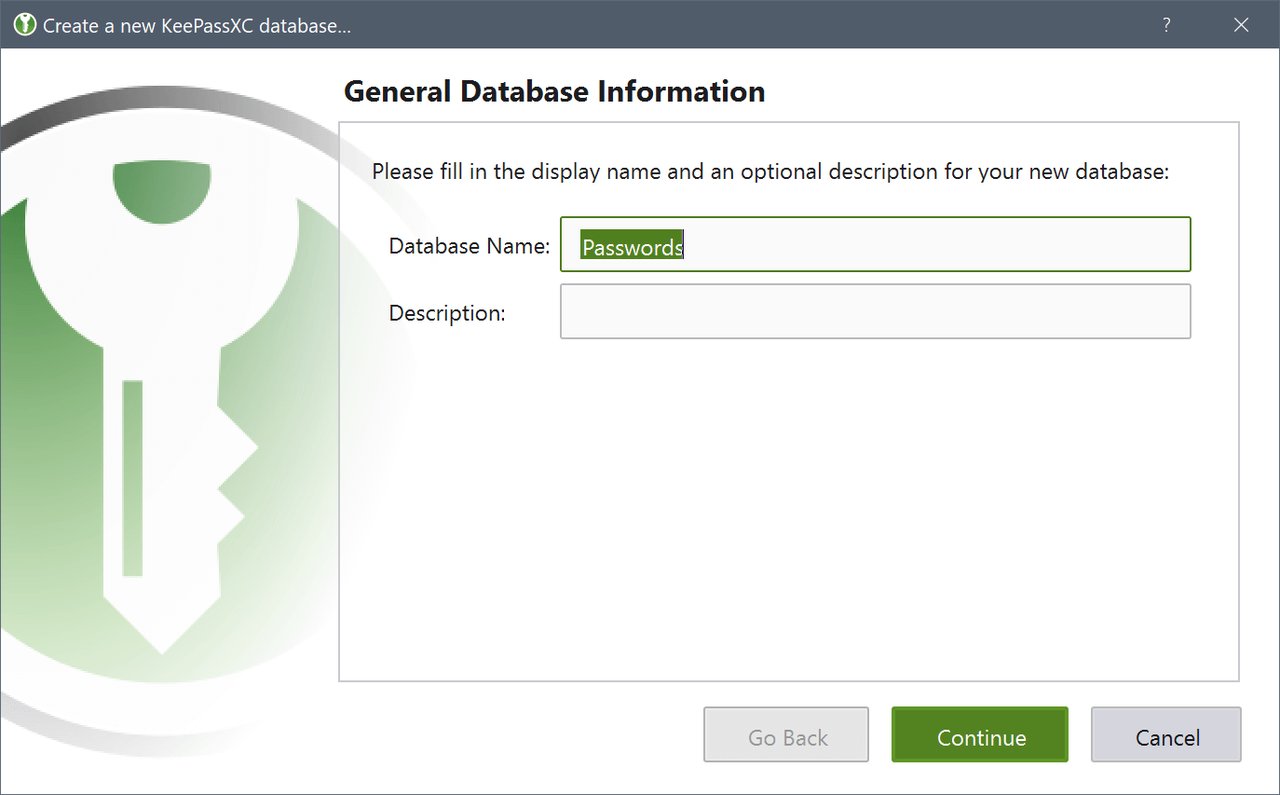
Figure: The new-database wizard. Create your first database, or import an existing one.
Importing what you already have
Moving from another manager is straightforward through the import wizard, and 2.8.0 specifically improves automatic column mapping for English CSV headers when the interface language is not English — a small fix that saves a lot of manual column selection for international users.
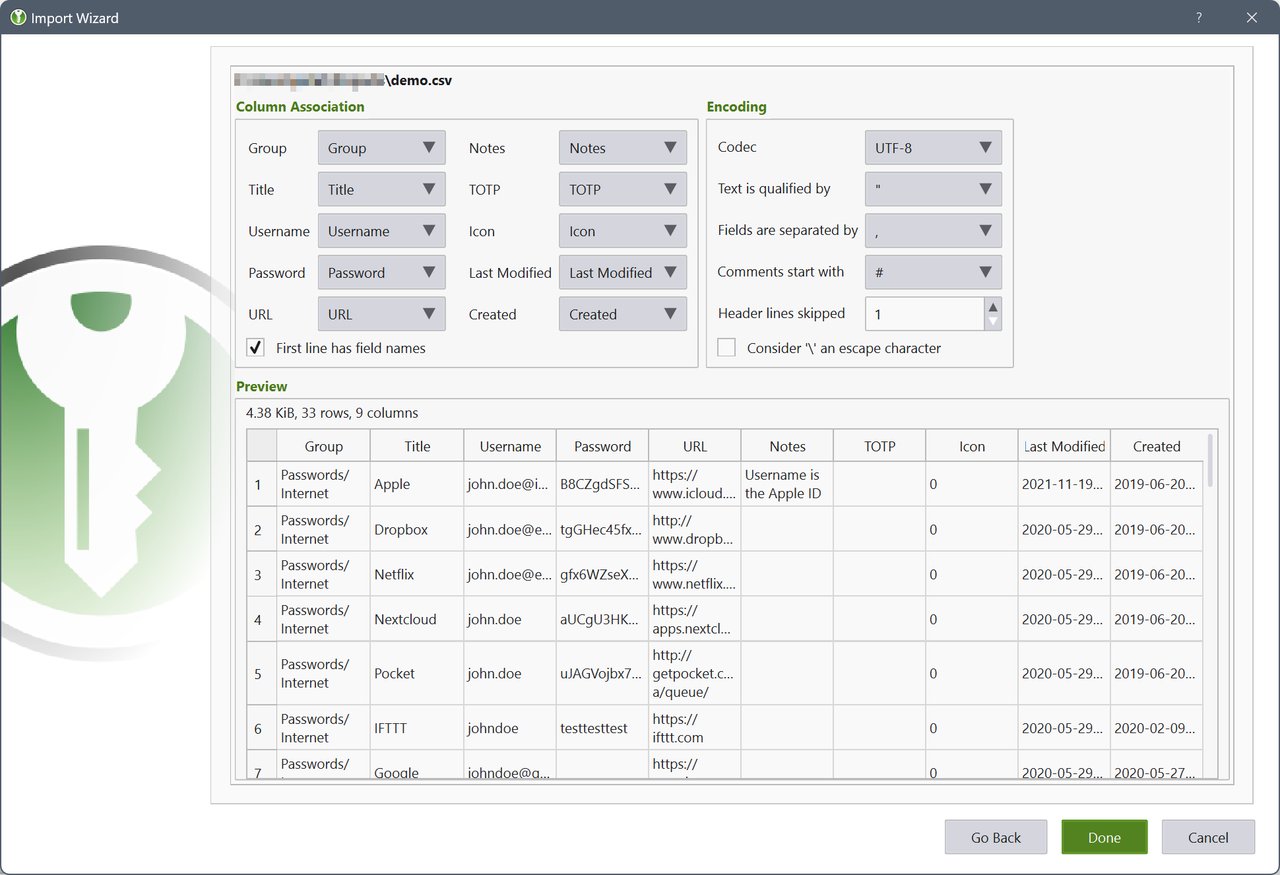
Figure: CSV import with automatic column mapping. The browser extension, Proton Pass importer and CSV wizard all feed entries into the same database format.
The main window after the upgrade
The database view is the screen you will live in, and 2.8.0 adds passkey and TOTP entry counts to the database statistics — in both the GUI and the CLI. It also fixes the password font size so it follows the application font size instead of drifting, a small quality-of-life change that becomes obvious the moment you change your desktop’s text scaling.
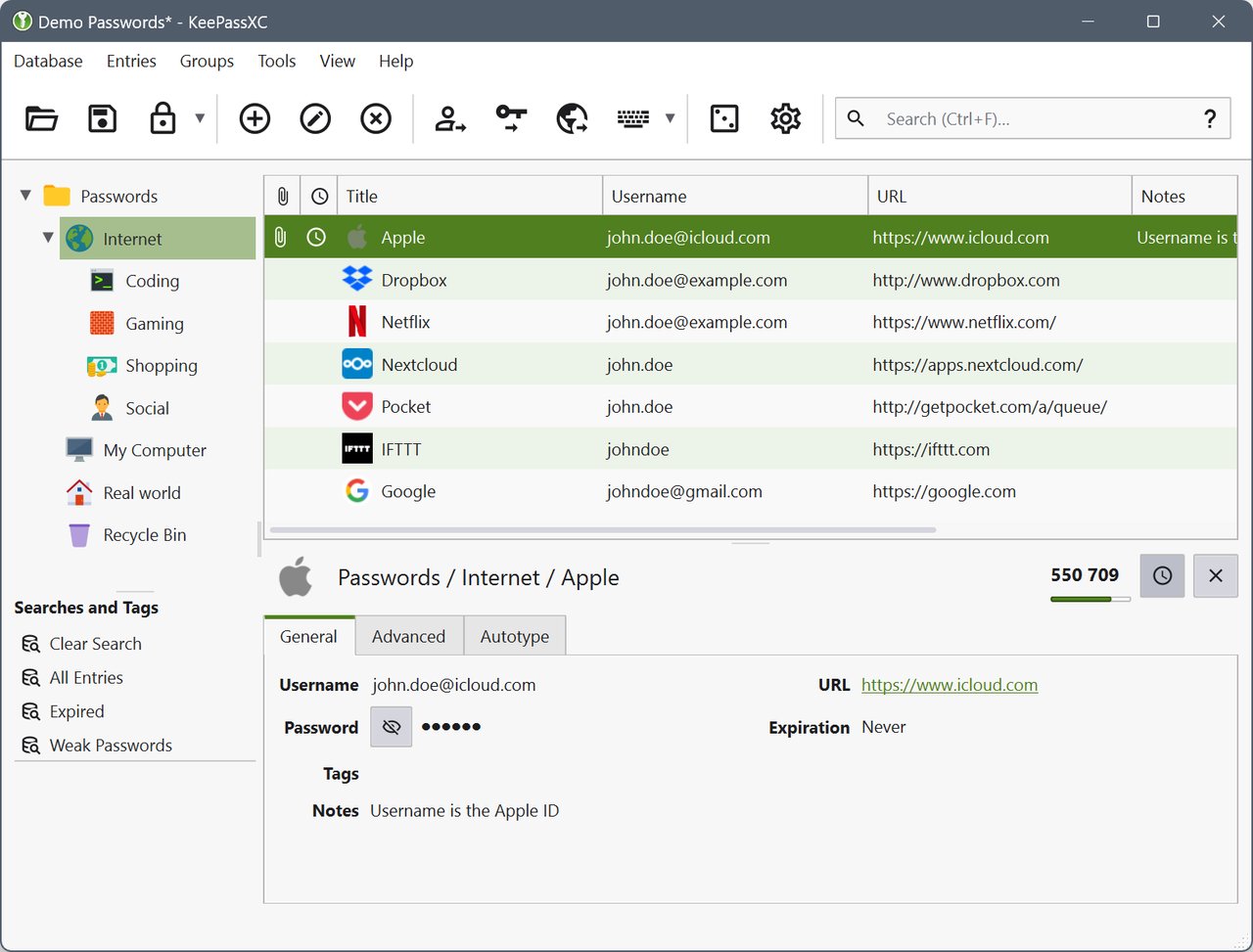
Figure: The KeePassXC database view on Linux. Groups on the left, entries on the right, detail and strength meter below.
Configuring keyboard shortcuts
Keyboard shortcuts are now configurable rather than fixed, and Clone Entry moved to Ctrl+D. If you have muscle memory from an older KeePassXC, spend two minutes in Tools → Preferences → Keyboard Shortcuts and rebind what you expect.
Things to check after upgrading
A short migration checklist:
- Upgrade the browser extension too. The 2.8.0 fixes touch browser native messaging and entry reference injection. A mismatched extension is the most likely source of new breakage.
- Rebind your Auto-Type hotkey. The global shortcut now goes through the Global Shortcuts Portal, which can behave differently from the old X11 grab.
- Re-enable Auto-Type under Wayland. Check that your compositor exposes the Remote Desktop and Global Shortcuts portals; if the entry point is greyed out, the portal is missing.
- Try Quick Unlock. Enable it under Application Settings → Security and confirm your Polkit agent prompts you.
- Keep a backup of the database before the first launch. The Quick Unlock setup writes a UUID into the database’s public metadata and marks the database as modified on first launch.
The verdict
KeePassXC 2.8.0 is what a major release should look like: a modernised toolkit underneath, the two features Linux users have wanted for years (Wayland Auto-Type and passwordless unlock) actually landing in the stable channel, a batch of security fixes that deserve an immediate upgrade, and native ARM64 builds beginning to close the gap with Windows.
The one piece of advice: upgrade the desktop application and the browser extension together, and if you are on a non-mainstream compositor, read the Wayland portal section of the user guide before you move your real vault over.
Official site and full release notes: https://keepassxc.org/ — the 2.8.0 announcement lives at https://keepassxc.org/blog/2026-10-21-2.8.0-released, and the complete changelog is on the GitHub release page.
Comments