
SCUM on Linux in 2026: Multiplayer Finally Works
For most of its life on Steam, SCUM was a half-supported curiosity on Linux. Single-player worked through Proton, but the moment you tried to join a server with other people, the game either refused to launch or sat on a black screen. That story changed on 11 November 2026, when developer Gamepires shipped update 1.3.6.0.177121 — the November Update — and officially confirmed that joining multiplayer servers through Proton is now supported on Linux, Steam Deck and Steam Machine.
This matters more than a typical patch note. SCUM is the kind of game that lives or dies on its multiplayer: a large open-world survival sandbox where you are a prisoner on an island, and where the reputation system only means something when other survivors are around. For 17 months after the June 2025 launch, the Linux community had been running it with community workarounds while the Steam store page still listed the game as unsupported on Steam Deck.
What actually changed
The November Update was originally scheduled for Monday 9 November, then pushed two days to 11 November so the studio could spend more time on quality. The headline features were:
- Official Proton multiplayer support on Linux, Steam Deck and Steam Machine
- First release of controller support, with radial menus and button combinations
- Photo Mode free for everyone (it was previously locked inside Supporter Pack 2)
- 60+ tattoo designs with an expanded placement system
- A pile of base-building, vehicle, cooking and bunker fixes, plus more cases of grass poking through floors
There was also good news for the island’s long-term stability: no wipe in this update, and no further official-server wipes are planned for 2026, following the server merges that shook things up earlier in the year.
Gamepires put it plainly in the patch notes: “Joining multiplayer servers through Proton is now officially supported on Linux devices, including Steam Deck and Steam Machine. We know this has been a long-requested addition, and we’re glad to welcome more of you onto the island.”
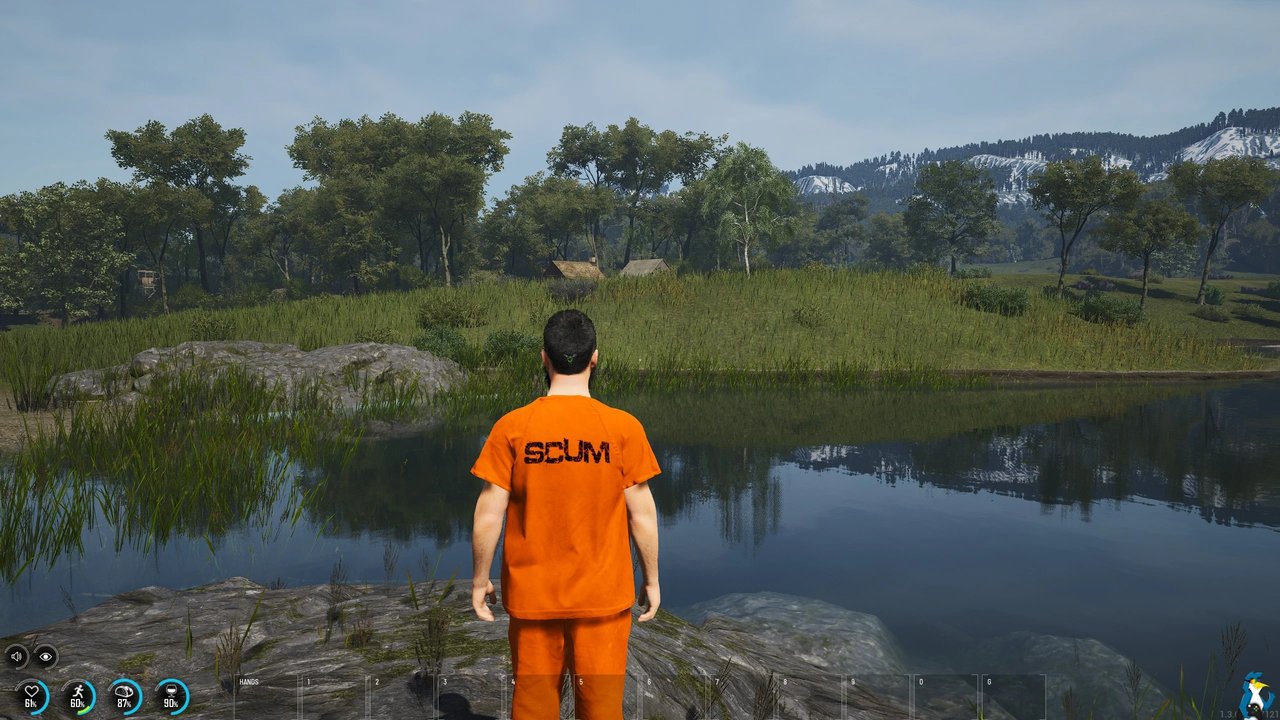
Figure: SCUM running on Linux via Proton — a real screenshot taken on Fedora KDE.
The catch: Steam Deck is still “Unsupported”
Here is where the announcement and the store page disagree. Gamepires confirmed Proton multiplayer support for Steam Deck, but Valve has not re-tested the game yet, so the Steam store still lists SCUM as Unsupported on Steam Deck across all SteamOS/Linux systems. The same situation played out with Helldivers 2 earlier this year — the developer enables it, Valve re-tests it eventually, and until then the compatibility badge is a technicality.
So if you own a Deck, you can run it. Just do not expect a Verified badge, and expect the developer to be explicit that they have not published performance figures for the handheld. The controller implementation is also billed as a first release — the studio says they will be watching feedback and issuing more hotfixes. Expect the binding layout to improve over the coming weeks rather than assume every menu already has a polished controller mapping.
One more practical detail: SCUM uses BattlEye for anti-cheat. The game previously used Easy Anti-Cheat before switching, and it is now listed in the BattlEye compatibility tracking lists as Works with Proton. If you are coming from Rust, which remains blocked on Linux, that is the meaningful comparison: SCUM’s door is open, Rust’s is not.

Figure: SCUM running on Linux in heavy rain, on a flooded industrial catwalk.
Playing SCUM on Linux: what to expect
SCUM is built on Unity and runs under Proton on any reasonably modern Linux distribution. If you have Steam installed, the process is unremarkable:
- Install SCUM from the Steam store and let Steam handle the Proton runtime.
- Launch the game. On the first run you may need to pick a Proton version — a recent GE-Proton or the current numbered Proton release is a good starting point if you want the newest anti-cheat and Wayland fixes.
- On the first launch, the game will ask whether to enable Steam Input for controller support. Say yes if you play with a gamepad — the radial menus and button combos in the November Update are built around it.
- Join a server from the in-game server browser. This is the step that used to be the wall on Linux; it now works.
Performance is the other question. SCUM is not a lightweight title — it is a large open world with a full physics and survival simulation running in the background. On a desktop with a discrete GPU it is comfortable. On a Steam Deck you are looking at a 1080p/800p target with the usual battery tax, and you will want to lower the shadow and view-distance settings first. The community screenshots below were taken on Fedora KDE across several different servers, and the developer reported that the game ran “nicely, and performing well without issues” on desktop Linux.
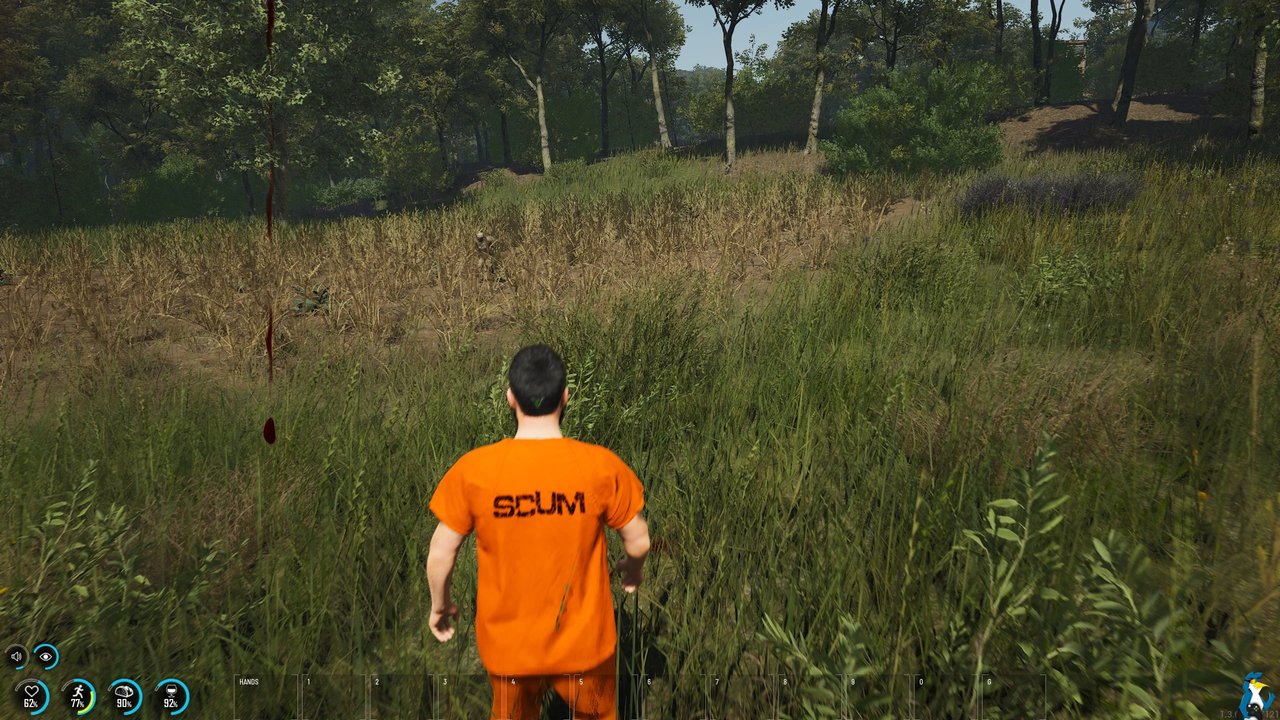
Figure: Exploring the island on Linux — the survival status HUD is visible in the lower left.
Because the game has no Linux build, everything you see in these screenshots is going through Proton’s translation layer. That means a small amount of overhead compared to Windows, and it is also why an occasional stutter is normal right after a fresh update: the first launch compiles shader caches, and the November Update changed a lot of base geometry and vehicle physics.

Figure: The cargo yard on Linux — one of the denser zones where stutter is most noticeable.
Is it worth buying now?
SCUM launched at $44.99 / £39.99 / €44.99 on Steam and was running at a 70% discount on Indiegala when the November Update landed, which is where the best current price sits. Beyond the discount, the November Update is genuinely a good reason to join: controller support is a real first for the game, Photo Mode is now free, and the absence of planned wipes means the world you build up over the next months should actually persist.
Against that, the Linux experience is still second-class in the way it always was: no native build, Proton overhead, a Steam Deck badge that says Unsupported, and a controller layer that the studio itself describes as a first draft.
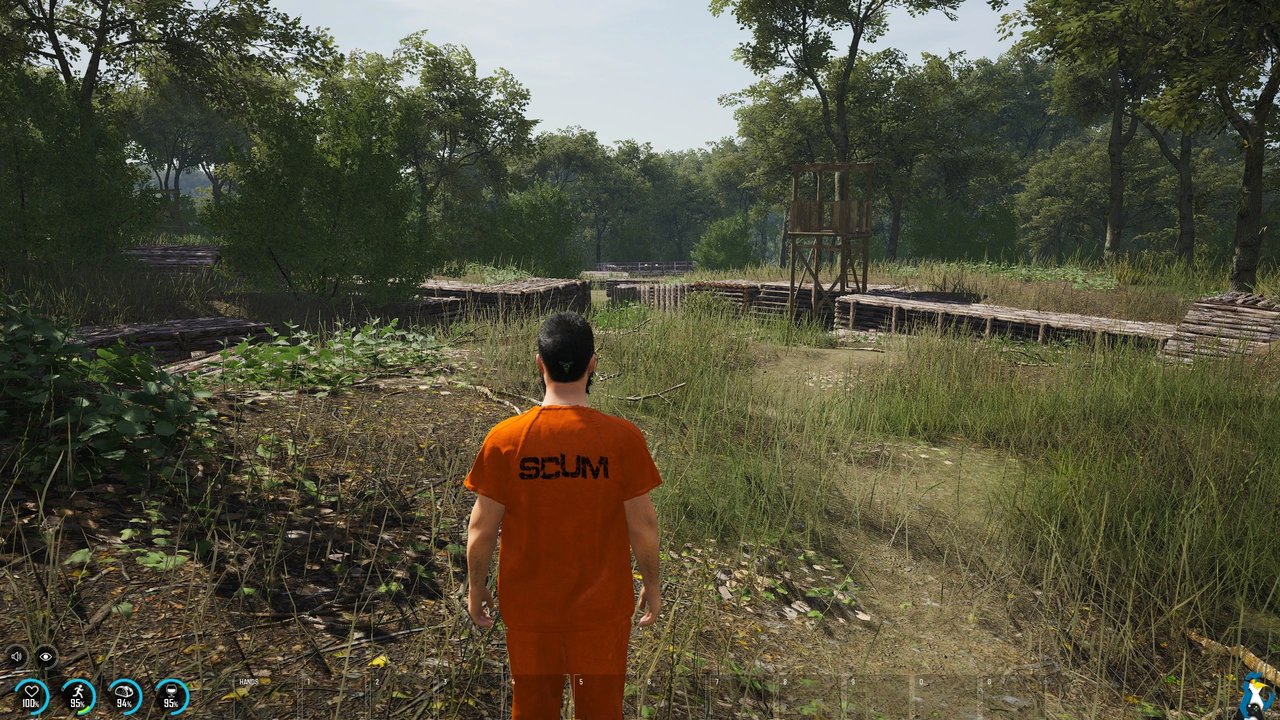
Figure: A survivor camp on Linux — base building remains the deepest system in the game.
Verdict
SCUM finally works properly on Linux, and it works properly now — which is the important part. This is not a “we tried a workaround and it mostly held together” situation; the developer has made a public, supported commitment, the BattlEye compatibility tracking has been updated to Works with Proton, and community testing across multiple servers has been clean.
The Steam Deck badge is the last piece of housekeeping, and it is Valve’s, not Gamepires’. If you play on a desktop, there is no reason to wait. If you play on a Deck, it will run — just check your settings before you settle in for a long session.
Official links: the Steam store page at https://store.steampowered.com/app/513710/SCUM/ and the SCUM support site at https://help.scum.game/.
Comments