
How to Try MX Linux 25.3 Infinity on Linux in 2026
MX Linux 25.3 “Infinity” shipped on September 20, 2026 — the third maintenance
release of the Infinity series built on Debian 13 “trixie”. It is the version
that most users will be pointed at when they ask for a “stable, friendly,
mid-weight Debian desktop” in the back half of 2026, and the project’s timing
matters: Debian 13.7 (the same security snapshot MX-25.3 carries) only landed
on September 12, so 25.3 is effectively a synchronized refresh, not a random
point release. If you have been holding off on trying MX until the dust settled
on the Debian 13 base, this is the moment.
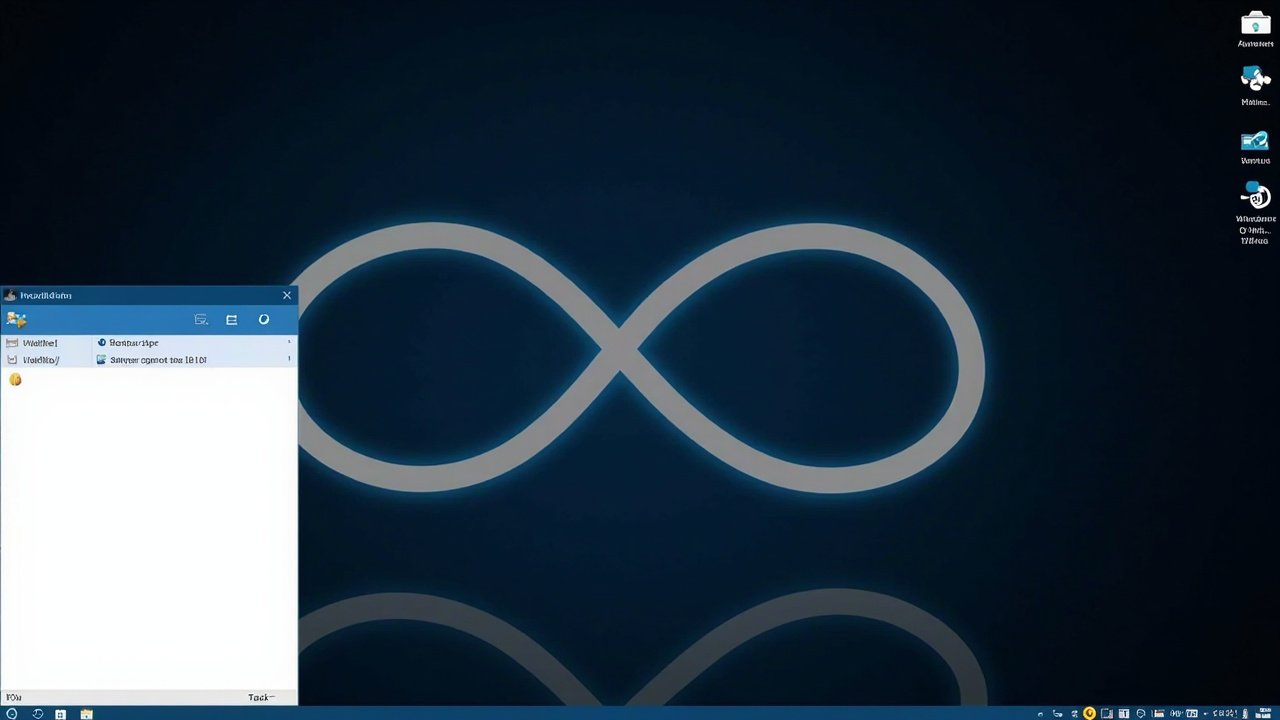
Figure: AI-generated illustration. Real MX Linux screenshots were unavailable
at time of writing due to mxlinux.org being Cloudflare-fronted and Wikimedia
upload access timing out from this network.
What is new in 25.3
The release notes from MX Dev Team (signed by dolphin_oracle on Sept 20,
2026) are deliberately conservative. This is a maintenance release in the
Debian sense: most of the interesting changes were already merged into the
rolling repos as Debian updated. Three things are explicitly new:
- All releases now boot the 6.12.107 Debian kernel, except the
Xfce-ahs flavor, which ships the Liquorix 7.2.6 kernel with auto-update
wired in. The AHS-enabled ISOs also include Mesa 26.1.4 and backported
firmware pulled from Debian Sid. If you have a brand-new laptop with a
GPU that the stable kernel still does not know about, AHS is the only
reason to pick MX over a vanilla Debian install. - UI facelifts for MX-Welcome, MX-Tools, and
custom-toolbox(the
Fluxbox variant of the toolbox). The pre-login Welcome screen and the
tools launcher were both re-skinned to match the rest of the panel. verify-iso-sig— a new tool that sits next to the existing
live-USB maker and lets you check the GPG signature of any MX ISO
before you flash it. Useful if you have a habit of downloading ISOs
over flaky hotel Wi-Fi.
Everything else in the changelog is essentially “this is what Debian 13.7
looks like as of mid-September 2026″: Firefox 156, Thunderbird 140,
LibreOffice 25.2.3, VLC 3.0.23, Strawberry 1.2.30, kernel 6.12.107. If you
have been running MX-25.2 since May and you apt full-upgrade regularly,
you already have most of this. The ISO matters mainly for fresh installs
and live sessions.
The MX Linux pitch, briefly
MX is a mid-weight Debian-stable desktop distribution that grew out of a
2014 collaboration between the antiX and former MEPIS communities. It
inherits antiX’s live-system plumbing (one of the best live USB stacks on
the planet), wraps it in an Xfce 4.20 desktop (or KDE Plasma 6.3.6, or
Fluxbox 1.3.7), and ships an in-house utility suite called MX Tools
that does the things every other distro expects you to write a bash
script for.
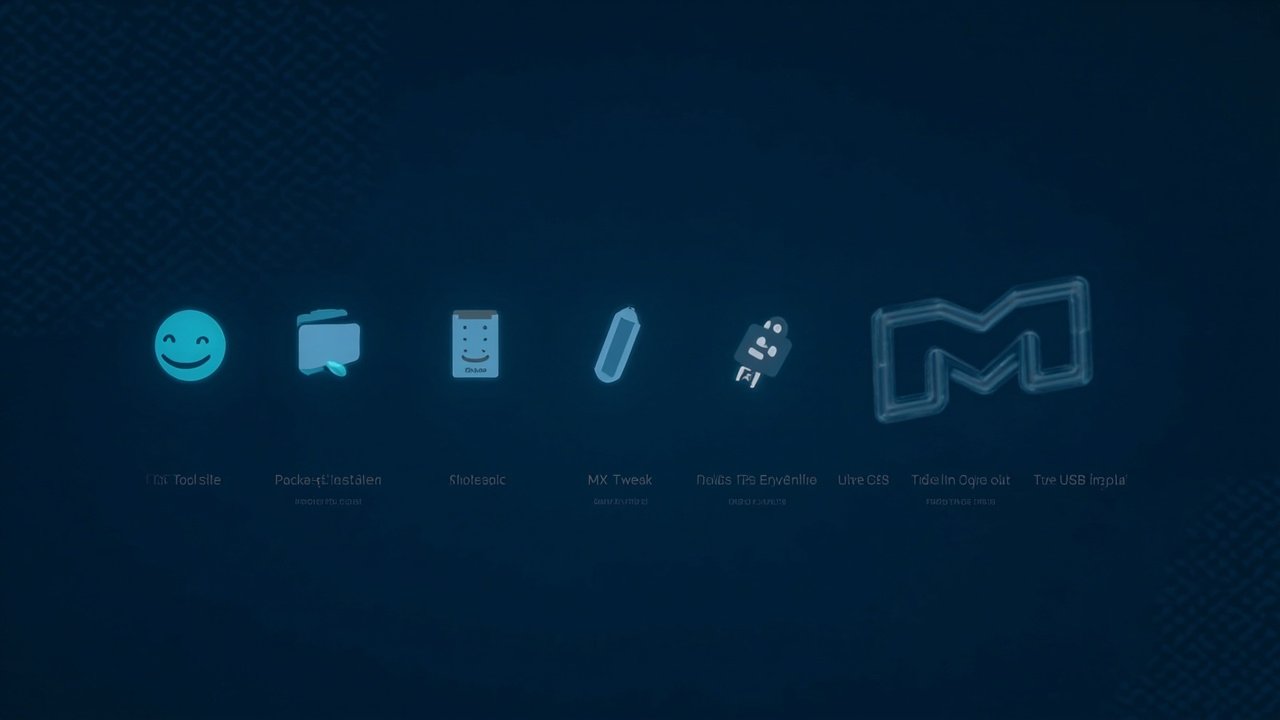
That tool suite is the real reason people stick with MX. There is an MX
Package Installer that wraps apt with a one-click GUI and curated
categories (Popular Apps, Debian Stable, Backports, MX Test, Flatpaks).
There is an MX Snapshot tool that turns your current install into a
remasterable live ISO without leaving the desktop. There is an MX Tweak
tool that toggles every common desktop papercut (panel orientation,
event sounds, hibernation, theme) without making you edit a config file.
And there is a one-click dual-init option in the installer — SysVinit
or systemd on the same ISO — which is genuinely rare in 2026.
Figure: AI-generated illustration of the MX Tools suite icons (Package
Installer, Snapshot, Tweak, Live USB Maker). Real screenshots were
unavailable at time of writing.
The base is conservative on purpose. MX targets Debian-stable LTS, which
means MX-25.3 inherits trixie’s support window out to roughly August 2028
with optional LTS tail to June 2030. The kernel is older than what Ubuntu
26.10 or Fedora 45 are shipping right now, but it is the LTS-stable
6.12 line — exactly the line you want on a laptop you need to keep
working for three years.
How to actually try it in 2026
You have three sensible paths.
1. Run it from a USB stick (recommended first step)
Download the ISO from https://mxlinux.org/download/ and flash it with
either dd or Balena Etcher. The 64-bit Xfce ISO is around 2.6 GB; KDE
and Fluxbox variants are similar. Boot it, pick your language at the
grub menu, and you land directly in a live Xfce session with persistence
options available from the very first boot menu. Three persistence modes
are offered (what files you keep on the USB between reboots) plus a
“frugal install” mode that copies the system to a directory on the USB
without partitioning. If you have ever tried to demo Linux to a friend,
MX’s live stack is the most polished mid-weight one in the Debian family.
2. Install it to a spare partition
The installer is the same mx-installer that has been around for years
— a thin PyQt front-end over parted and debootstrap. It supports
UEFI and legacy BIOS, both 64-bit and 32-bit, encrypted root / home /
swap (LUKS), and the dual-init choice mentioned above. A typical install
takes 8-12 minutes on a 2020-era laptop. The installer does not ask you
to create a swap file or an EFI partition by hand; it picks sensible
defaults that you can override.
3. Upgrade an existing MX-25.x install
If you are already on MX-25.0, 25.1, or 25.2, run the regular
sudo apt full-upgrade and you will land at 25.3 in a single transaction.
The only thing to watch is the kernel: 25.3 ships 6.12.107, and if your
machine was originally installed on an older MX-25.x point release with
a different kernel, you may need to sudo mx-installer --install-kernel
or simply reboot and pick the new kernel from GRUB. The MX Package
Installer has a “kernel upgrader” tab that does the same job from the
GUI.
What it is like to actually use
Xfce 4.20 on MX-25.3 is fast, quiet, and configurable in the way Xfce
always has been — without the heavy theming that some other Xfce-based
distros layer on top. The default Whisker menu in the bottom-left, the
default Conky on the right, and the default window manager theme all
work out of the box without you having to pick anything. Hibernation is
now enabled by default, which is a quietly important 2026 quality-of-life
detail. If you have spent any time on GNOME 50 or Plasma 6.6 lately,
returning to Xfce 4.20 feels like putting on a comfortable pair of shoes.
The MX Tools launcher is the part you will either love or never touch.
If you are a long-time Linux user, half of the tools (Nvidia driver
installer, Samba Config, Boot Repair) duplicate things you already know
how to do from the command line. The other half (Live USB Kernel
Updater, custom Snapshot, Welcome screen) is genuinely useful and saves
real time. 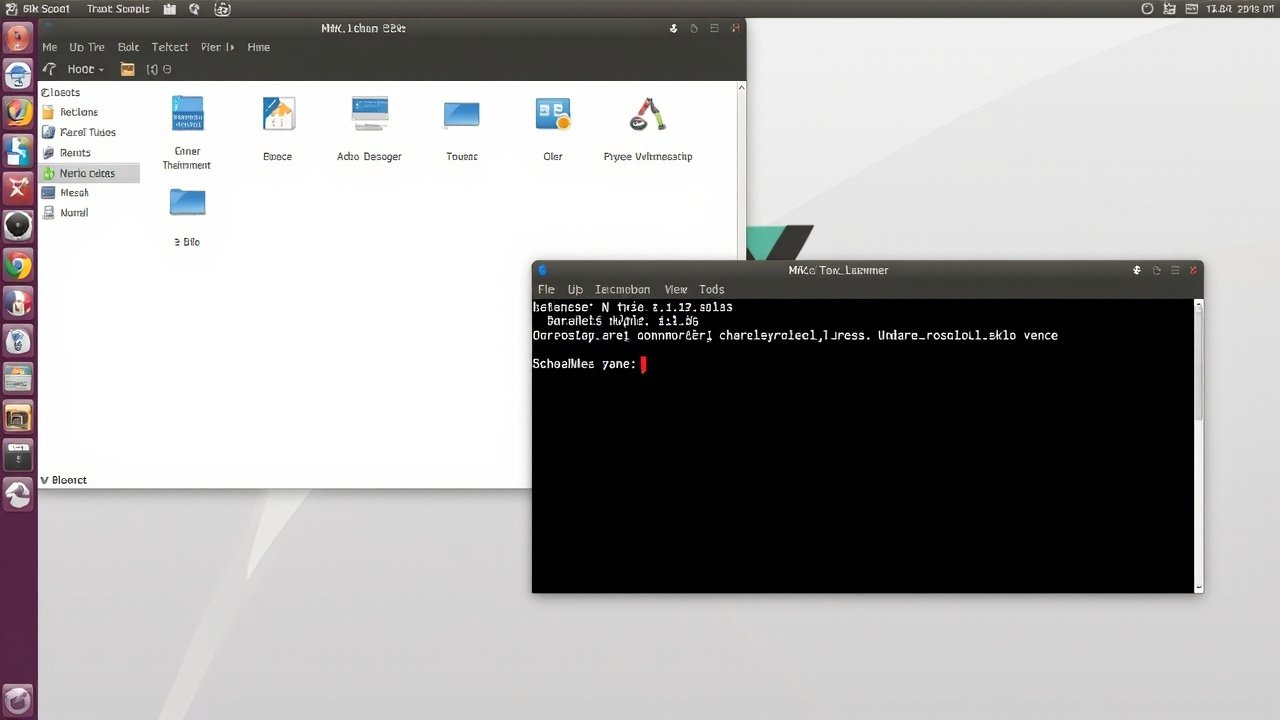
The Package Installer is the most consistently useful piece:
it is the easiest Debian-friendly GUI for picking popular apps that
exists.
Figure: AI-generated illustration of MX Linux 25.3 Xfce desktop running
Thunar and xfce4-terminal with uname -a output. Real screenshots were
unavailable at time of writing.
When MX is the wrong choice
Be honest about this. MX is mid-weight, conservative, and friendly. It
is not for you if any of the following is true:
- You want the latest Plasma 6.6+ features, COSMIC 1.0.x polish, or
GNOME 50+. All three are available in MX’s Debian-stable base, but the
versions lag behind Fedora and openSUSE Tumbleweed by a quarter or two. - You want a single binary that runs everywhere. MX is a Debian-stable
shop —.debis the unit of distribution, and Flatpak is a one-click
option through the Package Installer, not the default. - You want a rolling release. MX is a frozen Debian-stable with
backports layered on top. There is nopacman -Syuequivalent that
puts you on the bleeding edge; that is the trade for the stability. - You want Wayland by default. Wayland works in MX (especially on
Plasma), but the default Xfce session is still Xorg (XLibre in the
AHS ISOs).
Bottom line for 2026
If you are evaluating Linux distributions in late 2026 and you have not
tried MX in the past twelve months, MX-25.3 is a clean opportunity. It
is the most polished mid-weight Debian desktop you can hand to a
non-technical user, it boots faster than Ubuntu 26.10 or Fedora 45 on
the same hardware, and the dual-init option is genuinely useful for the
small subset of users who still have a SysVinit muscle memory.
For more information, downloads, and the GPG signature of the ISO, see
the official site at https://mxlinux.org/ and the 25.3 release
announcement at https://mxlinux.org/blog/mx-25-3-infinity-isos-now-available.
The community forum at https://forum.mxlinux.org/ is active and
helpful, and the MX/antiX User Manual is bundled onboard and published
online.
Comments