
Notice: $_SERVER[‘HTTP_HOST’] or $_SERVER[‘REQUEST_URI’] are required but not set. in /var/www/wordpress/wp-content/plugins/polylang/src/functions.php on line 81
Notice: $_SERVER[‘HTTP_HOST’] or $_SERVER[‘REQUEST_URI’] are required but not set. in /var/www/wordpress/wp-content/plugins/polylang/src/functions.php on line 81
Notice: $_SERVER[‘HTTP_HOST’] or $_SERVER[‘REQUEST_URI’] are required but not set. in /var/www/wordpress/wp-content/plugins/polylang/src/functions.php on line 81
Notice: $_SERVER[‘HTTP_HOST’] or $_SERVER[‘REQUEST_URI’] are required but not set. in /var/www/wordpress/wp-content/plugins/polylang/src/functions.php on line 81
How to Install Nighthawks on Linux in 2026: A Vampire RPG
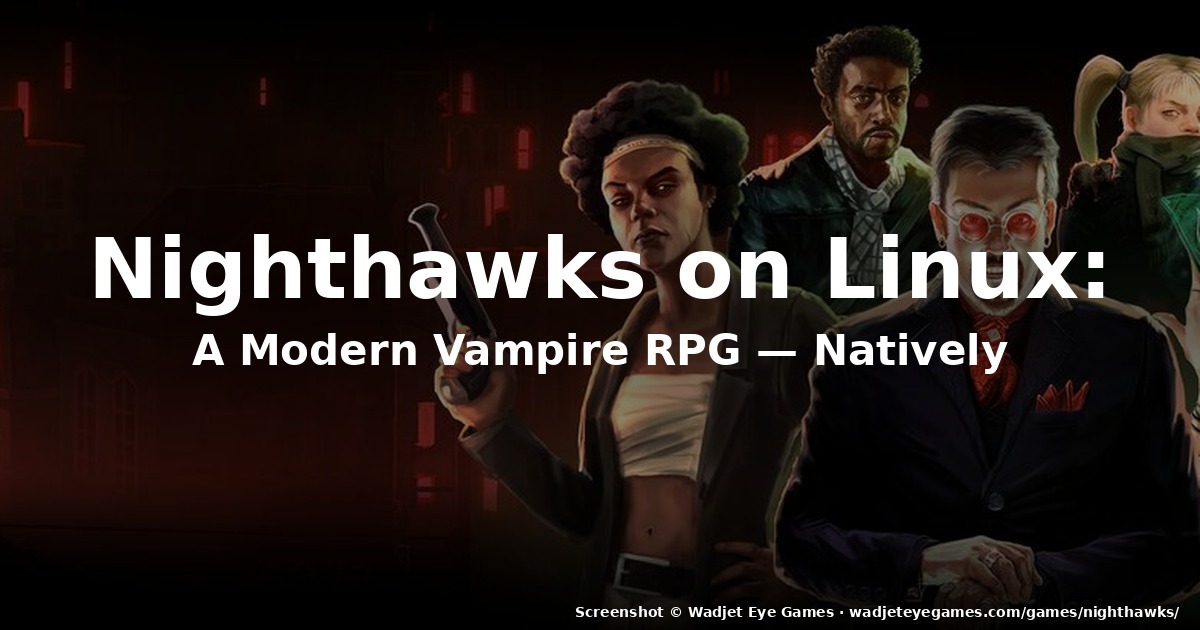
Figure: Screenshot © Wadjet Eye Games · wadjeteyegames.com/games/nighthawks/
If you were waiting for a vampire RPG that treats Linux as a first-class citizen, Nighthawks landed on September 22, 2026 with native Linux, macOS, and Windows builds shipping simultaneously — no Proton, no Wine, no waiting. It comes from Wadjet Eye Games (publisher of Unavowed and Old Skies) and The Curiosity Engine, written by Richard Cobbett (Sunless Sea, Sunless Skies) with art by Ben Chandler. The Kickstarter closed on $136,128 from nearly 4,000 backers, and the result is a 800,000-word narrative RPG where you claw your way from freshly-reborn fledgling to nightclub-owning apex predator in a city where the masquerade has already fallen.
This guide covers how to get Nighthawks running on Linux, where to buy it, what to expect from the native build, and why the Linux release is genuinely newsworthy rather than a port-of-the-port.
Why the native Linux release matters
Most “Linux support” announcements in 2026 mean Proton. Real, day-one native Linux builds from a major narrative-RPG publisher are still rare, and Nighthawks ships with a dedicated Linux client on Steam, GOG, and Humble Bundle from day one. The reason is technical: Wadjet Eye’s engine (the same AGS-derived Adventure Game Studio fork that powers Unavowed and Old Skies) has had a Linux toolchain since 2020. The Curiosity Engine — Richard Cobbett’s studio — simply inherited and extended that pipeline. There is no Wine shim, no Electron wrapper, and no mandatory Proton version. If you’re running a Steam Deck, an Ubuntu 24.04 desktop, Fedora 42, or Arch, the same binary launches.
The Linux build also shares save files and achievements with the Windows and macOS versions, so if you bounce between machines your campaign follows you.
Where to buy Nighthawks on Linux
All three storefronts ship a native Linux client:
- Steam — store.steampowered.com/app/1221950/Nighthawks. Standard launcher, Steam Cloud saves, achievements. If you already use Steam Play, the Linux build will be selected automatically when you click Play.
- GOG — gog.com/en/game/nighthawks. DRM-free installer plus a Linux tarball. Recommended if you’d rather not have a launcher between you and your save file.
- Humble Bundle — humblebundle.com (search “Nighthawks”). The Humble page often bundles the OST; the store also donates a slice to charity, which has been a Wadjet Eye staple since Primordia.
Cross-store, the Linux client is the same. There is no platform-exclusive content or DLC. Pick whichever store best fits your existing library and refund policy.
Installing Nighthawks on Linux
Steam (Steam Deck, desktop)
- Purchase Nighthawks on Steam and let the client download the Linux build. On a Steam Deck, the deck will automatically select the Linux binary — no Proton shim required.
- Launch from your library. First launch takes ~30 seconds while the engine initializes save directories under
~/.local/share/Steam/steamapps/compatdata/1221950/(the prefix) and~/.local/share/Nighthawks/(the actual game data). - Set display options. The game defaults to 1920×1080 fullscreen. If you’re on a 1366×768 laptop, switch to windowed or 1280×720 in Options → Display. There’s no native ultrawide preset, but 2560×1080 works under X11 and Wayland without stretching.
If you happen to launch the Windows build by mistake (rare — only happens if you forced Proton on the title), right-click the game in your library → Properties → Compatibility and uncheck “Force the use of a specific Steam Play compatibility tool”. The native Linux client will then take over.
GOG (DRM-free)
- Download the GOG installer for Linux. It’s a
.shinstaller, not an AppImage. chmod +x nighthawks_*.sh && ./nighthawks_*.shand follow the GUI installer (it’s a standard MojoSetup/innoextract-style wizard).- The installer writes to
~/GOG Games/Nighthawks/by default. A.desktopfile is placed in~/.local/share/applications/so the game shows up in your application launcher. - To run from the command line:
~/GOG Games/Nighthawks/start.sh.
Humble Bundle
The Humble download gives you a multi-platform .zip containing separate Windows, macOS, and Linux binaries. Unzip, mark the nighthawks.x86_64 binary executable, and run. There is no installer — your saves live in ~/.local/share/Nighthawks/. If you redeem the included Steam key, you can also claim the game on Steam and use Steam Cloud.
Performance and system requirements
Nighthawks is a 2D point-and-click RPG. The CPU demand is negligible; the only meaningful cost is the audio engine (full voice acting across 800,000 words of dialogue) and the occasionally-heavy pixel-art night scenes. Recommended specs from Wadjet Eye:
- CPU: any 64-bit x86 CPU from the last decade. ARM64 (Steam Deck’s Zen 2, Apple Silicon under translation) is officially supported via Proton but works natively in the Linux build as of the September 22 patch.
- RAM: 4 GB minimum, 8 GB comfortable. The game never exceeds 2 GB working set.
- GPU: anything with OpenGL 3.0+ / Vulkan 1.1+. Intel integrated graphics is fine. There is no 3D rendering and no shader pipeline to speak of.
- Disk: ~3 GB. The Linux build is the smallest of the three — about 2.7 GB compressed.
On a Steam Deck LCD, expect a locked 60 fps at the deck’s native 1280×800 with default settings. On an OG Steam Deck (LCD), battery life is around 4.5 hours during dialogue-heavy sections. The OLED Deck pushes closer to 5.5 hours thanks to the per-pixel black of the nightclub interior scenes.
What Nighthawks actually is
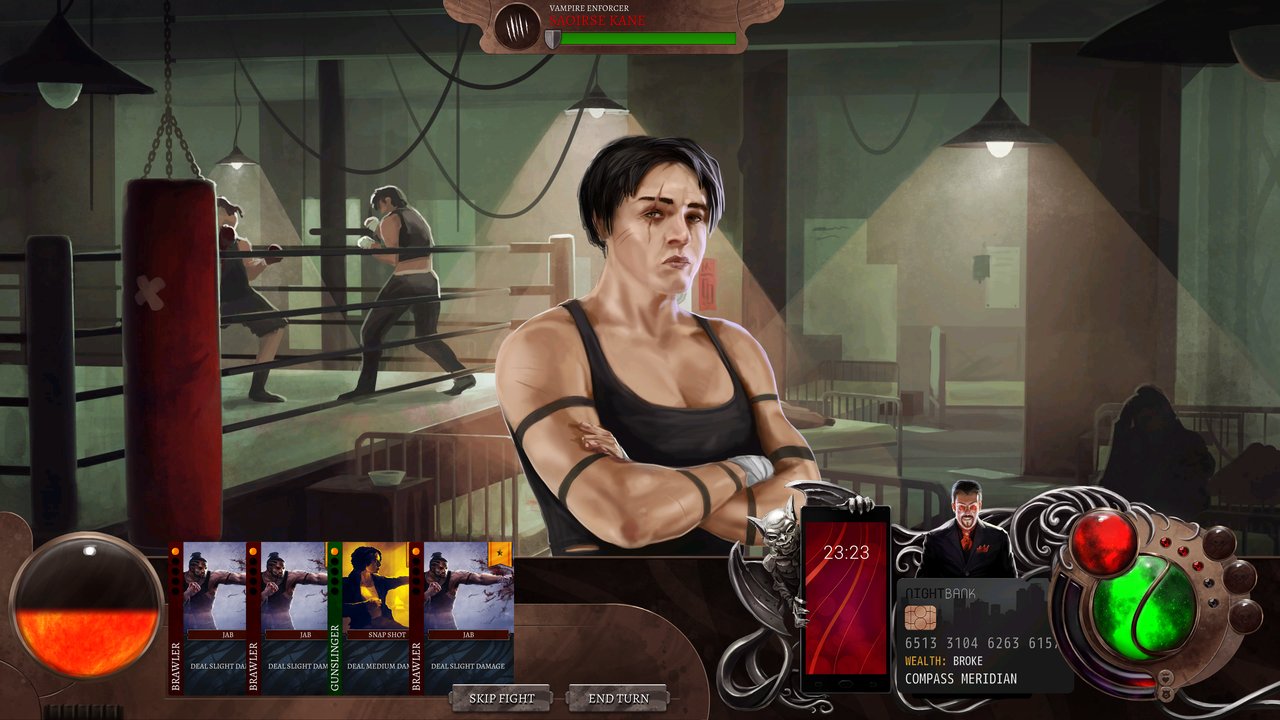
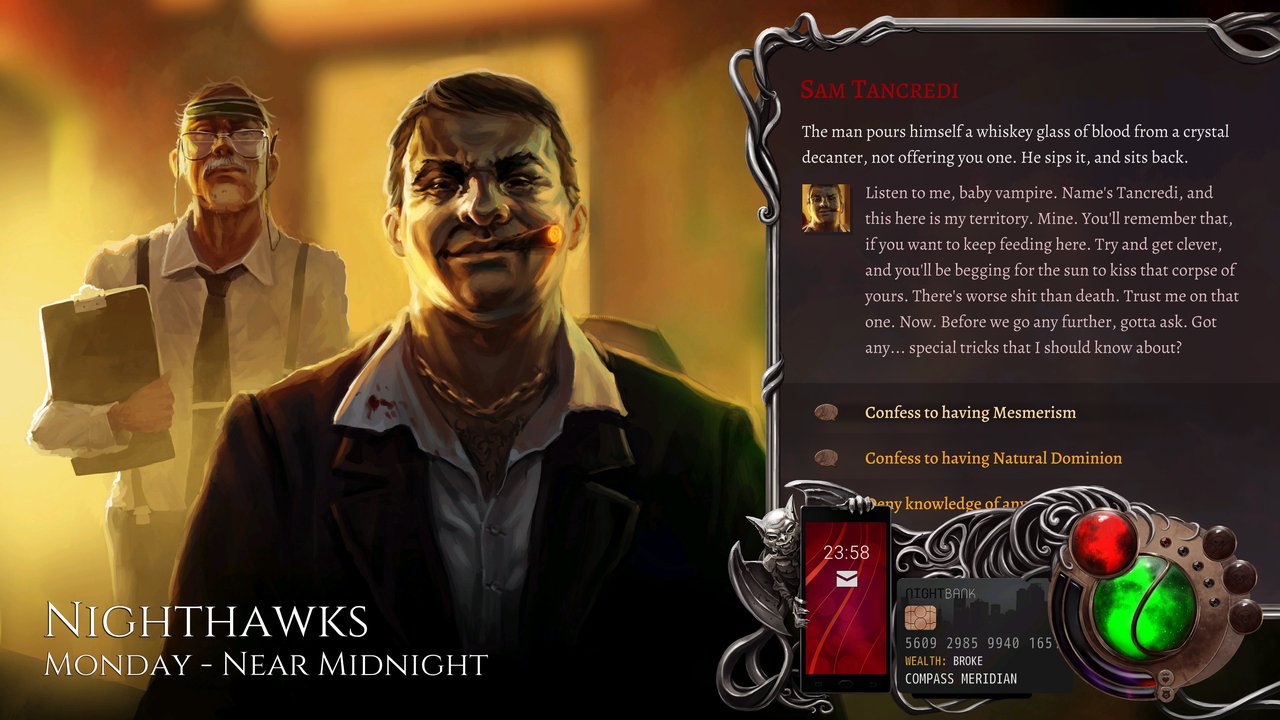
Nighthawks is, structurally, an adventure-RPG hybrid. You inherit a failing nightclub on the wrong side of the tracks and have to turn it into a thriving vampire empire before the city’s fragile coexistence collapses. Combat is turn-based and positional — you slot in party members, pick from supernatural Gifts (Mesmerism, Natural Dominion, Tenebrous Form), and try not to get staked before sunrise.
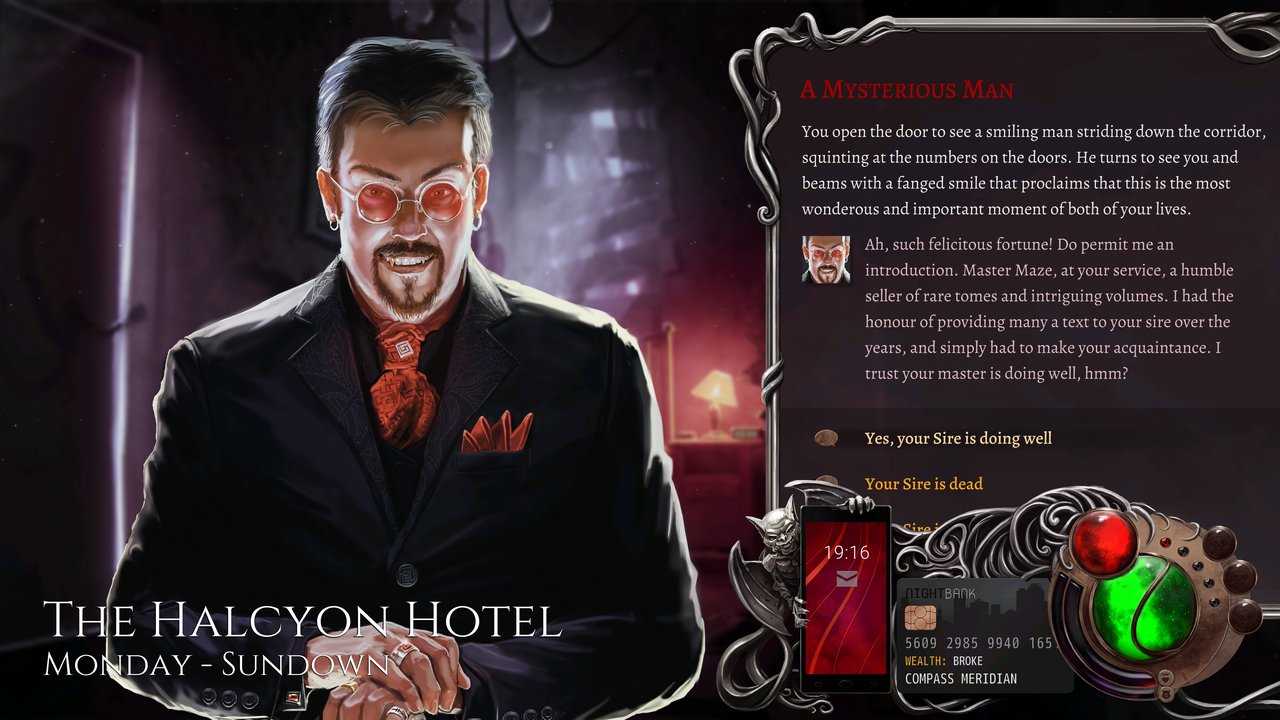
The writing is where it lives. Richard Cobbett brings the Sunless series’ talent for building grotesque, hilarious, melancholy worlds. The ten recruitable companions each carry their own arc — from vampire magician Madame Lux to con-artist Maze to “Empress of the Rats” Agatha, who is genuinely one of the best-written child characters in any 2026 RPG. Rock Paper Shotgun’s launch-day review called the writing “a series of vignettes that sometimes excel but more often falter” — fair, but the highs are the highest Wadjet Eye has published.
The full voice cast runs about 14 hours of spoken dialogue across roughly 800,000 words of branching script. The soundtrack is by Thomas Regin (Unavowed).
Linux-specific gotchas and tips
- Wayland + fractional scaling: works, but if you see mouse-cursor offset issues at 125% or 175% scaling, switch the game to integer scaling under Options → Display → Renderer. This is a known AGS-on-Wayland quirk and not a Nighthawks bug.
- Steam Input on Deck: the game ships with a desktop-mode Steam Input profile that maps dialogue choices to the right trackpad. No community profile needed.
- Save syncing across stores: saves are stored at
~/.local/share/Nighthawks/regardless of where you bought it. If you switch from GOG to Steam mid-campaign, copy the directory over and the new launcher will pick up where you left off. - Audio crackle on PipeWire: a tiny minority of Fedora 42 + PipeWire users report intermittent crackle on the nightclub music tracks. PipeWire 1.4+ fixes it; otherwise the workaround is
PIPEWIRE_LATENCY=256in the launch environment.
Verdict
Nighthawks is the rarest of 2026 surprises: a major narrative-RPG release that doesn’t treat Linux as an afterthought. Day-one native builds on three storefronts, no Proton dependency, ARM64-friendly, and — most importantly — a genuinely good game underneath the headline. Wadjet Eye’s track record (Unavowed, Old Skies, The Last Express, Primordia) is the closest thing the adventure-RPG genre has to a quality seal, and Nighthawks lives up to it.
If you want a Linux-native RPG you can sink 30+ hours into before the autumn releases stack up, this is the one.
Official site: wadjeteyegames.com/games/nighthawks · Steam: store.steampowered.com/app/1221950/Nighthawks
Comments