
title: “How to Try EndeavourOS Titan Nova in 2026: Linux Kernel 7.1”
slug: endeavour-titan-nova-2026
date: 2026-10-10 21:08:04
category: linux-distros
tags: [EndeavourOS, Arch Linux, KDE Plasma, rolling-release, Calamares]
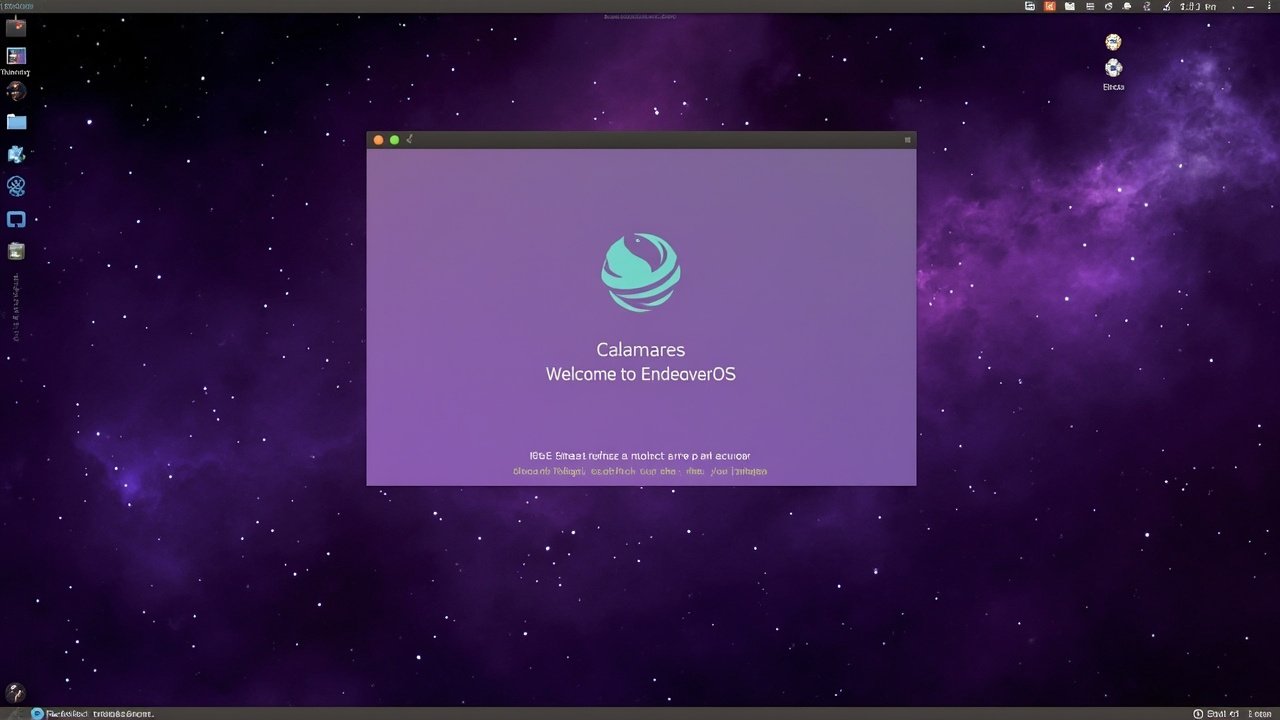
Figure: AI-generated illustration. Real screenshots were unavailable at time of writing. (source: EndeavourOS)
If you have been waiting for an Arch-based distribution that hands you a fresh ISO without the usual manual install ritual, EndeavourOS Titan Nova is the snapshot you should be looking at in late 2026. Released on 2026-08-28, Titan Nova is the second minor refresh of the Titan series and acts as a bridge release while the team finishes the much bigger Triton release that will run Wayland by default in the live environment.
This article walks through what is new in Titan Nova, what got removed (and why), how the live environment actually behaves on first boot, and what to expect from the upcoming Triton release later this year.
What is EndeavourOS, again?
EndeavourOS is a community-driven, rolling-release distribution built directly on top of Arch Linux. It was founded in mid-2019 as the spiritual successor to Antergos, which was discontinued on 2019-05-21. Where Antergos shipped a customised GNOME desktop, EndeavourOS defaults to KDE Plasma and lets you pick the desktop environment you actually want from a list at install time.
The project’s pitch is simple: take the freshness of Arch, give you a working installer, and stay out of your way once you have a system. It is not a derivative like Manjaro — it pulls packages straight from the Arch repositories and follows Arch’s release cadence closely. The team only ships periodic ISO refreshes to update the kernel, installer, and bundled desktop environments.
What ships with Titan Nova
Per the official release announcement, Titan Nova’s live environment and offline installer are built on top of these package versions:
- Calamares 26.03.2.3-1
- Firefox 153.0.4-1
- Linux 7.1.8.arch1-3 (kernel 7.1.8 patched for Arch)
- Mesa 1:26.1.7-1
- X.Org Server 21.1.24-1 (Xorg session, Wayland still optional)
- Nvidia-utils 610.57.04-1
- Nvidia-open 610.54.01-6
In addition, the bundled KDE stack is KDE Plasma 6.7.4 with KDE Frameworks 6.28 and KDE Gear 26.04, per 9to5Linux’s Titan Nova coverage. That puts Titan Nova noticeably ahead of most Arch-derivative ISOs from the same window, which tend to ship whatever Plasma version was current when the maintainer last refreshed the ISO.
Figure: AI-generated illustration. EndeavourOS pulls packages directly from the Arch repositories via pacman. (source: EndeavourOS)
The headline change: Budgie removed (for now)
The single most surprising change in Titan Nova is that the Budgie desktop option has been temporarily removed from the installer. The team explained it like this:
The current upstream software version is in a transition phase to newer display technology (Wayland) and isn’t providing a default experience we are comfortable with. We expect Budgie to return in future releases.
That is a significant deviation from EndeavourOS’s usual “pick from a long list of desktops” installer. The remaining options on the offline ISO are still extensive — KDE Plasma (default), Xfce, MATE, Cinnamon, LXQt, GNOME, and i3 — but anyone who specifically wanted Budgie will need to install it post-install (pacman -S budgie-desktop once Budgie’s Wayland story stabilises upstream).
The keyboard setup patch and Nouveau improvements
Two smaller but practical fixes in Titan Nova are worth flagging:
- Keyboard setup fix. Recent upstream updates to the keyboard configuration layer were causing setup errors in the Calamares installer. Titan Nova carries a temporary patch so installs complete cleanly, with a permanent fix planned for Triton.
- Improved Nouveau experience on the ISO. If you boot the live environment on a machine with an NVIDIA GPU and the default Nouveau drivers, the boot path is noticeably smoother than on Titan Neo. Proprietary NVIDIA users (nvidia-open or nvidia-utils) are unaffected.
These are not flashy headlines, but they are exactly the kind of “the live ISO just works on weird hardware” polish that determines whether an Arch-derivative survives contact with a ThinkPad or a Dell from 2017.
How to actually try Titan Nova
Because EndeavourOS is rolling-release, you have two paths. Pick whichever fits your risk tolerance.
Option A: install Titan Nova fresh
- Download the ISO from endeavouros.com/download. The torrent is recommended for bandwidth reasons and to seed.
- Flash to a USB stick with any tool you trust —
dd, Ventoy, Popsicle, or balenaEtcher all work. - Boot the USB. You land on the live Plasma desktop with the Calamares installer icon visible.
- Run the installer, pick your desktop environment(s), set up a user, choose between
systemd-boot(default on modern EFI),GRUB, or no bootloader at all. - Reboot, log in, run
sudo pacman -Syuto confirm you are fully current. You are done.
Option B: stay on your existing EndeavourOS install
If you already have EndeavourOS installed — Titan, Titan Neo, Ganymede Neo, or older — there is nothing to do. Rolling release means your system has been tracking the upstream Arch repos this entire time, and your kernel is whatever you last installed via pacman -Syu. The Titan Nova ISO only changes the live environment, the bundled installer, and the default kernel version for new installs. Existing systems are explicitly not required to “upgrade” to Titan Nova.
To check what kernel you are running right now:
uname -r
# e.g. 7.1.8.arch1-3

pacman -Q endeavouros-keyring
# confirms you are on a current keyring
If your kernel is older than 7.1.x and you want to match the ISO, install the linux package explicitly:
sudo pacman -Syu linux linux-headersThen reboot and confirm with uname -r.
Option C: run Titan Nova in a VM
If you just want to see the new desktop without touching your disk, QEMU/KVM with virt-manager is the fastest path:
sudo pacman -S qemu-full virt-manager
sudo systemctl enable --now libvirtd
virt-manager
Create a new VM, point it at the Titan Nova ISO, give it 4 CPU cores and 8 GB of RAM, and boot. The Calamares installer behaves identically in the VM as it does on bare metal.
Why Titan Nova exists — and what Triton will bring
The Titan Nova announcement is unusually candid about its role. The team writes:
It’s been a while since we released Titan Neo back in March. And to be honest, we thought we would have our next major release, Triton, out by now. But as with most things in life, the road to the next step isn’t easy. In fact, Triton’s journey is obstructed by meteors and asteroids, so to speak.
In short: Triton was supposed to be the next headline release, but it has been delayed because the team is rebuilding the live environment around Wayland, in step with the KDE Plasma 6.8 release scheduled for 2026-10-14 and the Arch Linux kernel 7.2 line. Titan Nova exists to bridge the gap so the installer has fresh hardware support while Triton gets finished.
That means Titan Nova is unlikely to be a “destination” release. If you install it today, your next major upgrade moment will be the Triton ISO later this year, which will ship with KDE Plasma 6.8 and Linux kernel 7.2, and Wayland as the default session in the live environment.
Figure: AI-generated illustration. Triton will switch the live environment to Wayland by default. (source: EndeavourOS)
Who should install Titan Nova in 2026
In practice, Titan Nova is the right ISO to grab if any of the following apply:
- You want an Arch-based system and you want a graphical installer that is actively maintained, not abandoned.
- You specifically want Linux 7.1.8 as the kernel on a fresh install (older EndeavourOS ISOs pin older kernels; this one does not).
- You want the Budgie desktop — except, well, you can’t get it from this ISO right now. Wait for Triton or install Budgie manually.
- You are running an older EndeavourOS release and your live environment feels stale, so you want a clean reinstall that takes 10 minutes.
You should probably wait for Triton if any of the following apply:
- You are specifically a Wayland-first user and want the default live session to be Wayland.
- You want Plasma 6.8 on day one.
- You specifically need Budgie as an installer option.
Final thoughts
EndeavourOS Titan Nova is not the most ambitious release the project has shipped — that is clearly reserved for the upcoming Triton — but it is a competent, well-tested snapshot that delivers Linux 7.1, KDE Plasma 6.7.4, and a noticeably smoother NVIDIA experience on the live ISO. If you have been on the fence about trying EndeavourOS in 2026, this is a perfectly safe time to take it for a spin in a VM or on spare hardware.
Just remember: if you want a Wayland-first EndeavourOS, hold out for Triton.
Official download: https://endeavouros.com/download/
Release announcement: https://endeavouros.com/news/titan-nova-is-available
Project home: https://endeavouros.com/
Comments