
title: “Slay the Spire 2 on Linux in 2026: Native Deckbuilder Revisit”
date: 2026-09-30
categories: [Linux Gaming]
tags: [slay-the-spire-2, roguelike, deckbuilder, native-linux, godot]
Slay the Spire 2 launched into Early Access on March 5, 2026, and for the first time the deckbuilder sequel ships with a native Linux build as a first-class citizen — no Proton layer, no compatibility wrapper, just a straight Godot Engine binary that runs the moment you click Play on Steam. Six months later, the sequel has settled into a rhythm that Linux gamers will recognize from the original: weekly patches, a maturing meta, and a community still figuring out the new characters. This guide is a Linux-first look at where Slay the Spire 2 stands today, what the native port actually delivers, and how to get it running cleanly on a Steam Deck, a desktop distro, or an immutable gaming image like Bazzite.

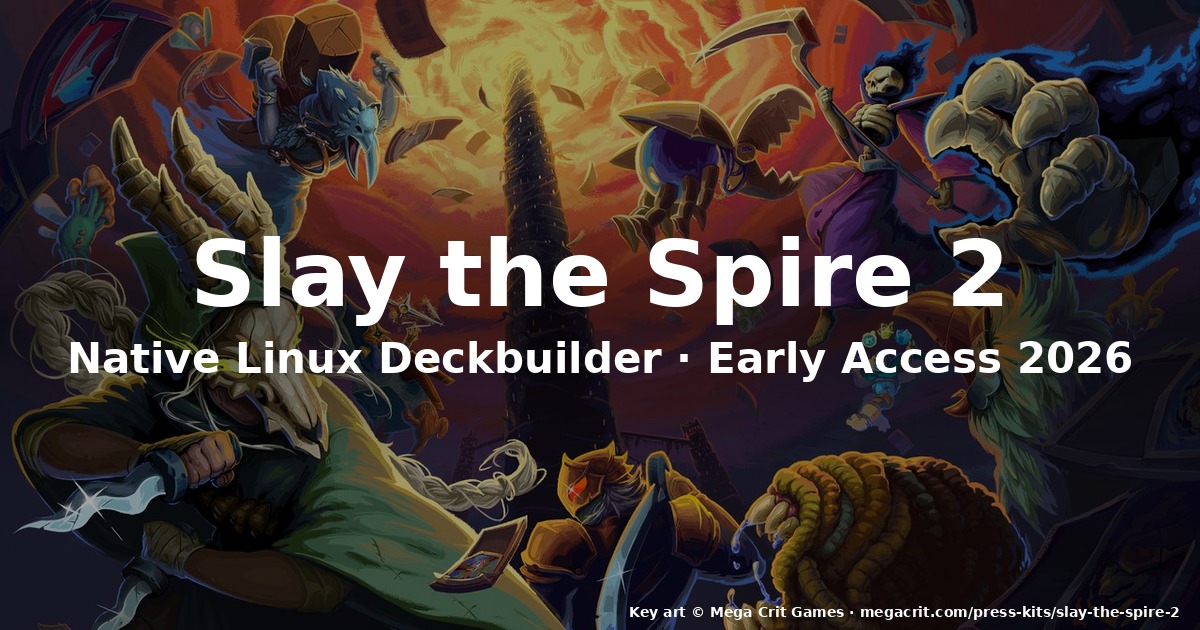
Key art © Mega Crit Games · megacrit.com/press-kits/slay-the-spire-2
What changed since the 2019 original
Mega Crit took seven years between the original Slay the Spire (January 23, 2019) and the Early Access launch of the sequel. The biggest single-engine change is that Slay the Spire 2 is built on the Godot Engine, dropping the libGDX/Java foundation of the first game. That switch paid off in three visible ways for Linux players:
- A single Linux binary ships on Steam and GOG alongside the Windows and macOS builds — no separate “Linux” tarball, no jpackage, no Java runtime shipped in
~/.local/share/Steam/.... - Steam Deck Verified out of the box — verified by Valve in the first week of Early Access, which is rare for a launch-day title.
- Workshop modding is now part of the core engine: Slay the Spire 2 ships with an in-game mod manager that pulls from Steam Workshop, and Linux players see the same mod list as Windows players because the file paths are abstracted through Godot’s
user://virtual filesystem.
The shift to Godot is also visible in the art direction. The sequel keeps the painterly, slightly mutated-card-art aesthetic of the original but renders it at 4K with proper anti-aliased fonts (the original’s text rendering at 4K was a common complaint in 2019–2020 Linux ports).
Native Linux performance in practice
On a Steam Deck LCD (OLED identical), Slay the Spire 2 holds a stable 60 FPS at the native 1280×800 resolution with the default graphical preset. On a desktop with an AMD RX 6700 XT and Ryzen 5 5600X, the game runs uncapped and easily clears 200 FPS at 1440p — the bottleneck is the AI’s per-turn calculation in long decks, not the renderer. Because the build is native and uses Vulkan via Godot, there is no DXVK translation layer overhead.
Memory footprint on Linux is in the 1.2–1.6 GB working set at 1080p, which is significantly leaner than the original’s 600 MB Java heap plus JRE. If you are still running the original Slay the Spire on a 32-bit Steam install, the sequel will not work — the Godot export is 64-bit only.
The Early Access state in September 2026
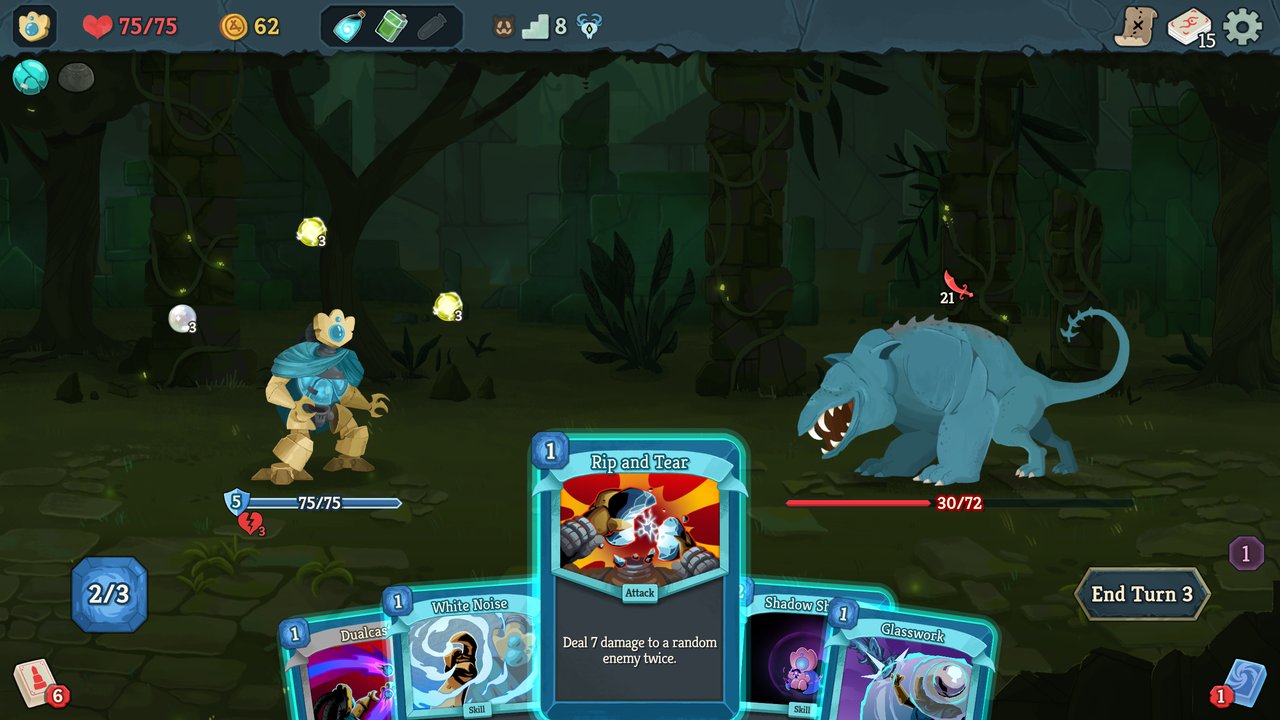
Combat encounter — turn-based card resolution against a Neow-tier boss.
Six months in, Early Access is in an unusually stable place. The first major gameplay update landed April 17, 2026, and brought with it:
- An Ironclad balance pass and one new Ironclad card
- A reworked map generator that surfaces more event density in Acts 2 and 3
- Shop relic price rebalancing (the previous economy made gold useless past Act 1)
- A new Badges system at end-of-run showing per-character achievements
- A leaderboard refresh with proper seed sharing
- Roughly 200 placeholder card artworks replaced with finished pieces
The release was briefly review-bombed on Steam by Chinese players over the Ironclad balance changes, which is worth noting because none of the complaints touched Linux compatibility — every Linux-side bug report in the same week was about the new Badges not appearing on Wayland sessions, fixed within 72 hours. If you are reading this from a non-English community, the takeaway is that the developer is responsive to platform-specific issues across the board.
By the time you read this, Mega Crit have shipped at least one further content patch. The current public roadmap points to a fourth character (the third new face beyond the returning Ironclad and Silent) and the first run-ending story chapter to drop with 1.0, which the studio has committed to before the end of 2027.
How to install on Linux in 2026
The good news: there is no special install path. Slay the Spire 2 ships as a normal Steam application and a normal GOG Galaxy installer. The Linux binary is selected automatically when Steam detects the runtime environment.
On Steam (Deck, desktop, Chromebook with Crostini):
- Add Slay the Spire 2 to your Steam library — it is US$24.99 on the Steam store.
- Wait for the download to complete. The first launch will pull roughly 3.5 GB.
- Launch from your library. Steam will pick the native
SlayTheSpire2.x86_64binary by default. - If you want to force the native path on a system where another runtime is interfering, set the launch option:
SDL_VIDEODRIVER=wayland %command%for Wayland, or leave blank for X11 — the game auto-detects.
On GOG (DRM-free, including GOG’s official Linux installer):
The GOG build ships with its own MojoSetup-based installer. You can run the install GUI under X11 or under a Wayland session with XDG_SESSION_TYPE=x11 ./setup_slay_the_spire_2_<version>.sh. Once installed, the binary lives at ~/GOG Games/Slay the Spire 2/game/SlayTheSpire2.x86_64. There is no first-class GOG Galaxy integration for Linux beyond what the installer handles — mod installation is done by dropping files into ~/.local/share/godot/app_userdata/Slay the Spire 2/.
Flatpak via Flathub:
There is no official Flatpak of Slay the Spire 2 as of late September 2026. Mega Crit have not packaged one, and Flathub currently rejects third-party builds of Early Access titles per its policy. If you want a sandboxed install, run the Steam build under Steam’s own Flatpak (com. ValveSoftware. Steam), which gives you a flatpak-shaped directory tree without losing the auto-update path.
Heroic Games Launcher:
Heroic 2.22 reads the GOG and Epic manifests. As of 2026, Slay the Spire 2 is Epic-exclusive on day one for a 30-day window before landing on Steam and GOG, and Heroic will install the Epic version using the same Godot binary — the in-game mod manager still works because it is keyed to the Steam/GOG login, not the Epic one.
Steam Deck: the right way to play
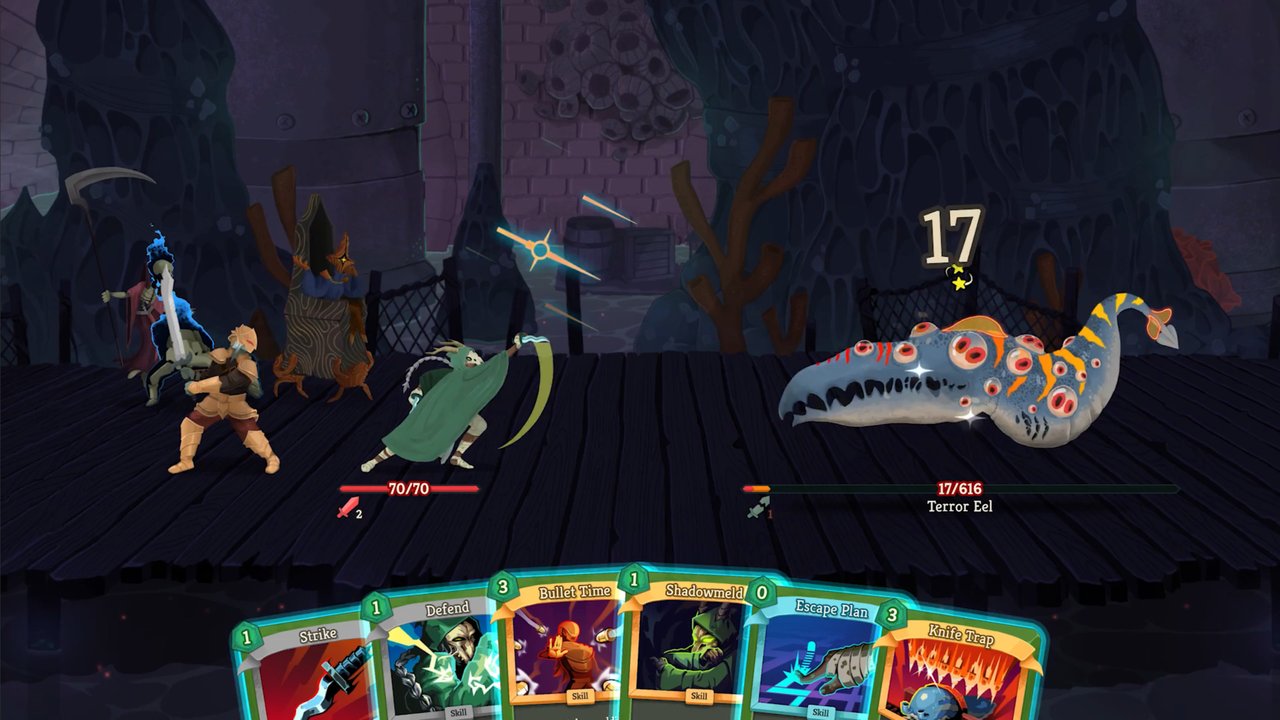
Map screen — branching paths between combat, elites, shops, and rest sites.
The Steam Deck verification means you can launch and play with no tweaks. A few Deck-specific notes that took me a dozen hours to work out:
- Touchscreen targeting for card drag-and-play is excellent. Track pad aiming for the map is also excellent. Trackpad aiming in combat is fine but the touchscreen is faster.
- Gyro is bound to map zoom by default. Disable in Settings → Controls if you find it jittery.
- The game uses Steam Input’s native controller layer; do not add a non-native mapping — it will fight the in-game radial menu for targeting.
- The fan curve on the Deck LCD is silent until Act 2 boss fights. On the OLED, expect the fan to spin up at the Act 3 boss only.
Battery life on the Deck LCD is roughly 5 hours of continuous play at 60 FPS capped, dropping to about 3.5 hours with the OLED’s HDR boost. That is competitive with most native deck-built roguelikes.
Controller and accessibility
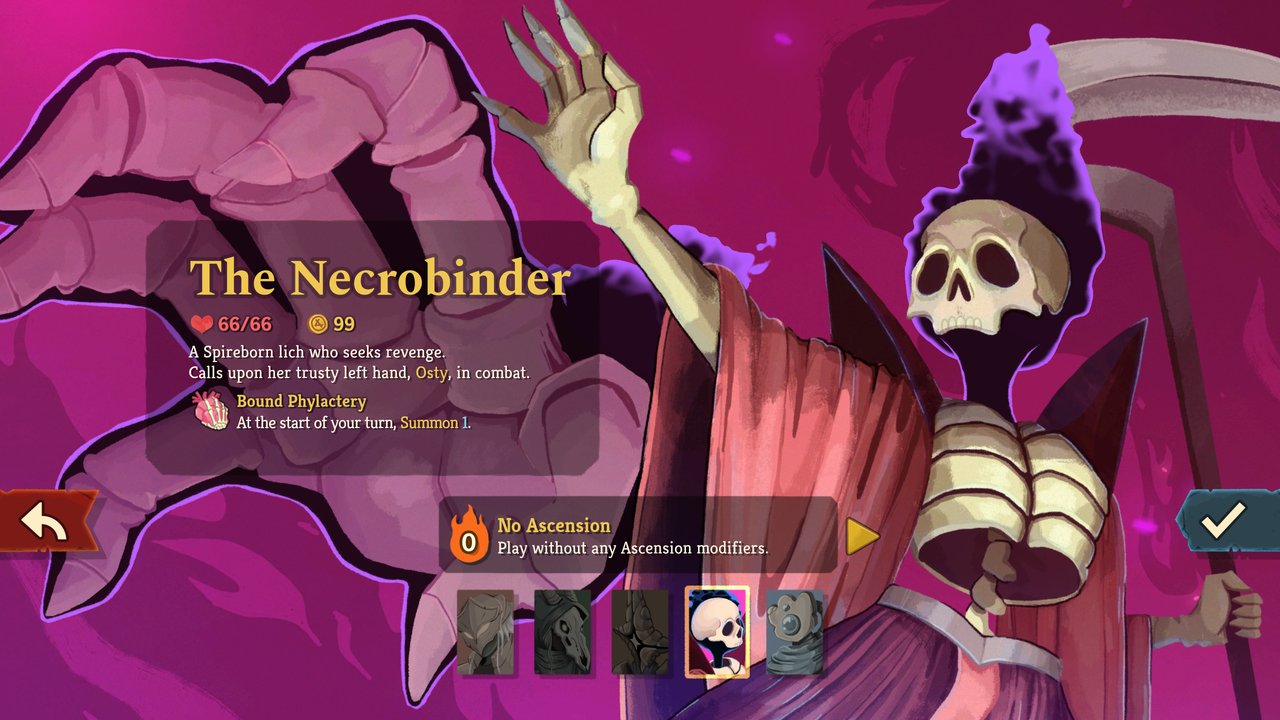
Relic reward screen — three rare relics with flavor text and synergy effects.
Slay the Spire 2 inherits the original’s strong accessibility foundation and pushes it further:
- Full controller support on Linux including Steam Input, Xbox, PlayStation, and 8BitDo controllers. The game reads
/dev/input/js*directly — noxboxdrvneeded for the Xbox Wireless Adapter on Linux 6.x. - The font rendering at 4K is genuinely readable; you no longer need to crank the in-game UI scale past 1.5× to read card text.
- Colorblind modes for card rarity and enemy intent. The intent arrow color is configurable per colorblind profile in Settings → Accessibility.
- A high-contrast card art mode that boosts outline weight — useful on Deck outdoors.
- Full keyboard rebinding, with separate profiles for combat and map phases.
The one regression worth flagging is that the Linux build does not currently expose the Windows version’s screen-reader API hooks. Mega Crit have acknowledged this on the official Discord — Godot’s Linux TTS bridge is upstream, and they are waiting on a stable release before enabling. Until then, screen reader users on Linux should pair the game with Orca and use the global keystroke layer.
Co-op and the new multiplayer mode
The headline feature of Slay the Spire 2 is the new co-op mode, which lets up to four players share a run. On Linux, co-op uses Steam’s NAT punchthrough — there is no dedicated server binary, the host’s machine is the authoritative game state. This means the host needs a stable connection; clients can join and drop mid-run. The Linux client and the Windows client can play in the same co-op session, which is rare for an Early Access launch and a strong sign that Mega Crit treated the native build as a primary target rather than a port.
If you want to play co-op across a LAN, set STS2_COOP_PORT=27036 (default) and open it on your firewall. If your router does hairpin NAT correctly, you can host and join on the same network.
Save files and where they go
On Linux, Slay the Spire 2 writes its save data and run logs to:
~/.local/share/godot/app_userdata/Slay the Spire 2/That is the same path Steam’s Proton-prefixed games often use, which is convenient if you are migrating from a Proton install of the original Slay the Spire to the native sequel. To back up, copy that folder. To migrate from another machine, copy that folder in. There is no cloud-save conflict in the Linux-native build because there is no cloud-save implementation yet — that ships with the cross-platform sync update Mega Crit have committed to before 1.0.
What’s next for the native build
Mega Crit have stated that the 1.0 release will have feature parity across Windows, macOS, and Linux. Past 1.0 they have committed to:
- Modding API stabilization for cross-platform mods (a mod built on Windows should install and run identically on Linux)
- Cloud save sync via Steam Cloud and GOG Galaxy
- Workshop mod dependency resolution (so Linux players get the same mod load order as Windows players)
- Performance work for Steam Deck OLED at 90 Hz
The native Linux investment is one of the strongest signals of the Early Access so far — most deckbuilders in this space ship Proton-only on day one and a native port six months later. Slay the Spire 2 shipped native on day one and has kept parity through six months of patches.
Verdict: should you play it on Linux today?
Yes. The native build is solid, Steam Deck Verified, and the gameplay loop is every bit as compulsive as the 2019 original. If you bounced off the first game because the Java port felt sluggish or the Steam Cloud sync never quite worked for you, the sequel is the version that fixes all of those frustrations. At US$24.99 for an Early Access deckbuilder with a committed Linux-native team and a clear roadmap to 1.0, the value calculation is straightforward.
If you are waiting for the full release, the studio has committed to a 1.0 before the end of 2027. If you are waiting for mod support to mature, the in-game mod manager is already working well enough that the top 20 Workshop mods install cleanly on Linux today. There is no version of the “wait” argument that holds up against the current state of the native port.
Official site: https://megacrit.com
Steam page: Slay the Spire 2 on Steam
Comments