
Manjaro 27 Caldonia: KDE Plasma 6.8 Drops X11, Kernel 7.3 Lands, and the Project Becomes a Nonprofit
Manjaro 27.0 “Caldonia” landed on November 23, 2026 as the first stable update of the 27.0 series — three days before this article. If you run the KDE Plasma edition, this is not a routine rolling-release bump. Plasma 6.8 removes the ability to start an X11 session entirely, and Manjaro explicitly tells you to switch to Wayland or drop to a virtual console before you upgrade. Two other changes need the same kind of pre-flight attention: the Linux 7.2 kernel series is now end-of-life, and the update also carries a compromised certificate bundle and two PHP remote-code-execution CVEs that should be treated as urgent.
On top of that, this release marks the arrival of Manjaro Project e.V. — an officially registered German nonprofit that is completely independent of the commercial Manjaro GmbH & Co KG company that backs the distribution. That is the quiet structural story of the release: the software stack is moving fast, and the project’s governance is being rebuilt around community-led decision making at the same time.
Let’s walk through what actually ships, what breaks, and what you should do before you type pacman -Syu.
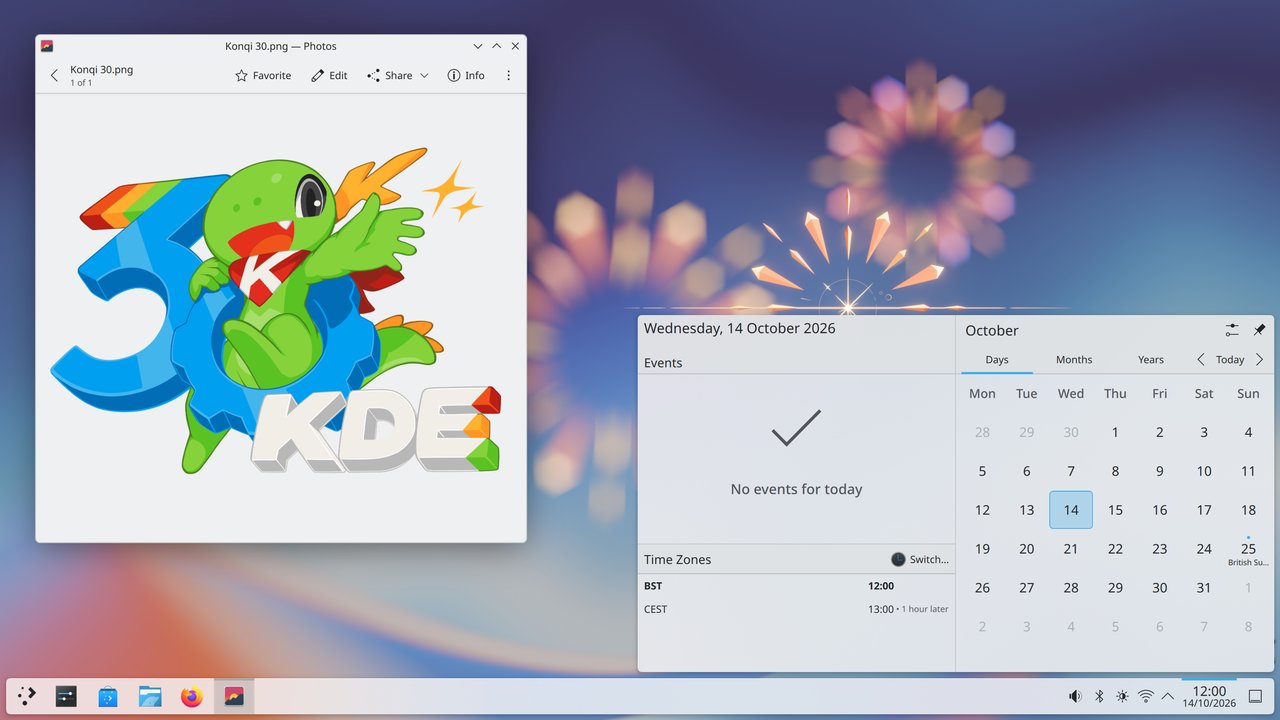
Figure: KDE Plasma 6.8, the desktop shipped in Manjaro 27.0. Official screenshot from the KDE Plasma 6.8 release announcement.
What ships in Manjaro 27.0 Caldonia
The desktop environment lineup is the headline, and all four official editions move together:
| Edition | Version in this update | Does it force a migration step? |
|---|---|---|
| GNOME | 51.1 (51 series) | No — 51.1 is a bugfix point release |
| KDE Plasma | 6.8.2 | Yes — X11 session start is retired |
| Cinnamon | 6.8 | No — version bump only |
| COSMIC | Epoch 1.11.0 | No — epoch release of the System76 desktop |
| Xfce | 4.20 | No — unchanged from the previous release |
| LXQt | 2.5.0 | No |
| Phosh | 0.58.0 | New — a smartphone-oriented environment was added |
The component stack underneath those desktops: KDE Gear 26.08.3, KDE Frameworks 6.31.0, Qt 6.12, systemd 262, OpenSSL 4.1, PipeWire 1.6.11, GStreamer 1.28.9, Mesa 26.2.7, Python 3.14, Firefox 160.0, LibreOffice 26.8.2, Thunderbird 159.0, Vivaldi 8.3 and VirtualBox 7.2.2. The NVIDIA proprietary drivers move to 620.70.06, with 580.196.07 as the alternative branch.
Manjaro’s own package management story is unchanged: BoxIt (a Git-like tool built specifically for Manjaro’s repositories) drives the rolling branch, packages get an extra stabilisation pass before they land in the stable branch, and the AUR is still there for everything the repos do not carry. What has changed underneath is the tooling itself — the project has mostly completed its migration from GitLab to a self-hosted Forgejo instance at code.manjaro.org.
The Plasma X11 cutoff: what actually breaks
KDE has been on this path since Plasma 6 shipped in 2024, which made Wayland the default session. Plasma 6.7 was the last version that could still start an X11 session. With Plasma 6.8, that option is gone from the desktop session entirely.
The practical distinction matters and is easy to muddle up, because two different changes land in the same release:
- The X11 retirement affects how you start the desktop. If your Plasma login currently starts an X11 session, that session type no longer exists. X11 applications keep working fine through the XWayland compatibility layer — what disappears is the desktop session running on top of an X server.
- The login manager change affects the screen where you type your password. Manjaro recommends replacing SDDM with the new Plasma Login Manager, and at least one forum report confirmed that SDDM’s login page broke after the update while Plasma Login Manager resolved it.
The upgrade path Manjaro published is:
sudo pacman -Syu plasma-login-manager
systemctl disable sddm
systemctl enable plasmalogin
sudo pacman -R sddm-kcm sddm
The ordering of the upgrade itself is the part that trips people up. Manjaro’s guidance is explicit: before you update, log out of your X11 Plasma session and either log back in on Wayland or switch to a virtual console. Virtual consoles are generally reached with Ctrl + Alt + F1 through F6. Running the update from a TTY is the recommended route.
If you are wondering why KDE bothered: Wayland brings better support for new displays and graphics hardware, fractional scaling, and per-window features that X11 cannot express. Most users will not notice the change. But the ones who will notice are exactly the ones with an unusual multi-monitor setup or a proprietary driver that still misbehaves under Wayland.
What Plasma 6.8 actually brings
The X11 cutoff is the headline, but Plasma 6.8 is not a release that only takes things away. Alongside the Wayland-only session, this generation adds real capability. The System Monitor grew per-process CPU affinity controls, so you can pin individual applications to specific cores without reaching for a terminal. The Remote Desktop panel was rebuilt around the newer portal APIs, which is what makes the screen-sharing workflow below behave predictably instead of intermittently timing out.
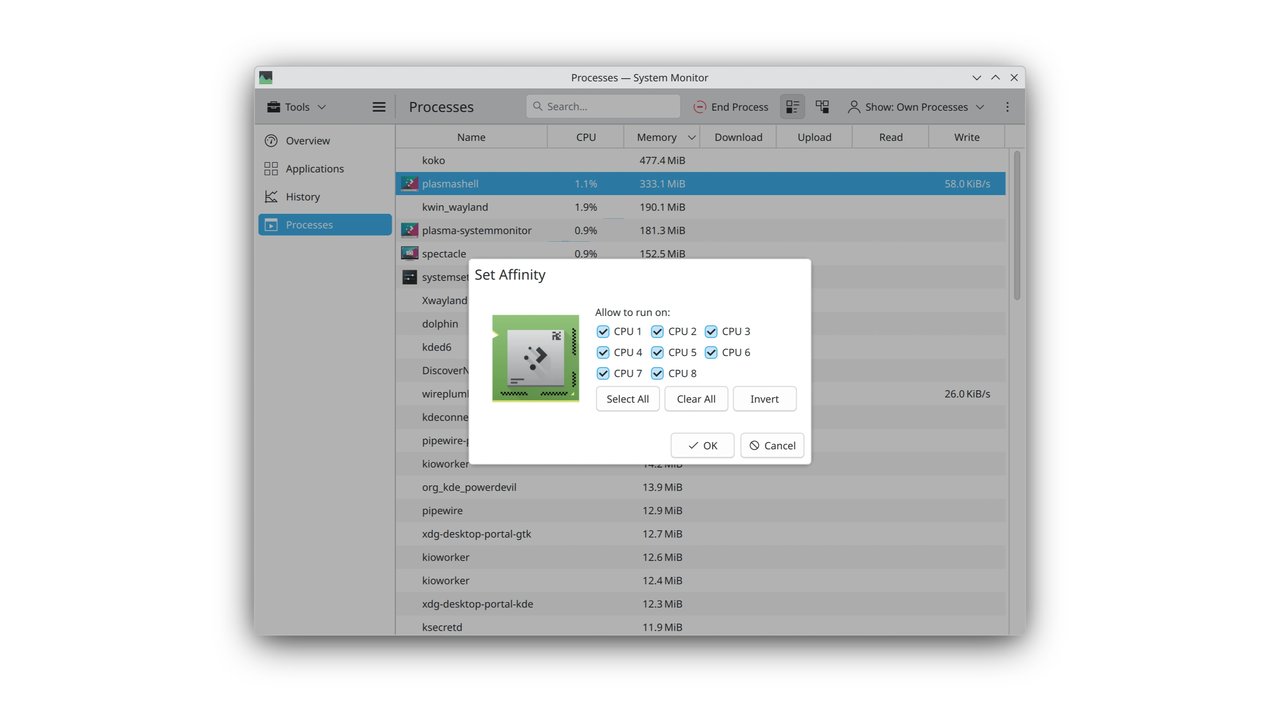
Figure: System Monitor with per-process CPU affinity controls, from the official Plasma 6.8 announcement.
Remote desktop configuration is likewise reworked — the settings panel now sits alongside the KRDC client in a single workflow rather than splitting configuration across two unrelated tools.
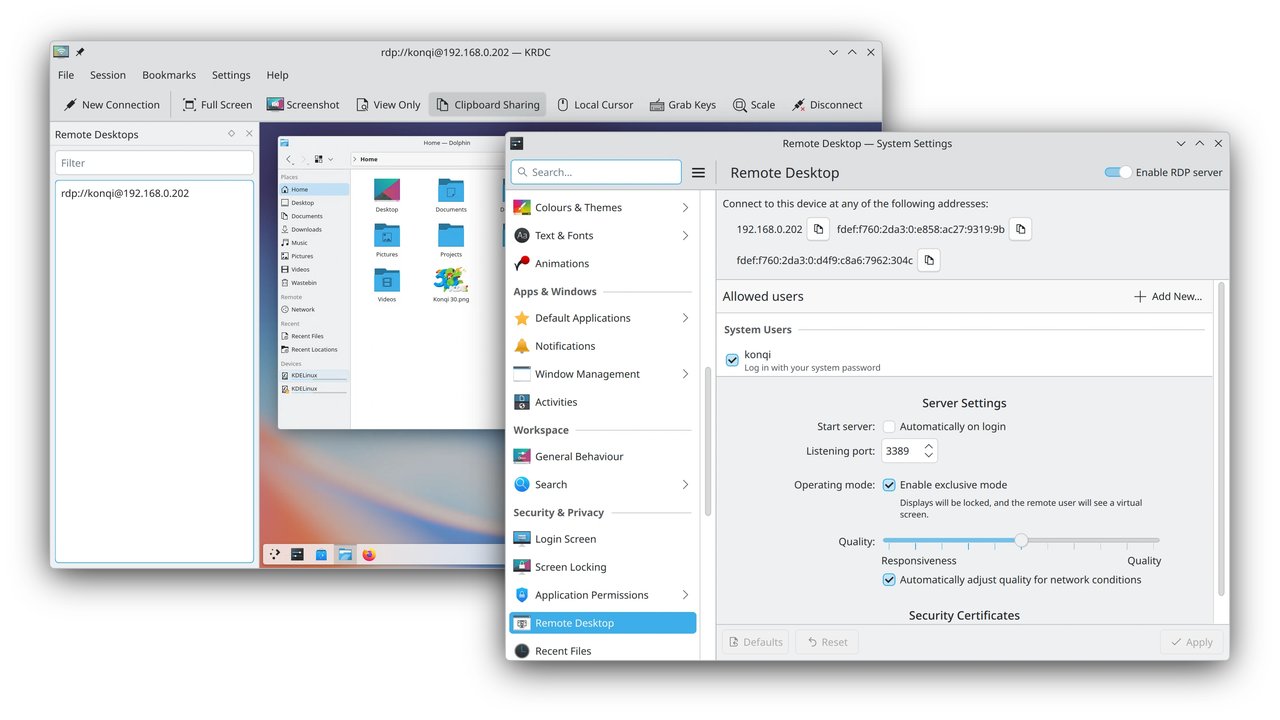
Figure: The rebuilt Remote Desktop settings panel in Plasma 6.8, with KRDC running alongside it.
And the screen-sharing portal gained the ability to request a custom resolution for the virtual display — which matters directly to the multi-monitor setups that were already the most fragile part of this release.
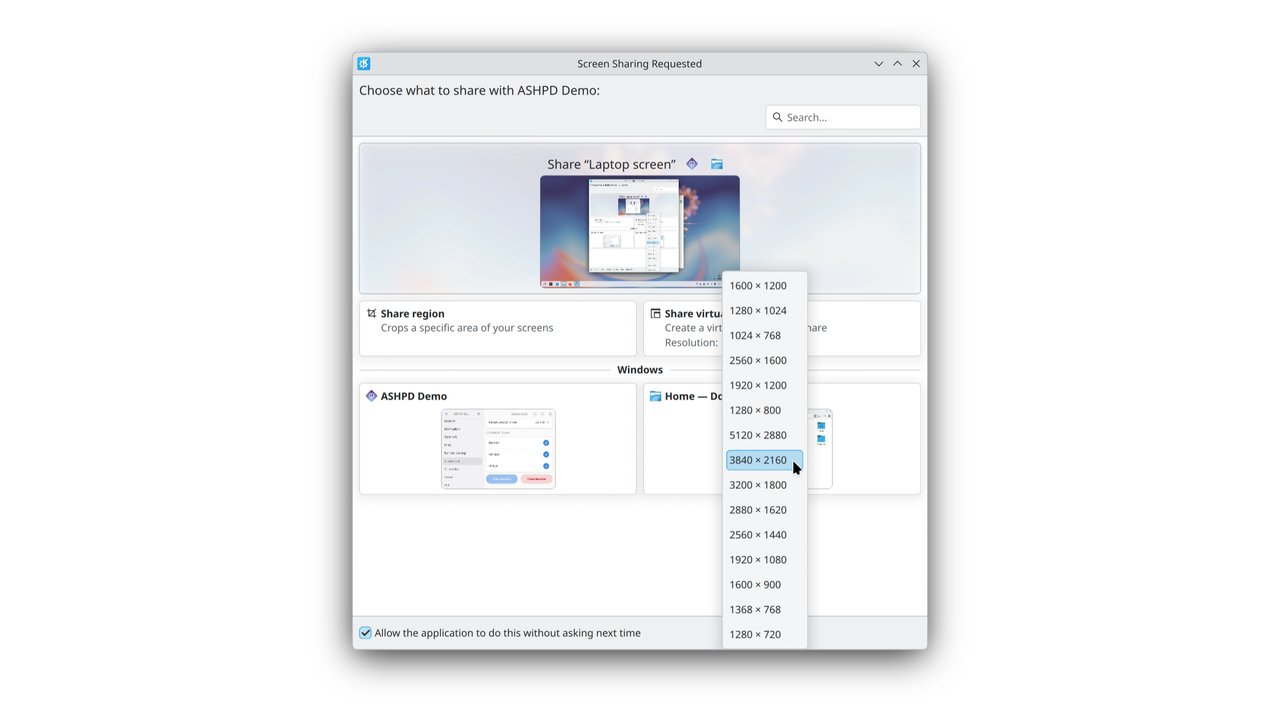
Figure: The Plasma 6.8 screen sharing portal, offering a custom resolution for the virtual display.
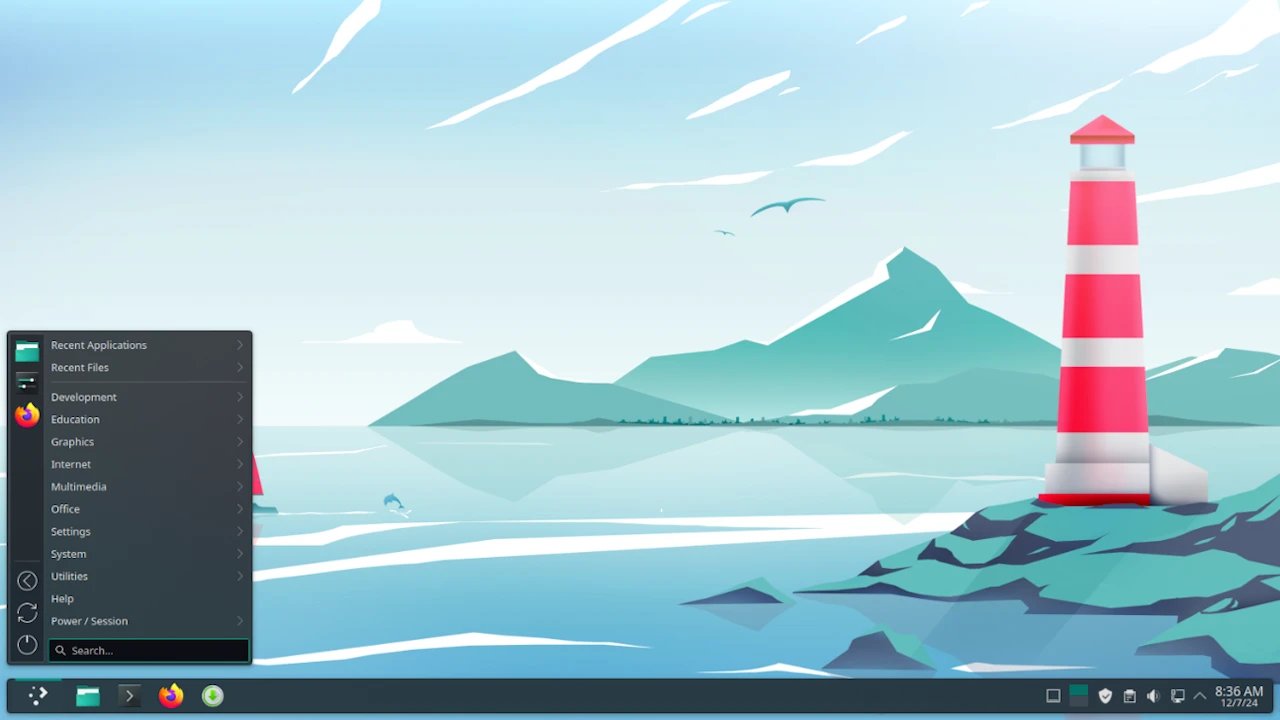
Figure: The Manjaro KDE Plasma edition as it appears on the official download page.
Your pre-flight checklist before upgrading
1. Move off the end-of-life 7.2 kernel
The Linux 7.2 series reached end-of-life at 7.2.15. Manjaro ships 7.3.4 as the default, and also carries 6.1.192, 6.6.162, 6.12.117, 6.18.63 and 7.4-rc2. If you are still on 7.2, install 7.3 or an LTS branch such as 6.18:
sudo mhwd-kernel -i linux73The 6.18 LTS branch is the conservative choice — it is the one to pick if your hardware has an unusual combination of GPU and monitor that you would rather not debug on the day of the upgrade.
2. Update the security-sensitive packages immediately
Two separate security items ship inside this release and both deserve a fast response.
Compromised CA certificates. Several eMudhra intermediate CA certificates were compromised. Systems without the updated bundle are susceptible to man-in-the-middle attacks. You need:
ca-certificates-mozilla ≥ 3.131.1-1PHP remote code execution. PHP versions before 8.5.12 and 8.3.36 are affected by CVE-2026-109618 and CVE-2026-109619. Any publicly exposed PHP application on an affected version should be upgraded immediately:
php ≥ 8.5.12
php-legacy ≥ 8.3.36
3. Rebuild AUR Python packages for Python 3.14
The move to Python 3.14 breaks AUR packages that install files into site-packages or link against libpython3.13.so. Find the affected packages and rebuild them:
pacman -Qoq /usr/lib/python3.13/
pamac build $(pacman -Qoq /usr/lib/python3.13)
checkrebuild
pamac clean --build-files
If you maintain virtual environments pinned to Python 3.13, recreate them against 3.14 rather than trying to patch them in place.
4. Review TPM2 + LUKS measurements
This one is niche but it bites hard when it does. mkinitcpio 42-1 added a service to the systemd boot hook chain, which changes the measured PCR values (0–7, 9, 12–14). If you unlock a LUKS-encrypted volume with TPM2 and your boot flow depends on those measurements, you must re-enroll the TPM2 keys after the update.
Recommended upgrade routine for long-idle systems
If your machine has not updated in a while, Manjaro recommends a more deliberate sequence than a straight pacman -Syu:
# 1. Record your foreign (AUR) packages
pamac list --foreign > ~/alien-pkgs.txt

# 2. Remove them for now
pamac remove $(pamac list --foreign --quiet)

# 3. Drop orphans and unneeded packages
pamac remove --orphans --unneeded

# 4. Refresh keyrings
sudo pacman -Syy manjaro-keyring archlinux-keyring

# 5. Simulate the update and read the output
pamac update --dry-run

# 6. Run the real update, then reboot
pamac update
reboot

# 7. Reinstall the foreign packages you actually need
Do review any .pacnew files after the update — the configuration changes in a release this size are not cosmetic.
Known issues you may hit
Screen flickering or a black screen while moving the mouse. Reported with Plasma 6.8.2 on some NVIDIA configurations. The workaround is to force software cursor rendering:
mkdir -p ~/.config/plasma-workspace/env
echo 'export KWIN_FORCE_SW_CURSOR=1' > ~/.config/plasma-workspace/env/kwin-cursor.sh
chmod +x ~/.config/plasma-workspace/env/kwin-cursor.sh
Restart afterwards. One user hit this on an older NVIDIA GT730 running nouveau under both 7.3 and 6.18.
A 30-second delay at boot. A PulseAudio service may be crashing and holding up startup. Moving to PipeWire resolves it:
sudo pacman -Syu manjaro-pipewireNVIDIA multi-monitor issues. Reports affect the newest 615/620 driver series. NVIDIA has issued internal bug 7126445 for page-flip timeouts seen in multi-monitor setups on 620.70.06, and was still trying to reproduce internally at the time of the release. One workaround worth testing before you panic: connect the second monitor after boot. The timing of these reports overlaps with the X11-to-Wayland transition, so it is genuinely unclear whether the driver or the session change is responsible — test your specific multi-monitor arrangement under Wayland before and after the update, since that is the only way to tell.
A virtual keyboard appears at the login screen. Edit /etc/sddm.conf.d/virtualkeyboard.conf, blank the file and save it.
Downloading the 27.0 ISOs
The official download page is at https://manjaro.org/products/download/x86. The 27.0 installation images live on the project’s own CDN, in both a full and a minimal variant, and each desktop ships with two kernel options — 7.3 (current) and 6.18 (LTS):
https://download.manjaro.org/kde/27.0/manjaro-kde-27.0-261123-linux73.iso
https://download.manjaro.org/kde/27.0/manjaro-kde-27.0-minimal-261123-linux618.iso
https://download.manjaro.org/gnome/27.0/manjaro-gnome-27.0-261123-linux73.iso
https://download.manjaro.org/xfce/27.0/manjaro-xfce-27.0-261123-linux73.iso
Signature files and checksums are published alongside the ISOs. The official editions are KDE, GNOME and Xfce; the community maintains Cinnamon, i3, Sway, COSMIC, Deepin, Budgie and LXQt builds.
Existing users do not need to reinstall. Like any rolling distribution, a full system upgrade moves you to 27.0 — the ISOs exist for new machines.
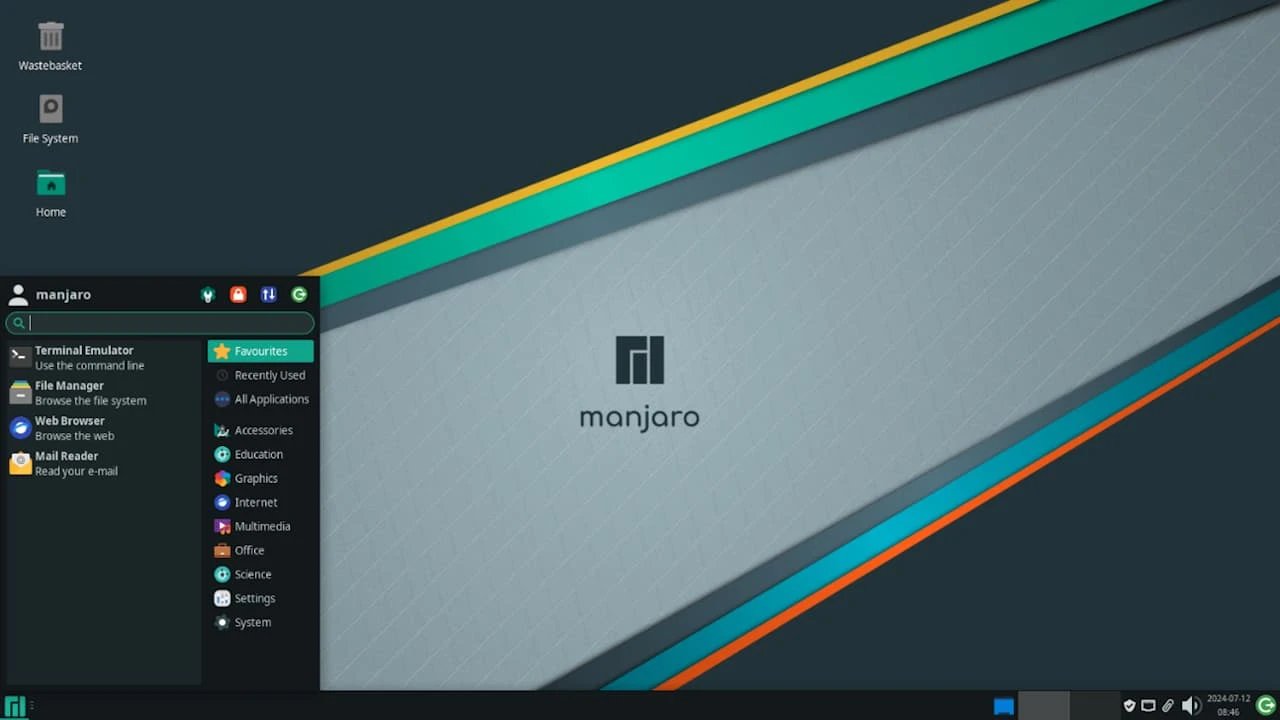
Figure: The Xfce 4.20 edition of Manjaro 27.0, as previewed on the official download page.
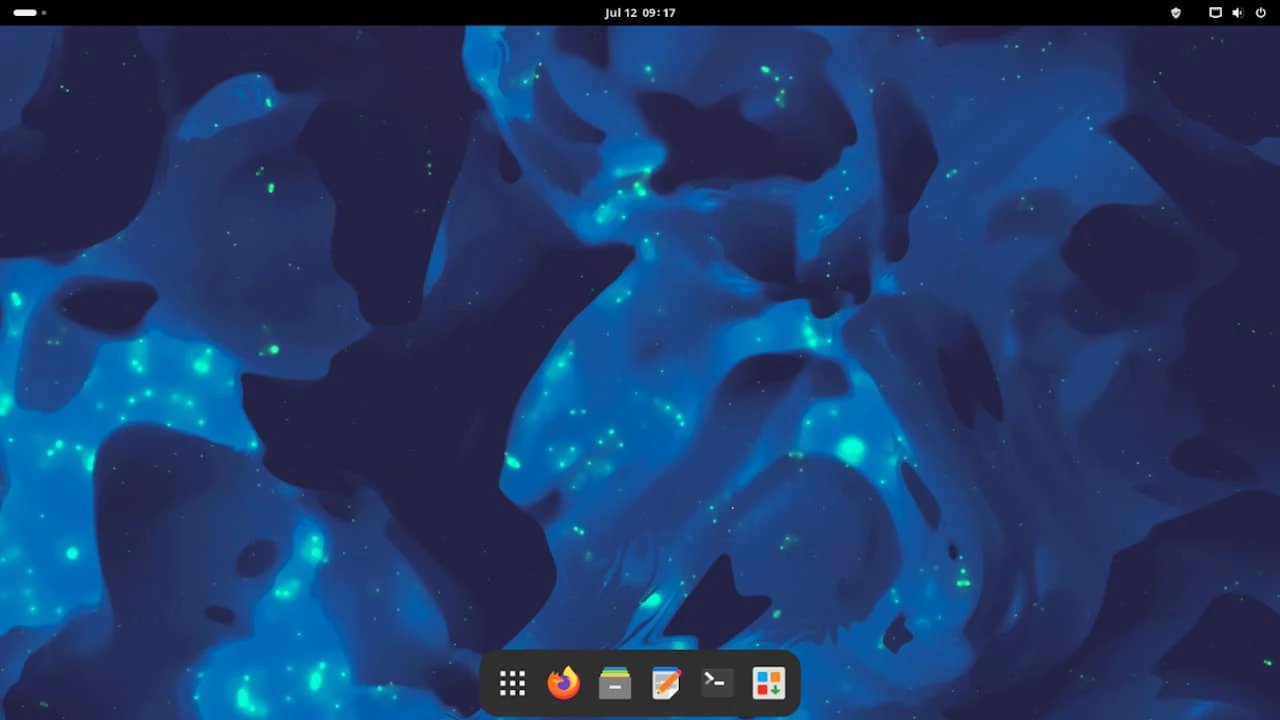
Figure: The GNOME 51 edition of Manjaro 27.0, as previewed on the official download page.
What GNOME 51 brings to the same release
The GNOME edition moves to GNOME 51.1, which is a bugfix point release rather than a forced-migration release — nothing in the notes demands an action from you. But the underlying 51 series is what the KDE, Cinnamon and COSMIC users are effectively running alongside, and it is worth knowing what arrived in it. The Bazar software store, the new screen-sharing and remote-desktop plumbing, the Calendar event editor, and the Loupe image viewer property panel all land in this generation.
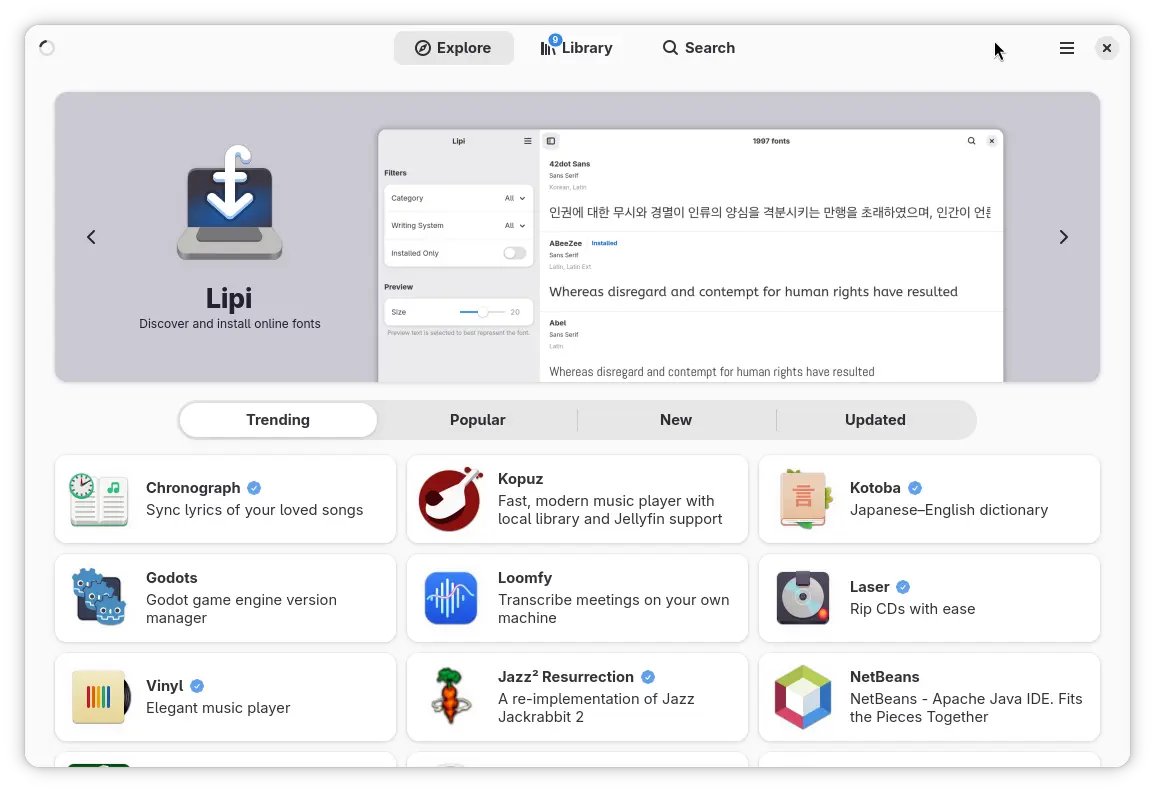
Figure: The Bazar software store in GNOME 51, from the official GNOME release notes.
Manjaro Project e.V.: the governance story behind the release
The structural news arrived alongside the software. Manjaro Project e.V. is now an officially registered and fully legal nonprofit organisation in Germany, completely independent of the commercial Manjaro GmbH & Co KG company. A governing council (General Assembly) has been established with seven of the most active community members sitting on it.
The stated direction is a transition toward community-led governance. Read alongside the Forgejo migration — the project has mostly finished moving its development repositories off GitLab onto a self-hosted instance — and the picture is a distribution that is deliberately reducing its dependence on commercial infrastructure and moving its technical and legal footing toward the community.
That matters more than it sounds for an Arch-based distribution with a deserved reputation for governance friction. Manjaro has had its share of community drama over the years, and an institutional structure with an elected-style council is a materially different thing from a company-backed project with an advisory board. It does not guarantee anything, but it does change who actually holds the decisions.
The verdict
Manjaro 27.0 is a good release with two sharp edges, and both edges are well documented by the project itself — which is to be credited. The Plasma X11 cutoff is the one that will generate forum traffic, because it is the first change in years that can leave someone staring at a TTY wondering what happened. The advice is simple and it works: log out to Wayland or a TTY first, install kernel 7.3 or the 6.18 LTS branch, swap SDDM for Plasma Login Manager, and update your CA certificates and PHP immediately.
Then there is the quieter story. A distribution that has spent years as one of the most-used Arch derivatives is turning itself into a community-governed nonprofit with its own forge. That is a more consequential change than any of the version numbers above, and it is worth watching how the new structure handles the next difficult decision.
The official announcement is on the Manjaro forum at https://forum.manjaro.org/t/stable-update-2026-11-23-gnome-51-plasma-6-8-cinnamon-6-8-cosmic-1-11-0/191404, and the download page is at https://manjaro.org/products/download/x86.
Comments