
title: “How to Try antiX 26 (Stephen Kapos) on Linux in 2026”
date: 2026-09-22
category: Linux Distros
tags: [antiX, Debian Trixie, systemd-free, runit, lightweight Linux]

Figure: AI-generated illustration. Real antiX 26 screenshots were unavailable at time of writing.
If you’ve been on Linux long enough, you remember when distributions shipped
in 180 MB ISOs, ran on 256 MB of RAM, and refused to drag you into a
systemd-shaped present. The antiX project — a Debian Stable offshoot that
reached its 26th release this March — is one of the last holdouts of that
philosophy. antiX 26 “Stephen Kapos” is a 660 MB systemd-free spin of
Debian 13 “Trixie” with five init systems, four window managers, and a
custom 5.10 / 6.6 kernel baked in. It’s not for everyone. It might be
exactly what you’ve been missing.
What antiX 26 actually ships
The release was announced on 2026-03-21 and published to the SourceForge
mirrors on 2026-03-28, with the codename Stephen Kapos honouring the
late anti-fascist activist. The headline number is size: the Core
ISO is roughly 660 MB and the Full ISO is around 2 GB, both available
for x86_64 and i386. That Core ISO boots into a usable IceWM desktop
in under 30 seconds on modest hardware and is the smallest of any
Debian-based distro shipping today.
Two architectural choices define the rest:
- No systemd. The release notes are explicit: antiX 26 ships without
systemd/libsystemd0and withoutelogind/libelogind0. Device
hotplug is handled by eudev, an independently maintained fork of udev. - Five init systems. Rather than pick one, antiX integrates all five,
with runit as the default:runit,sysVinit,dinit,s6-rc,
ands6-66. This is the work of contributor ProwlerGR, who also
shipped the experimental turnstile. The integration is genuinely boot-
time selectable — pick the init at the boot prompt and the same image
boots under any of them.
The “no systemd” framing isn’t ideological posturing; it’s a hard
constraint that lets you boot a Trixie-base system with pidof semantics,
traditional /etc/init.d/ scripts, or s6’s process supervision as you
prefer. If you’ve ever hit a Debian regression because a service
transitioned to a systemd unit you couldn’t reverse, antiX is the escape
hatch.
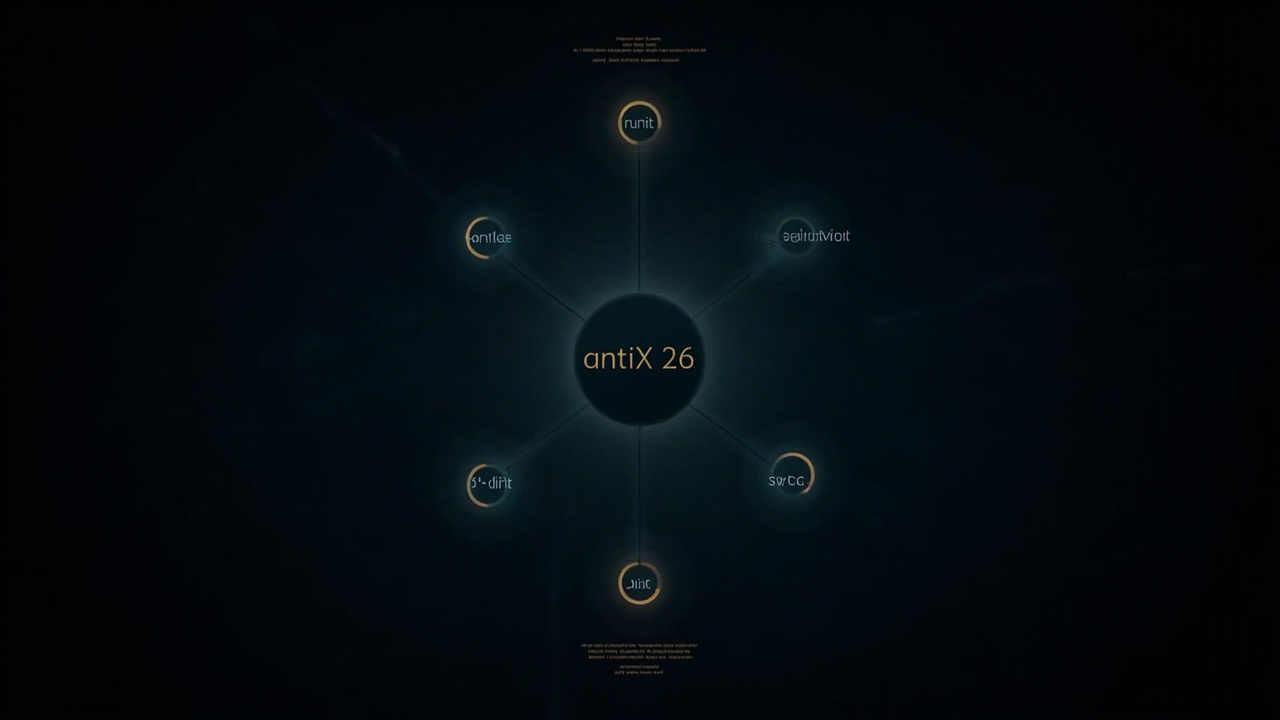
Figure: AI-generated infographic. Real antiX 26 init-diversity artwork was unavailable at time of writing.
The desktop story
antiX 26 ships four window managers and zero full desktop environments:
- IceWM (default) — a classic taskbar-and-traybarer that’s been the
antiX default since version 19. Configurable, themeable, 30 MB of RAM
with a full session. - Fluxbox — the older alt-tab favourites-key workflow.
- JWM — Joe’s Window Manager, even lighter than IceWM.
- Herbstluftwm — a manual tiling WM, useful for users migrating from
i3.
There is no GNOME. No KDE. No Xfce. This is the trade: you get a 660 MB
ISO, but you give up the desktop shell. The release notes are candid
that the included customisation layer — antiX’s “magic” — is a GTK-based
antiX Control Centre plus a Qogir icon theme and the arc-evopro2
theme. If you want a panel, you wire one up yourself; if you want a
system tray, you wire one up yourself. This is intentional.
The default application set is a curated mix: Firefox ESR as the
browser, Claws Mail for email, LibreOffice for documents,
Celluloid and mpv for video, Evince for PDFs, Geany as
the GUI editor. There is no Snap store, no Flatpak integration, no
AppImage launcher — the release notes explicitly exclude both because
both depend on elogind at runtime, which antiX also excludes.
The kernels
antiX 26 includes two custom kernels rather than the upstream Debian
one:
- 5.10.240 (LTS) — for older 32-bit and 64-bit hardware.
- 6.6.119 (LTS) — for modern 64-bit only.
Both are compiled in-house with antiX-specific patches for compatibility
with the broad hardware range — including, importantly, a 32-bit
profile that Debian itself dropped from its main archive. If you’re
reviving a 2008-era ThinkPad, this is one of the few actively maintained
distros that will boot it without gymnastics.
How to actually try antiX 26
The official download is on SourceForge at
https://sourceforge.net/projects/antix-linux/files/Final/antiX-26/.
The two ISOs to choose between:
antiX-26-full-x64.iso(~2 GB) — every WM, every default app.antiX-26-core-x64.iso(~660 MB) — bare essentials; you install
everything else yourself.
Once written to USB (use Rufus on Windows, dd or Ventoy on
Linux), the boot prompt lets you pick:
- The init system —
runit,s6-rc,s6-66,dinit, orsysVinit. - The window manager — IceWM, Fluxbox, JWM, or Herbstluftwm.
- Whether to run live or install.
The install itself is the time-honoured antiX installer — ncurses-based,
straightforward, no surprises. The post-install is where antiX shines:
the antiX Control Centre gives you one-click access to the Repo
Manager, Package Installer, Network Assistant, User
Manager, Boot Repair, iso-snapshot for live-USB persistence,
and ddm-mx for NVIDIA driver installation.
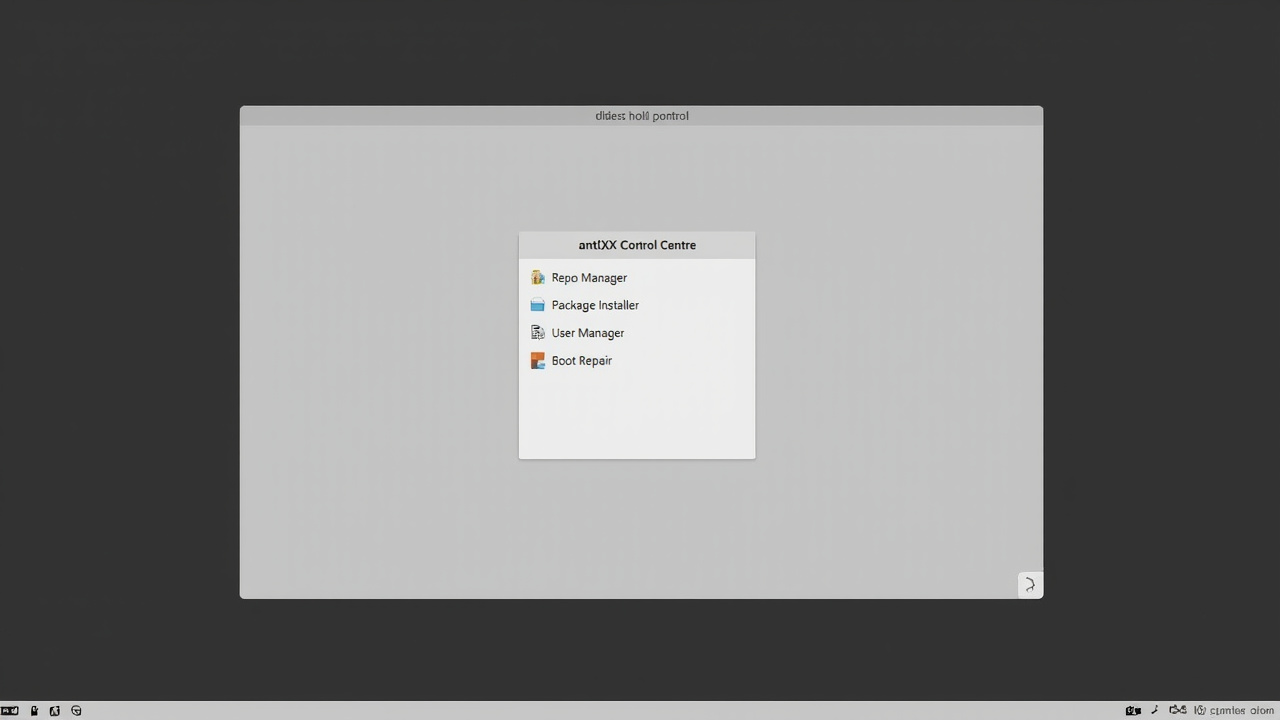
Figure: AI-generated illustration. Real antiX control-centre artwork was unavailable at time of writing.
What to expect after install
A few real-world notes from running antiX 26 in 2026:
- Package freshness is Debian Stable. Trixie is now the stable
branch as of mid-2025, so apt pulls from a current pool — Firefox ESR
is recent, the Mesa stack is current, but you will not get bleeding-edge
kernels or KDE 6.x by default. The custom 6.6 kernel is the only one. - No Snap, no Flatpak. Some upstream packages — VS Code, Discord,
Spotify — expect Flatpak. You either pull Debian-native equivalents
(Code-OSS, web-based Discord, Spotify via the official APT repo) or
compile from source. - PipeWire is included on the 64-bit Full ISO. Audio “just works” on
modern hardware. The 32-bit Full ISO still ships ALSA, which is
appropriate for the era. - The forum is unusually helpful. antiX’s long-running
anticapitalista-led forum is the canonical support channel. There is
no paid support tier; it’s all community.
Who should try antiX 26
This is the honest scorecard:
- ✅ Resurrecting old hardware — 660 MB Core, 256 MB RAM happy,
32-bit supported, runs on 2008-era laptops. - ✅ systemd sceptics — five real init choices, not marketing.
- ✅ Trixie fans who want lighter than Debian proper — same repos,
same package quality, smaller footprint. - ❌ GNOME / KDE users — there is literally no DE in this ISO.
- ❌ Snap / Flatpak-only software users — you’ll need workarounds.
- ❌ Anyone who needs a Linux phone-style polished UX — this is
tool-first, prettify-second.
Verdict
antiX 26 is the kind of release that makes you remember why you started
using Linux in the first place. It is uncompromising, small, current,
and well-maintained. The choice of five init systems is a genuine gift
to anyone who cares about process supervision semantics, and the
exclusion of systemd / elogind is principled rather than performative.
The Core ISO at 660 MB is half the size of the nearest mainstream
competitor and twice as fast to boot on the same hardware.
If you’ve been meaning to put a real Linux on that old ThinkPad collecting
dust in the closet, antiX 26 is the answer in 2026. If you’re already
on a GNOME workflow, it is not — and the project is honest about that
too.
Official site: antixlinux.com ·
SourceForge mirror: sourceforge.net/projects/antix-linux
All three illustrations in this article are AI-generated; real antiX
screenshots were unavailable from the project’s CDN at time of writing.
Comments