
title: “How to Install Zed 1.20 on Linux in 2026”
slug: zed-editor-linux-2026
date: 2026-09-21
category: linux-software
tags: [code-editor, zed, rust, linux-software, developer-tools]
hero_image: body-images/hero.jpg
How to Install Zed 1.20 on Linux in 2026
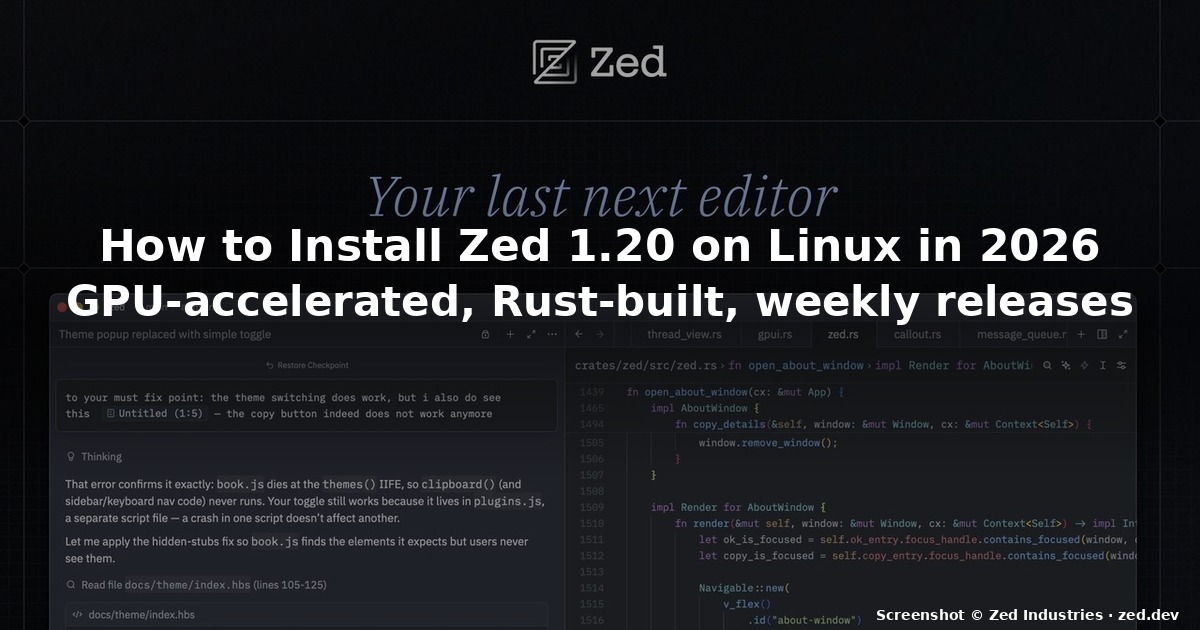
If you have been waiting for a serious, GPU-accelerated code editor that does not come from Microsoft, Zed has quietly become the answer. The 1.20 series is shipping on a weekly cadence on the stable channel — release 1.20.1 dropped on September 16, 2026, just a few days before this article — and the editor now installs cleanly on every mainstream Linux distribution without the previous “preview-only” caveats. This guide walks through every supported install path on Linux in 2026, then walks you through the first-run configuration so the editor is actually pleasant to type in.
What Zed actually is
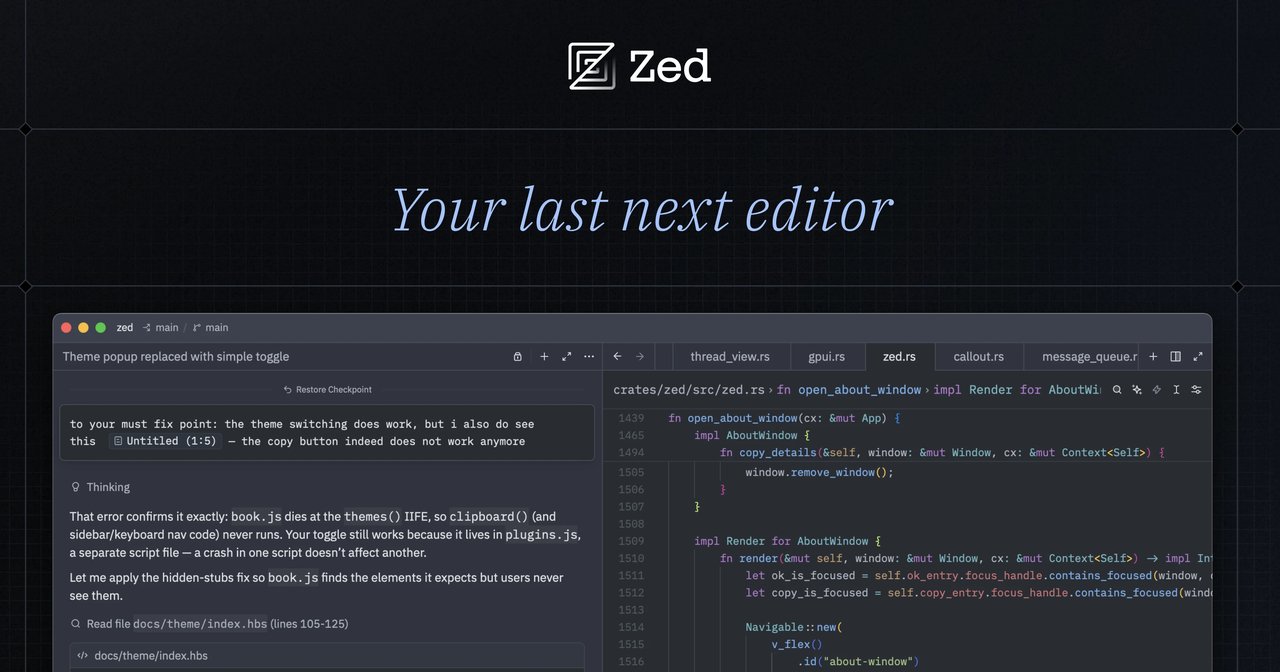
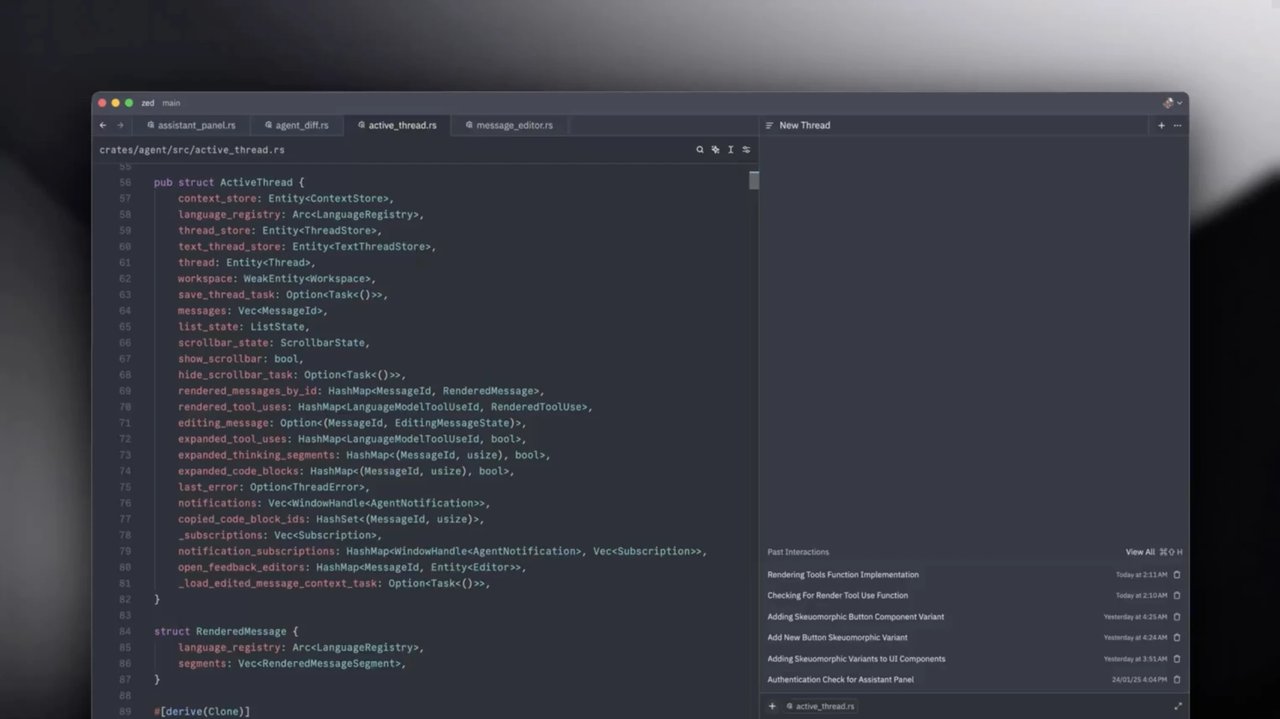
Zed is a code editor written from scratch in Rust by the original team behind Atom. Nathan Sobo and the other co-founders of Zed Industries set out to build an editor that uses every CPU core and every byte of GPU memory available on the host. In practice that means:
- Sub-millisecond keystroke latency on modern hardware, even with large files
- Native language server support without the Electron wrapper that VS Code carries
- Built-in collaboration for editing the same buffer with another person in real time
- A native debugger built on the Debug Adapter Protocol, so most VS Code debugger extensions work out of the box
- An agentic editing panel that lets you run multiple AI coding agents in parallel against the same workspace
Unlike Helix, which has effectively stalled for over a year — the last official Helix release shipped in July 2025 and the maintainers’ discussion threads in mid-2026 openly talk about “abandoning Helix” — Zed is shipping every week. If you tried Zed when it was a Mac-only preview and bounced off, the September 2026 stable release is the right time to come back.
The 30-second install (recommended)
The fastest supported path on Linux is the official install script. It detects your distro, registers the right package repo, and drops a zed binary on your PATH:
curl -f https://zed.dev/install.sh | shThat is the entire command. The script writes ~/.local/bin/zed (and adds it to your shell PATH if it is missing), and registers a desktop entry so Zed appears in your application menu.
If you want the preview channel — which receives builds about a week ahead of stable — set ZED_CHANNEL=preview before the script runs:
curl -f https://zed.dev/install.sh | ZED_CHANNEL=preview shRun zed --version after install. On the current stable channel you should see something like Zed 1.20.1 plus the Git commit hash.
Other supported install paths
The curl | sh script is the lowest-friction option, but it is not the only one. Pick the path that matches your distro’s package conventions.
Flatpak (Flathub)
If you prefer sandboxed, auto-updating packages, Zed is published on Flathub as dev.zed.Zed:
flatpak install flathub dev.zed.Zed
flatpak run dev.zed.Zed
The Flathub build updates on the same weekly cadence as the official install script. This is the cleanest option on immutable distros like Fedora Kinoite, KDE Linux, or AerynOS, where adding a third-party repo is more friction than it is worth.
Arch / Manjaro
Zed is in the official Arch repositories:
sudo pacman -S zedFor the preview channel, the AUR has zed-preview and zed-git. Use whichever your makepkg wrapper (yay, paru) supports:
paru -S zed-previewFedora / Ultramarine
Terra, the Fedora third-party repo, ships zed and zed-preview:
sudo dnf install zedNixOS / Nix
Zed is in nixpkgs as zed-editor. It is currently marked unstable because the package rebuilds quickly, but it tracks the same weekly releases:
nix-shell -p zed-editor
# or, declarative in configuration.nix:
# environment.systemPackages = [ pkgs.zed-editor ];
On NixOS without nix-ld enabled, the upstream binary may refuse to start because it expects glibc. If you see a GLIBC_2.X not found error, install the nix-ld package and add the appropriate interpreters:
programs.nix-ld.enable = true;
programs.nix-ld.libraries = with pkgs; [
  (pkgs.callPackage ./nix-ld-glibc.nix { })
];
Portable tarball
If you are on RHEL/AlmaLinux/Rocky 8.x — Zed does not ship binaries for those — or on an architecture that is not x86_64 / aarch64 (32-bit, RISC-V, etc.), grab the tarball:
mkdir -p ~/.local/bin
curl -fLO https://zed.dev/api/releases/download/zed-linux-x86_64.tar.gz
tar -xzf zed-linux-x86_64.tar.gz
ln -s "$(pwd)"/zed.app/bin/zed ~/.local/bin/zed
The zed binary inside the tarball is self-contained; it does not need anything else from the system besides glibc 2.31+ and a working Wayland or X11 session.
First-run configuration
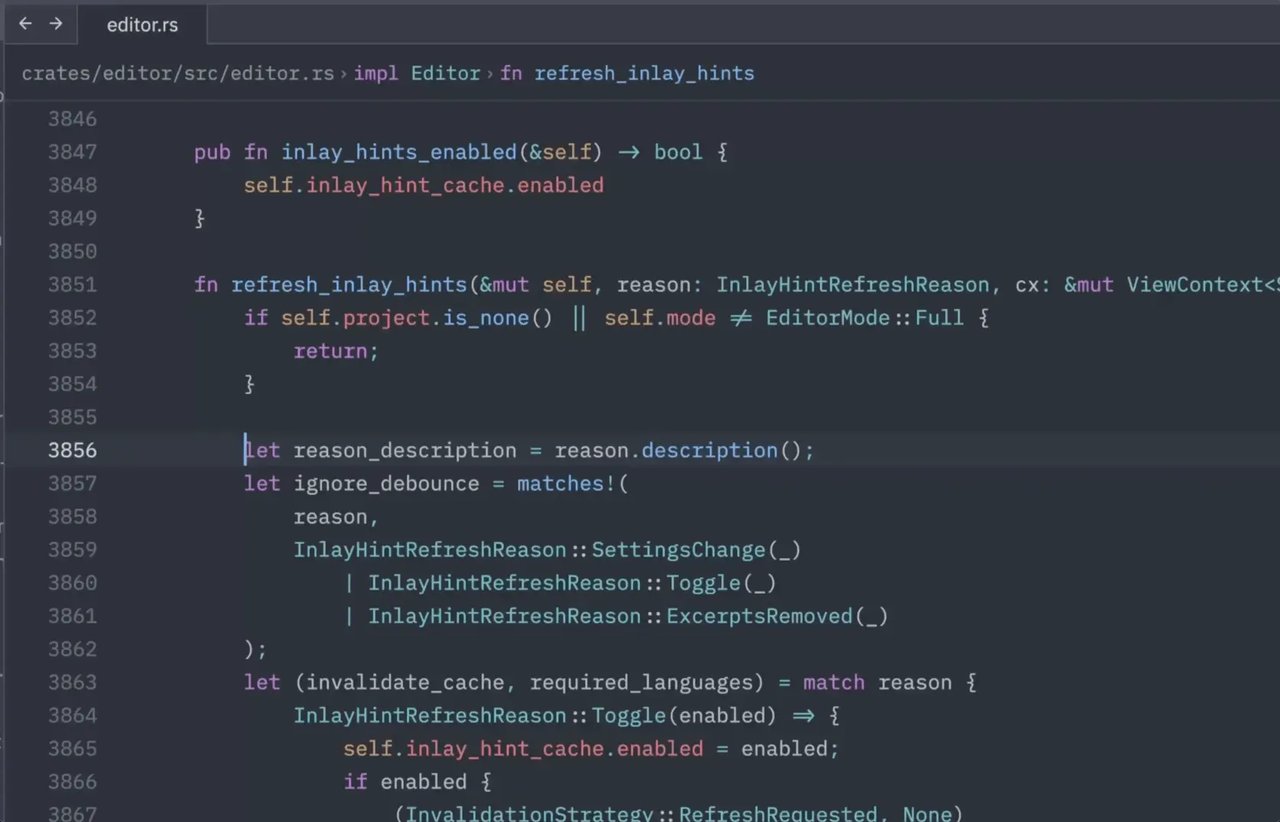
Zed is configured from ~/.config/zed/settings.json. The defaults are sane, but three settings earn their place in a 2026 setup:
{
  "telemetry": { "diagnostics": false, "metrics": false },
  "format_on_save": "on",
  "code_actions_on_format": true,
  "terminal": {
    "shell": { "program": "/usr/bin/zsh" },
    "working_directory": "current_project_directory"
  },
  "ui_font_size": 15,
  "buffer_font_size": 14,
  "theme": "One Dark"
}
A few notes:
- Telemetry off — Zed is open source and respects your privacy by default, but the JSON key is what your future self will grep for when configuring a fresh box.
- Format-on-save + code-actions-on-format — pair nicely with
rust-analyzer,gopls,pyright, andtypescript-language-server. If your language server can format your code, this lets it. - Terminal shell — Zed has a built-in terminal that opens with backtick. Pointing it at zsh or fish (instead of the login-shell default) skips the interactive login noise every time you spawn a new pane.
Keybindings
Vim mode is the default if you have EDITOR=vim set in your environment; otherwise, Zed uses its native modal bindings. To force a mode explicitly:
{
  "vim_mode": true,
  "base_keymap": "VSCode"
}
The base_keymap setting chooses what platform’s defaults Zed mimics for non-Vim shortcuts — VSCode, JetBrains, Atom, or Sublime Text. If you are migrating from VS Code, VSCode keeps the muscle memory intact.
Extensions
Zed’s extension system is in a different place from VS Code’s. Most of what you would have installed as an extension in VS Code is built in to Zed — themes, language servers for 60+ languages, formatter integration, source-control support. The remaining few things you actually need to install are in the extensions panel (Ctrl+Shift+X or Cmd+Shift+X): typically a language-specific debugger adapter, or a Vim mode enhancement.
What changed in the 1.20 series
The 1.20 line is mostly quality-of-life:
editor: wrap with abbreviation— full Emmet wrapping support, which is the single most-asked-for feature from web developers coming from VS Code.Open Markdown files directly in rendered preview— toggle in settings, useful if you keep anotes.mdpinned.- Configurable window title formatting —
window_titlenow takes a template string with{filename},{project}, and{git_branch}placeholders, so tiling-WM users can stop gluing tmux status lines together. - Optional cursor animation — small touch, but the animation is finally smooth enough that you do not want to turn it off.
- Improved language server request routing for dynamically registered document selectors — fixes a long-standing class of bugs where the wrong language server would attach to a freshly created file extension.
- C23
constexprsyntax highlighting, Go control-flow highlighting, and Markdown syntax fixes for embedded languages like JavaScript inside HTML.
If you tried Zed in early 2026 and bounced off because something felt rough, the September 2026 release is the point where most of those edge cases have been smoothed out.
When Zed is not the right choice
Honest take. Zed is not a good fit if:
- You depend on a specific VS Code extension that has no Zed equivalent and no community port. A handful of niche debugging adapters and a few proprietary cloud extensions still only exist for Code.
- You are stuck on RHEL 8 / AlmaLinux 8 / Rocky 8 / Amazon Linux 2. Zed does not ship glibc-compatible binaries for those releases — you would have to compile from source.
- You need a mature, fully-featured Java or Kotlin debugger today. Zed’s DAP integration is improving fast, but the JDTLS story is not yet at parity with VS Code + Debugger for Java.
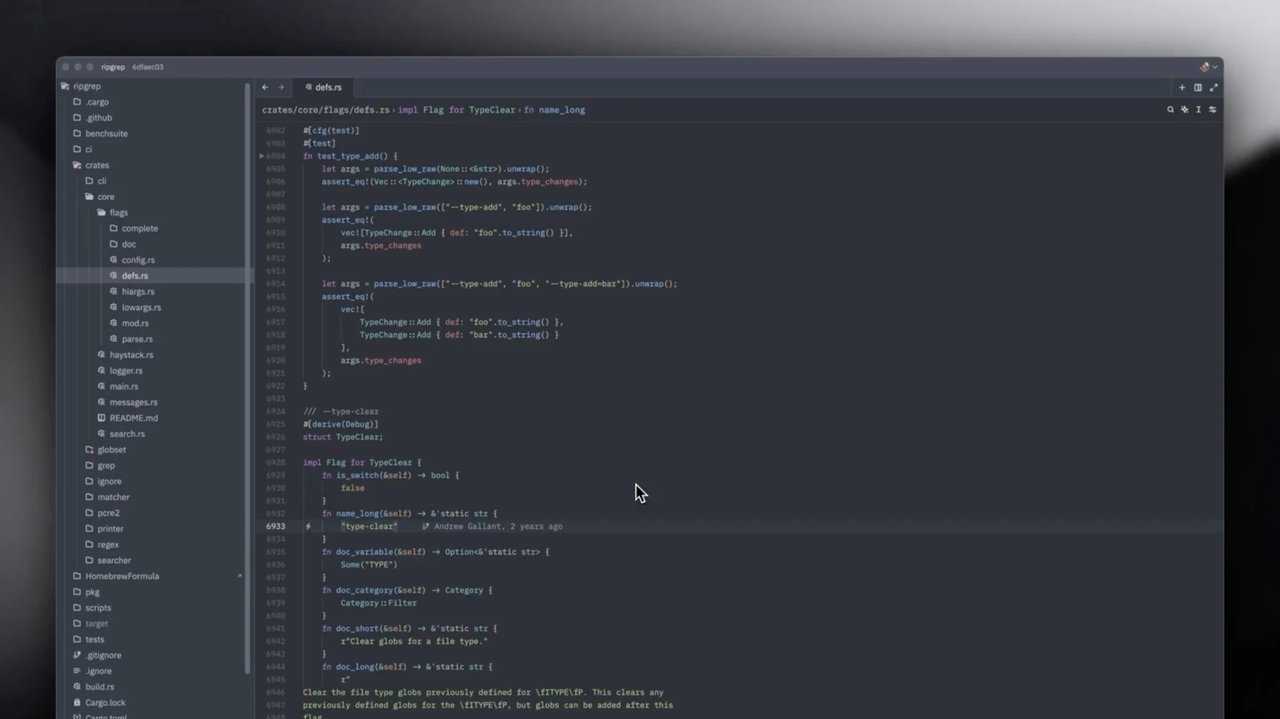
For almost everyone else — Rust, Go, Python, TypeScript, Ruby, PHP, Elixir, Lua, and most “modern web dev” stacks — Zed is now the fastest editor you can install on Linux without going through Electron or VS Code.
Verdict for 2026
Zed is no longer the “fast editor that only works on macOS.” The stable Linux build is shipping on a weekly cadence, Flatpak and AUR installs work, the language server stack is solid, and the agentic editing panel has matured enough that you can reasonably use it as your primary AI coding interface instead of a separate tool. Helix, its closest open-source competitor, has gone over a year without a release and the maintainer discussions in mid-2026 openly acknowledge the project is in maintenance mode.
If you have a “what is my next editor after VS Code” decision to make in 2026, Zed 1.20 is the right answer for most Linux users. Install it via the official script, leave telemetry off, set your shell, and you are five minutes away from the fastest typing experience available on the platform.
Official site: zed.dev
Stable release notes: zed.dev/releases/stable
Comments