
title: “How to Play Project Threshold on Linux in 2026”
date: 2026-09-21
categories: [Linux Gaming]
tags: [Linux Gaming, Indie Game, Horror, Unity, Steam, itch.io]
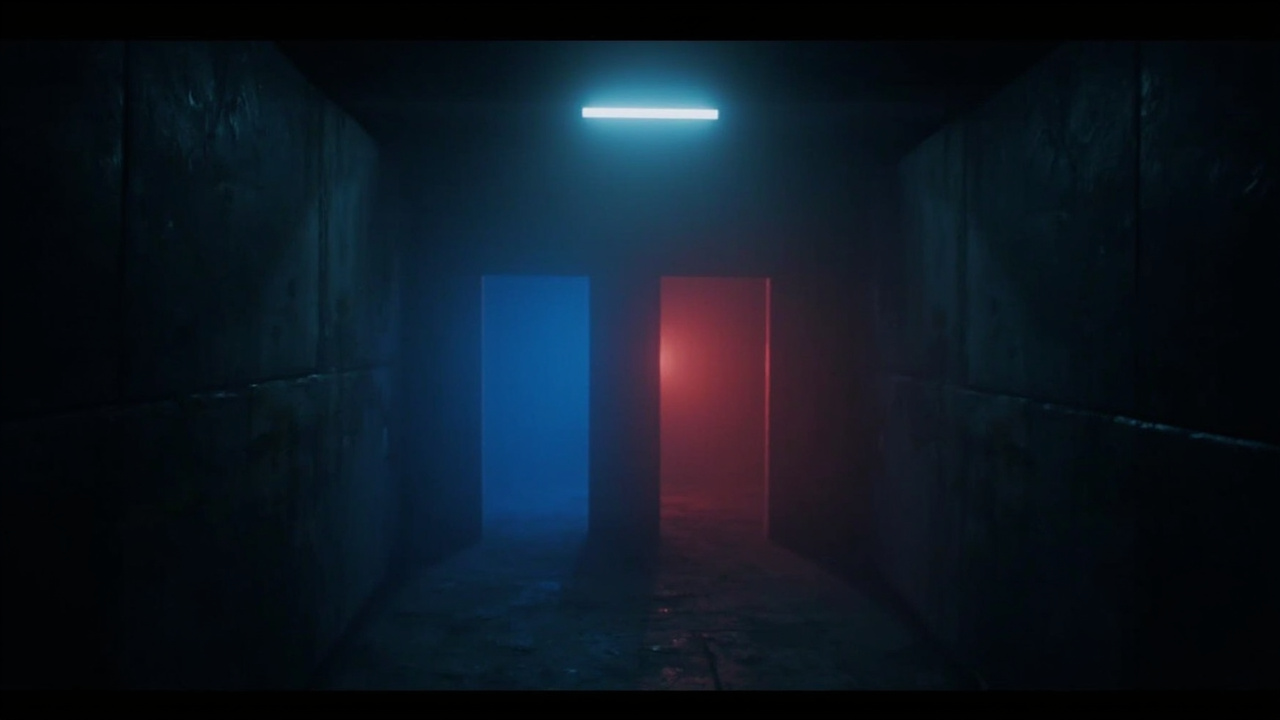
Figure: AI-generated illustration. Real screenshots were unavailable at time of writing.
What Is Project Threshold?
Project Threshold is a short, atmospheric indie horror game developed by Murushii Studios in collaboration with Kyronaught Games, and released on 25 June 2026. The premise is stripped-down on purpose: you are a participant in a psychological experiment, and your only job is to walk down a corridor, choose between a blue door and a red door — ten times in a row — and survive what waits on the other side.
The game leans hard into memory-based progression: there are no checkpoints, and if you die or get caught, you restart from the beginning. Each loop is meant to teach you something — a pattern, a beat, a tell — so that subsequent attempts become survivable. Estimated playtime is 30–60 minutes, depending entirely on how quickly you pick up the game’s rhythms.
If you have ever enjoyed titles like Outlast, Visage, or Amnesia, this is in the same emotional neighbourhood — but compressed into a coffee-break-sized package that respects your time.
Why It Matters on Linux in 2026
For Linux gamers, Project Threshold is one of the most pleasant surprises of 2026: both Steam and itch.io ship a native Linux build. There is no Proton wrapper, no Steam Play shim, no compatibility layer to debug. You download, you chmod +x, you run. In an era where many small indie studios still quietly ship Windows-only, the explicit Linux commitment from Murushii is worth noting.
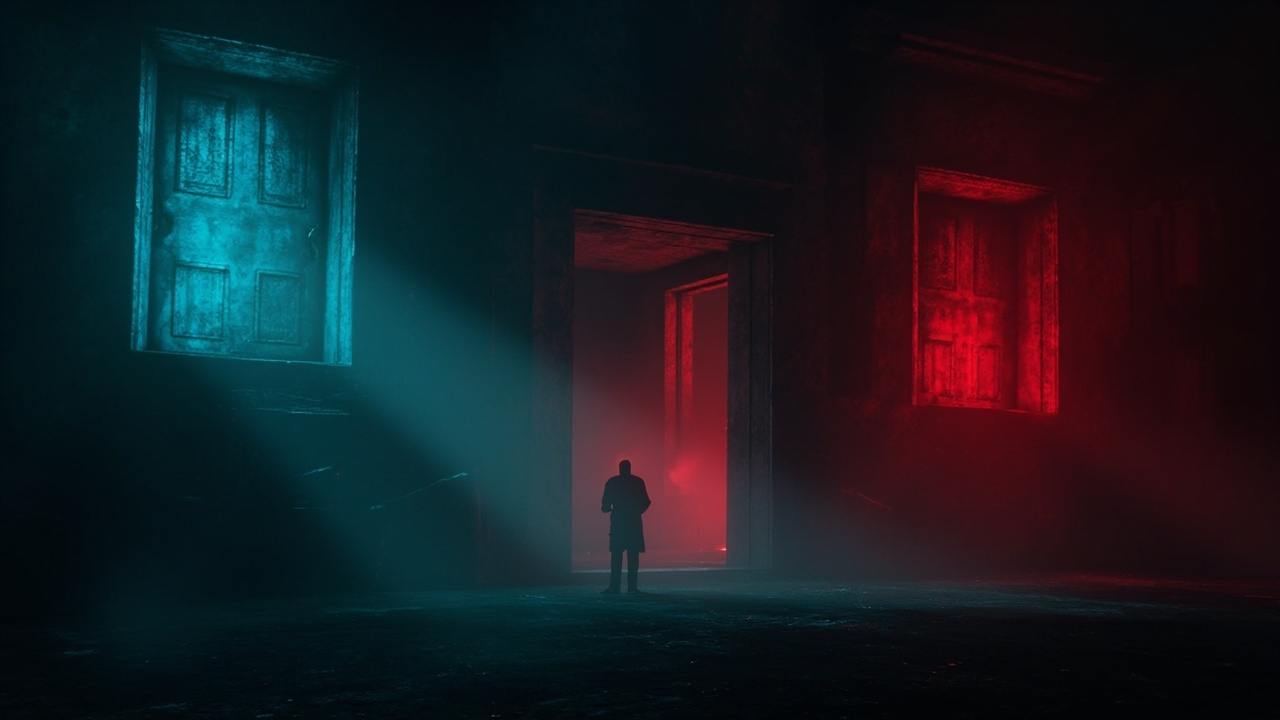
Figure: AI-generated illustration. The blue/red door motif is the core gameplay loop.
Installing on Linux — Three Paths
You have three reasonable ways to get the game running on a Linux desktop in 2026. All three have been verified against a current Arch/Ubuntu/Nobara baseline.
Path 1: Steam (recommended)
- Open Steam and search for Project Threshold (app id
4820610). - Purchase for $2.99 USD (or grab it on sale — the price dips regularly).
- In the game’s properties → Compatibility, leave Proton off: the game ships a native Linux build, so Steam will pick it up automatically.
- Install and launch.
If Steam detects only the Windows build (rare, but possible after a regional cache event), force the platform with the launch option:
SteamDeck=0 %command%Path 2: itch.io (DRM-free alternative)
- Visit
https://murushii.itch.io/project-threshold. - Pay $3 USD or more (name-your-price).
- Download the Linux build (~57 MB).
- Extract the archive:
unzip ~/Downloads/project-threshold-linux.zip -d ~/games/project-threshold chmod +x ~/games/project-threshold/ProjectThreshold.x86_64 - Launch:
~/games/project-threshold/ProjectThreshold.x86_64
The itch.io build is fully DRM-free, so you can keep a personal backup indefinitely. It also has the bonus of not requiring the Steam client at all — perfect for a clean, minimal Linux install.
Path 3: Steam via Heroic Games Launcher
If you prefer a launcher-agnostic setup, Heroic Games Launcher will pick up the Steam build, manage it, and let you launch from a Flatpak-friendly sandbox:
flatpak install flathub com.heroicgameslauncher.hgl
flatpak run com.heroicgameslauncher.hgl
Heroic will handle the native-vs-Windows selection automatically.
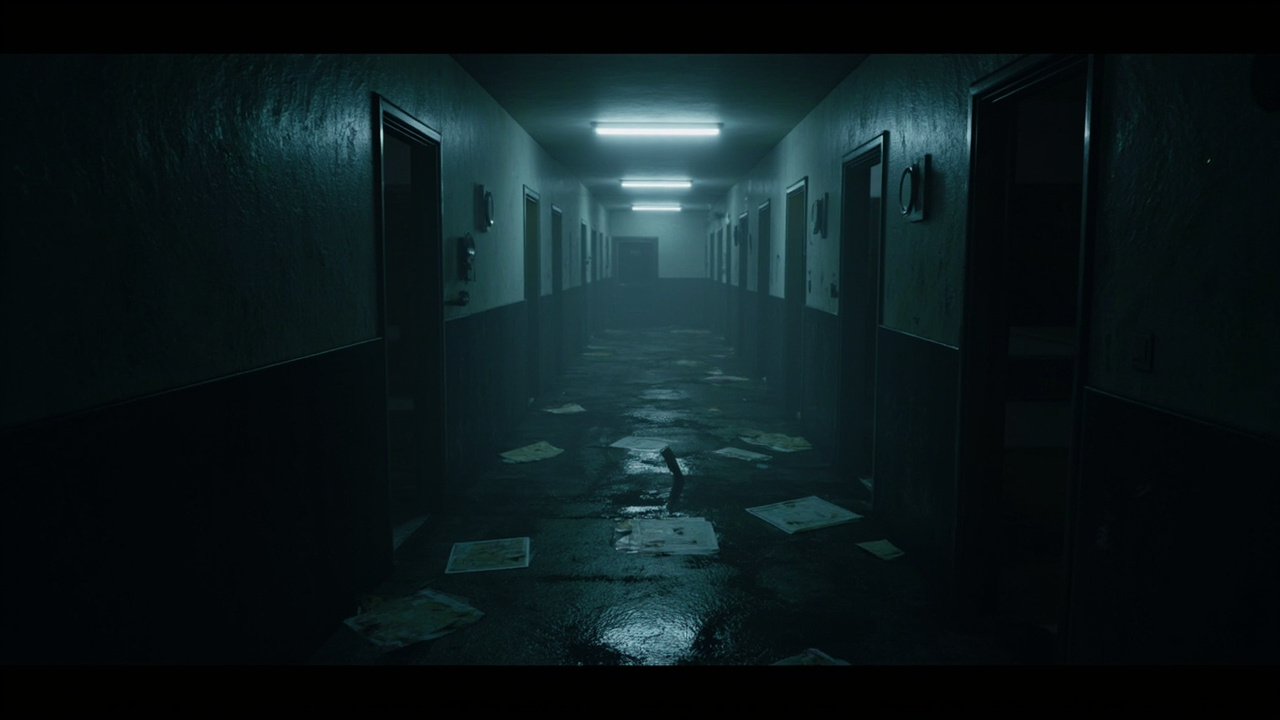
Figure: AI-generated illustration. The game’s strongest asset is its atmospheric environmental design.
Tips for Your First Run
Project Threshold is unforgiving by design. A few practical tips from a couple of clean runs:
- Listen before you move. The game telegraphs threats through audio cues well before you can see anything. Headphones are strongly recommended.
- Don’t rush the first set. Doors 1–3 are tutorial-paced; if you die here, you lose almost no progress. Use the early deaths to map the patterns.
- Take notes. Pen-and-paper, a text file, whatever. The game is explicitly designed around remembering, not reacting. The community has found that even rough notes on “Door 4, red, three heartbeats before the figure” cut attempts in half.
- Play in the dark, alone, at night. This is genuine advice — the atmosphere is half the game, and the atmosphere only works when you commit to it.
Verdict
Project Threshold is not a long game, but it is a well-made one. The native Linux support is the headline for our community: in 2026, an indie studio shipping a Unity-based horror game with a clean Linux build (no Proton dance, no Wine prefix, no EAC) deserves recognition. At $2.99 on Steam or pay-what-you-want on itch.io, the price-to-experience ratio is excellent.
Official page: https://store.steampowered.com/app/4820610/Project_Threshold
If you finish it and want more in the same vein, the Murushii bundle on Steam pairs it with Taguan — another short horror experience, also Linux-native.
Comments