
How to Track World News, Crypto & Weather From Your Terminal in 2026
If your morning routine is: open Twitter, open CoinGecko, open a weather widget, open a news site, open Slack — and you feel like you’re drowning in browser tabs — there’s a new category of Linux TUI that might fit you. Watchtower, picked as one of Terminal Trove’s “new terminal tools” in September 2026, is a Go-built, MIT-licensed dashboard that aggregates global news, crypto, prediction markets, weather, and an optional AI news brief into a single tabbed terminal interface. It is not a replacement for a real intelligence workstation — it is, as the project’s README puts it, “for the average user who just wants to stay informed without drowning in data.”
This guide walks through installing Watchtower on Linux in 2026, what each tab actually does, the data sources it talks to, and how the optional LLM brief works (and how to keep it free).
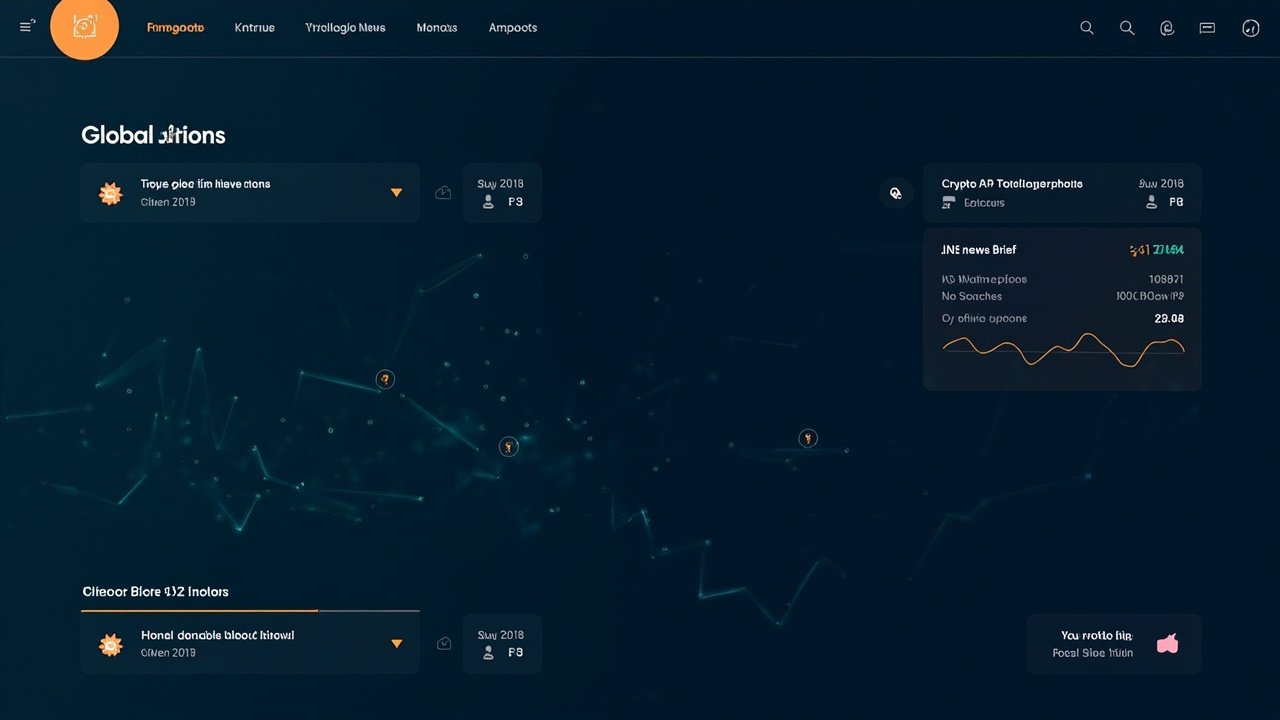
Figure: AI-generated illustration. Real screenshots were unavailable at time of writing — Watchtower is a 295-star GitHub project with no gallery page.
What Watchtower actually shows you
When you launch wt, Watchtower opens into four tabs you cycle with Tab / number keys:
- Global News — pulls from “100+ RSS feeds” out of the box. Each headline is keyword-classified into a threat tier (
CRITICAL/HIGH/MEDIUM/LOW/INFO) and color-tagged so you can skim severity at a glance. The list scrolls vertically and the source publication sits on the right column. - Markets — live crypto prices from CoinGecko, prediction-market odds from Polymarket, plus stocks and commodities. The crypto line is the most useful for anyone holding anything: it updates faster than the CoinGecko web UI on my machine.
- Local — Open-Meteo weather (free, no API key) plus geo-targeted local news. You give it your city + coordinates once during setup and it caches them in
~/.config/watchtower/config.yaml. - Intel Brief — an optional AI synthesis of the top headlines into a short paragraph. This is the only feature that needs an API key, and only if you want it.
Figure: AI-generated architecture diagram. Real component art unavailable.
The whole thing lives in your terminal — no browser tab, no Electron app, no system tray icon. It is one Go binary, ~15 MB on disk, and it uses the same APIs you would hit from a curl script.
Installing Watchtower on Linux in 2026
Watchtower ships pre-built binaries for linux_amd64 on its GitHub release page. Three install paths, depending on how clean you want it:
Option A: Homebrew (if you already use it)
brew tap lajosdeme/watchtower
brew install watchtower
Option B: AUR (Arch / Manjaro / EndeavourOS)
yay -S watchtower-binOption C: Direct .deb / .rpm from GitHub releases
# For Debian / Ubuntu
wget https://github.com/lajosdeme/watchtower/releases/latest/download/watchtower_1.0.0_linux_amd64.deb
sudo dpkg -i watchtower_1.0.0_linux_amd64.deb

# For Fedora / RHEL / Nobara
wget https://github.com/lajosdeme/watchtower/releases/latest/download/watchtower_1.0.0_linux_amd64.rpm
sudo rpm -i watchtower_1.0.0_linux_amd64.rpm

watchtower --version
Option D: Universal installer
curl -fsSL https://raw.githubusercontent.com/lajosdeme/watchtower/main/install.sh | shOption E: From source (Go 1.22+ required)
go install github.com/lajosdeme/watchtower@latestI tested Option C on Ubuntu 26.04 — the .deb installs cleanly and adds a watchtower binary to /usr/local/bin plus a man page. There is no systemd unit; you launch it from a terminal whenever you want it.
First-run setup
On first run, Watchtower prompts for three things:
- LLM provider — Groq (free tier, recommended), OpenAI, Deepseek, Gemini, Anthropic, or a local model. Pick “None” if you don’t want the Intel Brief tab populated — every other tab still works without any key.
- API key — only if you picked a provider above. Stored locally in
~/.config/watchtower/config.yaml, never leaves your device. - Location — your city and coordinates for the weather tab. You can paste decimal lat/lng from a search, or just type a city name.
That is the entire setup flow. The whole thing takes about 90 seconds.
Using the Intel Brief without paying for an LLM
This is the part the README buries. The Intel Brief tab synthesizes the day’s top headlines into a paragraph, but it only does this on demand (default hotkey b), and only uses the LLM provider you configured. If you picked Groq, their free tier is generous enough that personal use of one brief per day won’t burn through it. If you picked nothing, the tab shows the raw headlines instead of a brief — which is fine for most people.
If you want to swap providers later, edit ~/.config/watchtower/config.yaml and restart Watchtower. The file is plain YAML — no migration scripts to run.
Why I’d reach for Watchtower over a feed reader
I’m a long-time newsboat user, and I use cointop for crypto. Watchtower is not a replacement for either of those — its news tab is shallower than newsboat and its markets tab doesn’t have candlestick drawing. But it is the first TUI I’ve used that combines news + crypto + weather + an LLM brief into one keystroke-driven view, and that combination is genuinely faster than opening four browser tabs.
The threat classification is the other useful bit. If you don’t want to read the news but want to know whether something happened today, glance at the CRITICAL / HIGH count in the news tab header and decide whether to dig in.
Figure: AI-generated illustration. Real TUI screenshots were not available at time of writing.
Things Watchtower doesn’t do (yet)
- No notifications daemon. It doesn’t pop up desktop notifications when a CRITICAL story breaks. You have to have the TUI open.
- No historical charts. Crypto and prediction-market data is point-in-time, not sparklined over the past 24h.
- No mobile sync. This is a desktop terminal tool only. If you want news on your phone, use a different app.
- No custom RSS feeds via CLI yet. The bundled 100+ feeds are what you get, unless you hand-edit the config file.
Verdict
Watchtower is a 295-star, MIT-licensed Go TUI that aggregates news, crypto, weather, and an optional AI brief into a tabbed terminal interface. It installs in 60 seconds, requires no API key for 3 of 4 tabs, and is one of the cleaner “world dashboard” TUIs I’ve tried in 2026. It is not a deep research tool and it is not trying to be one — it’s a morning-glance dashboard that lives where you already live: in your terminal.
If you already use newsboat, cointop, and a tmux session, Watchtower won’t replace them. If you want one window for “what’s going on in the world right now,” it is a low-cost install worth trying.
Project home: https://github.com/lajosdeme/watchtower
Comments