
How to Try openSUSE Tumbleweed in 2026: A Rolling Release Guide
If you want a Linux distribution that always ships the latest stable kernel,
desktop environment, and toolchain without waiting for a six-month release
cycle, openSUSE Tumbleweed is the longest-running pure rolling release in
the Linux ecosystem. In 2026 it is more polished, more reliable, and more
relevant than ever — August alone delivered 23 snapshots across 31 days,
shipping KDE Plasma 6.7.4, GNOME Shell 50.4, Firefox 154, and the Linux kernel
7.2.0, plus a steady cadence of CVE-driven security updates.
This guide walks through what Tumbleweed is in 2026, how to install it, how
to keep it upgraded with zypper dup, and the gotchas the project itself warns
about — proprietary NVIDIA drivers, the Packman codec repository, and the
subtle difference between zypper up and zypper dup.
What Makes Tumbleweed Different
Tumbleweed is the rolling-release sibling of the openSUSE project. Unlike
Leap, which tracks SUSE Linux Enterprise (SLE) and ships a frozen base
with security backports, Tumbleweed pulls directly from openSUSE Factory —
the project’s main development codebase — once a day passes openQA’s automated
test suite. As the project puts it: “as often as daily but sometimes takes a
few weeks when bigger changes are integrated.”
That single sentence is the whole philosophy. You get the newest Mesa release
within hours of upstream tagging it, the newest Firefox within days, and the
newest KDE Frameworks the same week they ship. In exchange you accept that
you must follow the rolling-release upgrade discipline — not zypper up,
which only patches installed packages, but zypper dup, which performs a full
distribution upgrade matching Factory.
For developers, sysadmins who run multiple upstream versions in containers,
and tinkerers who want to test their software against current libraries,
Tumbleweed is hard to beat. For users who depend on third-party kernel
modules (proprietary NVIDIA drivers being the most common case) or who want
VMware/VirtualBox guest additions, the wiki recommends openSUSE Leap instead.
What Shipped in August 2026
The August 2026 monthly update is a useful snapshot of what “rolling” means
in practice. According to the openSUSE News blog recap, the month delivered:
- 23 snapshots across 31 days (roughly one every 32 hours)
- KDE Plasma 6.7.4 with KWin GPU management fixes and a libepoxy
workaround for GPU resets - KDE Frameworks 6.29.0 and KDE Gear 26.08.0
- GNOME Shell 50.4
- Firefox 154.0 with over 40 security fixes
- Linux kernel 7.2.0
- Intel Linux NPU Driver 1.35.0 for Core Ultra processors
- A wave of CVE patches covering device-mapper-multipath, libmpathpersist,
Samba, PostgreSQL, OpenSSL, Flatpak, and Vim
In September, Tumbleweed ARM has continued to ship — Kernel 7.2.5 with security
fixes, glibc 2.44 with AArch64 GCS and SVE math vectorization, and a Raspberry
Pi Wi-Fi scan fix landed in the September 16 ARM update. The x86 line stays
on the same kernel cadence.

Figure: The Geeko mascot is openSUSE’s brand identity and appears in the boot
splash, installer, and default wallpaper across both KDE and GNOME editions.
Installing Tumbleweed in 2026
The recommended path is the NET installer ISO from
https://get.opensuse.org/tumbleweed/. It boots into the YaST2 installer,
downloads the latest packages at install time, and produces a fully patched
system on first boot. Two images are offered: a hybrid ISO for USB sticks and
a netinst image for PXE/network boot.
The installer itself has matured into a polished GTK application. Software
selection is broken into categories (Desktop, Development, Server, etc.) and
the defaults are sensible: KDE Plasma for the live image, GNOME for the GNOME
Spin. Custom partitioning, LVM, and full-disk encryption are all available
from the same installer, and the partitioner correctly handles both MBR and
UEFI/GPT setups.
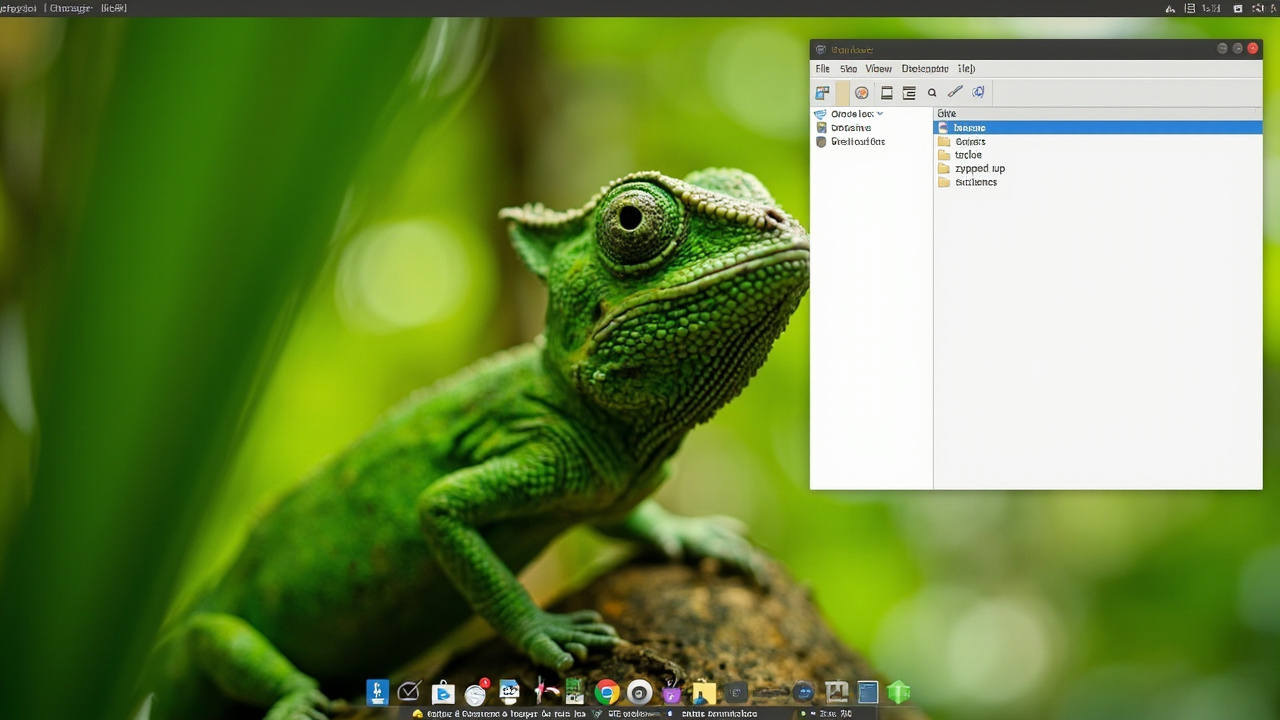
Figure: AI-generated illustration of an openSUSE Tumbleweed KDE Plasma 6.7
desktop. Real screenshots were unavailable at time of writing.
After installation finishes, the system reboots into your chosen desktop. The
default wallpaper in 2026 is the Geeko-themed Plasma artwork, and the panel
defaults to the bottom-edge configuration that most Plasma users expect.
The zypper dup Discipline
This is the single most important thing to internalise about Tumbleweed. The
wiki is explicit:
When upgrading Tumbleweed, it is advised not to use graphical tools.
The upgrade path is a single command, run as root inside screen or tmux:
sudo zypper dupzypper dup (distribution upgrade) reads the enabled repositories, computes
the target distribution state, and applies the diff to your installed
packages. It will downgrade packages that have been replaced upstream, switch
vendors when Tumbleweed moved a package from Packman back to the OSS pool,
and pull in new dependencies.
zypper up, by contrast, only patches installed packages within their current
vendor. On a rolling release that will eventually drift out of sync with
Factory — leading to broken dependencies, mismatched library ABIs, and an
unbootable system the next time you reboot into a new snapshot.
The Tumbleweed wiki recommends running zypper dup once a week if you
follow Tumbleweed actively, and at least once a month otherwise. The
official factory mailing list announces every snapshot, so subscribing there
gives you a heads-up before particularly large merges.
Repositories You Will Need
A fresh Tumbleweed install enables four core repositories: OSS (open-source
core), Non-OSS (drivers, firmware, fonts), Update (security patches
for both), and Backports (optional newer versions of stable software).
Two more repositories most desktop users will want:
- Packman (Essentials) — the codec/multimedia repository. openSUSE cannot
ship H.264, AAC, or DVD playback libraries for licensing reasons, so Packman
fills the gap. Add it with:
sudo zypper ar -cfp 90 http://ftp.gwdg.de/pub/linux/misc/packman/suse/openSUSE_Tumbleweed/Essentials packman-essentials sudo zypper dup --from packman-essentials --allow-vendor-change - NVIDIA — only if you run GeForce 400+ hardware. The proprietary driver
is well supported; the wiki describes the procedure as “very well” working.
AMD users should stick with the in-tree Radeon driver, which is what
Tumbleweed ships out of the box. AMDGPU-PRO is explicitly unsupported.
Snap and Flatpak in 2026
Tumbleweed includes both Flatpak and Snap by default, but Flatpak is the
default containerised app format and ships pre-configured with Flathub. If you
want Snaps, install snapd and enable the socket manually:
sudo zypper in snapd
sudo systemctl enable --now snapd.socket
sudo ln -s /var/lib/snapd/snap /snap
For most desktop users in 2026, Flatpak is the path of least resistance. The
Tumbleweed August update patched Flatpak for several CVEs, so the version in
the snapshot pool is current.
When NOT to Choose Tumbleweed
The openSUSE wiki is unusually honest about this. Tumbleweed is not for you
if:
- You rely on proprietary kernel modules that lag behind upstream kernel
releases (VMware Workstation guest additions, some VirtualBox versions,
older out-of-tree Wi-Fi drivers). - You want a long-support, low-touch system that you set up once and forget
for two years. That’s openSUSE Leap 16 with its SLE-aligned base, or
any of the LTS Ubuntu/Lubuntu derivatives. - You want a server OS with SELinux/AppArmor hardening out of the box. That’s
openSUSE Leap Micro or MicroOS.
If any of those describe you, the rest of the openSUSE family has you covered.
If none of them do, Tumbleweed is one of the most rewarding rolling releases
you can run in 2026.
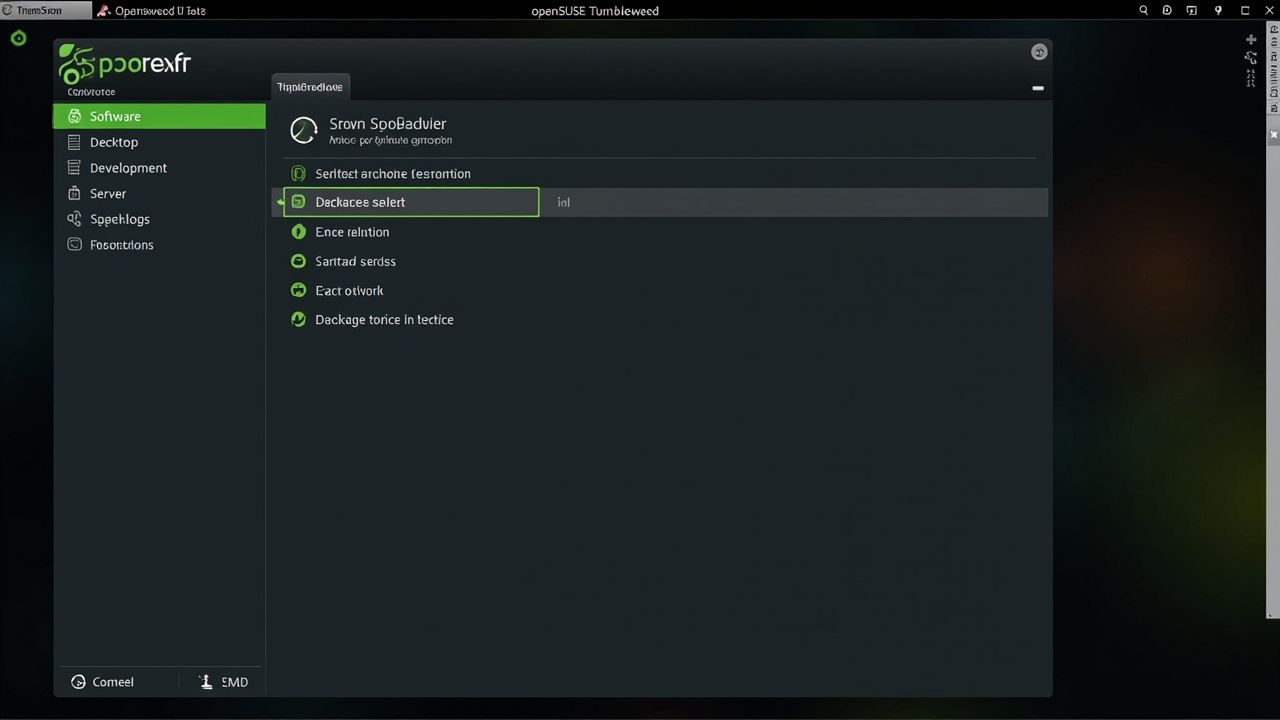
Figure: AI-generated illustration of the YaST2 software-selection screen
during Tumbleweed installation. Real screenshots were unavailable at time of
writing.
Verdict
openSUSE Tumbleweed is no longer the “power user’s distro that requires
constant maintenance” of folklore. The August 2026 update — 23 snapshots,
zero major breakages, KDE Plasma 6.7.4 and GNOME 50.4 available from the
installer — shows a rolling release that has matured into a daily-driver
candidate for anyone comfortable with zypper dup. The wiki, the factory
mailing list, and the openSUSE forums are active and well-moderated, and the
project’s openQA test suite catches most regressions before they reach a
snapshot.
If you have a free evening and a spare partition, download the NET installer
from https://get.opensuse.org/tumbleweed/, follow the YaST2 defaults, and
subscribe to the factory mailing list. A week later you will have a
fully-patched Tumbleweed system with the latest Plasma, the latest kernel,
and a snapshot cadence that makes point-release distros feel static.
Comments