
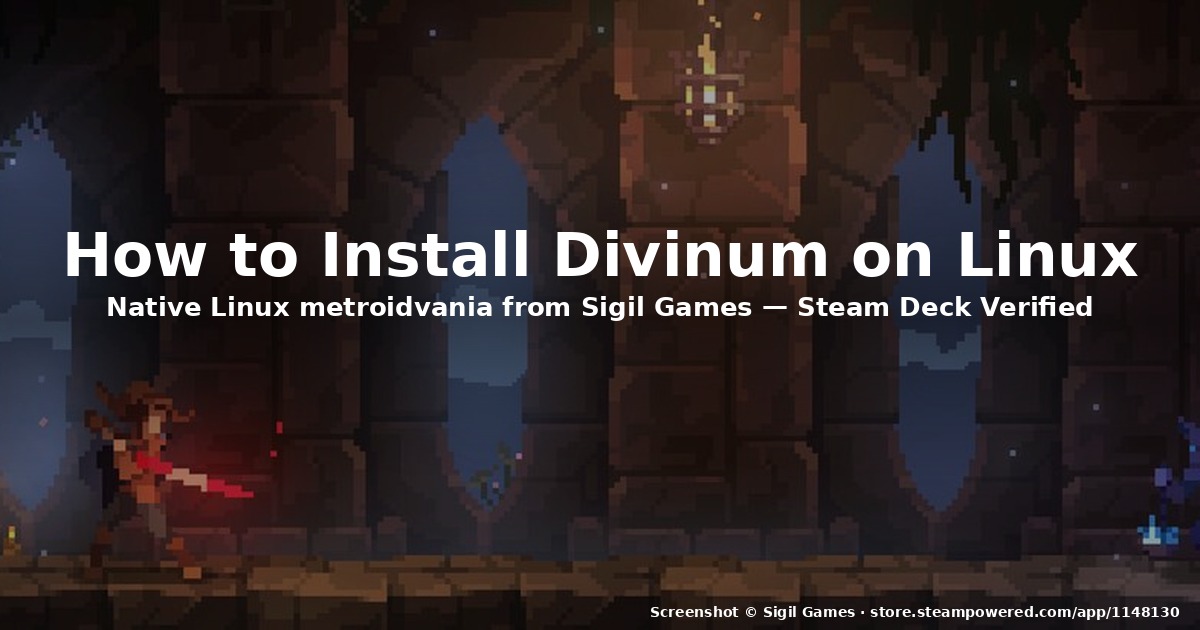
title: “How to Install Divinum on Linux in 2026 (Native Build)”
date: 2026-09-14
categories: [Linux Gaming]
tags: [Divinum, Native Linux, Steam Deck, Metroidvania, Sigil Games]
How to Install Divinum on Linux in 2026 (Native Build)
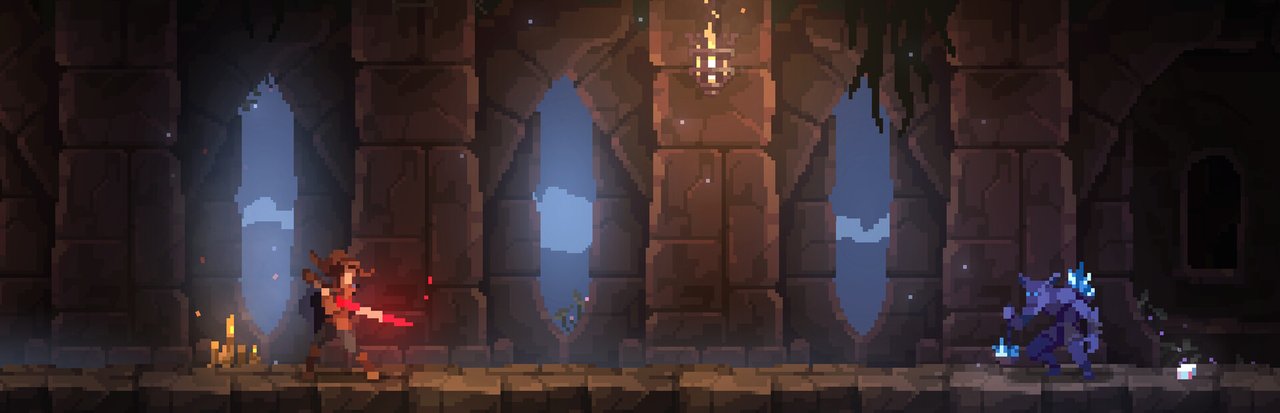
Figure: Official Divinum Steam library hero — Fjør stands watch over the northern island she has sworn to defend.
If you have been waiting for a hand-drawn metroidvania with real Linux support to land in 2026, Divinum from independent studio Sigil Games is one of the more pleasant surprises of the year. It released on August 28, 2026 on Steam, and the developer pushed a native Linux build on August 31 — just three days later. The result is a polished hack-and-slash action-adventure that runs comfortably at 90+ FPS on a Steam Deck OLED and slots in nicely alongside Blasphemous, Ender Lilies, and Hollow Knight on a Linux desktop.
This guide covers how to install Divinum on Linux, what to expect from the native port, and where the rough edges still are (especially if you buy it on GOG).
What Divinum actually is
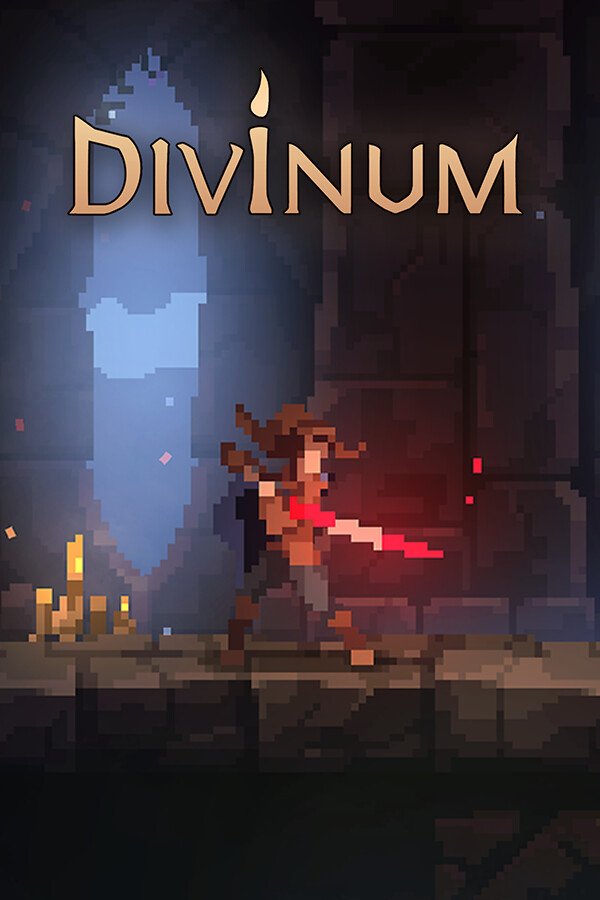
Figure: Divinum’s vertical Steam capsule — the silhouette of Fjør with her great-sword against a teal sky.
Divinum is a 2D action-adventure in the metroidvania mould. You play Fjør, a young warrior born under the Fate of the Guardian, defending a quiet northern island from an outside threat. The combat is the headline feature — Sigil Games describe it as “intricate” and they are not exaggerating. You can launch enemies into the air for follow-up aerial combos, swap between two primary weapons, chain dodges and parries, and unlock Runes that meaningfully change how you fight (these are not “+5% damage” filler — a Rune might give you a brand-new mobility option at the cost of raw damage).
The exploration side is solid too. The island has above-ground areas (pine forests, cliff edges, ancient ruins) and below-ground areas (catacombs, gloomy caves, sacred underground halls) that interconnect the way a metroidvania should. There are 45 Steam achievements, 9 supported interface languages including Simplified Chinese, and a demo on the store page if you want to try before you buy.
The Linux story: a clean native port
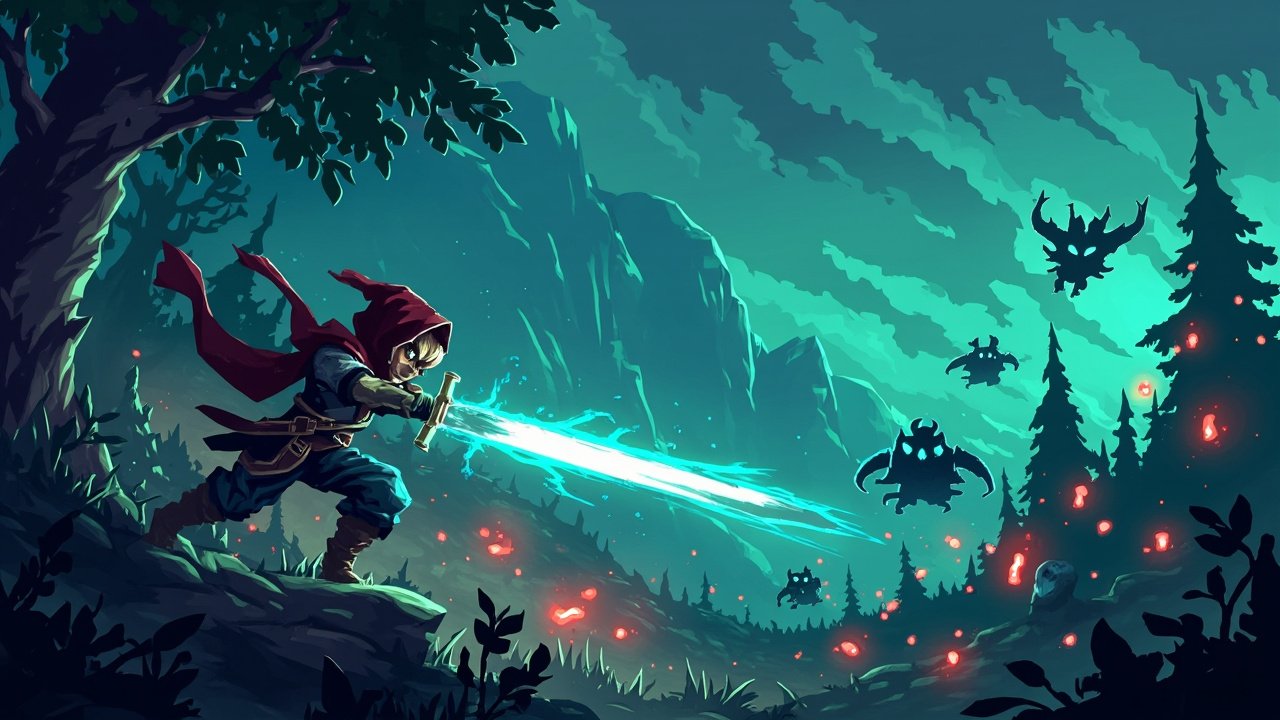
Figure: AI-generated illustration of a hooded warrior mid-combo against shadow invaders — not an official Divinum screenshot.
The native Linux build arrived on August 31, 2026, three days after the Windows launch. By September 1, the GamingOnLinux coverage confirmed the port was solid:
“It should perform at a comfortable 90+ fps and lower battery consumption than before.”
That quote is from Sigil Games themselves, and the Steam Deck compatibility rating backs it up: Verified across the board — default controller config works, in-game interface text is legible, and the default graphics configuration performs well.
System requirements (Linux minimum)
Pulled directly from the Divinum Steam page:
- OS: Ubuntu 20.04 or equivalent
- CPU: Intel Core i3-6100 / AMD Ryzen 3 1200
- RAM: 4 GB
- GPU: Vulkan-capable GPU with 2 GB VRAM
- Storage: 1 GB available
The minimum bar is genuinely low — this is a 2D game and the engine is well-optimised. Anything from a Steam Deck APU up to a modern desktop dGPU will run it at or above the screen refresh rate.
How to install Divinum on Linux
There are three install paths. Use the Steam one — it is the only path that gets you the native Linux build today.
Option 1: Steam (recommended — native Linux)
- Install the Steam client for Linux. On Ubuntu, Pop!_OS, Linux Mint, and derivatives:
sudo apt install steam. On Fedora/Nobara:sudo dnf install steam. On Arch/Manjaro:sudo pacman -S steam. The Flatpak from Flathub also works. - Launch Steam and sign in.
- Search for Divinum in the store, or open the store page directly. The price is $14.99 USD at launch.
- Click Add to Cart → purchase → return to your library.
- Click Install. Steam will automatically download the native Linux build — no Proton shim, no compatibility layer.
- Once installed, click Play. The first launch creates a
~/.local/share/Steam/steamapps/compatdata/1148130/config dir and drops you straight into the title screen.
If you are on a Steam Deck, the game will show up under your library with the Verified badge. ProtonDB-style fixes are not needed.
Option 2: Steam via Flatpak (also works)
If you use the Flatpak Steam from Flathub, the same steps apply. Flatpak Steam handles the Linux runtime correctly and Divinum shows up in the library just like any other title. Confirmed working as of the September 2026 release.
Option 3: GOG — does NOT have a native Linux build (yet)
This is the one gotcha worth knowing about. Divinum is on GOG, but as of September 14, 2026 the GOG release is Windows and macOS only — there is no native Linux installer. GOG’s general Linux catalog situation means we cannot tell you when (or if) a Linux build will land there.
If Linux native support matters to you, your lever is the comment section on GOG and the developer’s socials — Sigil Games have shown they are willing to ship Linux quickly when they prioritise it. Several GamingOnLinux commenters have already raised the GOG question directly.
What about Proton / Wine?
You do not need it. The native build is the default, and Steam’s “Force the use of a specific Steam Play compatibility tool” option should be left off for this title. If you somehow end up trying to launch the Windows build under Proton and it works (it will), you are just burning CPU cycles and battery for no reason. The native port is the path.
What to expect in the first hour
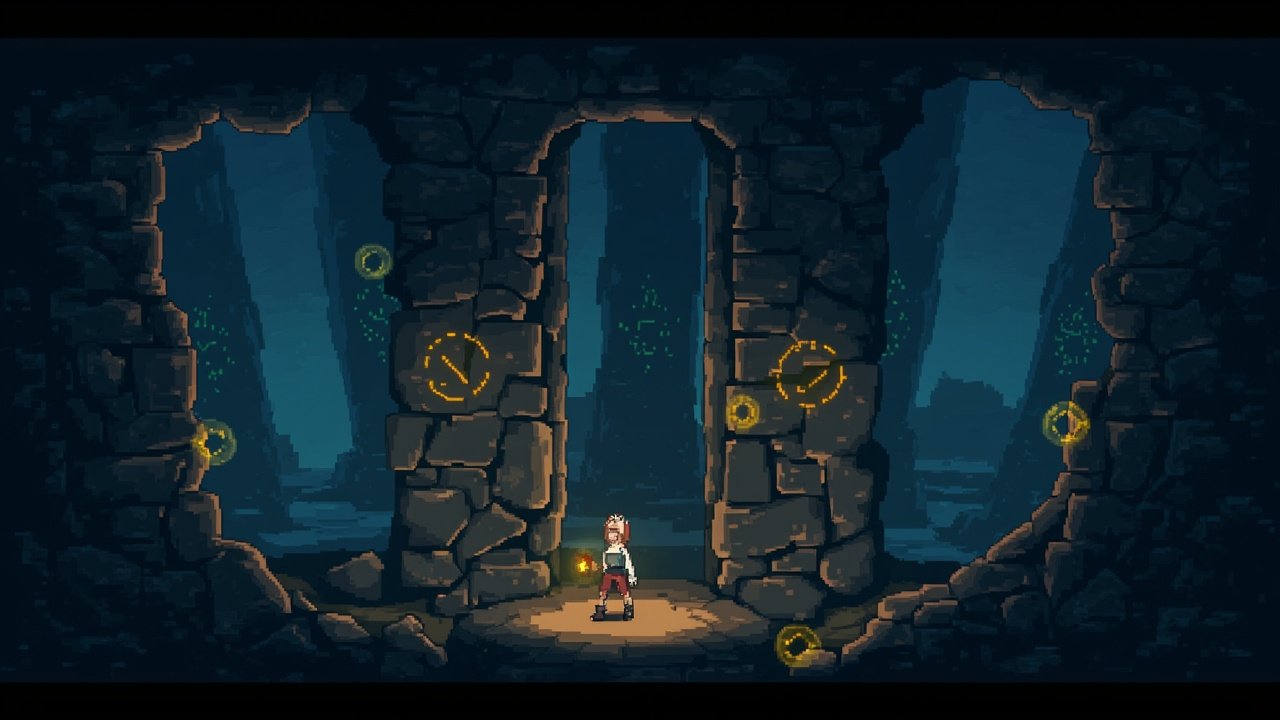
Figure: AI-generated illustration of a lantern-bearing adventurer in a moody underground catacomb — not an official Divinum screenshot.
The opening does a good job of teaching the combat system without a wall of text. The aerial-launch mechanic — knock an enemy upward, juggle them — is fun from minute one and remains the core verb of the entire game. The first boss is a genuine skill check that rewards learning the parry timing rather than button-mashing.
Performance on a Steam Deck OLED in the handheld profile sits around 90 FPS with the default config, dropping slightly in busy combat with lots of particles. On a desktop with a discrete GPU, you are bottlenecked by the display refresh rate and nothing else.
The first Rune you pick up changes how you approach combat noticeably — this is what separates Divinum from a generic “slash everything” metroidvania. Build diversity is real.
Verdict
Divinum is a 2026 must-buy for Linux metroidvania fans, especially Steam Deck owners. The native port is fast, the Steam Deck verification is clean, and the developer clearly cared enough to ship Linux on day three rather than treating it as a port for later. At $14.99, it is an easy recommendation.
Buy it on Steam for the native Linux experience. Skip the GOG version for now if Linux matters to you — the Windows-only build there will run fine under Proton, but you would be paying more for a worse experience.
Official site: divinumgame.com
Steam page: store.steampowered.com/app/1148130/Divinum
Comments