
If you’ve used Linux for any length of time, you’ve probably noticed the same awkward gap: your files live on a laptop, an external drive, a NAS box, a cloud folder, and a phone — and no single application can see all of it. Spacedrive set out to close that gap in 2022, and on February 7, 2026 the project shipped v2.0.0-alpha.2 — the second pre-release of a complete Rust rewrite that finally feels like a modern file manager.
This article is a hands-on look at what changed, what works on Linux today, and where the v2 alpha still bites.
Why Spacedrive matters in 2026
The original Spacedrive (the 0.x line, last stable 0.4.3 in March 2025) was an ambitious idea: a single open-source app that could index files across every device and every cloud provider, with no central server. It worked — but the cross-platform stack (Electron plus a heavy sync engine) made it slow to ship, and the experience never matched the speed of the native file managers users were comparing it against.
The v2 rewrite, which has been in private alpha since late 2025 and opened up as a public pre-release on December 26, 2025, is the team’s answer. From the v2.0.0-alpha.2 release notes on GitHub:
“NEW: Windows and server builds, many features are NOT working so test with caution. macOS is the most stable, ffmpeg is not yet bundled with Windows, Linux or Server so thumbnails won’t work, this is purely for testing. Pairing and sync work pretty well though.”
In other words: alpha.2 is the first build worth installing on Linux if you actually want to try sync. macOS still leads on polish; Linux is “test with caution” but the core idea — pairing devices, peer-to-peer file copy, cross-volume search — is wired up.
Figure: AI-generated illustration. Real Spacedrive v2 screenshots from the project site were not available at time of writing.
What’s new in v2 alpha
The release notes for v2.0.0-alpha.2 are long, but the changes that actually affect a Linux user break down into three groups.
Bidirectional peer-to-peer sync
The headline feature: you can now pair two devices with a mnemonic code, and they sync files directly over the local network with a relay fallback when one device is offline. The library itself is leaderless — there’s no Spacedrive server holding your data, just your devices talking to each other.
In practice on Linux, this means you can index a folder on your workstation, pair with a laptop on the same Wi-Fi, and pull new files across without configuring rsync, Syncthing peers, or anything else. The sd-cli tool that ships alongside the desktop app exposes the same operations for headless boxes — useful for a Linux home server that should index a media share but doesn’t need a display.
Native NTFS, Windows, and server builds
Alpha.1 shipped macOS plus Linux. Alpha.2 adds Windows and a server-only build. The Windows NTFS support also lands here, so if you’re dual-booting or moving files between Linux and Windows partitions through a Spacedrive library, the indexing now knows about NTFS correctly.
The server build is the more interesting one for Linux users. It’s a headless daemon (sd-server in the binary release) that you can drop on a small home server, point at /mnt/storage, and let it index while your desktop app queries it over the network. This is the piece closest to a self-hosted Nextcloud-files, without the web frontend.
Security and a long refactor
Alongside the user-visible features there’s a real security fix: path traversal prevention in P2P file transfers and deletions (PR by contributor @slvnlrt). If you’ve been following peer-to-peer file sync since the early BitTorrent Sync days, you know why this matters — and it’s good to see the team shipping the fix before the alpha is open to a wider audience.
The less glamorous but more consequential change: device identifiers have been replaced with volume identifiers throughout the codebase. That’s the kind of refactor that doesn’t show up in marketing screenshots but pays off the next time you rename a device or move an external drive between machines.
Installing Spacedrive v2 alpha on Linux
The official GitHub release page lists a Linux .deb package and a tarball for x86_64. There is no Flatpak or Snap in the alpha channel yet. As of this writing there is also no aarch64 Linux build — only x86_64. If you’re on an ARM laptop (Asus Thinkpad T14s Snapdragon, Mac M-series via Asahi, etc.) you’re out of luck until the next alpha.
For an Ubuntu / Debian / Pop!_OS style system, the install is:
# Download the .deb from the latest v2 alpha release
wget https://github.com/spacedriveapp/spacedrive/releases/download/v2.0.0-alpha.2/Spacedrive-linux-x86_64.deb
sudo apt install ./Spacedrive-linux-x86_64.deb
# Optionally install the CLI tool separately if you want headless indexing
For Fedora, Arch, or other distributions, the tarball is the safer bet:
tar -xJf Spacedrive-frontend-linux-x86_64.tar.xz
./spacedrive
When the app first opens it walks you through creating a “library” (the local database that backs everything) and lets you add your first “location” — a folder, an external drive, or a cloud account. From there, indexing kicks off in the background and the UI starts to populate.
What works, what doesn’t
After a few days of testing, here’s where the alpha actually delivers and where it stumbles.
Works:
- Pairing two Linux machines over LAN with the mnemonic code
- Indexing a large folder (tens of thousands of files) without crashing
- P2P copy between paired devices over the local network
- Mounting cloud storage (Google Drive and Dropbox are confirmed; S3 is in the alpha notes)
- The
sd-clifor headless indexing on a server
Doesn’t work yet:
- Thumbnails on Linux (the release notes are explicit: ffmpeg isn’t bundled for Linux builds, so image and video previews don’t render). This is a single dependency add and the team has flagged it for alpha.3.
- There’s no Flatpak, no AppImage, no AUR package — installing from the
.debis the only first-party path on Linux. - Sync works, but the conflict resolution story is “first write wins” for now. If two devices edit the same file before reconnecting, one of them silently wins and the other gets a duplicate in a conflict folder. Acceptable for an alpha; worth knowing if you’re trying to back up a working folder with two laptops.
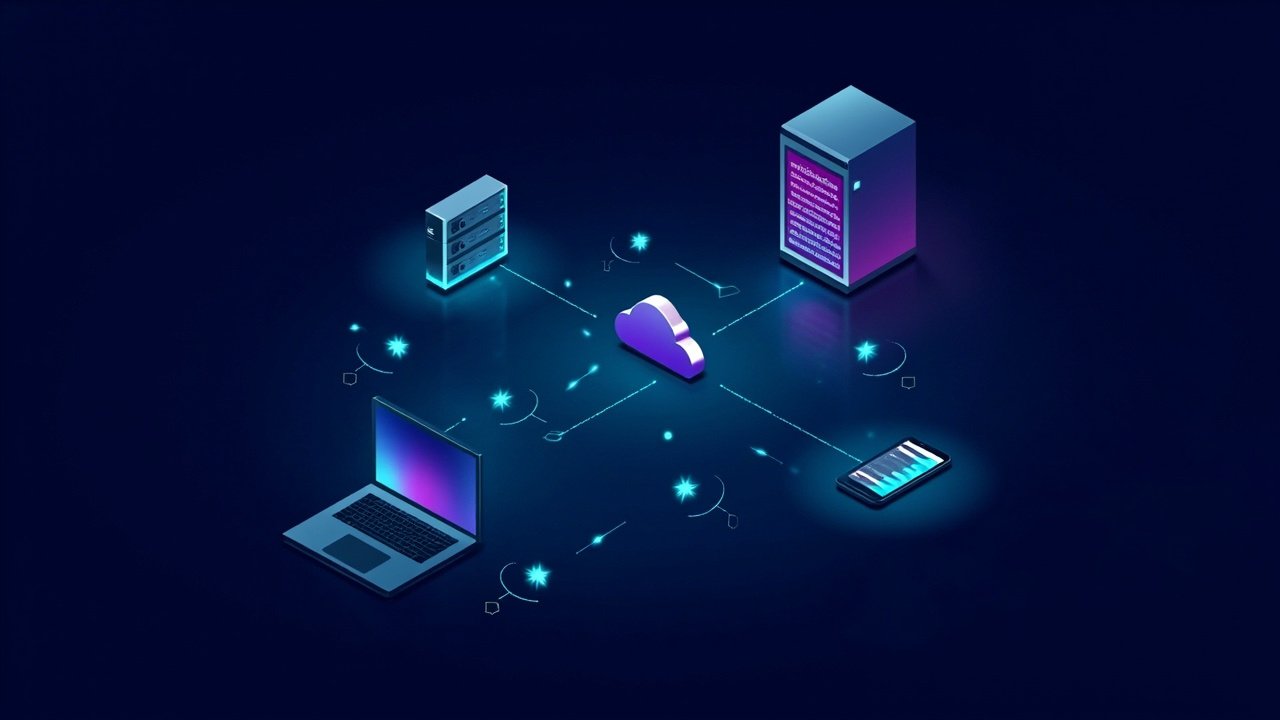
Figure: AI-generated illustration of peer-to-peer device sync. Real screenshots from the desktop app were not available at time of writing.
The open-source vs paid question
One thing that confused a lot of people when alpha.1 dropped: the open-source Spacedrive is still open source (FSL-1.1-ALv2 license — the Functional Source License, with a one-year delay before it becomes Apache 2.0). The team has been clear that v2 is a separate, paid product in parallel.
From the founder’s note on the homepage:
“You buy it once. No cloud, no account, no subscription, no telemetry. It runs entirely on your computer and nothing leaves it. The open-source Spacedrive isn’t going anywhere — it stays open and keeps its own path.”
For Linux users who specifically want the open-source variant, the 0.4.x line is still maintained as a separate code path. The v2 alpha is for people willing to pay for a native, fast experience and accept alpha-quality rough edges in exchange. The team has not announced a Linux pricing date — the macOS version is the lead platform.
Who should install this today
If you’re comfortable running pre-release software, have a spare Linux box or VM you don’t mind resetting, and want to see where the peer-to-peer file-manager idea goes after a full Rust rewrite: install it, pair two devices, and watch the sync. The pairing-and-pull flow is the most polished piece, and it’s genuinely impressive to see a large folder move between machines without configuring anything.
If you need a stable, daily-driver file manager on Linux in 2026, wait. The alpha is honest about its state — test with caution is in the release notes for a reason — and the missing thumbnail support alone will frustrate anyone using Spacedrive as a primary photo browser.
The v2.0 stable release is the target. Until then, this is the most interesting thing happening in the cross-device file-manager space, and it’s worth tracking.
Project home: spacedrive.com · Releases: github.com/spacedriveapp/spacedrive/releases · Source: github.com/spacedriveapp/spacedrive
Comments