
How to Install Veloren 0.18 on Linux in 2026
Veloren is one of the most ambitious open-source games you can run on a Linux desktop today. It is a multiplayer voxel RPG written in Rust, inspired by Cube World, Dwarf Fortress and The Legend of Zelda: Breath of the Wild. The project is community-developed, GPL-3.0 licensed, and ships native Linux builds with no DRM, no launcher lock-in, and no required payments. If you have ever wished for an open-world fantasy RPG you could install with a single command and explore with friends without paying a cent, Veloren 0.18 is the version to try in 2026.
This guide covers the supported install methods for Linux, how to launch your first world, how to join a public server, and what is actually new in the 0.18 release that landed on 23 January 2026.
Figure: AI-generated illustration. Real screenshots were unavailable at time of writing.

What Veloren actually is
Veloren is not a Minecraft clone and not a Cube World clone, although it borrows ideas from both. It is a third-person action RPG with:
- A fully simulated, procedurally generated open world — mountains, deserts, jungles, caves, oceans, towns, dungeons, pirate hideouts
- Real character progression — multiple skill trees, weapons with different move-sets, armor lineages, mounts, gliders, and airships
- NPC towns with two-way conversations, hireable adventurers, and a sentiment system that tracks how villagers feel about you
- A simple quest system (escort a merchant, slay a monster) that you can pick up from town NPCs
- Native multiplayer — public servers, LAN hosting, airship routes between towns
- A Rust-based custom engine with wgpu/Vulkan/Metal rendering
The visual style is voxel-art, but the team leans painterly rather than blocky — think Dragon Quest XI meets Cube World, with cinematic lighting and proper character models. The 0.18 release dropped in January 2026 and added a tutorial system, controller rebinding, an in-game wiki, two-way NPC dialogue, hireable NPCs, airship route overhauls, and a switch from shaderc to the Naga shader compiler that notably improves compatibility with Mesa-driven AMD and Intel GPUs.
Picking your install method
There are three officially supported ways to run Veloren on Linux in 2026:
- Airshipper (recommended) — the official launcher. Manages updates, downloads nightly/weekly/stable builds, and is what the maintainers test against. Available as a prebuilt binary, a cargo install, a Flatpak, and an AUR package.
- Cargo install —
cargo install airshipperon any distro with Rust toolchain. Use this if you want bleeding-edge nightly builds straight frommain. - Standalone tarball — the game without the launcher. Useful for headless dedicated servers or if you specifically don’t want auto-updates.
Pick Airshipper unless you have a reason not to. The launcher is small (~30 MB), does not run in the background, and removes itself cleanly.
Method 1 — Airshipper via Flathub (easiest)
If you are on any modern distro with Flatpak (Ubuntu 22.04+, Fedora 36+, openSUSE Leap 15.4+, Pop!_OS, Linux Mint 21+, SteamOS 3.x):
flatpak install flathub net.veloren.airshipper
flatpak run net.veloren.airshipper
This is the most portable option and works identically across distros. The Flatpak pulls in Mesa and Vulkan ICDs as needed, so first-launch on a fresh system “just works” on Intel, AMD, and NVIDIA (proprietary) drivers.
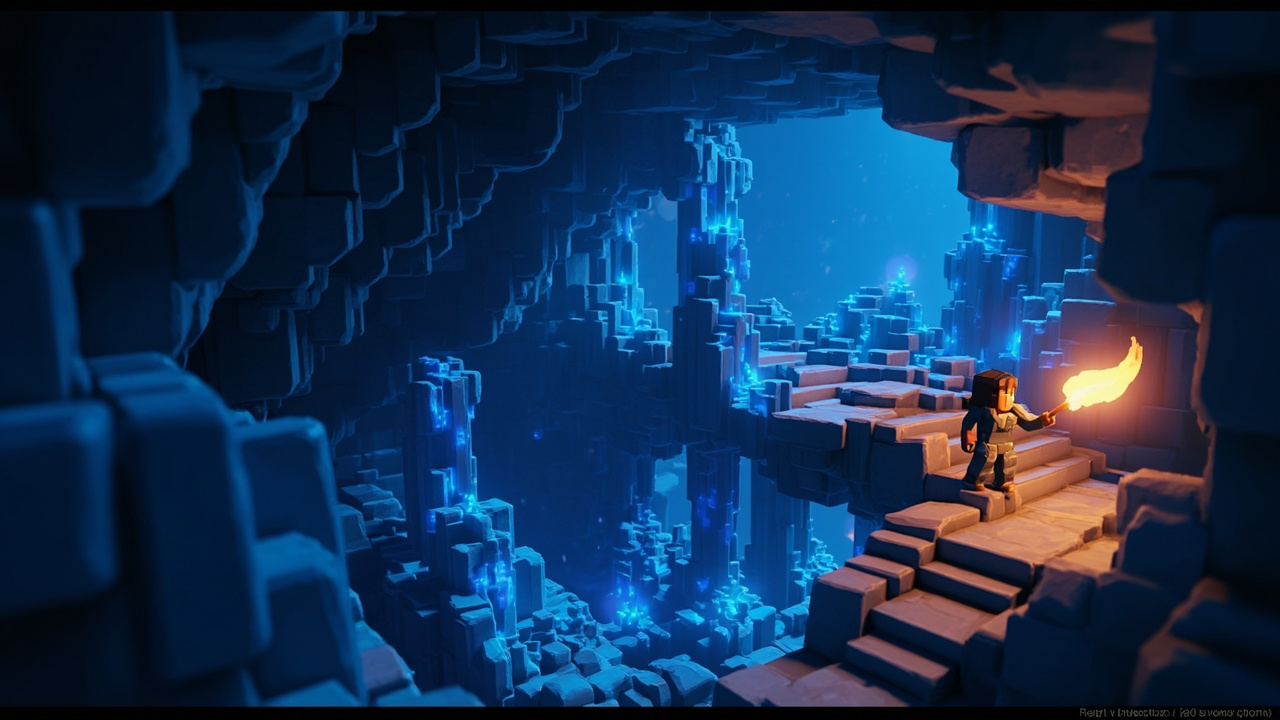
Figure: AI-generated illustration. Real screenshots were unavailable at time of writing.
Method 2 — Airshipper prebuilt binary
If you prefer not to add Flathub, grab the prebuilt Airshipper for Linux directly from the Veloren GitLab:
cd ~/Downloads
wget https://gitlab.com/veloren/airshipper/-/releases/permalink/latest/downloads/binaries/linux-client-x86_64.zip
unzip linux-client-x86_64.zip
chmod +x airshipper
./airshipper
The first launch downloads the latest Veloren client (typically 200–400 MB) and any missing Vulkan components. After that it updates in-place with one click.
Arch / Manjaro via AUR
yay -S airshipper
yay -S veloren     # for the standalone version if you don't want a launcher
Building from source with Cargo
cargo install airshipperAdd ~/.cargo/bin to your PATH if you haven’t already, then run airshipper. To get the bare Veloren client without the launcher:
cargo install velorenThis compiles from main and takes 5–15 minutes on a modern CPU. You’ll need a Rust toolchain (1.75+), clang, and the usual Mesa/Vulkan dev packages.
System requirements
From the official download page:
- 64-bit CPU
- 4 GiB RAM (8 GiB strongly recommended for long play sessions and large multiplayer servers)
- GPU with DirectX 12, Vulkan, or Metal support — practically every Intel/AMD/NVIDIA chip from the last decade
- 2 GiB of storage for the client plus room for worlds
Linux builds in 0.18 now ship with compressed debuginfo, so the on-disk footprint is noticeably smaller than 0.17.
First launch — singleplayer
Click Singleplayer in Airshipper. Pick a world seed (or accept the random one), pick a character body, and you spawn on a cliff with nothing in your inventory. Open the in-game tutorial by pressing ? and you’ll get an interactive walkthrough that doesn’t break immersion.
The basic loop:
- Pick up sticks and stones from the ground
- Craft a basic weapon (sword, axe, hammer, or bow)
- Find a town (look for roads on the map) and talk to NPCs — they will give you directions
- Loot chests in nearby dungeons for better gear
- Mine ore in caves and craft metal armor
- Hire an NPC adventurer from a tavern and travel together
- Eventually catch an airship to a far-off biome
The 0.18 tutorial is genuinely good and worth doing — it explains the inventory, the crafting, the mount system, and the airship travel agent without long modal popups.
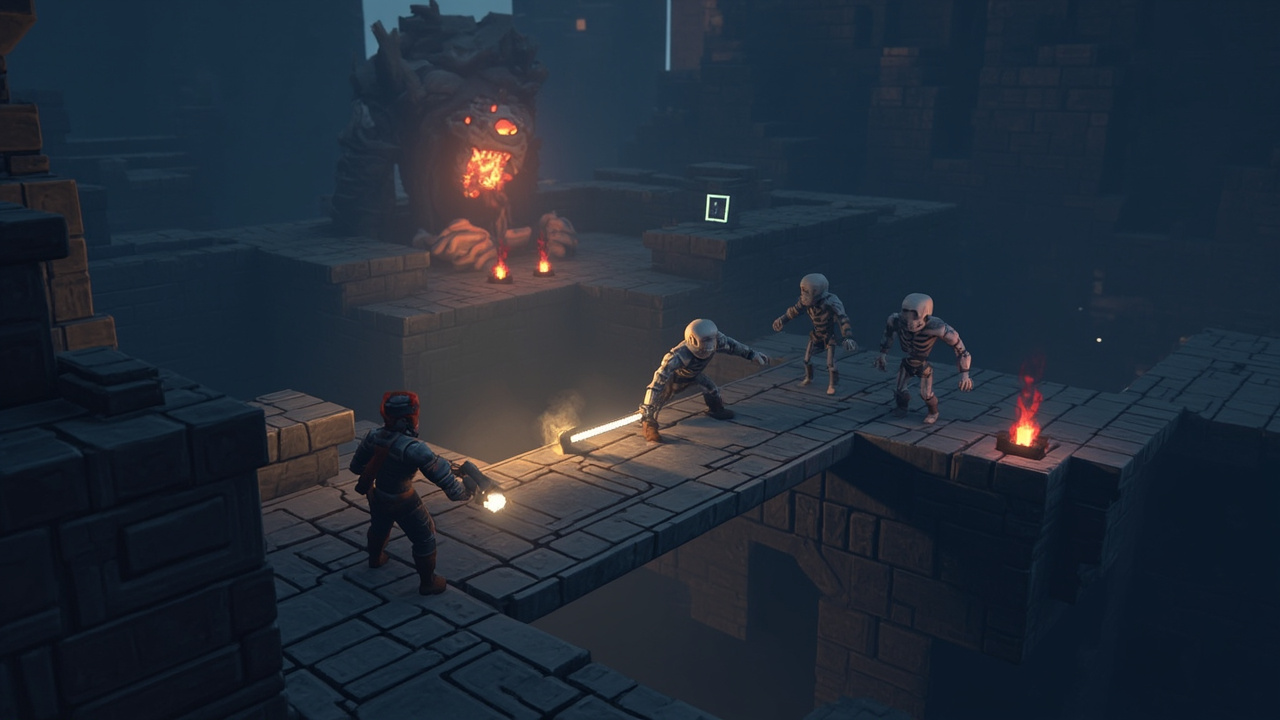
Figure: AI-generated illustration. Real screenshots were unavailable at time of writing.
Joining multiplayer servers
Click Multiplayer in Airshipper. You’ll see a server list with ping times and current player counts. Public community servers range from heavily modded PvP battlegrounds to quiet RP-focused persistence worlds. Click any server to connect.
If you want to play with friends without exposing a server to the internet, host a LAN game:
- One player starts a Multiplayer → Host LAN server
- Everyone on the same Wi-Fi network sees it in their multiplayer list
- No port forwarding, no firewall config
If you want to host a public dedicated server, the Veloren wiki has detailed instructions for running the standalone server binary under systemd.
What’s actually new in 0.18
The 0.18 release (commit 1d12f35e, 23 January 2026) is the largest content drop in the project’s history. Highlights:
NPCs feel like people now. Two-way conversations with branching context, a sentiment system (helping a downed NPC improves reputation, attacking them tanks it), hireable adventurers who actually go to taverns while you stay in town, and an airship travel agent at docks. NPCs can be asked for directions to nearby establishments, and the airship route overhaul means long-distance travel is finally reliable.
Quests arrived. A simple quest system with two starter quests (escort a merchant, slay a monster) that integrate into the world. Quests do not break immersion — there is no big floating exclamation point over NPCs’ heads.
Combat and movement were reworked. Wall-jump got a dedicated button, climbing controls were reworked, parry now has the same precision power as backstab, and the poise bar is shown by default. Wolves are deadlier; NPC aimbots were nerfed.
More content. Fire Gigas with their own glider craft drop, elephants as tameable mounts, a new Serpentscale hide armor lineage, a new Cotton Armor set, pirate raids on towns, a new Buccaneer entity, four new music tracks, and four new instruments (Rhythmo, Starlight Conch, Timbrel of Chaos, Viola Pizzicato).
Better controller support. Rebindable controller buttons, a cyclable hotbar, gamepad bindings viewable in the Controls Settings menu, and re-ordered control lists that group related actions.
Under the hood. Switched from shaderc to Naga as the default shader compiler — this notably fixes dark/black rendering bugs on Mesa-driven Intel and AMD GPUs in lighting mode A and B. Croatian localization was added. AppStream metadata is now fully valid, so Flathub/Snap/Discover display the game correctly. Builds for Linux ship with compressed debuginfo to reduce disk footprint.
The full changelog is on the GitLab v0.18.0 release page.
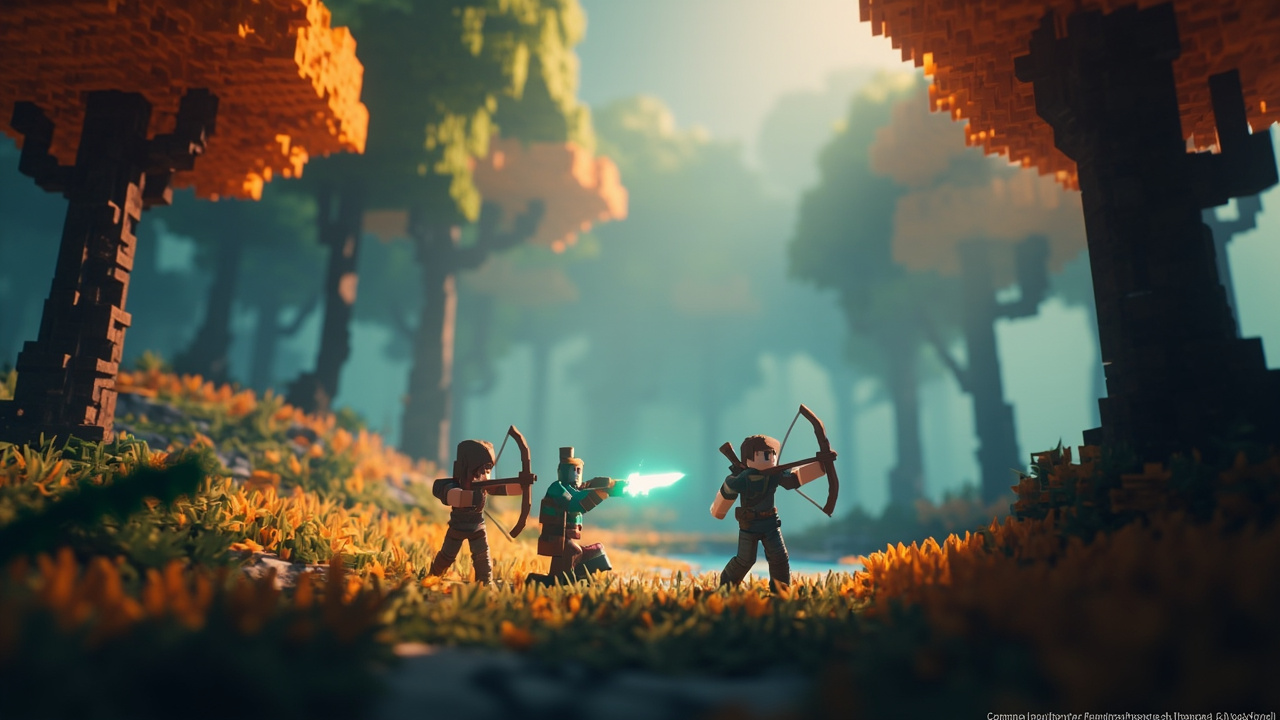
Figure: AI-generated illustration. Real screenshots were unavailable at time of writing.
Performance tips for Linux
A few things that help on Linux specifically:
- Mesa 23.0+ is strongly recommended for AMD and Intel GPUs. Older Mesa versions may hit the dark-rendering bug that Naga mostly (but not entirely) fixes.
- NVIDIA users — proprietary driver 535+ recommended. The open kernel modules (
nvidia-open) work fine as of driver 560. - Vulkan validation can be disabled by setting
VULKAN_LAYERS=""if you see random crashes on Wayland. - Wayland — works on GNOME 45+ and KDE Plasma 6. On wlroots compositors (Sway, Hyprland), set
WAYLAND_DISPLAY=wayland-1and disable vsync in the in-game settings if you see input lag. - Steam Deck — runs well at 40 FPS medium / 60 FPS low on the OLED model. The game has a Steam Deck controller profile shipped in 0.18.
If you’re using a Steam Deck, you can also add Veloren to Steam as a non-Steam shortcut and use Steam Input’s controller profile.
Verdict
Veloren 0.18 is the most playable the game has ever been. It still feels like an alpha in places — the world can be sparsely populated, some dungeons loop on themselves, and the endgame lacks a hard boss — but the fundamentals (movement, combat, exploration, multiplayer, controller support) are solid, the new NPC system adds genuine personality, and the airship route overhaul finally makes long-distance travel fun rather than tedious. The fact that this is a free, GPL-3.0, native Linux game written in Rust is remarkable.
If you have never tried Veloren, install it tonight via flatpak install flathub net.veloren.airshipper and join a public server. If you stopped playing in 2024 because the world felt empty, give 0.18 another look — the NPC sentiment and airship systems are a real game-changer.
Official site: https://veloren.net/. GitLab repo: https://gitlab.com/veloren/veloren.
Comments