
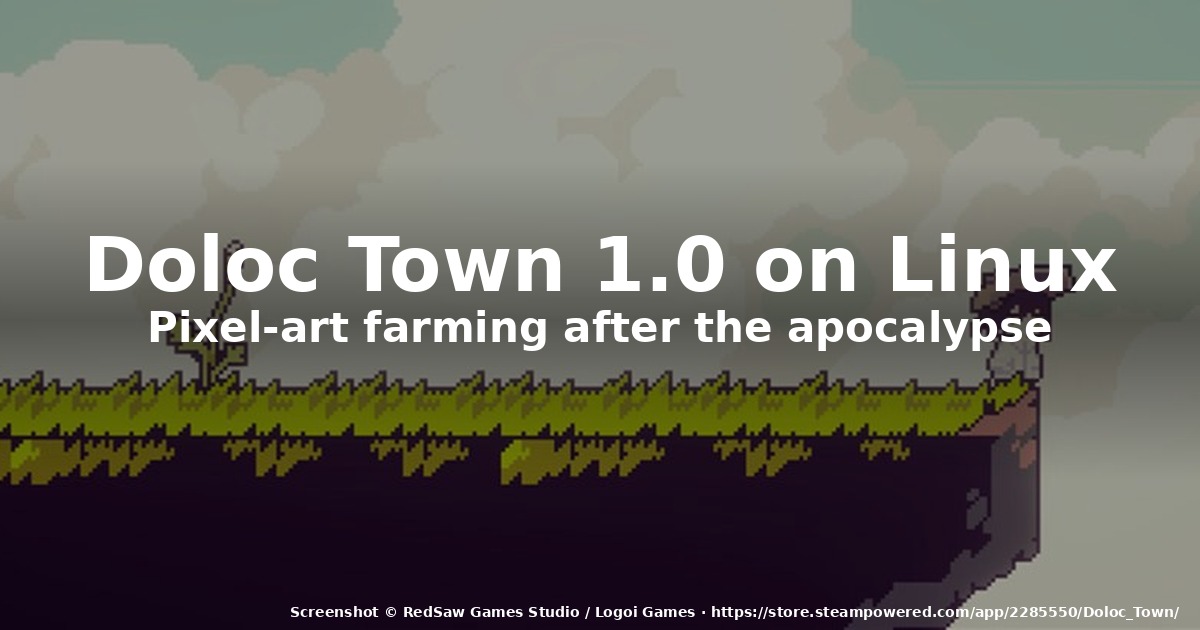
If you opened Steam this week and glanced at the indie charts, you probably saw Doloc Town climbing the list with a 95% rating and a very loud “1.0” badge. After fifteen months in Early Access, the post-apocalyptic pixel-art farming sim from RedSaw Games Studio and publisher Logoi Games left Early Access on August 5–6, 2026 with its full release. It also runs natively on Linux through Steam — meaning you don’t need Proton, Wine, or any compatibility layer to play it on a Steam Deck or a desktop distro.
This is a hands-on guide to getting Doloc Town running on Linux in 2026, what to expect from the 1.0 update, and why a “Stardew Valley meets Earthbound” game with acid rain and ruined skylines ended up being one of the year’s most surprising comfort games.
What’s actually new in the 1.0 release
The Early Access run started on May 8, 2025. Across four major updates — Pastoral Waves, Thrive & Ties, Harvest Fusion, and the recent Steam Workshop integration — the team layered in animal husbandry, fish farming, friendship storylines, a gene-breeding system, a new town festival, and full mod support. The 1.0 build is the capstone that ties every system together and adds the conclusion of the main story.
The headline additions in 1.0:
- Old City Ruins — a brand-new region with new enemies, NPCs, side quests, and resources. It also unlocks the finale of the post-apocalyptic narrative.
- Farming Automation — solar- and wind-powered drone stations that handle seeding, nurturing, and harvesting. This is the first time Doloc Town stops being strictly click-everything-yourself.
- Main story conclusion — the final chapter of the post-Eden mystery arc.
- Expanded language support — Japanese, Korean, Russian, French, German, and Brazilian Portuguese join the existing English, Simplified Chinese, and Traditional Chinese.
Critic scores have settled around the 80–86 range — CGMagazine gave it 80/100, Hardcore Gamer 80/100, and Game8 rated it 86/100 with the verdict “every farming sim fan should play this.” The Steam review aggregate (English only) sits at 98% positive across more than 622 reviews, which is unusually high for the genre.
Why Linux support is the quiet headline
Most cozy farming sims arrive on Steam with Windows-only builds and rely on Proton to fill the gap. Doloc Town is shipping a native Linux build in the same Steam package — SteamOS (Steam Deck) Verified, x86_64 desktop distros covered, no compat layer required.
That matters for three concrete reasons:
- Performance. No DXVK/VKD3D translation overhead. The pixel-art rendering pipeline is light, so even modest hardware hits a steady 60 FPS, and battery life on Steam Deck is genuinely good.
- Save portability. Your save files live in plain Linux paths (
~/.local/share/Steam/steamapps/compatdata/2285550/is not used because there’s no compat layer; saves live under~/.steam/steam/userdata/<id>/2285550/). If you’re running the native binary directly without Steam, it’s~/.local/share/doloc-town/on most distros. - Workshop and mods. Steam Workshop integration works on Linux out of the box. Mods in the 1.0 release are mostly cosmetic (re-skins, weather tweaks, additional NPC portraits), but the door is open for gameplay mods going forward.
Installing Doloc Town on Linux (three ways)
1. Steam (the recommended path)
The simplest option, and the only one that gives you Workshop, cloud saves, and achievements.
- Open Steam and search for Doloc Town or paste the app ID
2285550into the URL bar (store.steampowered.com/app/2285550). - Click Install. Steam will detect the native Linux build automatically — there’s no “Force Proton” toggle to flip.
- On Steam Deck: switch to Gaming Mode → Library → Doloc Town → Play. Verified status means the controls and resolution are already tuned. If you want to use trackpad mouse emulation, it’s preconfigured.
- On desktop Linux: launch from the library, or run directly via
steam steam://rungameid/2285550.
The install is small — about 2 GB. The minimum spec is an Intel i3-6100 / equivalent, 8 GB RAM, and a GTX 460-class GPU. Anything from the last eight years will run it comfortably.
2. Heroic Games Launcher (GOG-less, no-Steam option)
Heroic 2.22 and later supports launching Linux-native Steam games from outside the Steam client, but the cleanest non-Steam path is to download the Linux build directly from the developer if/when it’s offered. As of the 1.0 launch, the official distribution channel is Steam only.
If you prefer Heroic anyway, you can:
- Add the game to Heroic by pointing it at the Steam install path (
~/.steam/steam/steamapps/common/Doloc Town/). - Mark the executable non-Steam, and Heroic will launch the native binary directly. Workshop and cloud saves still require Steam login.
3. Flatpak (Steam Flatpak only)
If you installed Steam as a Flatpak (common on Fedora Silverblue, Endless OS, and some immutable Ubuntu variants), Doloc Town works exactly the same way — the Flatpak sandbox sees the native Linux build. The only caveat is that Steam Flatpak users sometimes need to grant additional filesystem access for mod folders:
flatpak override --user --filesystem=~/.local/share/Steam com.valvesoftware.SteamThat’s a one-time command and you don’t need it if you’re on the standard Steam .deb or RPM.
![Vertical farming in Doloc Town — pixel-art character watering stacked planters with a ruined city skyline behind, generated illustration]
AI-generated illustration — vertical farming in Doloc Town (not gameplay screenshot).
What 1.0 actually plays like
The core loop hasn’t changed from Early Access: gather, farm, build, ranch, fish, explore. What 1.0 adds is rhythm. The farming automation means your morning doesn’t devolve into 40 clicks of watering cans; you set up a solar-powered drip system on day 30 and your crops take care of themselves while you go exploring.
The exploration side is where the post-apocalyptic setting earns its keep. There are five regions — the immediate Doloc Town outskirts, the overgrown River Valley, the dangerous Wetlands, the caves under the cliffs, and now the new Old City Ruins. Each region introduces new resources, NPCs, and combat encounters (handled by the customizable drone companion, not your character directly). Day and night matter — if you don’t set a path marker before dark, you can get stranded on the way home.
The narrative threads are surprisingly cohesive for a game of this scale. The three core mysteries — why the River Valley stays lush amid the ruined world, what became of the town’s vanished leader, and what the “Eden” mark on pre-apocalypse tech actually is — all converge in the 1.0 finale. You don’t have to read external wikis or community theories to follow it; the in-game dialogue and environmental clues carry the story.
Tips for a smooth first playthrough on Linux
A few things I wish I’d known on day one:
- Bind a side-button on your Steam Deck to “use currently held item”. The default right-trigger works, but muscle memory from Stardew Valley expects a face button. The in-game keybind menu lets you remap.
- Don’t sell your first gene-modified crop. The gene system lets you mutate seeds for resilience, yield, or special traits. Early on, a single successful mutation is worth more than a season of normal harvests. Save it for replanting.
- Set up rain barrels on day 1. Acid rain is a mechanic — it damages unprotected crops, but you can redirect runoff into barrels and use it to power your farm’s first generator. Early access to electricity changes the pace of the game dramatically.
- Use the weather to your advantage. Lightning strikes can be harnessed if you place a rod on your highest platform. Storms that would normally wipe a harvest become free energy if your layout is right.
![Weather as a mechanic — pixel-art character running between crop rows in acid rain, with lightning powering a generator, generated illustration]
AI-generated illustration — weather as a mechanic (not gameplay screenshot).
- Save before exploring the Old City Ruins. The new region in 1.0 has the game’s most lethal combat encounters. The autosave handles this gracefully, but a manual save before crossing the bridge is cheap insurance.
How it compares to the cozy-farming stack on Linux
If you came from Stardew Valley (Linux native, 1.6.x), Doloc Town feels like Stardew with extra stakes — the world is dying, but you’re rebuilding it one planter at a time. The pixel art is closer to Eastward‘s painterly style than to Stardew’s tighter 16-bit.
Compared to Coral Island (Linux native), Doloc Town’s side-scrolling perspective and shorter day length make it feel like an action-adventure with farming, rather than a pure life sim. The mod support and Steam Workshop are roughly on par with Stardew’s mod ecosystem.
If you bounced off Ooblets or Sun Haven because they felt too sprawling, Doloc Town’s tighter scope (~30 hours for the main story, 100+ for completionists) and clear pacing make it a better fit for evening sessions.
The bottom line
Doloc Town 1.0 is the rare Early Access graduation that actually delivers on its roadmap. Native Linux support at launch is a small but meaningful detail — it tells you the publisher cared about more than the Windows-first Steam default. The post-apocalyptic setting gives the farming genre a tonal twist it desperately needed, and the 1.0 additions (Old City Ruins, farming automation, story finale) close out the package rather than padding it.
If you have a Steam Deck and a taste for cozy games, this one should be on your shortlist. The price sits at $19.99 USD and the Early Access discount has already expired — but the value is in the package, not the markdown.
The official Steam page is here: Doloc Town on Steam. Worth your evening.
![Drone companion over the ruined city — pixel-art drone with glowing cyan eye hovering above overgrown ruins, generated illustration]
AI-generated illustration — drone companion (not gameplay screenshot).
Comments