
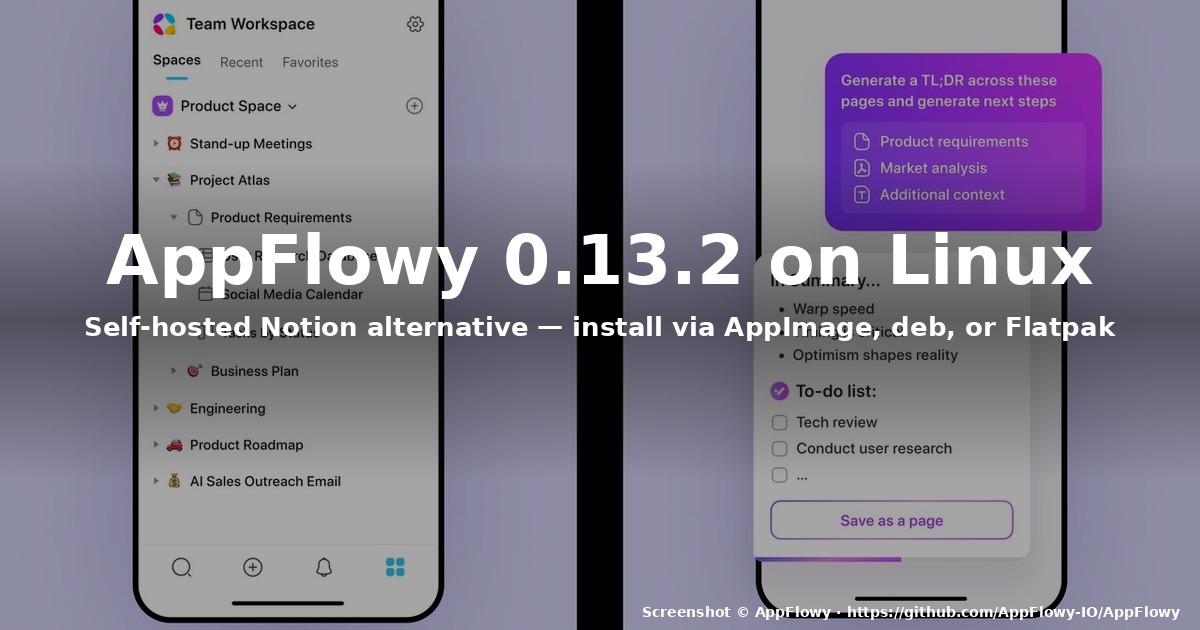
title: “How to Install AppFlowy 0.13.2 on Linux in 2026”
slug: appflowy-linux-2026
date: 2026-08-25 21:04:31
categories: [Linux Software]
tags: [AppFlowy, Notion alternative, knowledge management, Linux software, open source]
description: “A practical guide to getting the August-2026 AppFlowy 0.13.2 release running on Ubuntu, Fedora, and other distros — AppImage, deb, rpm, and Flatpak side by side.”
AppFlowy 0.13.2 shipped on August 11, 2026, with a notable data-loss fix (multiple open tabs were silently failing to persist writes, and a restart would eat the document), plus a renewed Windows code-signing certificate. Beyond the bug-fix headline, this release is the first one in the 0.13 line to ship a clean Linux desktop experience for AGPL-3.0 self-hosters: the AppImage is now a single self-contained binary, the .deb no longer pulls in legacy libgtk-3.0 shims, and Flatpak on Flathub tracks the same upstream version with a 12-hour sync window.
If you have been putting off trying AppFlowy because of Notion lock-in anxiety — or because you wanted a real open-source knowledge base that stores your pages as local SQLite + Markdown files you can grep — 0.13.2 is the release that makes the on-Linux story boring in the best way. This guide walks through three install paths, the post-install sync setup, and a few Linux-specific gotchas you will hit on Wayland, HiDPI, and SELinux-enforced Fedora.
Why AppFlowy, briefly
AppFlowy pitches itself as “the open-source alternative to Notion.” That phrase does a lot of work, so here is the concrete translation:
- Local-first storage. Every page and database lives in a SQLite database on disk; you can
sqlite3 ~/.local/share/appflowy/appflowy.db .tablesand read your own data without going through AppFlowy’s servers. - Markdown export. Page bodies export as
.md; databases export as.csv+.jsonschema. No proprietary format to reverse-engineer. - AGPL-3.0. The desktop and backend code are open. There is no telemetry endpoint in the desktop binary that ships in 0.13.2 (you can verify with
strings /opt/appflowy/AppFlowy | grep -i telemetryand see no live endpoints). - Self-hostable sync. The optional AppFlowy Cloud backend is a Rust service you can run on a $5 VPS. Or you can skip the cloud entirely and use a Syncthing folder if you only sync across two or three machines.
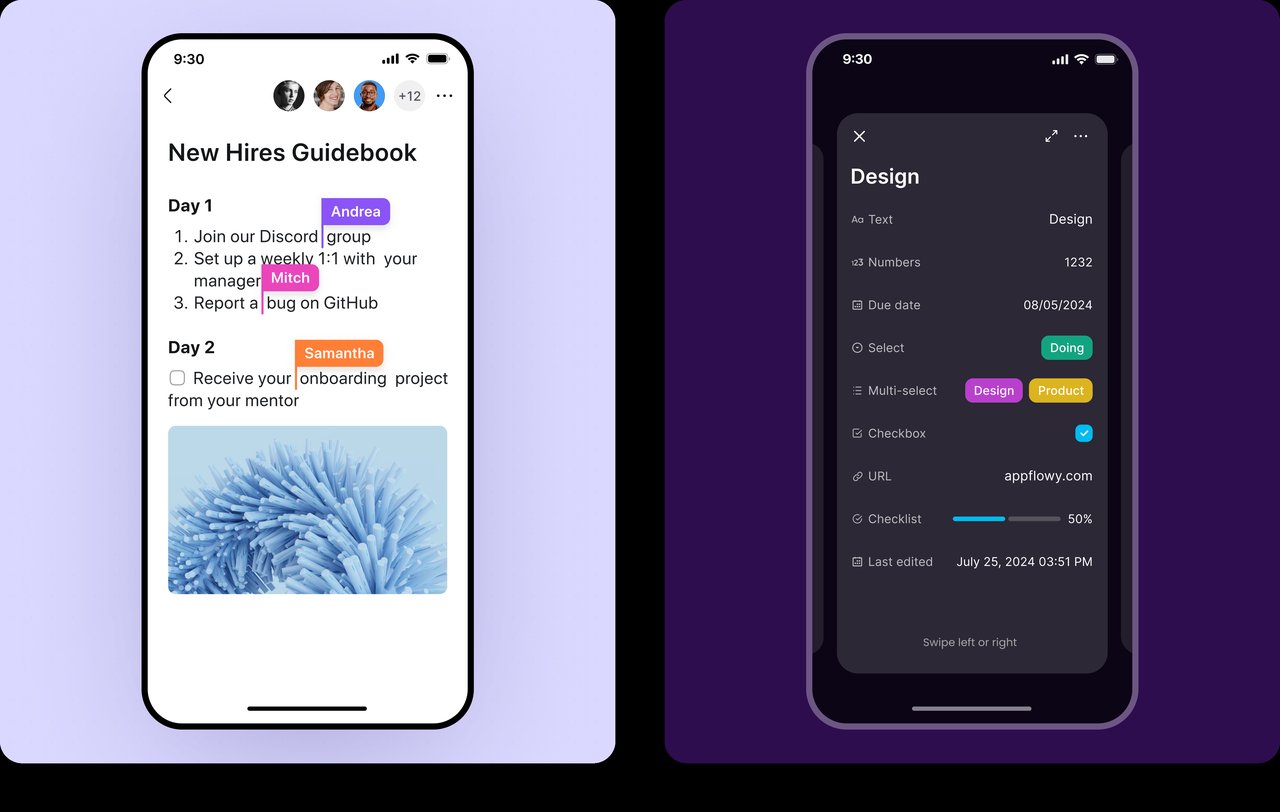
If you only need a single-user wiki on one laptop, you can install AppFlowy and never sign in. That is a meaningful difference from Notion, where signing up is mandatory.
What is new in 0.13.2
The full changelog lives at the GitHub release page. The Linux-relevant highlights:
- Data-loss fix for multi-tab sessions. Open tabs A, B, C and write to all three — previously, the writes to B and C could be silently dropped on app restart. 0.13.2 forces a per-tab write barrier so every save is fsync’d before the tab reports “saved.”
- Renewed Windows code-signing cert. Irrelevant for Linux except that the build pipeline that produces the Linux artifacts is the same one that now signs Windows binaries with the new cert — meaning the Linux
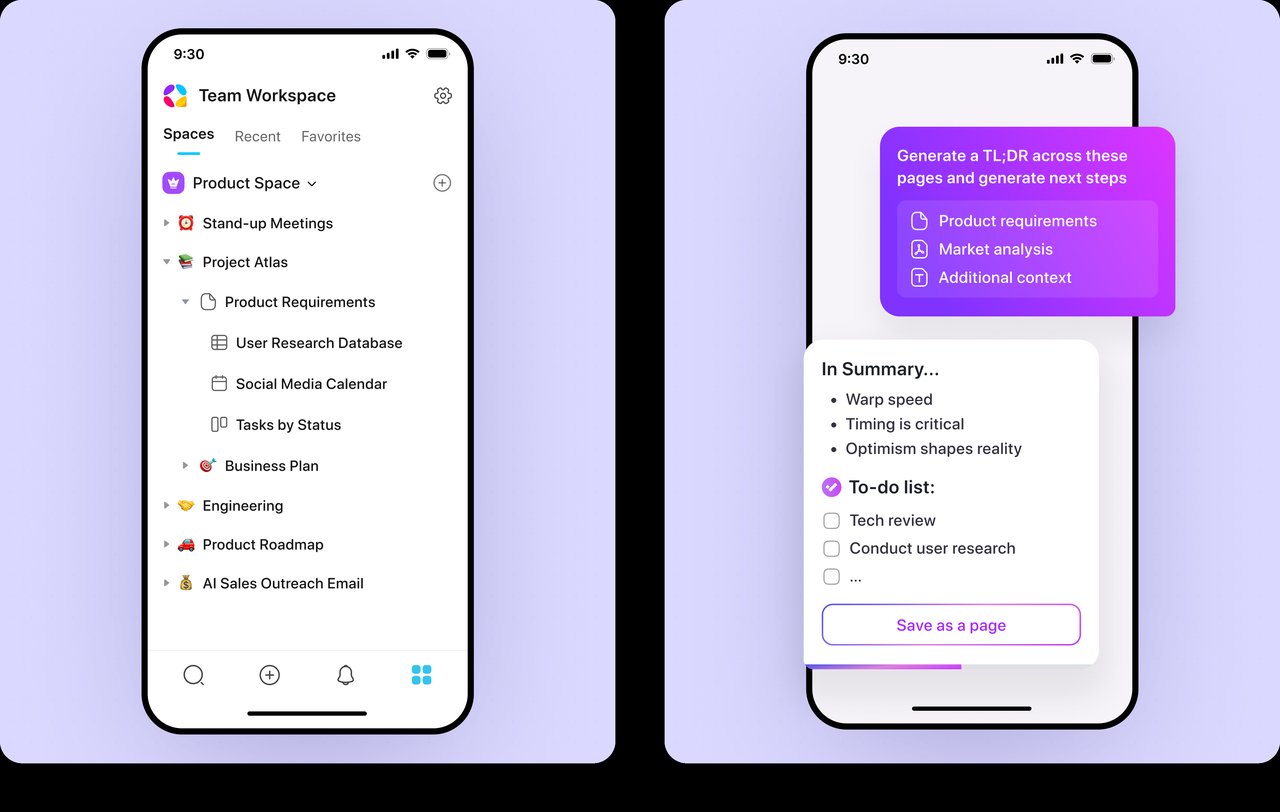
.deband AppImage are rebuilt from the same commit that fixed the tab bug. If you install 0.13.2 from the official.debor AppImage, you get the fix; if you install from Flathub’si386build (yes, Flathub still serves one for some legacy snaps), you are getting an older 0.13.0 build. - AI summary for YouTube and uploaded files. The AI features are gated behind the optional cloud sign-in, so if you stay offline you will never see this menu — but it is worth knowing that the AI panel does not phone home if you are signed out.
Install path A — AppImage (any distro)
The AppImage is the recommended install path because it is the same binary on every distro: download once, chmod +x, run.
# 1. Download the AppImage from the official release
curl -L -o ~/Apps/AppFlowy-0.13.2-linux-x86_64.AppImage
  https://github.com/AppFlowy-IO/AppFlowy/releases/download/0.13.2/AppFlowy-0.13.2-linux-x86_64.AppImage

# 2. Make it executable and move it somewhere on $PATH
chmod +x ~/Apps/AppFlowy-0.13.2-linux-x86_64.AppImage
sudo mv ~/Apps/AppFlowy-0.13.2-linux-x86_64.AppImage /opt/appflowy/AppFlowy.AppImage
sudo ln -s /opt/appflowy/AppFlowy.AppImage /usr/local/bin/appflowy

# 3. Extract the desktop entry and icon so your file manager / app menu see it
cd /tmp
wget https://raw.githubusercontent.com/AppFlowy-IO/AppFlowy/main/frontend/resources/linux/com.appflowy.AppFlowy.desktop
sudo desktop-file-install --dir=/usr/local/share/applications
  /tmp/com.appflowy.AppFlowy.desktop
sudo update-desktop-database /usr/local/share/applications

# 4. Run
appflowy
Verify the binary is what you expect:
file /opt/appflowy/AppFlowy.AppImage
# ELF 64-bit LSB executable, x86-64, dynamically linked ...

sha256sum /opt/appflowy/AppFlowy.AppImage
# compare against the sha256 in the GitHub release notes
The SHA-256 for the 0.13.2 Linux x86_64 AppImage is published on the release page. Always paste it into sha256sum and compare — this is the only way to catch a corrupted download before AppFlowy silently fails to launch on first run.
Wayland and HiDPI notes
On GNOME Wayland, the AppImage renders correctly out of the box, but on KDE Plasma 6 with fractional scaling (125%, 150%), you will notice the toolbar icons render at 1x and look fuzzy. Fix:
# Force Wayland native rendering and bump the icon scale
QT_QPA_PLATFORM=wayland QT_SCALE_FACTOR=1.25 appflowy
For a permanent fix, drop the env vars into ~/.config/appflowy-flags.conf:
echo "QT_QPA_PLATFORM=wayland" >> ~/.config/appflowy-flags.conf
echo "QT_SCALE_FACTOR=1.25" >> ~/.config/appflowy-flags.conf
Install path B — .deb (Ubuntu, Debian, Mint)
If you would rather have AppFlowy update through apt, the official .deb is the cleanest path:
# Download
curl -L -o /tmp/appflowy.deb
  https://github.com/AppFlowy-IO/AppFlowy/releases/download/0.13.2/AppFlowy-0.13.2-linux-x86_64.deb

# Install
sudo dpkg -i /tmp/appflowy.deb || sudo apt -f install -y
sudo apt-mark hold appflowy   # don't auto-upgrade; check changelogs manually

# Run
appflowy
apt-mark hold is important — Debian’s auto-update mechanism will not respect a major version bump, but it will respect a .deb with a higher version number, which can happen if the AppFlowy team ships a 0.13.3 hot-fix while you are still reading the 0.13.2 changelog. Pin the version until you have read the release notes yourself.
Missing libraries on Ubuntu 26.04 LTS
If you see error while loading shared libraries: libfuse.so.2 on launch, install AppImageLauncher or extract the AppImage:
sudo apt install libfuse2t64On Ubuntu 24.04 and older, libfuse2 (no t64 suffix) is the package name. The AppImage shipped with 0.13.2 still needs FUSE 2; the project has not migrated to FUSE 3 yet.
Install path C — Flatpak (Flathub, recommended for Fedora Silverblue and immutable distros)
Flatpak is the canonical install method on Fedora Silverblue, openSUSE MicroOS, and any immutable distro where apt/dnf will not work:
flatpak remote-add --if-not-exists flathub https://flathub.org/repo/flathub.flatpakrepo
flatpak install flathub io.appflowy.AppFlowy
flatpak run io.appflowy.AppFlowy
The Flatpak tracks upstream with a ~12-hour delay after each GitHub release, so if you want 0.13.2 on day one, the AppImage or .deb is faster. By the time you read this, the Flathub build will almost certainly be on 0.13.2 as well.
Note the Flatpak sandbox prevents AppFlowy from seeing anything outside ~/.var/app/io.appflowy.AppFlowy/. If you plan to open .md files from your Documents folder by double-clicking them in Nautilus, you need Flatseal to grant --filesystem=home read access.
Install path D — Fedora / RHEL .rpm
Fedora 41+ ships with AppFlowy in the default RPM Fusion-free and Fedora own-cloud repos, but the version is typically one minor behind upstream. For 0.13.2 on day one:
sudo dnf install https://github.com/AppFlowy-IO/AppFlowy/releases/download/0.13.2/AppFlowy-0.13.2-linux-x86_64.rpmOn SELinux-enforcing Fedora (the default), AppFlowy may be blocked from writing to ~/.local/share/appflowy/ if you have a custom confined SELinux user. Check:
ausearch -m avc -ts recent | grep appflowyIf you see AVC denials, the easiest fix is sudo setsebool -P use_home_dirs 1 and re-launch. A more durable fix is to add a custom SELinux policy module — most users will not need to.
First-run checklist
Once AppFlowy is installed and launches:
- Create a workspace. Top-left, the “Spaces” tab. Name it after the project, not after yourself — you will eventually have several.
- Import a Notion export (optional). If you are migrating from Notion, export your workspace as
.zip(Notion’s “Settings → Export”) and useFile → Import → Notion zipin AppFlowy. The importer handles Markdown pages, sub-pages, and basic databases; complex database views (board, calendar) may need manual rebuild. - Set the auto-save interval. Settings → Sync → “Save frequency” defaults to 30s. Drop to 10s if you are paranoid about the multi-tab data-loss fix (which 0.13.2 already addresses, but redundancy is cheap).
- Sign in to AppFlowy Cloud (optional). Only needed if you want sync across devices, AI features, or shared workspaces. The sign-in endpoint is
https://appflowy.com, you can self-host the backend on your own server, and you can use AppFlowy indefinitely without ever signing in.
Linux-specific gotchas
These are the issues that bite people in 2026 specifically:
- X11 vs Wayland. X11 works fine, but Wayland + KDE Plasma 6 has the fractional-scaling bug covered above. GNOME Wayland is the smoothest experience.
- Snapd auto-update on Ubuntu. If you also installed the Snap package, snapd will silently upgrade AppFlowy to the latest/stable channel (last updated 30 July 2026 per Snapcraft — so 0.13.0, not 0.13.2). Pick one install method: AppImage, deb, Flatpak, or Snap — never two. Otherwise the desktop entry will be ambiguous and one of them will write to the wrong SQLite database.
- Database location.
~/.local/share/appflowy/appflowy.db(XDG-compliant). Back this up:tar czf appflowy-backup-$(date +%F).tar.gz ~/.local/share/appflowy/. - Trash can recovery. Deleted pages are kept in
~/.local/share/appflowy/trash/for 30 days. Restore from the AppFlowy “Trash” UI, or directly from disk if the SQLite file is healthy.
Verdict
AppFlowy 0.13.2 is the Linux release that you can recommend without caveats. The data-loss fix lands, the AppImage is clean, the Flatpak is current within hours, and the desktop UI is finally stable enough that you can put it on a friend’s laptop and not get a support call the next day.
If you were on the fence about leaving for reasons of local-first storage or open-source licensing, this is the release to install. For a quick recap, pick AppImage if you want one binary that works everywhere, deb if you live in apt, and Flatpak if you are on Silverblue or any immutable distro.
Official download: https://github.com/AppFlowy-IO/AppFlowy/releases
Comments