
title: “Ubuntu vs Linux Mint vs Zorin OS: Three Easy Linux Distros Compared”
date: 2026-07-14
categories: [“operating-system”]
tags: [“ubuntu”, “linux-mint”, “zorin-os”, “linux-distro”, “comparison”, “windows-10-eol”, “gnome”, “cinnamon”, “snap”, “desktop-linux”]
Ubuntu vs Linux Mint vs Zorin OS: Three Easy Linux Distros Compared
Why these three make sense to compare side by side
All three are Ubuntu-based, all have graphical installers, all work out of the box, and all are perennial picks on every Linux beginner list. But once you actually use them, you’ll see they have fundamentally different ideas about what “easy” means.
Ubuntu is the oldest and has the largest ecosystem here — Canonical backs it with enterprise support, hardware certification, and a strong developer toolchain. Linux Mint is a community fork of Ubuntu that’s been a fixture at the top of DistroWatch’s popularity rankings for over a decade, betting on a “stable, lightweight, doesn’t-break-things” philosophy. Zorin OS 18 launched on October 14, 2025 — the same day Windows 10 went out of mainstream support — and pulled over 100,000 downloads in 48 hours, 72% of them from Windows machines. The target audience is unmistakable: Windows refugees.
Three distros, three different user assumptions, three different trade-offs.
Ubuntu: biggest ecosystem, but a bit opinionated
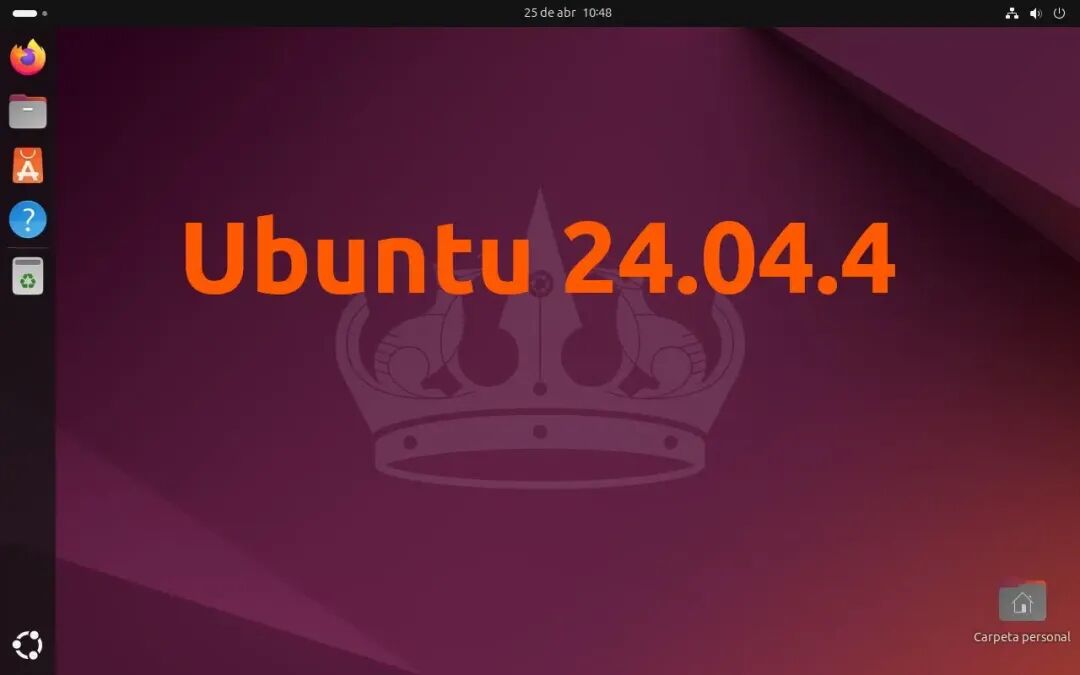
Ubuntu 24.04 LTS is the current flagship, with a 12-year support cycle, GNOME 46 desktop, Wayland enabled by default, and a significantly overhauled installer — cleaner UI, more intuitive partitioning.
Hardware compatibility is Ubuntu’s hardest-to-beat advantage. It has certified partnerships with Dell, HP, and Lenovo; buy a laptop with Linux preinstalled and ten times out of ten it’s Ubuntu. Driver Manager is graphical, NVIDIA drivers install with one click, and the learning curve for a new user is almost zero. The software ecosystem is also the biggest of the three — dev tools, cloud client software, enterprise software, Ubuntu is almost always the first platform supported.
But Ubuntu has a problem, and it’s getting harder to work around: Snap.
Canonical pushes the Snap package format hard in Ubuntu — Firefox ships as Snap, Thunderbird too, and in some cases even the GNOME desktop itself is bundled as a Snap. The Snap sandboxing model causes slow startup, poor system integration, and occasional permission issues. Users have reported browser shortcuts breaking after upgrades and government ID card plugins not working, both because Snap’s isolation breaks those paths. Switching back to the .deb version requires manual steps that aren’t beginner-friendly.
Memory footprint: Ubuntu GNOME sits around 1.5–1.8 GB at idle. Not light.
Best for: developers, people running Linux as a server or workstation, anyone who needs enterprise support. For a regular desktop user who just wants to switch to a daily-driver system, Ubuntu isn’t the most ergonomic choice.
Linux Mint: once you start using it, switching away is hard
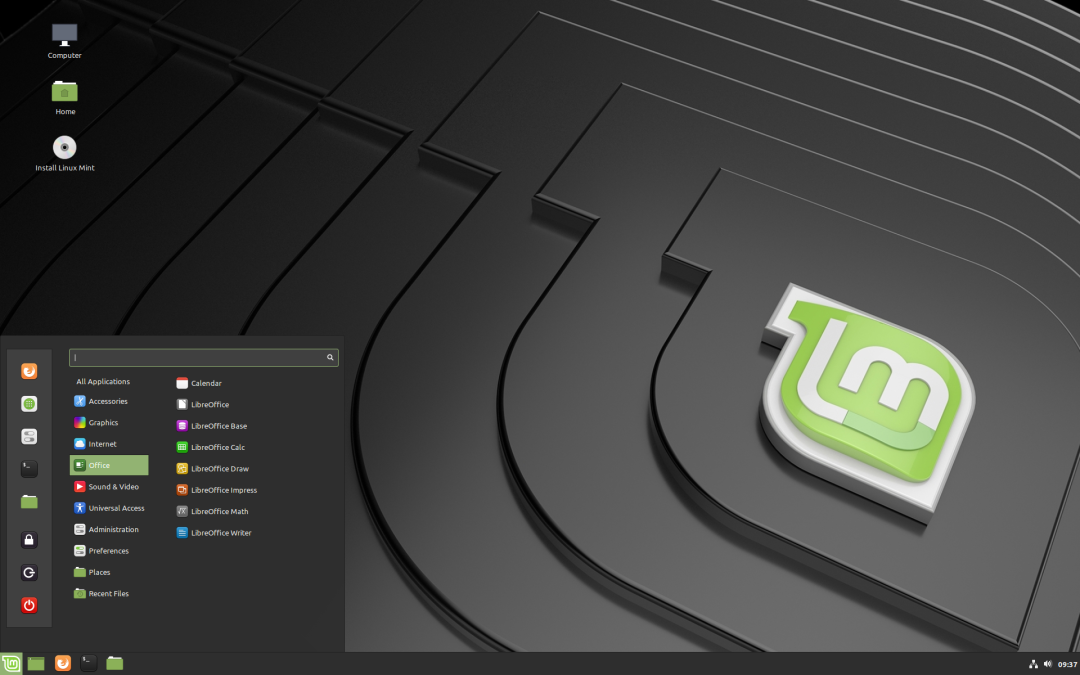
Mint’s strength isn’t any single feature — it’s that the whole experience just feels right.
The default Cinnamon desktop has the start menu in the bottom-left, taskbar at the bottom, and the Windows key opens the application menu — not GNOME’s full-screen Activities view, but the same layout people have used in Windows for twenty years. Someone switching over won’t feel lost on day one.
Memory footprint: Cinnamon edition sits around 1.2 GB at idle, the Xfce edition around 850 MB. On older hardware the difference is very visible.
Update Manager is Mint’s most underappreciated feature. It tiers updates by stability, putting the safest ones first and letting you decide how conservative you want to be — you won’t get a kernel update pushed at you that might break your system out of nowhere. Timeshift backup is built in and takes minutes to learn. Together these two tools dramatically lower both the probability and the blast radius of “the system broke.”
Mint explicitly refuses Snap. Firefox ships as a .deb package, everything goes through traditional package management, no sandbox-isolation weirdness. Flatpak support exists but isn’t pushed.
For deeper tinkering, Cinnamon’s settings include Applet, Desklet, Extension, and Gesture mechanisms — desktop widgets, right-click menu additions, touchpad gesture scripts, all integrated into the system settings. No third-party plugin sites, and the stability is much better than GNOME extensions.
Downsides: the visual design isn’t as modern as Zorin’s, and the preinstalled software bundle is smaller. If you want an “everything’s already there” experience out of the box, Mint isn’t it.
Best for: people who plan to seriously use Linux long-term, don’t mind occasionally rolling up their sleeves, but also don’t want to hit too many potholes. Stable, light, room to grow into.
Zorin OS 18: designed specifically for people escaping Windows
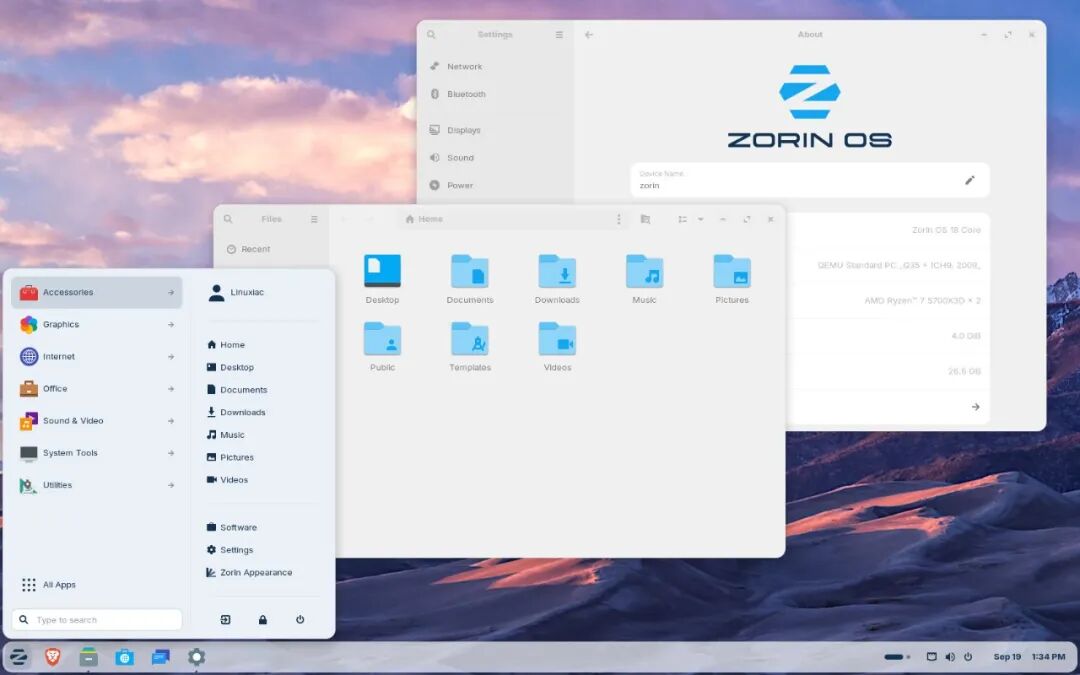
Zorin OS 18’s flagship tool is Zorin Appearance: open it and one click switches your desktop layout to mimic Windows 11, Windows 7, or macOS. For someone who just left Windows, this feature drops the first-day adaptation cost dramatically.
It also ships a Windows App Support entry point that configures Wine and Bottles, letting you run a subset of Windows apps — Photoshop CS6 and Office 2013 are explicitly supported examples. Not every Windows program works, but having the entry point makes it obvious that there’s a path. There’s also a feature that triggers automatically when you download a .exe file: Zorin OS pops up suggestions for Linux-native open-source alternatives. OneDrive is integrated into the file manager too, which feels natural for people used to the Microsoft ecosystem.
Zorin OS 18 also adds smart window tiling — customizable tiling layouts with keyboard shortcuts, more flexible than vanilla GNOME’s window management.
The paid Zorin OS Pro tier costs around $48 and preinstalls a curated bundle of additional software covering office, design, and audio/video production — basically, it finishes the “find alternative software” work for you. The free Core edition is already plenty for most people; Pro is for those who want to skip the tinkering.
Memory footprint: about 1.6 GB, because the underlying desktop is GNOME. On older machines this will be noticeably slower than Mint. GNOME extensions work, but Zorin itself is already heavily customized, and third-party extensions sometimes conflict with the default behavior — the extension ecosystem isn’t as stable as Mint’s Cinnamon equivalent.
Best for: people coming from Windows who want to change as little as possible about their workflow, and who don’t plan to deeply learn Linux.
The three side by side: how to choose
- Ubuntu — biggest ecosystem, first choice for developers and anyone needing enterprise support, but the Snap friction is real for regular desktop users.
- Linux Mint — most stable, lightest, least likely to do something weird; great for anyone planning to use Linux long-term, especially on older hardware.
- Zorin OS — most Windows-like, most complete migration toolkit; great for anyone who just wants to switch systems without switching habits.
Quick decision rule:
- Older hardware → Linux Mint Xfce edition first (the 850 MB RAM footprint is a meaningful difference on a 4 GB machine)
- Hardware is fine + just came from Windows + want the smoothest transition → Zorin OS
- Doing development + need the biggest software ecosystem + enterprise support → Ubuntu
Comments