
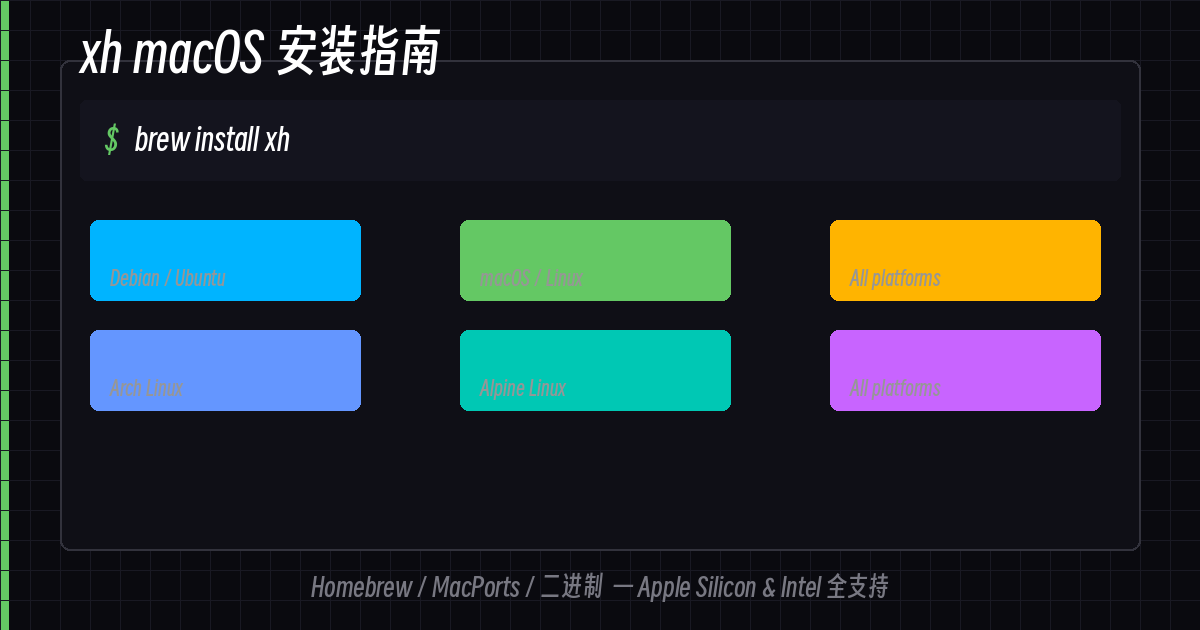
macOS users can install xh even more easily than on Linux — one Homebrew command and you’re done. Whether you’re using Apple Silicon (M1/M2/M3) or Intel, it works right out of the box.
Homebrew (Recommended)
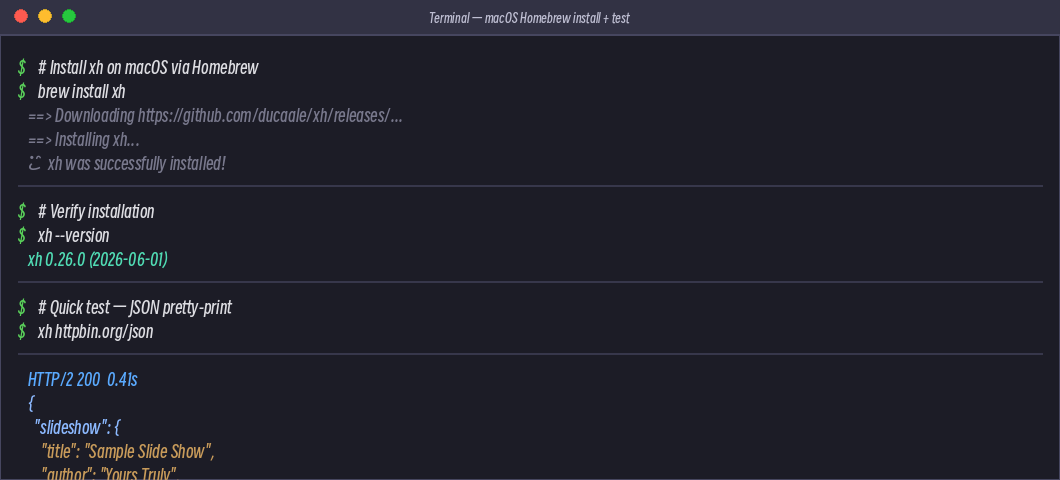
Homebrew is the most popular package manager for macOS, and xh is in the main repository:
brew install xhVerify after installation:
xh --versionMacPorts
If you use MacPorts:
sudo port install xhInstall Script (Universal)
Don’t want to use a package manager? One command does it all:
curl -sfL https://raw.githubusercontent.com/ducaale/xh/master/install.sh | shInstalled to $HOME/.local/bin/, then:
export PATH="$HOME/.local/bin:$PATH"
xh --version
You can add the export line to ~/.zshrc or ~/.bash_profile to make it permanent.
Download Binary
Go to the Release page and find the macOS version:
VERSION=$(curl -s https://api.github.com/repos/ducaale/xh/releases/latest | grep -o '"tag_name": "[^"]*' | cut -d'"' -f4)
curl -LO "https://github.com/ducaale/xh/releases/download/${VERSION}/xh-${VERSION}-x86_64-apple-darwin.tar.gz"
tar -xzf xh-*.tar.gz
# Move to PATH
mv xh /usr/local/bin/
xh --version
Apple Silicon Mac users should get the
aarch64-apple-darwinversion; Intel Mac users getx86_64-apple-darwin.
Coexisting with the Linux Version
If, like me, you use xh on both Linux servers and your macOS machine, just download the binary and drop it into your PATH. Homebrew and system commands won’t interfere with each other.
Apple Silicon vs Intel
| Chip | Download Architecture |
|---|---|
| Apple M1/M2/M3/M4 | aarch64-apple-darwin |
| Intel Mac | x86_64-apple-darwin |
Use uname -m to confirm:
uname -m
# arm64  → Apple Silicon
# x86_64 → Intel
Quick Start
# GET request
xh https://httpbin.org/json

# POST with JSON
xh post https://httpbin.org/post name=macos age:=4

# View help
xh --help
macOS comes with zsh built-in. Tab completion can be set up using Homebrew’s version:
# Homebrew auto-configures completion
brew install xh  # will prompt you on how to enable after installation
Summary
| Method | Command |
|---|---|
| Homebrew (Recommended) | brew install xh |
| MacPorts | sudo port install xh |
| Install Script | curl -sfL .../install.sh | sh |
| Manual Binary | Download architecture-specific version from Release page |
macOS installation is much simpler than Linux — you basically don’t need to worry about dependencies. xh’s macOS build is well-packaged; just install and use it right away.
An English introduction and usage guide are also on the way — stay tuned if you’re interested.
Comments