
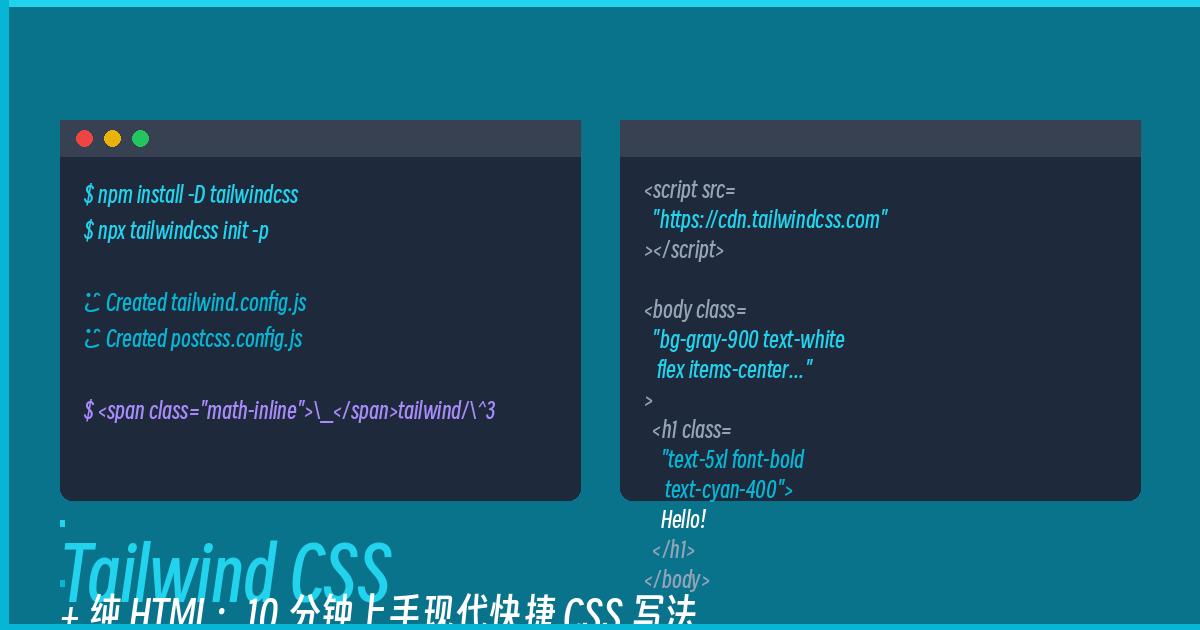
Have you ever been tortured by traditional CSS?
Want to give a button rounded corners? border-radius: 9999px. Want to add a shadow? box-shadow: 0 4px 6px rgba(0,0,0,0.1). Want a hover effect? Write another set of button:hover {}… By the time you finish one component, the CSS file is longer than the HTML.
Tailwind CSS is here to solve that. It’s a utility-first CSS framework — instead of writing class="btn", you stack utility classes directly in your HTML: class="bg-blue-500 hover:bg-blue-600 text-white font-bold py-2 px-4 rounded-full shadow-lg".
Sounds messy? But once you use it, you’ll never go back.
CDN Approach: No Build Step, Just Use It
This is the fastest way to get started — no Node.js, no webpack, no build tools whatsoever. One HTML file does it all:
<!DOCTYPE html>
<html lang="en">
<head>
    <meta charset="UTF-8">
    <meta name="viewport" content="width=device-width, initial-scale=1.0">
    <title>Tailwind CSS Demo</title>
    <script src="https://cdn.tailwindcss.com"></script>
</head>
<body class="bg-gray-900 text-white min-h-screen flex items-center justify-center">
    <div class="text-center">
        <h1 class="text-5xl font-bold text-cyan-400 mb-4">Hello Tailwind!</h1>
        <p class="text-gray-400 mb-8">A utility-first CSS framework — what you see is what you get</p>
        <button class="bg-cyan-500 hover:bg-cyan-600 text-white font-bold py-3 px-8 rounded-full shadow-lg shadow-cyan-500/50 transition-all duration-200">
            Try Me
        </button>
    </div>
</body>
</html>
Save it as index.html and open it in your browser — you’ve got a complete Tailwind page.
Common Utility Classes Quick Reference
Memorize these high-frequency classes and you’ll be good for most pages:
Text and Colors:
– text-3xl — Font size, 3xl (extra large)
– font-bold — Bold text
– text-red-500 — Text color (red-100 through red-900)
– text-center — Center alignment
Spacing:
– p-4 — Padding of 4 units (1 unit = 0.25rem)
– m-4 — Margin of 4 units
– mb-8 — Margin-bottom of 8 units
Borders and Border Radius:
– border — Add a border
– rounded-lg — Large border radius (0.5rem)
– rounded-full — Full rounded (pill shape)
– border-gray-700 — Gray-700 border color
Flexbox and Layout:
– flex — Display flex
– items-center — Cross-axis center alignment
– justify-center — Main-axis center alignment
– gap-4 — Gap between flex items, 4 units
Interactivity:
– hover:bg-blue-600 — Change background color on hover
– transition-all — Animate all properties
– duration-200 — Transition duration 200ms
– cursor-pointer — Cursor changes to pointer
Building a Practical Component: A Profile Card
Let’s combine everything to build a user profile card:
<div class="max-w-sm mx-auto bg-gray-800 rounded-xl shadow-lg overflow-hidden">
    <div class="bg-gradient-to-r from-cyan-500 to-blue-600 h-32"></div>
    <div class="px-6 py-4 text-center">
        <img class="w-24 h-24 rounded-full mx-auto -mt-16 border-4 border-gray-800" src="https://i.pravatar.cc/100" alt="Avatar">
        <h2 class="text-2xl font-bold text-white mt-2">Zhang San</h2>
        <p class="text-gray-400">Full-Stack Developer</p>
        <div class="flex justify-center gap-2 mt-4">
            <span class="px-3 py-1 bg-cyan-500/20 text-cyan-400 text-sm rounded-full">React</span>
            <span class="px-3 py-1 bg-cyan-500/20 text-cyan-400 text-sm rounded-full">Python</span>
            <span class="px-3 py-1 bg-cyan-500/20 text-cyan-400 text-sm rounded-full">Docker</span>
        </div>
        <button class="mt-6 bg-cyan-500 hover:bg-cyan-600 text-white font-semibold py-2 px-6 rounded-lg transition-all duration-200">Follow</button>
    </div>
</div>
You don’t need a single line of hand-written CSS — every style is an atomic utility class. Want to adjust spacing? Change the numbers. Want to modify the color? Change the color name. No CSS files to switch back and forth.
Why Tailwind?
Some might say: “This goes against the separation of HTML and CSS!” But in practice:
1. No more naming things: You’ll never struggle to name a CSS class again
2. No context switching: Everything is right there in the HTML, no switching files
3. Consistent constraints: Color palettes and spacing are all on the design system, no arbitrary values
4. Smaller production CSS: PurgeCSS removes unused classes, and the final CSS is often much smaller than hand-written ones
If you haven’t tried Tailwind yet, open a blank HTML file, paste in that CDN link, and start stacking classes. You’ll understand in 10 minutes.
Comments