
The previous article introduced what xh is and what benefits it offers. This one focuses specifically on how to install it on Linux, covering all major distributions.
Installation Methods Overview
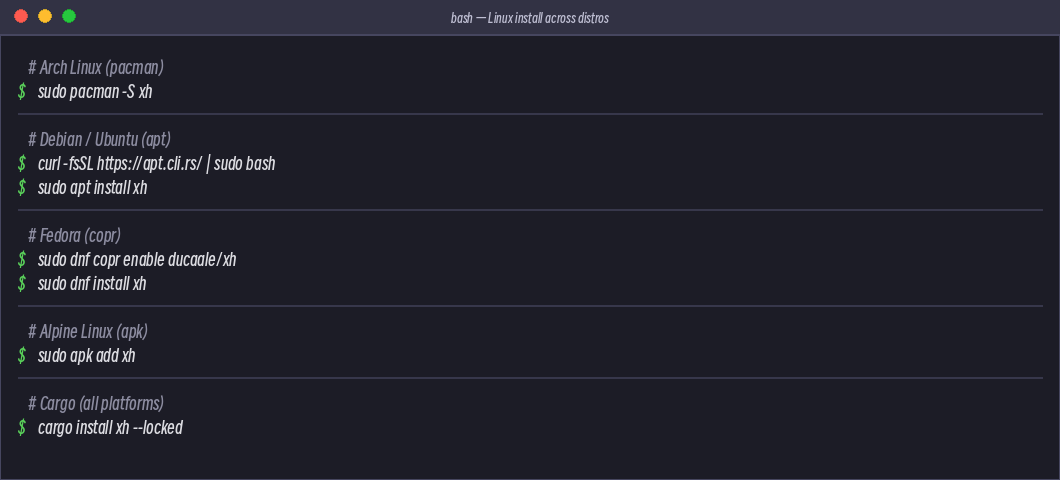
| Package Manager | Distribution | Command |
|---|---|---|
| apt | Debian / Ubuntu | sudo apt install xh (requires apt.cli.rs repo) |
| pacman | Arch Linux | sudo pacman -S xh |
| apk | Alpine Linux | sudo apk add xh |
| dnf | Fedora | sudo dnf copr enable ducaale/xh && sudo dnf install xh |
| cargo | All platforms | cargo install xh --locked |
| install.sh | All Linux | curl -sfL .../install.sh | sh |
| Binary | All Linux | Download Release directly |
Debian / Ubuntu
Debian and Ubuntu install via the official apt repository:
# 1. Import the apt.cli.rs repository key
curl -fsSL https://apt.cli.rs/rs.key | sudo gpg --dearmor -o /usr/share/keyrings/rs.gpg

# 2. Add the repository
echo "deb [signed-by=/usr/share/keyrings/rs.gpg] https://apt.cli.rs/$(. /etc/os-release; echo $ID) $(lsb_release -cs) main"   | sudo tee /etc/apt/sources.list.d/rs.list

# 3. Update and install
sudo apt update && sudo apt install xh
Ubuntu 24.04+ can also directly use sudo apt install xh (if the official repo already packages it).
Arch Linux
Simplest, one command:
sudo pacman -S xh
Arch users should already be very familiar with this workflow.
Alpine Linux
sudo apk add xh
Alpine uses musl libc, and xh ships with rustls by default, so no OpenSSL needed — install and run directly.
Fedora
First enable the COPR repository, then install:
sudo dnf copr enable ducaale/xh
sudo dnf install xh
Cross-Platform Methods
Install via Cargo
cargo install xh --locked
This requires Rust toolchain to be installed. If you already have Rust, this is the universal fallback method.
Install Script
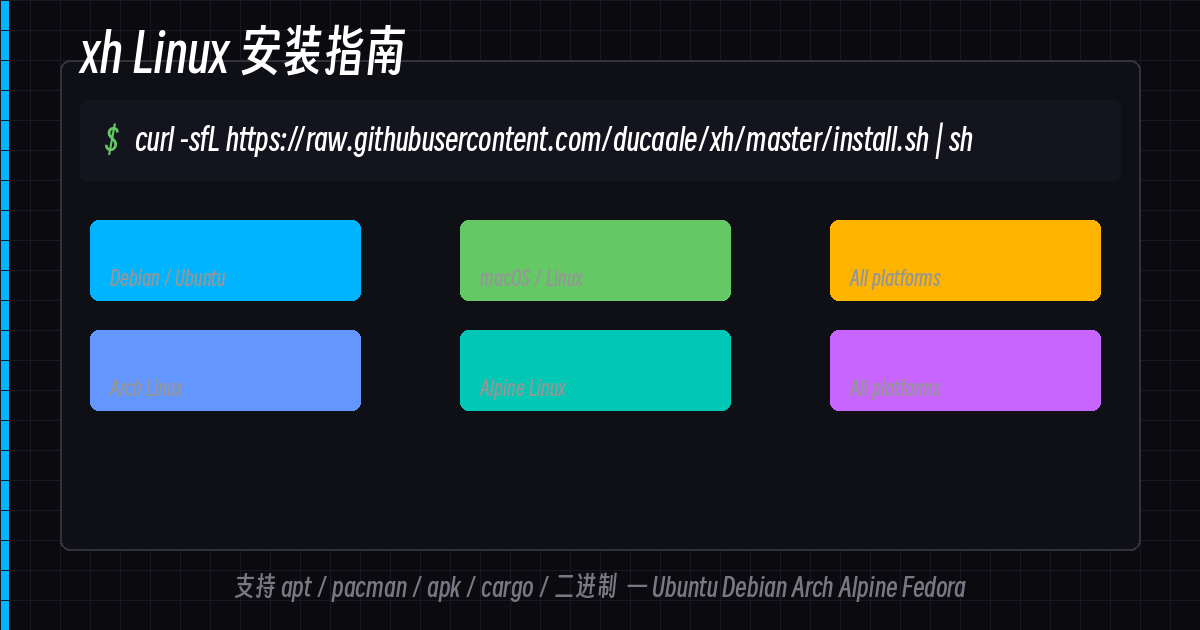
curl -sfL https://github.com/ducaale/xh/raw/master/install.sh | sh
Pre-built Binary
Download the binary for your architecture from the [GitHub Releases](https://github.com/ducaale/xh/releases) page, extract it, and add it to your PATH. This is the most portable method — single binary, no dependencies.
Comments