
Hidamari: Turn Videos, YouTube, and Web Pages into Linux Desktop Live Wallpapers — a Lightweight Python Tool
Have you seen that Windows “Minecraft” dynamic wallpaper? Or those macOS landscapes that change with the time of day? The Linux desktop has always been able to do this too, but most solutions are either outdated or too heavy. Today let’s talk about a little tool called Hidamari — 2k Stars, written in Python, designed to cure all cases of “I want my desktop to move.”
What is Hidamari?
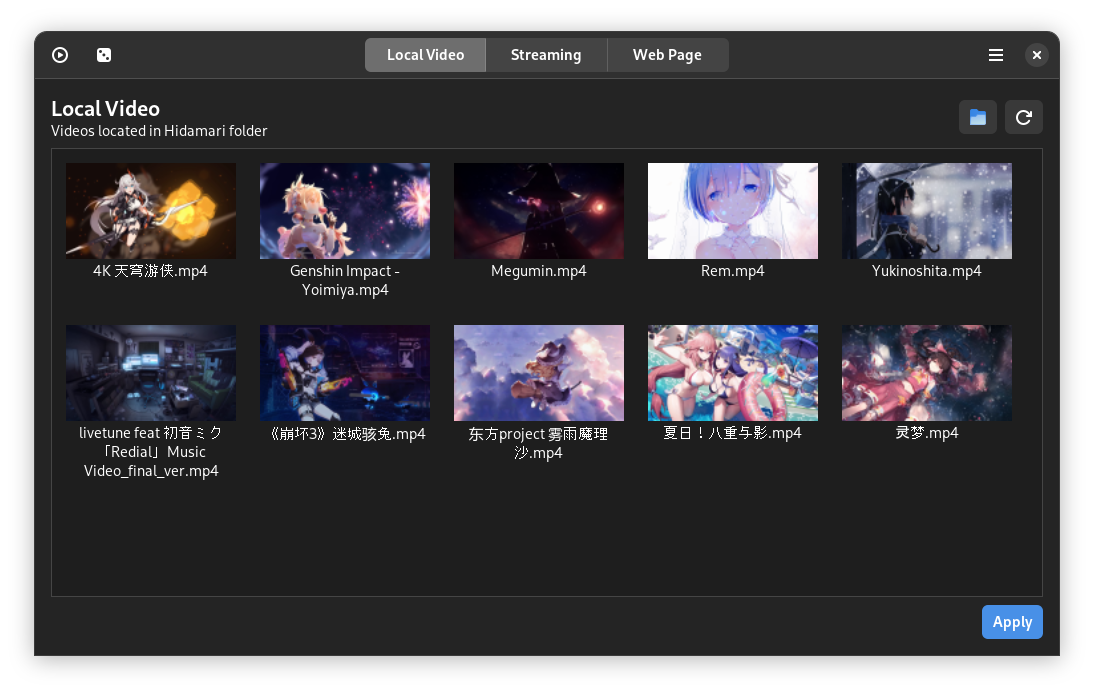
Hidamari (日溜まり / ひだまり, Japanese for “sunny spot”) is a Linux video wallpaper manager, developed and maintained by Jeff Shee. Its core idea is straightforward: use VLC / mpv to play videos or web pages in the background, then hide the window behind the desktop, showing it only beneath all other windows.
1.4k+ Stars on GitHub, a small but active community. The latest version is v3.6 (January 2025), currently in stable maintenance.
Compared to earlier solutions:
| Solution | Pros | Cons |
|---|---|---|
| Xwinwrap + mpv | Extremely lightweight | Won’t pause playback, no auto-pause, no UI management |
| Komorebi | Multi-wallpaper animation | Discontinued, last release was 2018 |
| Hidamari | Has GUI, Wayland support, pause-on-sleep, auto-detection | Electron uses some resources (~50-80MB) |
What Can It Do?
Breaking down the features in the README, Hidamari actually does four things:
1. Video as Wallpaper
The most basic use case. Drag in local MP4, WebM, MKV, and other video files as wallpaper. VLC is used as the backend, so hardware acceleration works as usual (mpv also supported). GPU decode works reliably on Intel/AMD, Nvidia GPU + Wayland combo currently has a bug.
2. YouTube Video as Wallpaper
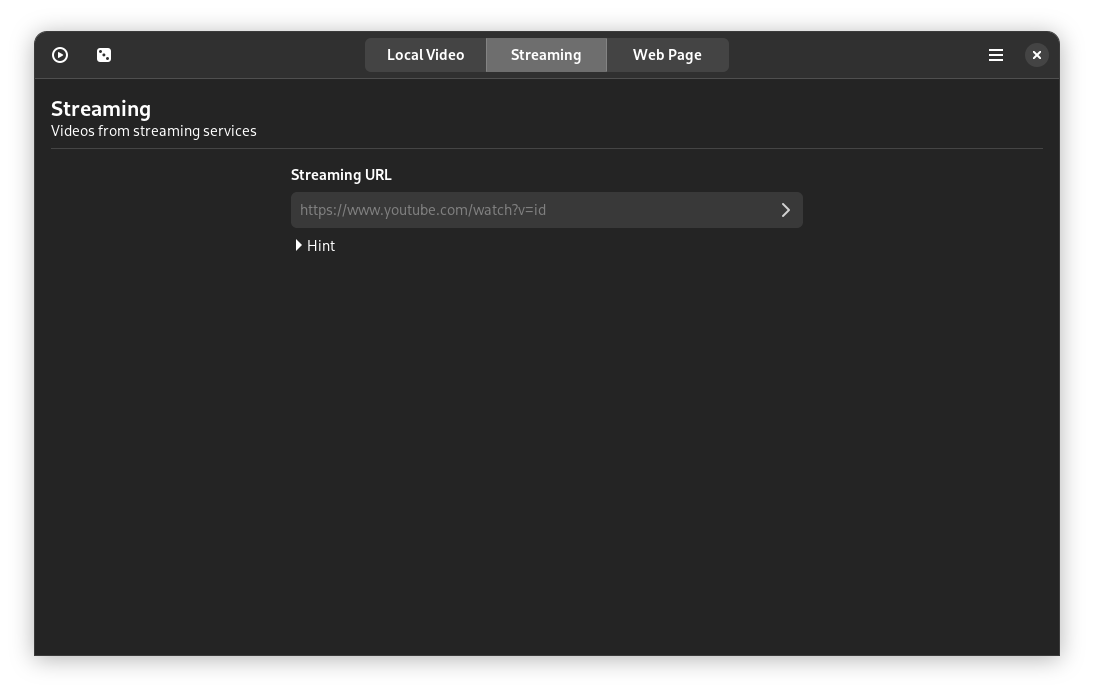
This is Hidamari’s killer feature. Just paste a YouTube link, and it uses yt-dlp to pull the stream and play it. I tried putting a 4K landscape 24/7 livestream as my background — the effect is very immersive. That kind of Pacific Rim beach cam feed with light background music is like digital therapy.
3. Web Page as Wallpaper
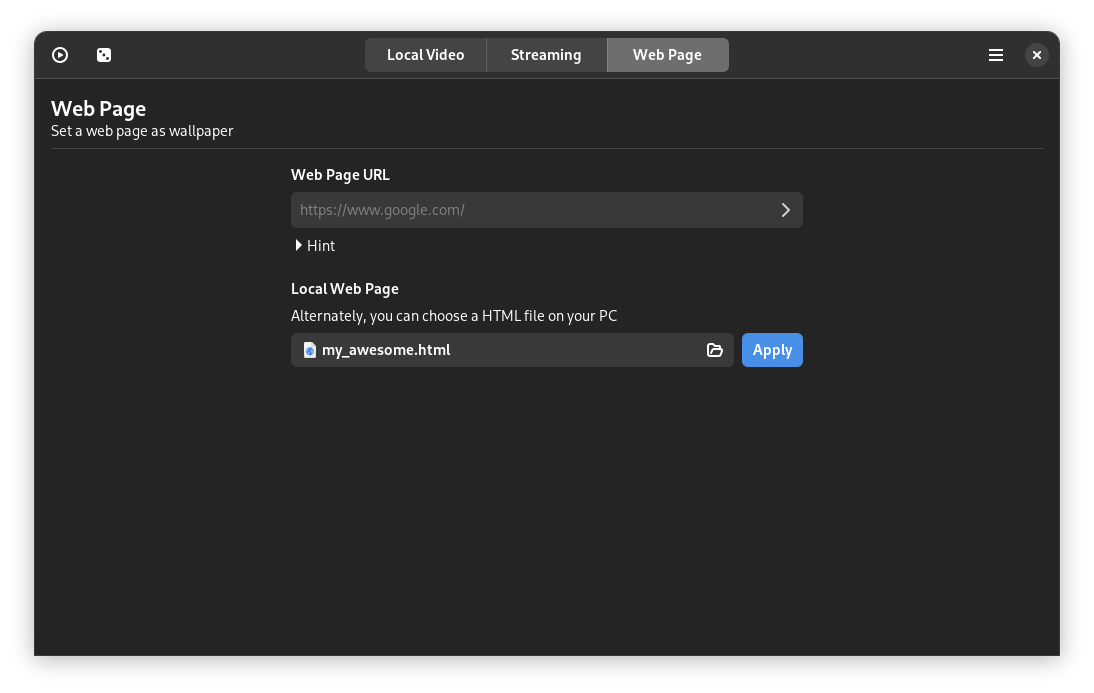
In theory, any URL can be used as a wallpaper. The README mentions everything from Unity/Godot WebGL games to interactive HTML animations. On GitHub, people have used Three.js demos as wallpapers, and even Notion dashboards as backgrounds (though that seems stressful).
4. Static Image + Blur
Don’t want a dynamic wallpaper? You can use images too. Hidamari applies a frosted glass blur effect, which works particularly well with high-resolution photos as backgrounds.
Some Thoughtful Details
These are details noted in the README that show the developer put real care into it:
- Auto-pause on startup: Detects when a window is maximized or fullscreen and automatically pauses playback to save CPU. This is X11-only; Wayland isn’t supported yet
- I’m feeling lucky: Randomly selects a video to play — cyber lottery
- Start on boot: Just toggle it in the UI, no need to write a systemd service
- Multi-monitor support: New in v3.6, each screen can be configured independently
- Volume control + one-click mute: Two buttons in the system tray handle it
GNOME users should also check out the developer’s sister project Hanabi, a GNOME Shell extension with even deeper integration than Hidamari, though still in early stages.
Installing Hidamari
Hidamari is distributed via Flathub, which is the recommended installation method:
flatpak install flathub io.github.jeffshee.HidamariOr you can download the AppImage from the GitHub Releases page. The Flathub version is more actively maintained.
Final Thoughts
Hidamari fills a niche that Linux desktop users have wanted for a long time. The developer has done an impressive job of balancing features with resource usage. If you’ve ever envied macOS or Windows dynamic wallpapers, Hidamari is the tool you’ve been waiting for.
Comments