
If you’ve ever wrestled with curl syntax — -X POST -H "Content-Type: application/json" -d '{"key":"value"}' — and thought there has to be a better way, you’re not alone.
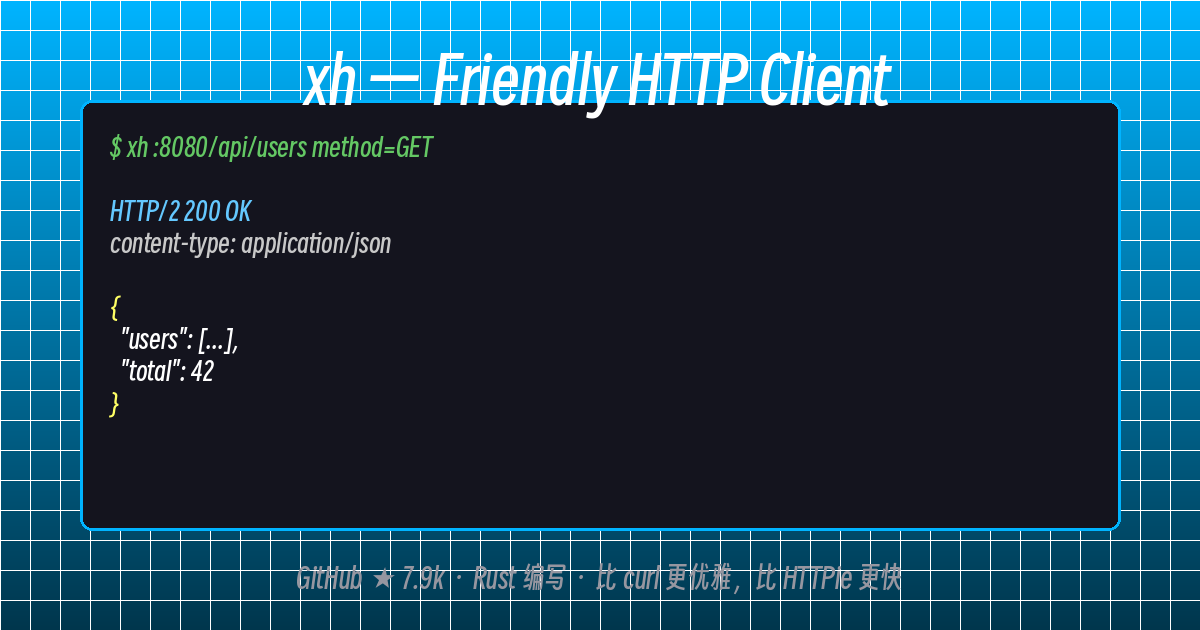
xh is a Rust-powered command-line HTTP client that reimplements HTTPie’s intuitive design with far better performance.
What is xh?
xh is a friendly, fast tool for sending HTTP requests. It’s written in Rust (90% of the codebase), ships as a single static binary, and carries HTTPie’s elegant syntax across to the Rust ecosystem.
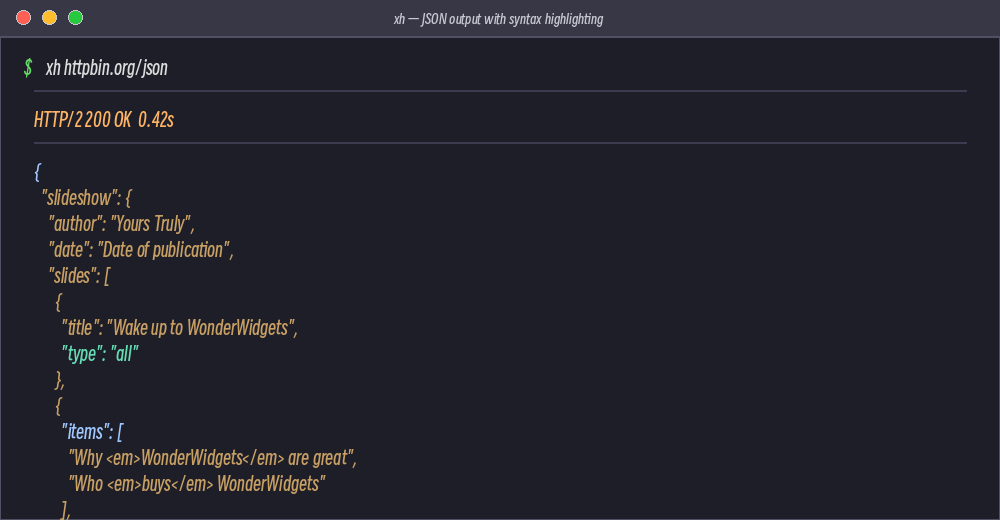
xh httpbin.org/json
One command. Colored JSON output. No more parameter archaeology.
Key Features
| Feature | Details |
|---|---|
| Rust-powered | Near-instant startup vs Python’s HTTPie |
| Single binary | No runtime required, easy to install and portable |
| HTTP/2 support | Native, no extra flags needed |
| rustls by default | Doesn’t rely on system TLS — works on older distros too |
--curl flag |
Translate any xh command to an equivalent curl command |
| Colored output | Syntax-highlighted JSON, headers, and more |
| Auto status check | Exits with error on 4xx/5xx unless told otherwise |
xh vs curl vs HTTPie
# curl — remember all the flags?
curl -X POST https://httpbin.org/post
  -H "Content-Type: application/json"
  -d '{"name":"Tom","age":26}'

# HTTPie — better, but Python (slower startup)
http POST httpbin.org/post name=Tom age:=26

# xh — fast + intuitive
xh post httpbin.org/post name=Tom age:=26
xh’s request-item syntax is dead simple: name=value sets a body field, == adds a URL parameter, : sets a header. No -d, -H, -X memorization required.
Basic Syntax
xh [OPTIONS] <[METHOD] URL> [REQUEST_ITEM]...
Request Item Syntax:
| Syntax | Purpose |
|---|---|
name=value |
Body field (string) |
name:=26 |
Body field (forced JSON number) |
id==5 |
URL Query parameter |
content-type: |
Add a header |
@file.txt |
Read file contents as a value |
Request Examples
# Simple GET
xh httpbin.org/json

# GET with query parameters
xh get httpbin.org/json id==5 sort==true

# POST with JSON body (auto-serialized)
xh post httpbin.org/post name=Tom age:=26

# Custom headers
xh httpbin.org/get user-agent:MyApp/1.0 x-api-key:secret

# Body from file
xh post :8080/api/bulk @data.json

# Download to file
xh -d https://httpbin.org/json -o response.json

# Persistent session (cookie handling)
xh :8080/login --session=login.txt
Pro tip: xhs for automatic HTTPS
Symlink xh as xhs and it automatically uses HTTPS:
ln -s $(which xh) ~/.local/bin/xhs

xhs httpbin.org/get   # → https://httpbin.org/get
GitHub Project Info
- Repo: ducaale/xh
- Stars: 7.9k
- Language: Rust 90.1%
- License: MIT
- Latest: 0.24.x (actively maintained)
Why xh?
If you’re working with APIs from the command line, xh is worth a shot. It brings HTTPie’s ergonomic syntax to the Rust world — fast startup, single binary, colored output, and sensible defaults. It’s like the version of HTTPie you always wished was a bit snappier.
Next up: installing xh on Linux →
Comments