
How to Install Battle for Wesnoth 1.20 on Linux
Battle for Wesnoth is one of those rare open-source projects that has been quietly shipping content for twenty years. The latest stable release, 1.20 “The Spanish Wave”, landed in late 2025 and is still receiving maintenance point releases through 2026 — a good time to revisit this turn-based fantasy strategy game if you have not played it since the 1.14 days.
This guide walks you through installing Wesnoth 1.20 on Linux the easy way (Flatpak) and the slightly more involved way (your distro’s package manager), then gives you a quick orientation so you can actually finish your first campaign instead of getting stomped by turn three.
Why Wesnoth still matters in 2026
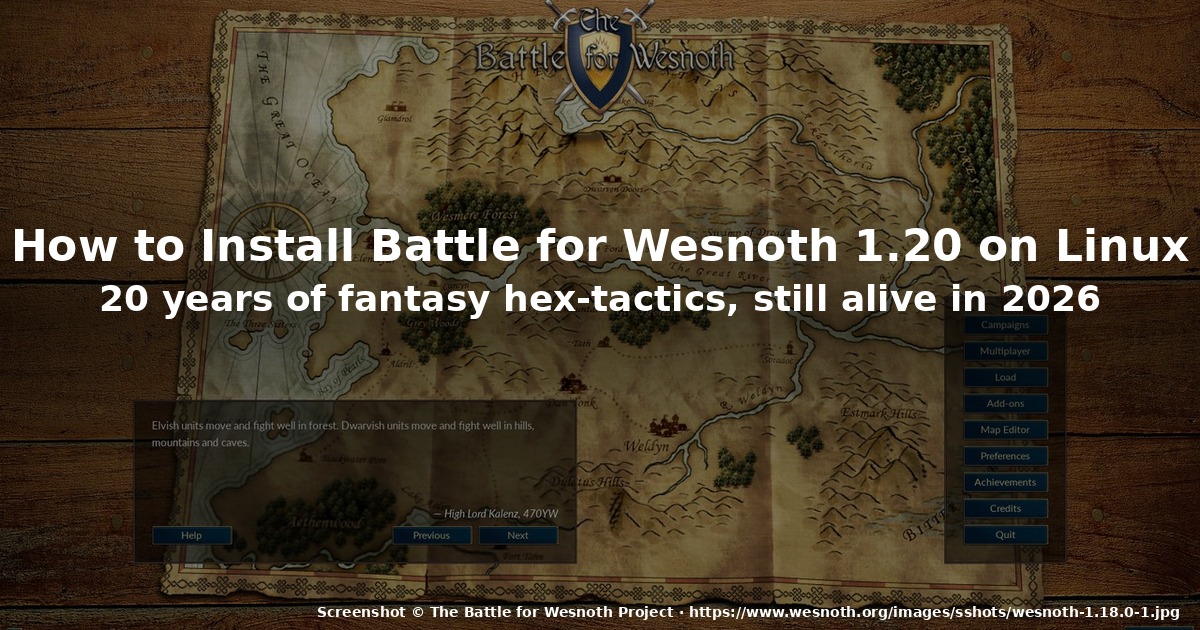
A lot of games from the mid-2000s era have either gone commercial or stalled. Wesnoth has done neither. The project is still GPLv2, still community-run, and still actively developed — version 1.20 brought the biggest mainline campaign overhaul in years, plus a redesigned title screen, unit rebalancing across most factions, and a long list of engine improvements under the hood.
What you actually get when you launch it:
- Hex-grid turn-based combat on maps ranging from mountain passes to coastal fortresses. Day/night cycle matters — undead are stronger at night, lawful units get penalties fighting in chaotic terrain, and so on.
- 16+ playable factions across six default eras (Default, Empire, LoW, Drift of the Dead, etc.). Each faction has its own campaign from the perspective of that race.
- A massive amount of single-player content. The default era alone ships with around 25 mainline campaigns and dozens of user-made ones accessible from the add-on server.
- Online multiplayer on the official server (
wesnoth.org‘s official MP, plus the option to host your own). - A real map editor and WML scripting, which is why modders keep producing new content two decades later.
It runs natively on Linux. No Proton, no Wine, no compatibility layer needed. The whole game is roughly 400 MB on disk once installed.
Method 1: Install via Flatpak (recommended)
The Flatpak on Flathub is maintained by the Wesnoth project itself and tracks the latest stable release. This is the path of least resistance on Ubuntu, Fedora, SteamOS, and every immutable distro.
# Add Flathub if you don't already have it (Ubuntu, Linux Mint, Pop!_OS)
sudo apt install flatpak
flatpak remote-add --if-not-exists flathub https://flathub.org/repo/flathub.flatpakrepo

# Install Wesnoth
flatpak install flathub org.wesnoth.Wesnoth
Then launch it from your application menu, or from the command line:
flatpak run org.wesnoth.WesnothThe first launch will create ~/.var/app/org.wesnoth.Wesnoth/data/wesnoth/1.20/ for your save games, add-ons, and config. If you ever want to wipe everything and start clean, just delete that directory — your Flatpak install stays intact.
Updating is flatpak update along with the rest of your Flatpaks. The Flathub package usually picks up new 1.20.x maintenance releases within a few days.
Method 2: Install via your distro’s package manager
If you would rather avoid Flatpak, every major distro has Wesnoth in its official repos, though the version tends to lag a few months behind upstream.
Debian / Ubuntu (and derivatives):
sudo apt install wesnoth wesnoth-1.18Note: Debian 13 and Ubuntu 25.10 currently ship 1.18, not 1.20. If you specifically want 1.20 features (campaign overhaul, new title screen), use the Flatpak.
Fedora:
sudo dnf install wesnothArch / Manjaro / EndeavourOS:
sudo pacman -S wesnothArch tends to track upstream closely; you will usually get 1.20 within days of release.
openSUSE:
sudo zypper install wesnothSteamOS / Steam Deck: Wesnoth is on Steam (free). Adding it as a non-Steam shortcut also works fine if you prefer the desktop entry from Flathub.
Method 3: From source (only if you have a reason)
There is no real reason for a normal user to build from source in 2026 — the Flatpak covers it. But if you are a developer, packager, or you want to run the development branch:
git clone https://github.com/wesnoth/wesnoth.git
cd wesnoth
# See INSTALL.md for the full dependency list (CMake 3.16+, SDL2, Boost, etc.)
cmake -S . -B build -DCMAKE_BUILD_TYPE=RelWithDebInfo -DENABLE_LTO=ON
cmake --build build -j$(nproc)
./build/wesnoth
Compiling takes around 10–20 minutes on a modern CPU. You will need a C++17 compiler, SDL2 (libsdl2-dev), Boost, and several -dev packages listed in INSTALL.md. Skip this unless you actually need it.
First-run orientation
You will be greeted by a title screen with two main entry points: Single Player and Multi Player.
Single player
The Tutorial campaign (“A Simple Siege” / “The Battle of Wesnoth”) is the gentlest on-ramp. It teaches movement, attacking, zone of control, and recruit mechanics in roughly 30 minutes.
After that, work through the mainline campaigns in the order they appear in the campaign list. The designers tuned them as a difficulty ladder:
- Heir to the Throne — the classic elf-and-human campaign. Long (~30 scenarios), generous story, perfect second campaign after the tutorial.
- A Northern Story — dwarves vs. orcs, more tactical, smaller maps.
- Liberty — a short, well-written humans campaign that’s often recommended as a “first real campaign.”
- The South Guard — humans in the wild south, harder AI, good for testing whether you’ve actually learned the game.
- Eastern Invasion — undead campaign, expect to lose scenarios while learning how to play lawful-aligned undead at night.
- Descendant of the Shaman — orc campaign, fastest to gold but toughest if you do not manage XP carefully.
You can recruit higher-tier units only after lower-tier units have survived combat in the same scenario. This is the core mechanic that catches every new player — if you keep your veteran swordsman alive across multiple turns, you can recruit the elite unit from his veteran level. This is also how the AI out-grinds newbies on harder difficulties.
Multiplayer
Multiplayer → Official Server puts you on the project’s hosted MP server. The community is small but active. For ranked ladder play, look at the Wesnoth Tournament Manager project, which is community-run and not affiliated with the official client.
If you just want to play a friend, Multiplayer → Connect → Host Game lets you start a local game and your friend connects by IP.
Performance and tweaks
Wesnoth is a 2D game with hundreds of sprites, but it does benefit from a fast CPU when the screen has many units animating simultaneously (late-game scenarios). Modern hardware is overkill.
If you want to tweak performance:
# Edit ~/.var/app/org.wesnoth.Wesnoth/data/wesnoth/1.20/user.cfg
# (or ~/.config/wesnoth/1.20/user.cfg for non-Flatpak installs)

[display]
show_grid=yes              # default: yes; some people turn it off
hexes_on_edge=24           # smaller maps render faster
animate_map=yes            # turn off on very low-end hardware
animate_units=yes
zoom=72                     # percent; lower = faster on huge maps

[hotkeys]
# Customize here — defaults are sensible
The most common beginner complaint is “the game is slow on late-game maps” — fix is lowering zoom and turning off animate_units for the duration of the large scenarios.
Add-ons and content servers
Wesnoth has a built-in add-on manager: Main Menu → Add-ons. This pulls user-made campaigns, factions, and map packs from the official content server. The community has produced thousands of add-ons over the years.
A few community-canon starting recommendations:
- Legend of the Invincibles — extremely long campaign series, often cited as the gold standard for player-made content.
- A Tale of Two Brothers — short, well-written, atmospheric.
- Era of Chaos — a complete rebalance mod for players who have finished every mainline campaign and want the combat math to feel fresh.
Add-ons download as .zip files to your add-ons directory and are enabled with one click. Disable them the same way if they break.
What about Wesnoth 2.0?
You may have seen references to Haldric and “Wesnoth 2.0” on the project’s GitHub. That is a long-running Godot-engine rewrite of the game. As of mid-2026 it is still in early development and not playable. The 1.x line will continue to receive maintenance for the foreseeable future — do not wait for 2.0 if you want to play now.
Closing
Wesnoth 1.20 is the easiest version of the game to recommend to a Linux user in 2026: it installs in one command, runs natively, ships with hundreds of hours of content, and has a small but active multiplayer scene. If you burned out on the 1.10/1.12 days, the campaign overhaul in 1.20 is a real reason to come back.
Official site: https://www.wesnoth.org/
Flathub page: https://flathub.org/apps/details/org.wesnoth.Wesnoth
GitHub: https://github.com/wesnoth/wesnoth
Comments