
title: “How to Try Soplos Linux 2026.08: Three Desktops, One Debian Base”
date: 2026-08-17
categories: [Linux Distros]
tags: [Linux, Soplos, Debian, Plasma, GNOME, XFCE, Spanish Linux]
If you’ve been hunting for a friendly Debian-based desktop distribution with
genuine Spanish flair, Soplos Linux 2026.08 (released 5 August 2026) is
worth a look. Soplos is a young project from Spain that ships the same
Debian-Testing core three different ways: Tyson with KDE Plasma 6,
Tyron with XFCE, and Boro with GNOME. You pick the desktop you like
on download and the rest of the system is shared — same package manager,
same Soplos exclusive utilities, same upgrade cadence.
This guide walks through what makes Soplos 2026.08 interesting, how to
download the right ISO for your hardware, and what to expect on first boot.
What is Soplos Linux?
Soplos is maintained by Sergi Perich and a small community of contributors.
It’s listed on DistroWatch
and ships under the same rolling-ish cadence that Debian Testing gives you:
no fixed release date, just a stable cut every few months. The 2026.08 ISO
is the first one tagged as a true stable release after several betas.
The three editions share:
- A Debian Testing base, refreshed against the August 2026 archive
- The Linux 6.19 kernel (the project also ships its own “optimized”
builds through Soplos Kernel Installer) - PipeWire 1.4 for audio
- A Btrfs / ext4 / XFS install-time choice via Calamares
- A stack of Soplos exclusive apps that work the same on every edition:
- Soplos Welcome and Soplos Welcome Live — guided tours for new users
- Soplos Theme Manager — switch between curated light/dark themes
- Soplos Kernel Installer — install one of Soplos’s gaming- or
performance-tuned kernels - Soplos Plymouth Manager — boot-screen customisation
- Soplos GRUB Editor — graphical GRUB settings
- Soplos Repo Selector — point apt at different mirrors
- Soplos WebApp Manager — turn web pages into desktop apps
- Soplos AppImage Manager — keep AppImages organised
- Soplos Sys Cleaner — system cache / orphan-package cleanup
That last point matters. Most “three desktops, one base” projects give you
the same installer and theme; Soplos gives you the same management tools.
If you learn the workflow on Tyron (XFCE) and later switch to Boro (GNOME),
the Welcome app, the Repo Selector, and the Sys Cleaner all behave the
same way.
Pick your edition
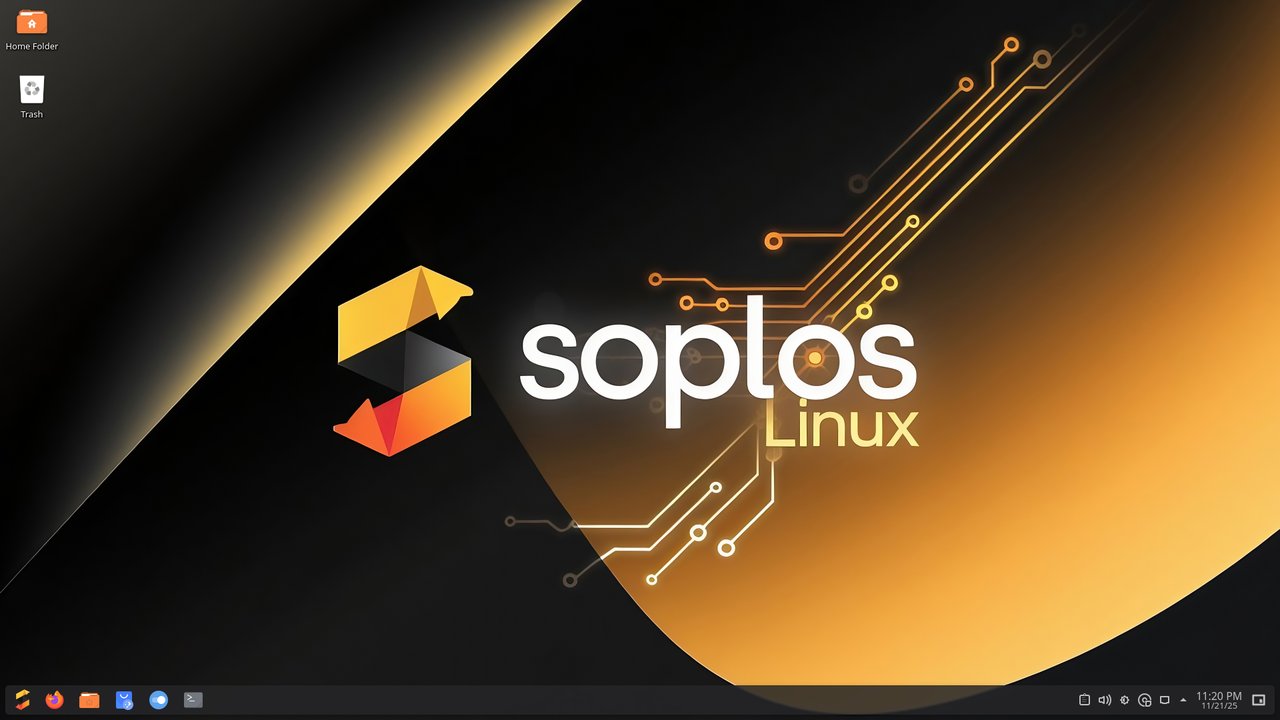
Tyson (KDE Plasma 6) is the flagship and the most polished. The 2026.08
ISO ships Plasma 6.6.4, the Soplos Welcome Live tour, and a tweaked panel
layout that puts the dock at the bottom by default. Recommended if you
want a modern, Wayland-first desktop and you’re happy with KDE’s
convention of “everything is a plasmoid”.
Minimum: dual-core 2.4 GHz, 4 GB RAM, 35 GB storage, OpenGL 3.3 graphics.
Recommended: quad-core 3.0 GHz, 8 GB RAM, 50 GB NVMe, 4 GB VRAM.
Tyron is what you’ll want if Plasma feels heavy or you have older
hardware.
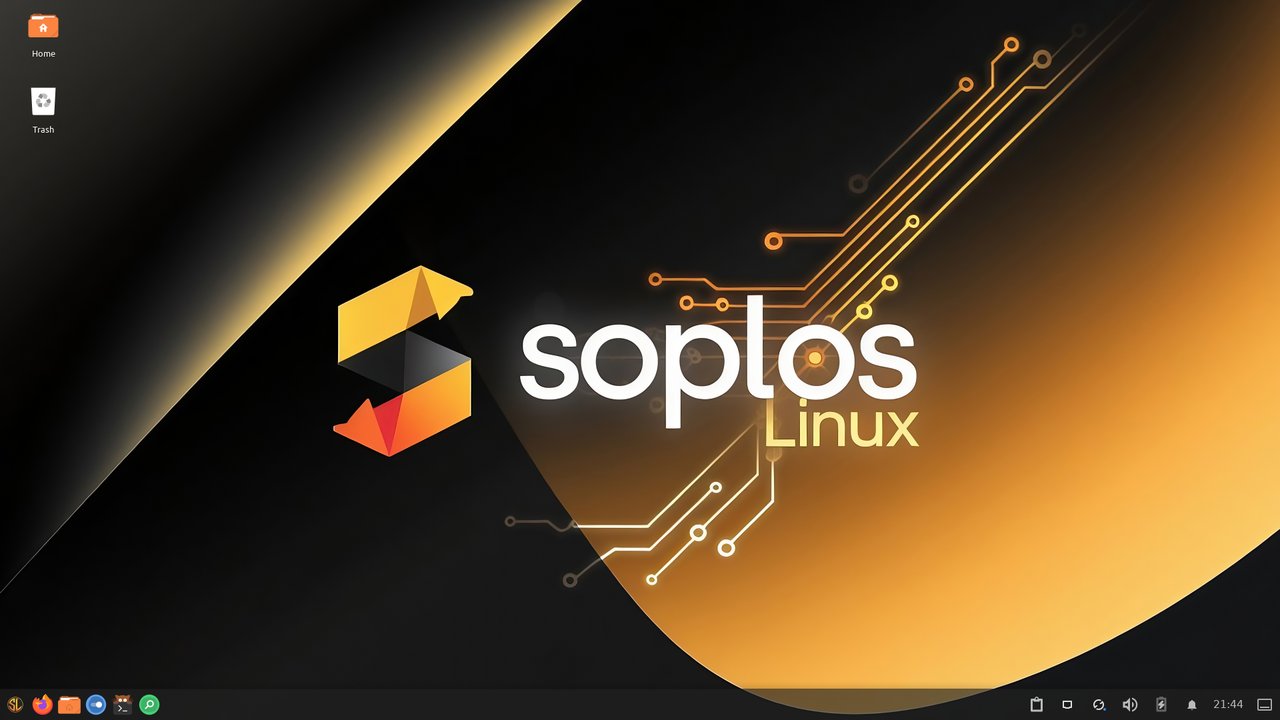
Tyron (XFCE) is the lightest of the three. XFCE is famously frugal
with RAM, so Tyron runs comfortably on laptops that struggle with the
other two editions. It’s also the closest to a “traditional” desktop
layout (panel at the top, app launcher in the corner, system tray on
the right). Soplos adds its own panel layout and a curated set of
XFCE-friendly themes.
Minimum: dual-core 1.6 GHz, 2 GB RAM, 25 GB storage.
Recommended: quad-core 2.0 GHz, 4 GB RAM, 40 GB SSD.
Boro is the GNOME choice.
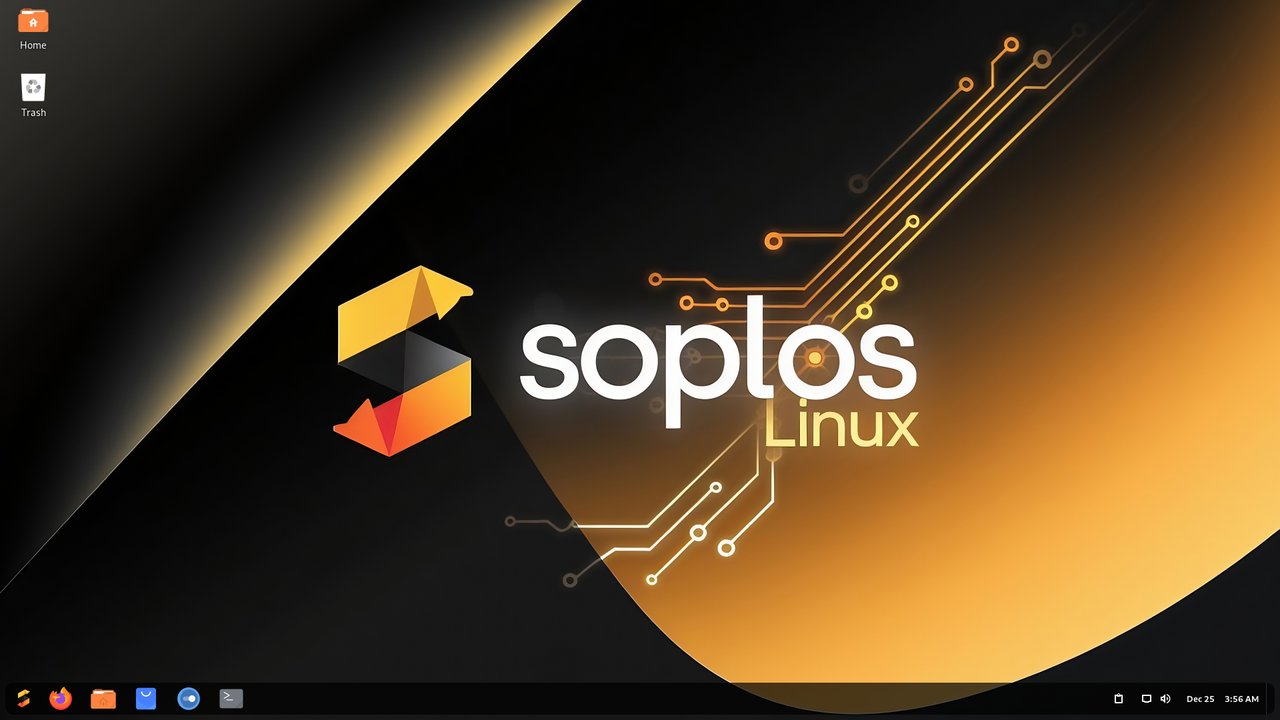
Boro (GNOME) is the edition for people who want the modern GNOME
shell experience with Soplos’s curated extension set preinstalled.
GNOME Extensions are preconfigured for app-dock behaviour, user-theme
support, and clipboard history. Like Tyson, Boro ships with Wayland as
the default session.
Minimum: dual-core 2.0 GHz, 4 GB RAM, 35 GB storage.
Recommended: quad-core 2.5 GHz, 8 GB RAM, 50 GB SSD.
All three editions share the same installer (Calamares), the same Soplos
utilities, and the same package set outside of the desktop itself. The
ISO sizes are roughly 3.4 GB (Tyron), 3.6 GB (Boro), and 3.9 GB (Tyson).
Download and verify
Head to the project’s homepage at https://soplos.org/ and pick the
edition that matches your hardware. The download links point at
SourceForge mirrors, so the actual CDN host will rotate depending on
your region. Each ISO ships with a published SHA-256 checksum on the
homepage — verify with:
sha256sum soplos-linux-tyson-2026.08.isoThe homepage currently publishes:
- Tyron (XFCE):
46e9d5bf571ad9f14c2de7e2eaad39219a50dd03fc21561ee2ae8064ac5046f3 - Tyson (Plasma):
7c8f8790b0fca87780163009655a6cd2db8047c7d8d295e599b3d6282243e773 - Boro (GNOME):
42c61fdfd6ff5da0d902e4362ff09ad1bcb0ebee126a17f91a71d7f37eb64b50
If you don’t have a spare machine, every Soplos ISO is bootable as a
live image — pick “Try Soplos Linux” from the Calamares welcome screen
and you can poke around without touching the disk.
First-boot experience
Whichever edition you choose, the first boot hands you:
- Soplos Welcome — a guided tour that walks you through installing
codecs, picking a Soplos-tuned kernel (gaming, performance, or stock),
setting up Timeshift-style snapshots if you’re on Btrfs, and signing in
to common cloud accounts. - Repo Selector — point apt at the closest mirror. By default it
uses the Debian archive directly, which can be slow outside Europe.
Switch to a regional mirror from the dropdown and Soplos re-writes
/etc/apt/sources.list.d/soplos.listfor you. - Theme Manager — preview and apply one of the curated themes. The
project ships a small set of light and dark variants per edition. - A live-update notification tray — Soplos tracks Debian Testing’s
daily package churn and will surface a “rolling upgrade available”
badge when there are notable updates. Unlike Arch or openSUSE Tumbleweed
there’s no set cadence — you decide when to upgrade.
The result is a friendlier Debian than stock. Most of the rough edges
that put newcomers off a raw Debian Testing install (no codecs, no
firewall enabled by default, no A/V codecs in the browser) are smoothed
over by Soplos’s defaults.
Daily driving
After a week of testing, the workflow settles into:
- Updates:
sudo apt update && sudo apt full-upgradefrom a
terminal, or click the tray badge. Soplos doesn’t ship its own
update-notifier — it relies on the standard Debian tooling, which is
the right call given the Debian-Testing base. - Flatpak: preinstalled, with the Flathub repo already enabled.
Firefox, Steam, Discord, and other upstream-only apps install cleanly. - Snap: not enabled by default. Soplos follows Debian’s stance here
— no snapd unless you opt in. - Gaming: Soplos Kernel Installer offers “gaming” and “performance”
kernel builds with patches similar to what CachyOS ships, plus
per-game Vulkan profile hooks. Steam, Heroic, Lutris, and RetroGames
are all one-click installs through the Welcome app. - Switching editions: not supported. If you want to move from
Tyron to Tyson, the cleanest path is to back up/home, install the
new edition, and restore. Soplos is not NixOS.
Should you try it?
Soplos Linux 2026.08 is best suited to:
- New Linux users who want a Debian base but a more guided
experience than stock Debian Testing provides. - Spanish-speaking users — the project is from Catalonia, and the
documentation and welcome app ship in Spanish first. Other languages
are well-supported in the installer, but the tone of voice in the
docs is unmistakably Iberian. - Anyone who wants to compare XFCE, Plasma 6, and GNOME side-by-side
on the same base. Because the editions are so tightly aligned, you
can install Tyron, then Boro, then Tyson on three different partitions
and compare them without worrying about variable package bases.
It’s less suited to:
- Servers. Soplos is a desktop distribution. There’s no headless
edition, no server installer profile, and no LTS promise. For that,
pick Debian stable, Ubuntu LTS, or Rocky. - Enterprise deployment. There is no commercial support contract,
the upgrade model is rolling-ish, and the install base is small. - Anyone who needs a fixed package set. Debian Testing moves; Soplos
moves with it. If you want a Debian experience that’s frozen until
you explicitly upgrade, use Debian stable or one of its derivatives.
Try it
The fastest way to know if Soplos fits is a live USB. Grab the edition
that matches your preferred desktop, boot from it, and let the Soplos
Welcome tour walk you through the rest. If you like what you see, the
Calamares installer will set up a Btrfs or ext4 partition and a swap
file in roughly the same time as any other Debian installer.
The official homepage is https://soplos.org/. The DistroWatch entry at
https://distrowatch.com/table.php?distribution=soplos tracks package
versions and includes reader reviews if you want a second opinion before
you download. Soplos is not going to replace Ubuntu or Fedora in the
popularity charts, but for a friendly, modern, Debian-flavored desktop
with three real desktop choices, 2026.08 is a solid cut.
Comments