
How to Install and Play Endless Sky 0.11.2 on Linux
If you’ve been waiting for a slow-burn space-trading sandbox that respects your time and your GPU budget, Endless Sky 0.11.2 — released on 27 June 2026 — is the stable build you’ve been waiting for. The latest release keeps the project’s signature 2D vector look, fixes a clutch of bugs, and lands a small but meaningful quality-of-life change: your cloak state now persists across save-and-quit.
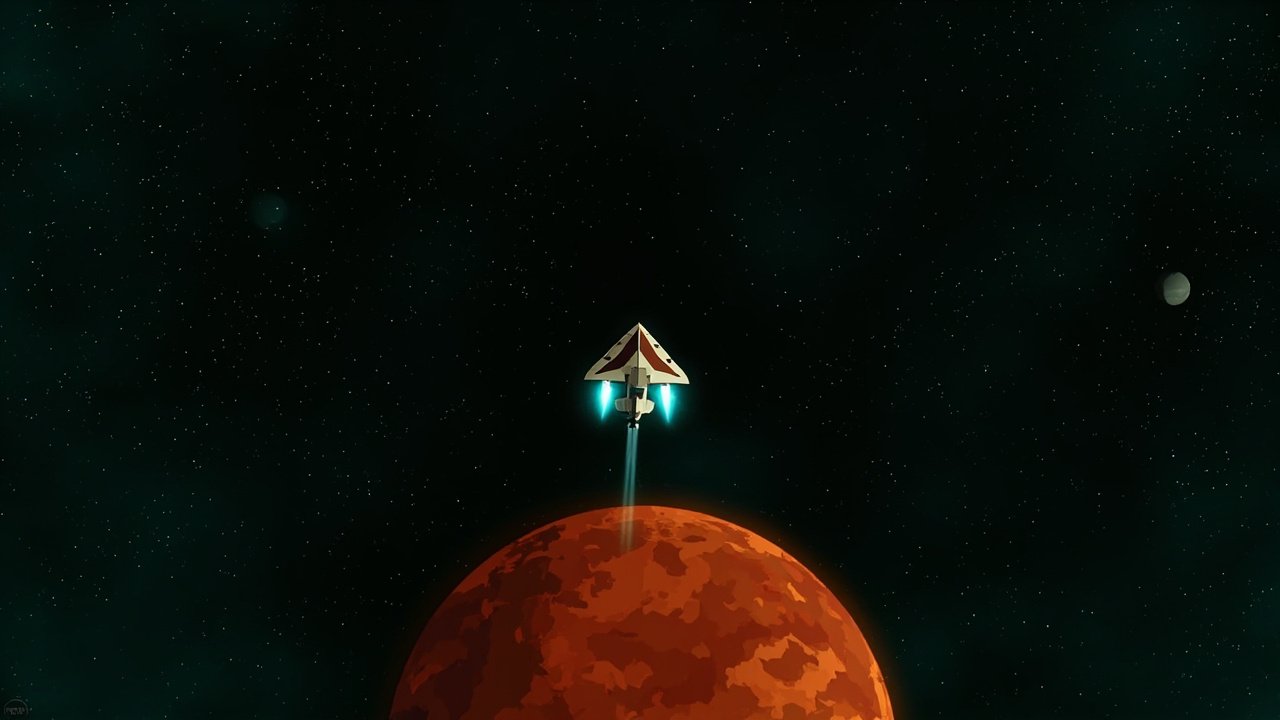
Endless Sky is a 2D space trading and combat game in the spirit of the classic Escape Velocity series. You start in the cheapest shuttle, freighter, or interceptor you can afford, then earn your way up to a fleet of warships, freighters, and alien-tech cruisers. It is free, open source, and ships a native Linux binary — no Steam, no Proton, no Wine. Just download, run, and explore a procedurally connected galaxy of two hundred star systems.
The official home page lives at https://endless-sky.github.io and source code is on GitHub: https://github.com/endless-sky/endless-sky.
What’s new in 0.11.2
The 0.11.2 release is explicitly described as a stable, bug-fix-only drop. The headline changes are small but the kind that matter to anyone with a long-running save:
- Cloak state now persists across save files. If you land on a station while cloaked, quit, and reopen the game later, your ship still spawns cloaked on takeoff. Previously, the cloak flag was lost on reload — a long-standing annoyance for stealth-mission players.
- Pacifist worlds in human space that don’t offer tribute now have unique flavour responses when tribute is demanded. It’s a small lore touch that makes the mid-game faction play feel more alive.
- Shop UI dropdown for selecting number of items to buy, sell, or move. If you’ve ever lost five minutes to clicking “+1” repeatedly, you can now type the number directly.
- Global text alignment setting for paragraphs.
- Bug fixes: the “Reload” button after dying no longer crashes, the Successor wormhole is usable when hostile to the Successors, the planet description no longer overlaps the system name on small windows, and mouse controls behave correctly when “Control ship with mouse” is enabled.
Under the hood, the project has accumulated a long list of contributor credits — the 0.11.2 release alone acknowledges around two dozen named contributors for code, art, and storyline work. The community-driven content pipeline is one of the project’s quiet superpowers: most of the alien factions, ships, and storylines you can play are community-authored plugins, all loaded through the plugins/ directory without recompiling.
Installing Endless Sky on Linux
You have four good options, in roughly increasing order of how much control you want.
Option 1: Flatpak (easiest)
The fastest zero-friction route. Flathub ships an up-to-date build.
flatpak install flathub io.github.endless_sky.endless_sky
flatpak run io.github.endless_sky.endless_sky
The Flatpak ships with the standard runtime, sandboxed access to your home directory for save files, and a desktop entry that appears in your application menu.
Option 2: Snap
If you’re on a snapd-enabled distro (Ubuntu, KDE neon, recent Fedora):
sudo snap install endlesssky
endlesssky
The snap tracks the same upstream release cadence as the Flatpak. Channel latest/stable is currently 0.11.1; latest/edge usually tracks the next stable.
Option 3: Native tarball (recommended for tinkerers)
Head to https://github.com/endless-sky/endless-sky/releases/latest and grab the endless-sky-0.11.2-linux-x86_64.tar.gz (or -aarch64.tar.gz for ARM Linux). The archive contains a self-contained binary plus the data tree:
cd ~/games
tar -xzf endless-sky-0.11.2-linux-x86_64.tar.gz
cd endless-sky-0.11.2-linux-x86_64
./endless-sky
Saves, plugin data, and your ~/.local/share/endless-sky/ directory all live in the standard XDG location, so uninstalling is just rm -rf.
Option 4: Build from source
Endless Sky is plain C++17 with SDL2. On Debian/Ubuntu:
sudo apt install build-essential scons libsdl2-dev libsdl2-image-dev
                 libsdl2-mixer-dev libsdl2-ttf-dev libpng-dev
                 libjpeg-dev libavif-dev libflac-dev
git clone https://github.com/endless-sky/endless-sky.git
cd endless-sky
scons -j$(nproc)
./build/endless-sky
You’ll need at minimum GCC 9 or Clang 10. If you want the in-engine AVIF loading (used by some HD asset packs), make sure libavif-dev is present at build time.
First flight: how the early game works
You start the campaign with 5,000 credits and a mortgage. The starter planet only sells three ships:
- Shuttle — for the trader route: small cargo, no weapons, fastest learning curve.
- Light Interceptor — for the combat route: armed and fast, but cargo bay is a token gesture.
- Cargo Hauler — slow but cavernous. Best for hauling passengers and bulk goods between two well-connected systems.
Pick based on how you want to earn your first million credits. Interceptors make money fast by mining asteroids with mining lasers — the rocks in any asteroid belt can be cracked for valuable minerals — but you’re fragile, so an unlucky pirate will pop you. Cargo haulers earn slowly but can carry dozens of passengers or hundreds of tons of trade goods.
The galaxy is connected by hyperspace links that you follow by holding the J key (jump). Each system you arrive in has its own economy, government, and reputation. Reputation matters: a “hostile” reputation with the Republic means Republic-policed systems will open fire on you on sight, so the safe route is to keep your record clean with the major factions and run jobs for them.
Mid-game: outfits, ships, and the first story arc
Once you’ve banked roughly 100,000 credits you’ll want to upgrade. Outfits — weapons, engines, shields, cooling, sensors — are bought and sold at outfitters. Endless Sky’s loadout system is its deepest design pillar: a faster engine draws more power, which means a bigger generator, which means more heat, which means more cooling. The classic min-maxing loop kicks in about an hour into a new save.
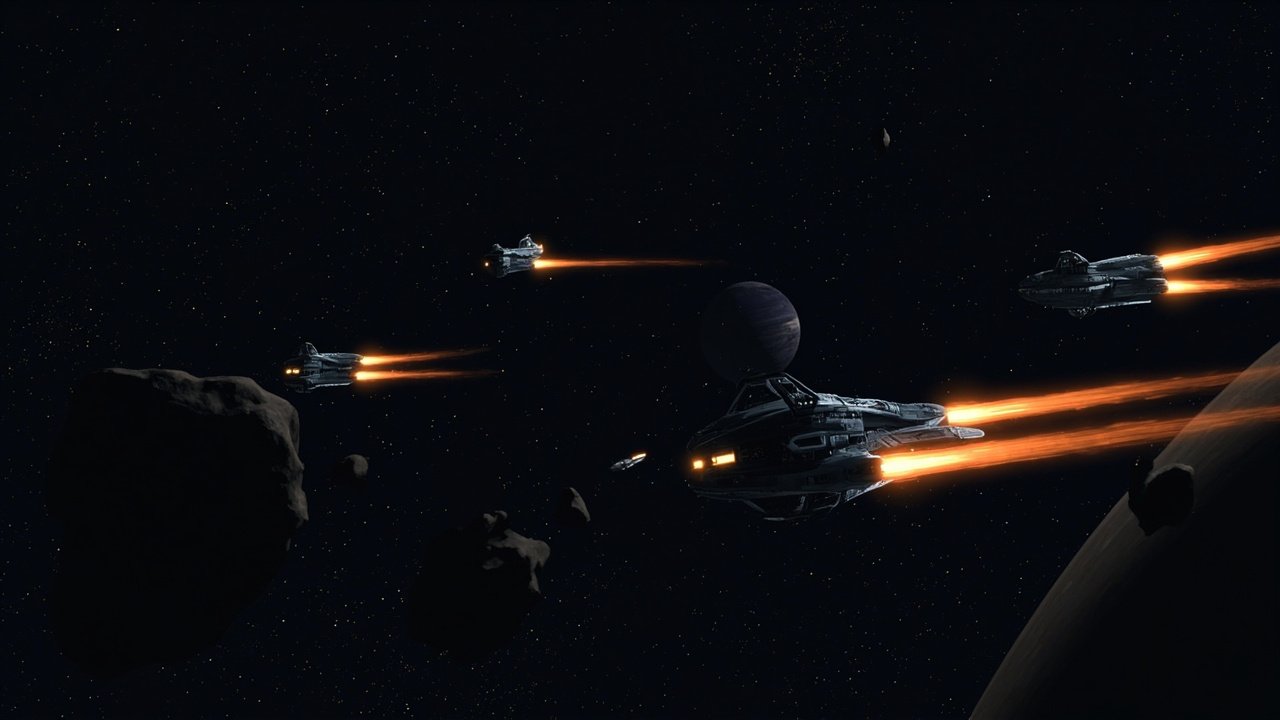
The first story arc — the Free Worlds rebellion — is the one shipped with the base game. It’s a long, multi-chapter plot about a frontier colony deciding whether to secede from the Republic. You’ll need at least a medium warship and a fuel tanker in your fleet by chapter three. The game is designed to scale: most missions accept any ship class above a minimum size, so a single heavy warship can carry you through the campaign, but a fleet with a carrier plus escort frigates makes the late battles a lot less stressful.
Beyond the base campaign, the plugin ecosystem adds dozens more storylines — the Patir Mystery, the Hai-human diplomatic crisis, the Wanderers arc, the Unfettered Hai, the Korath and their ancient engines. Drop a .txt plugin file into ~/.local/share/endless-sky/plugins/ and the next launch loads it.
Why Endless Sky still matters in 2026
Most modern space sims ship as 60-GB Windows-first releases with optional Linux ports months later. Endless Sky is the opposite: a 30-MB Linux-native binary that you can drop into any container, any VPS, any CI smoke-test, and any Steam Deck without thinking. It runs on a Raspberry Pi 4. The SDL2 backend supports software rendering, so you don’t even need a GPU.
It’s also one of the rare space games that respects your time at every tier of play. A 15-minute run can clear a patrol mission and bank some credits. A 3-hour run can finish a story chapter. A 60-hour run can finish the base campaign and start a fresh save in the post-game sandbox with a fleet of 20 capital ships.
The 0.11.2 release is a quiet confirmation that the project is in steady-state maintenance mode and the developer community is healthy. The next unstable, 0.11.3, is on the master branch already and is where the next major storylines are landing.
If you’ve never played Endless Sky, this is the build to start with. If you have an old save from 0.10.x, it should load cleanly — only the 0.11.0 unstable had breaking changes (the removal of the original Hai Reveal storyline), and 0.11.2 is built on top of the post-removal content tree.
Grab the tarball, set up a save under a fresh pilot name, and fly south. The galaxy is bigger than it looks.
Comments