
Ubuntu 26.10: Kernel 7.3 and the Context-Aware Desktop (2026)
Ubuntu 26.10 “Stonking Stingray” is the most architecturally interesting interim
release in years — not because of what users can click, but because of what’s
being built underneath. The two stories that matter: Linux kernel 7.3 (a
“heavier” cycle than 7.2, with AI/LLM agents leaving fingerprints all over the
tree) and the Context-Aware Desktop (Canonical’s first concrete steps toward
making Ubuntu AI-native without bolting a chatbot onto the desktop).
This is the deep-dive on both.
Part 1: Linux kernel 7.3
Why 26.10 almost shipped 7.2 instead
Canonical originally targeted Linux 7.2 for 26.10, but 7.2 went stable in
early August 2026 — earlier than expected. That left Canonical’s kernel team with
a choice: ship 7.2 (technically supported, but a kernel the user could have run
since August) or step up to 7.3-rc1 (a release candidate that wouldn’t
become stable until late October, after the 26.10 release date).
They stepped up. The kernel shipping in 26.10 on 15 October will be 7.3-rc1
or near-final; the actual 7.3 stable release is expected by late October 2026.
Any post-release fixes arrive through the usual Ubuntu software-update flow.
Kleber Souza from Canonical’s kernel team explained: “This update keeps us aligned
with the latest upstream capabilities, particularly for the latest hardware
support, while remaining on track for our upcoming release milestones.”
(omgubuntu.co.uk)
For 26.04 LTS users: the same kernel lands via HWE in early 2027 (Ubuntu 26.04.2).
The 41-million-line kernel
The single most striking fact about 7.3: the kernel source tree is just shy of
41 million lines of code. This is not organic growth — it’s the visible
side-effect of AI/LLM coding agents both uncovering regressions and proposing
new patches at a rate that human maintainers couldn’t sustain without them.
Linus Torvalds noted in the 7.3-rc1 release announcement that this cycle is
“on the heavier side” in part due to the patch deluge. Some of those patches are
real improvements; some are noise that maintainers have to filter. The codebase
also reflects continued removal of obsolete, unmaintained drivers — old SGI drivers
were dropped in 7.3 as a security concern, for instance. (phoronix.com)
What’s new in 7.3 (the practical bits)
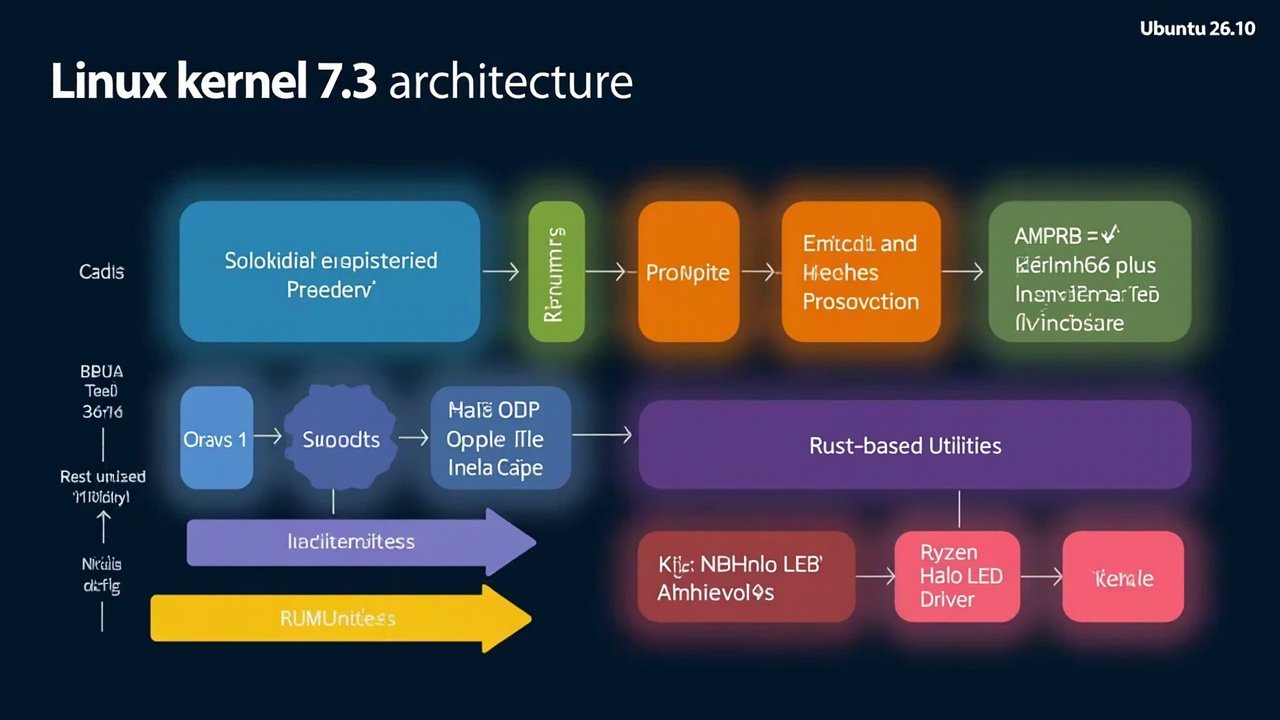
Figure: AI-generated schematic of Linux kernel 7.3 subsystems for Ubuntu 26.10.
Real subsystem diagrams from kernelnewbies.org would be the canonical alternative.
Gaming and graphics:
- Steam Controller (2026 refresh) gets initial kernel driver support. Linux
handhelds like the Steam Deck successor and the Lenovo Legion Go refresh can
use the new controller natively. - MSI Claw gamepad configuration driver, contributed by Valve and others.
- AMD Zen 6 Ryzen client enablement (the chips shipping Q4 2026 / Q1 2027).
- Intel Xe3P Nova Lake integrated graphics promoted to stable / enabled-by-default.
- DRM format modifier support for older AMD GPUs (Valve graphics team
contribution); improved GPU reset recovery for old AMD hardware. - Scheduler work that improves gaming performance on systems with limited vRAM
(~8 GB vRAM configs especially).
Storage / file systems:
- Btrfs performance is noticeably better in 7.3. Phoronix benchmarks show
meaningful gains over 7.2. IOmap improvements also benefit EXT4 and XFS. - Multi-device flushes in parallel for F2FS.
- UBI supports per-device wear-leveling thresholds (prior was one threshold
for the whole system). - KSMBD (in-kernel SMB server) gains interoperability with Apple Time
Machine backups — meaning a Linux server running KSMBD can now serve as a
Time Machine target for Macs on the same network. - NFS various improvements.
- Security fixes to eCryptfs dating back to its 2006 introduction.
- FSCRYPT improvements that help Btrfs encryption adoption.
Networking:
- USB4STREAM (introduced by Intel in 7.2) gets busy polling for lower-latency
option in 7.3. - Continued work on Qualcomm Snapdragon X2 Elite laptop support.
Hardware / platform:
- Ryzen AI Halo LED/RGB driver (new) for AMD Ryzen AI Halo platforms.
- Lenovo ThinkPad USB-C Security feature now driven by the ACPI driver.
- IBM Power12 initial enablement; PowerPC begins supporting in-kernel Rust code.
- ARM64 BBML3 feature support in mainline.
- Continued work on Intel Crescent Island accelerator.
Security:
- Lockdown mode no longer leaves legacy I/O and memory handlers open (a real bug
fixed). - Easier to disable Syscall User Dispatch entirely.
- Removal of old SGI drivers as a security concern.
Virtualisation:
- The KVM chainsaw continues cleanup work on KVM internals.
What this means for Ubuntu users
For most desktop users, 7.3’s visible impact is better hardware support for
late-2026 / early-2027 hardware — Zen 6, Nova Lake, Snapdragon X2, Steam
Controller refresh. If your hardware is from 2024 or earlier, the practical
difference vs 7.0 (what 26.04 LTS ships) is minimal.
The Btrfs performance improvement is the one universal win. If you’ve been
deliberately avoiding Btrfs on Ubuntu because of historical performance issues,
the 7.3 numbers are worth another look.
Part 2: The Context-Aware Desktop
Canonical’s roadmap for 26.10 explicitly names the Context-Aware Desktop as
the cycle’s big architectural investment — with a clear disclaimer: it’s not a
chatbot bolted onto Ubuntu, and most of the visible benefits won’t land until
28.04 LTS. (discourse.ubuntu.com)
The vision
“It is a desktop that can understand what the user is trying to achieve and
assist in accomplishing it by combining information from applications, services,
and the desktop environment itself.”— Jean Baptiste Lallement, Canonical Desktop Team
In other words: instead of the user navigating apps → files → settings →
interfaces, the desktop itself starts to understand context and intent. Not a
chat window. Not an “AI assistant” that requires a prompt. A system that
proactively offers the right tool / file / setting at the moment it would help.
Figure: AI-generated illustration of the Context-Aware Desktop concept. The
real architecture will be incremental over multiple releases — not a single
launchable feature.
What’s actually shipping in 26.10
Only the first concrete deliverable:
- An on-device speech-to-text engine wired into the input method framework.
This is offline voice typing built into the desktop — no cloud round-trip,
no privacy concerns about audio leaving the machine. It’s a starting point:
it demonstrates the on-device inference pipeline that future Context-Aware
features will build on.
Beyond that, the work in 26.10 is mostly architectural foundations — the
infrastructure pieces that 28.04 LTS will assemble into user-visible features.
You won’t see a “Context-Aware” toggle in GNOME Settings in October. You’ll see
the substrate.
Why “not a chatbot”
This is the part Canonical is unusually careful about. Jon Seager’s earlier
“FUTURE OF AI IN UBUNTU” post made the values alignment explicit: openness,
privacy, user choice, transparency. The risk of getting this wrong is that
Ubuntu ships a Copilot-style assistant that ships user data to a cloud and gets
rightfully pilloried for it.
The architectural choice to do inference on-device (starting with the
speech-to-text engine in 26.10) is the privacy guarantee. The choice to fuse
context from existing apps and services rather than building a new app silo
is the openness guarantee. The choice to ship features incrementally across
multiple releases is the “not a chatbot” guarantee — there’s no single big-bang
“Ubuntu AI” moment.
What 28.04 LTS users might see
Based on the roadmap, candidates for 28.04 LTS features include:
- Contextual suggestions in GNOME Shell — based on what you’re doing, the
shell surfaces relevant files / apps / settings without an explicit prompt. - Better accessibility through on-device speech-to-text and natural-language
command interpretation. - App Centre intelligence — the package-agnostic App Center gets smarter
recommendations based on what you actually use, not what’s been promoted. - Cross-app workflows — the desktop understands the relationship between
apps and helps you move data between them more fluidly.
None of this is shipping in 26.10. The interim is the engineering runway.
How this compares to what other distros are doing
Fedora has been experimenting with AI-adjacent features via GNOME Circle apps
and the GNOME AI initiative. openSUSE has Tumbleweed snapshots of the same
upstream code. None of them are pushing the architectural integration that
Canonical is signalling here.
The risk for Canonical: the Context-Aware Desktop doesn’t ship until 28.04
LTS, and the user-visible bits might be modest. The reward: if it works, Ubuntu
becomes the Linux distro where AI is a platform feature, not a bolted-on app.
The relationship between the two stories
The two big technical stories in 26.10 are independent on the surface but
connected underneath. Linux 7.3 brings better hardware support and storage
performance — making the platform that the Context-Aware Desktop will run on.
The on-device speech-to-text engine in 26.10 is the first piece of the
Context-Aware stack; it needs kernel features (low-latency scheduling,
efficient memory handling for inference) that 7.3 helps provide.
Canonical is laying two pieces of the same puzzle: a kernel that can host
on-device AI workloads efficiently, and a desktop architecture that knows how
to use them. The visible deliverable in October is modest. The visible
deliverable in 28.04 LTS — two years from now — is what they’re actually
building for.
What to do about it
- If you’re on 26.04 LTS: stay there. The kernel lands via HWE in 2027; the
Context-Aware features land in 28.04 LTS. No reason to rush. - If you’re a tester: daily-live ISO in a VM is the right place to evaluate
both stories. The 7.3 changes are immediately visible; the Context-Aware
groundwork mostly isn’t. - If you’re a developer writing desktop Linux software: start thinking about
what your app can offer to the Context-Aware layer. The architecture that
ships in 28.04 LTS will favour apps that expose their state and intents in
ways the desktop can consume.
For the broader feature overview, install/upgrade workflow, and the 26.04 LTS
comparison, see the companion pieces.
Comments