
When you use curl to call APIs, do you ever feel annoyed at having to remember a bunch of parameters every time? -X -H -d -L — after writing that, even you can’t understand it.
Try xh.

What is xh?
xh is a command-line HTTP client written in Rust, with 7.9k Stars on GitHub. It’s fully modeled after HTTPie‘s design philosophy, but with better performance, faster startup, and packaged as a single binary.
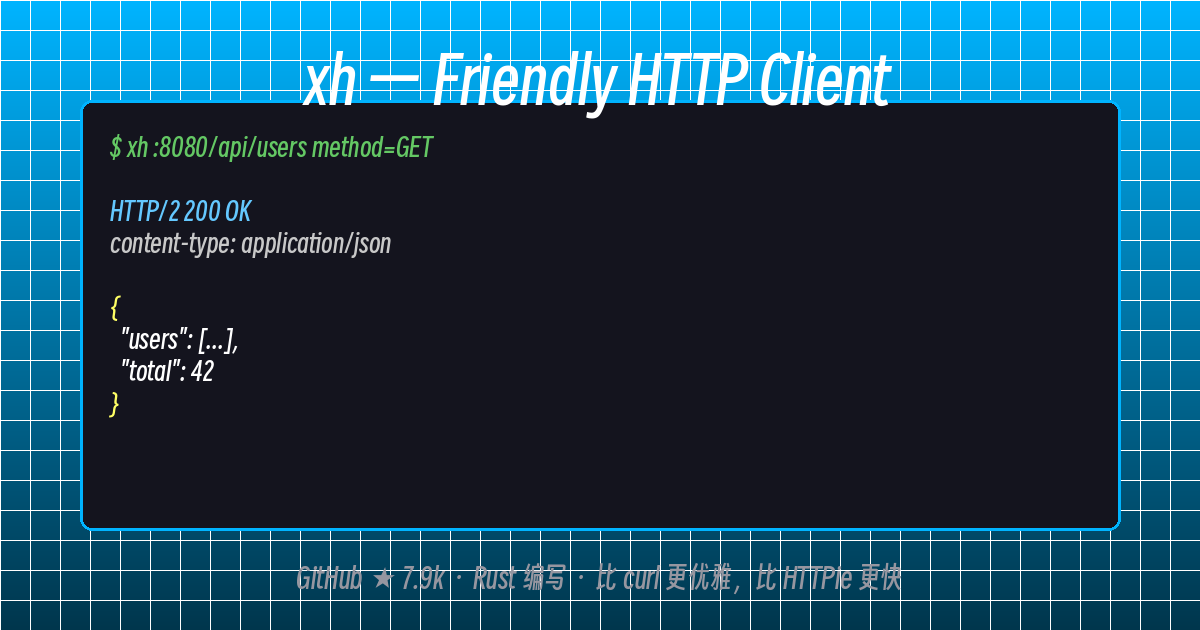
xh :8080/api/users
One command, colorized JSON output — say goodbye to curl’s parameter hell.
Core Features
| Feature | Description |
|---|---|
| Written in Rust | Startup speed orders of magnitude faster than Python’s HTTPie |
| Single Binary | No runtime needed, one command to install, carry it anywhere |
| HTTP/2 Support | Native support, no extra configuration needed |
| rustls by Default | No need to worry about system TLS library versions; old systems can still use modern encryption |
--curl Translation |
One-click convert xh commands to equivalent curl commands, easy to share with colleagues |
| Colorized Output | JSON syntax highlighting, response body clear at a glance |
| HTTP Status Check by Default | 4xx/5xx automatically reports errors, no manual checking needed |
xh vs curl vs HTTPie
# curl — remember all the parameters?
curl -X POST https://httpbin.org/post   -H "Content-Type: application/json"   -d '{"name":"Tom","age":26}'

# HTTPie — better, but slow startup (Python)
http POST httpbin.org/post name=Tom age:=26

# xh — fast and concise
xh post httpbin.org/post name=Tom age:=26
xh’s syntax is intuitive: key=value means body fields, == means URL parameters, : means Headers. No need to remember where -d, -H, -X go.
Basic Syntax
xh [OPTIONS] <[METHOD] URL> [REQUEST_ITEM]...
REQUEST_ITEM syntax:
| Syntax | Type | Example |
|---|---|---|
key=value |
Request body field (JSON) | name=Tom |
key:=value |
Non-string body field (number/bool/null/array/object) | age:=26 active:=false |
key==value |
URL query parameter | page==2 |
key:value |
HTTP header | Authorization:token xxx |
key:@file |
Read from file | data:@./payload.json |
A Few Practical Examples
Send JSON
xh post httpbin.org/post name=Tom age:=26
Send Form Data
xh -f POST httpbin.org/post name=Tom age=26
Download a File
xh -d https://example.com/file.zip
Follow Redirects
xh -F https://httpbin.org/redirect/1
Convert to curl Command
xh --curl post httpbin.org/post name=Tom
Verbose Mode
xh -v :8080/api/users
Installation and Configuration
xh is available on all major platforms via their respective package managers, or you can install it with Cargo. See the companion article [xh Linux Installation Guide](https://tux.fan/626) for detailed installation steps.
Comments