
Setting Up ZeroTier on Alpine Linux: A Step-by-Step Guide to Private Planetary Networks
Have you ever been in this situation: your lab’s server is on the internal network, and you want to connect to it from home, only to find — you can’t get in? The conventional solution is to set up a VPN, but setting up OpenVPN from scratch with all its config files can easily make your head spin.
Today I’ll introduce a much smoother solution: ZeroTier. It forms a virtual LAN with all your machines scattered across different locations, giving each device a unique 10-digit ID. Once they join the same network, these machines can reach each other as if they were on the same router.
Setting up ZeroTier on Alpine Linux is even simpler than on Ubuntu, because Alpine is inherently lightweight — perfect for “I just want to network properly without running a bloated system” scenarios.
Installing ZeroTier
Alpine uses the apk package manager. First update:
apk updateThen install directly:
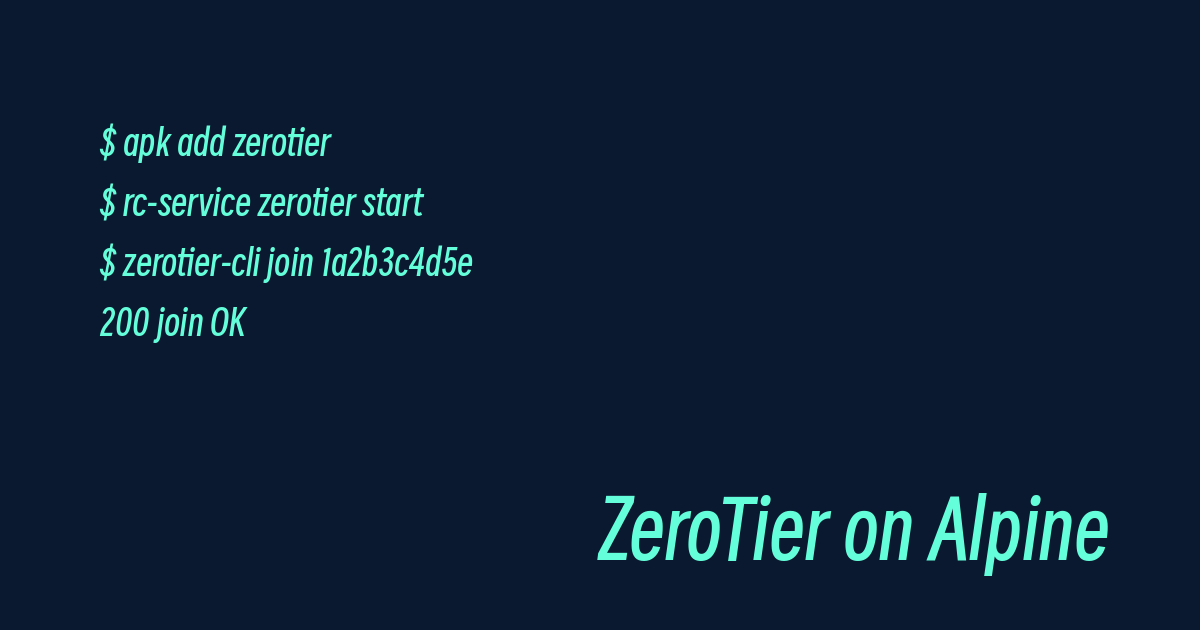
apk add zerotierAfter installation, start the daemon:
rc-service zerotier startIf you want ZeroTier to start automatically on boot (generally recommended):
rc-update add zerotier defaultThree commands — faster than brewing a cup of coffee.
Joining Your Network
Go to ZeroTier Central to register a free account and create a network. You’ll get a Network ID.
Back in the terminal, one command to join:
zerotier-cli join 1a2b3c4d5e6f7890If it returns 200 join OK, you’re all set.
Now go to the management page on ZeroTier Central — you’ll see this machine in Pending status. Click Approve, and it officially becomes a member of your virtual LAN.
Verifying Connectivity
On any other machine that has also joined the same network, run:
zerotier-cli listnetworksThen try pinging:
ping 10.147.17.1If it goes through, your virtual LAN is up and running.
Going Further: Self-Hosted Planet
ZeroTier’s official central servers are overseas, so latency can be painful. Fortunately, ZeroTier is open-source, so you can set up your own Planet (root server).
Run a zerotier-one instance on Alpine using Docker:
apk add docker
rc-service docker start
docker run -d   --name zt-planet   -v /var/lib/zerotier-one:/var/lib/zerotier-one   -p 9993:9993/udp   zerotier/zerotier-one:latest
Self-hosting a Planet requires regenerating the planet file and distributing it to every client — a bit more work, but it cuts latency significantly.
Final Thoughts
The Alpine + ZeroTier combo is lightweight to the extreme and rock-solid stable. If you have multiple machines spread across different network environments, I highly recommend giving it a try.
Comments