
Have you ever had this experience?
You open a terminal, facing a wall of error messages, not knowing where to start. Copy and paste into ChatGPT, switch back to the terminal to execute, nope — switch back to ask again, switch back…
I’ve had enough of that.
So this weekend, I spent two days testing every AI assistant agent I could find on Linux. From the old guard to the newest releases, from open-source to commercial, from overseas giants to domestic rising stars — I tried them all.
The results were somewhat unexpected.
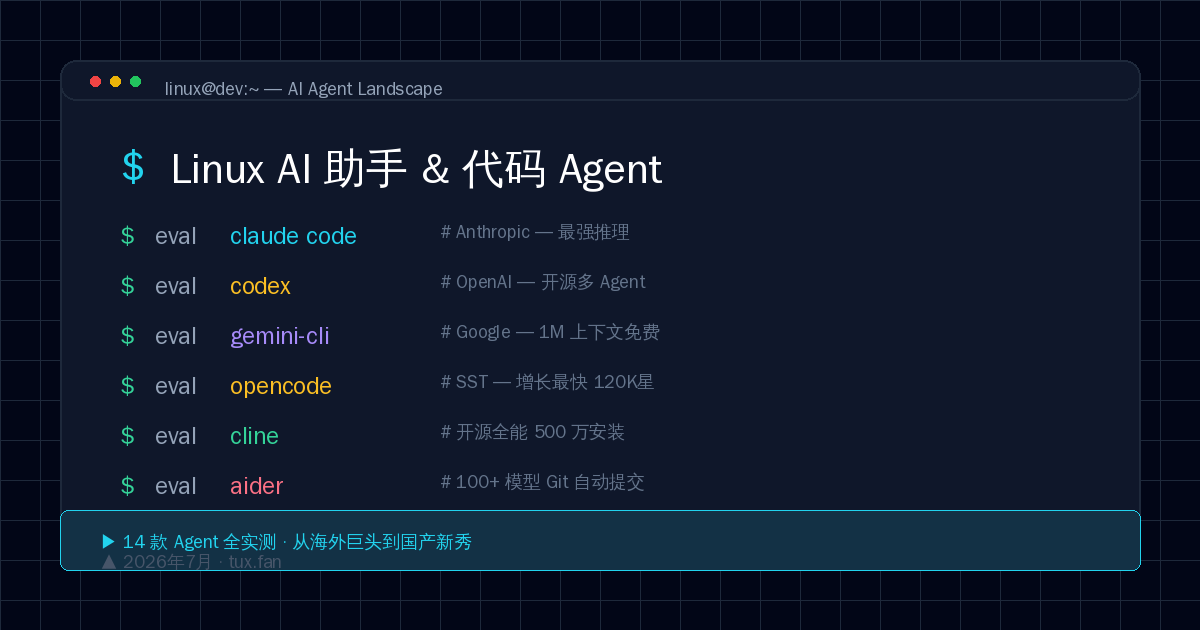
Wait, What is a “Terminal AI Agent”?
Let’s clarify first. I’m not talking about Copilot completions in VS Code, and not about opening a browser to ask ChatGPT.
A terminal AI agent is an AI assistant that runs directly in your shell. You give it a task, like “write a REST API” or “convert this Python project to TypeScript” — it reads files, writes code, runs commands, and fixes errors all on its own, without you ever leaving the terminal.
It’s like having a 24/7 programmer assistant at your beck and call.
And these tools have matured to the point where they’re genuinely useful — not toys, but capable of producing production-grade code.
1. Commercial Giants: Big Names, Each with Their Own Killer Features
1. Claude Code — The Strongest Reasoning Terminal Agent
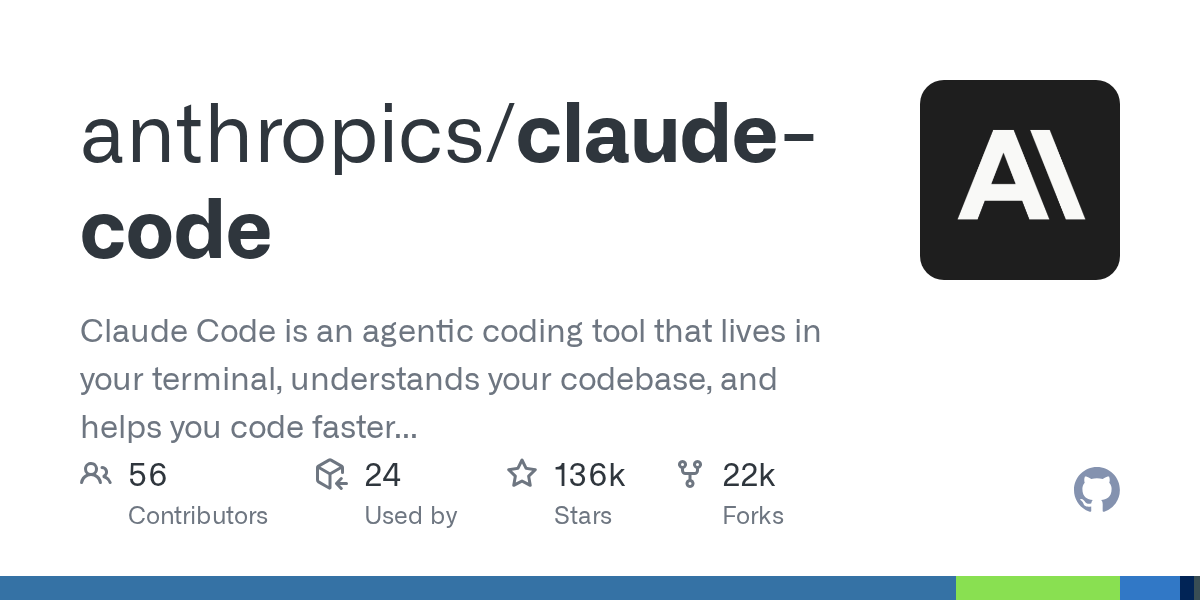
From Anthropic. If you only want to try one today, I recommend this one.
- Leaps-and-bounds ahead in reasoning: Throw a complex race condition bug at it, and it’ll analyze step by step to find the root cause
- 200K context window, an entire project fits in one go
- Agent Teams: Multiple sub-agents working in parallel
- Supports MCP protocol, hook system, sub-agent scheduling
The only downside is that it’s expensive ($20-60/month), and your code is sent to Anthropic’s servers.
My take: It’s like having a Senior Engineer living in your terminal. Once you’ve used it, there’s no going back.
2. OpenAI Codex CLI — Fully Open Source Parallel Power Tool
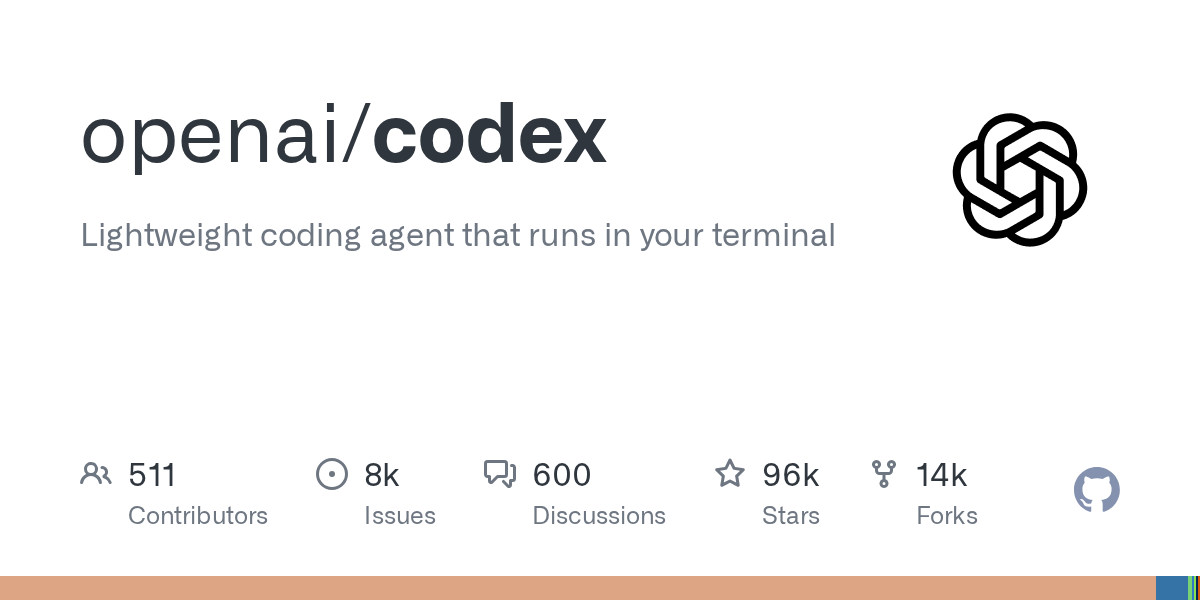
Fully open source (Apache 2.0), 95K+ ⭐ on GitHub.
- Multi-agent parallelism: Multiple agents work simultaneously on independent Git worktrees — one refactoring module A, another writing tests for module B
- Cloud sandbox isolation, no risk of damaging your local environment
- Supports image input and generation
Ideal for developers who work within the GitHub ecosystem and need to handle multiple tasks in parallel.
3. Gemini CLI — 1M Context + Completely Free
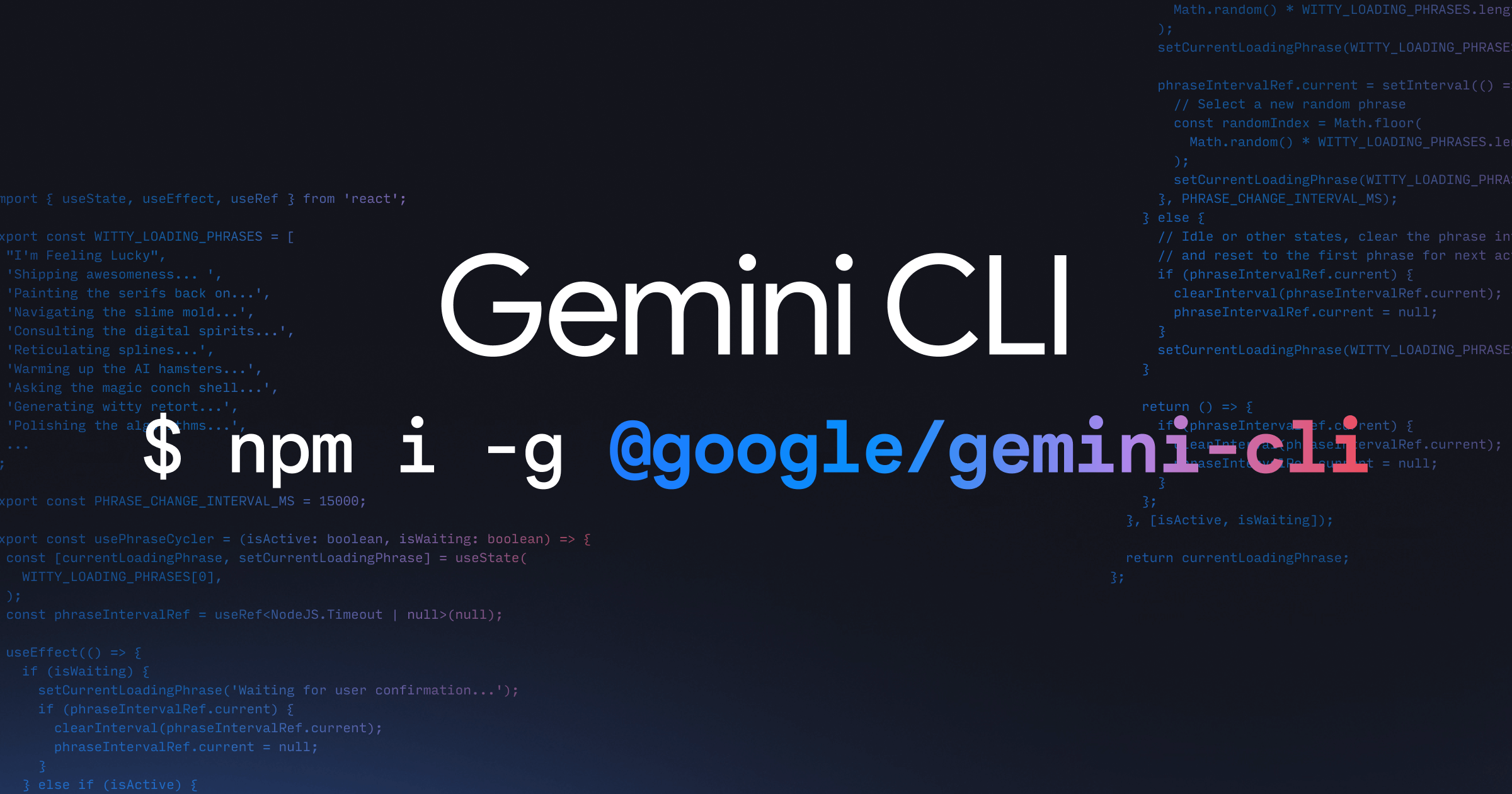
From Google, 88K+ ⭐ on GitHub, the most thoroughly open source of the three big players.
The biggest killer feature: 1M token context window.
What does 1M token mean? An entire large codebase, with documentation and comments, all fed in at once. While other tools are still agonizing about “context filling up,” Gemini CLI has already read your entire project.
What’s even more impressive is its free tier — 60 requests per minute, 1000 per day. For individual developers, it’s essentially free.
However, its reasoning ability isn’t as strong as Claude Code, complex tasks can produce hallucinations, and ecosystem integration outside of Google Cloud is average.
2. Open-Source Stars: Community-Driven Power
4. OpenCode — The Fastest Growing CLI Agent of 2026
120K+ ⭐ on GitHub, 5+ million monthly active developers. The growth rate stunned me.
Why is it so popular?
– Privacy-first: Doesn’t store your code or context data
– Multi-provider, switch freely: Anthropic, OpenAI, Google, OpenRouter… use whichever you want
– Built-in LSP support, code completion and diagnostics automatically fed to the AI
– Terminal CLI + Desktop App + IDE Extension, full platform coverage
Install with one command:
npm i -g opencode
The downside is that it’s very new, and its agent capabilities are still maturing, but it’s already very capable for daily development.
5. Aider — The Veteran That Does It All

In the CLI AI coding assistant category, Aider is the granddaddy. 39K+ ⭐, very active community.
What surprised me most is its Git integration: every time the AI changes code, it auto-commits. You can use git log to see what the AI did at each step, and git revert if you’re not satisfied.
Supports 100+ models — from GPT-4 to locally-run DeepSeek, Qwen, all usable.
pip install aider
The downside is single-session, no parallelism, no planning agent — suitable for patient, experienced users.
6. Cline — The All-Rounder with 5 Million Installs
Formerly Claude Dev, started as a VS Code extension, now covers CLI + VS Code + JetBrains completely.
Plan/Act dual mode: Plans before executing, doesn’t modify code rashly. Supports any model, MCP protocol, CI/CD headless mode. The recent CLI 2.0 added parallel agents and scheduled task dispatching.
npm i -g cline
Ideal for developers who switch between VS Code and the terminal and want AI assistance in both environments.
7. Goose — The Most Autonomous Agent
From Block/Square (Jack Dorsey’s company), 25K+ ⭐, now managed by the Linux Foundation.
Its characteristic is high autonomy — describe a task clearly, and it plans, executes, and iterates on its own without much hand-holding. It also has a plugin system for extensibility.
The downside is a relatively small community, incomplete documentation, and sometimes unpredictable behavior.
3. Emerging Forces: New Faces Worth Watching
Pi — The Minimalist’s Choice
Created by libGDX author Mario Zechner, pursuing extreme simplicity. The core toolkit has only 4 functions (read, write, edit, bash), and the system prompt is under 1000 tokens.
Ideal for hardcore developers who believe less is more. Growing very fast on GitHub.
4. The Rise of Chinese Agents: The Most Notable Domestic Agents of 2026
In the past, Chinese developers could only “use whatever overseas tools were available.” 2026 has completely changed this landscape.
8. Kimi Code CLI — The Strongest Domestic CLI Agent
From Moonshot AI, based on the K2.6/K2.7 Code model, MIT open source. It’s currently the domestic CLI agent closest to Claude Code.
Highlights:
– 256K context, K2.6 model achieves 58.6% on SWE-Bench Pro, approaching Claude’s level
– Single binary distribution: One command install, no Node.js required
– Sub-agent parallelism: Built-in coder, explore, and plan sub-agents
– Video input: Feed screen recordings directly to the AI without typing descriptions
– MCP + ACP dual protocol: Supports both Model Context Protocol and Agent Client Protocol for IDE integration
– Multi-provider support: Use Kimi, OpenAI, Claude, Gemini as backends
Install:
curl -fsSL https://code.kimi.com/kimi-code/install.sh | bash
Downside: Membership subscription model, limited free quota. Understanding of complex English instructions isn’t as good as Claude.
9. Qwen Code — Alibaba Tongyi’s Open Source All-Rounder Agent
From Alibaba’s QwenLM team, based on Gemini CLI with secondary development but now fully independent. Apache 2.0 open source.
Highlights:
– Qwen3-Coder default model, 69.6% on SWE-Bench Verified, surpassing Gemini 2.5 Pro
– 256K native context, extendable to ~1M with YaRN
– Multi-protocol support: OpenAI, Anthropic, Gemini, Qwen — all interchangeable
– IM channel integration: Supports Telegram, DingTalk, WeChat, Feishu — a killer feature rarely found in other agents
– Agent Arena: Head-to-head comparison of multiple models on the same task
– Daemon mode: qwen serve starts a shared service for multiple clients to connect simultaneously
Install:
npm install -g @qwen-code/qwen-code
Downside: Agent autonomous loops aren’t as mature as Claude Code, complex multi-file editing requires more manual intervention.
10. Qoder CLI — Alibaba Tongyi’s Terminal Twin Star
Also from Alibaba, but Qoder CLI and Qwen Code are separate product lines. Qoder focuses on being a full-featured terminal agent engine, forming a “CLI + IDE dual engine” combination with Qoder IDE (desktop).
Highlights:
– Quest mode: Spec-driven autonomous programming — you set the goal, AI autonomously completes the execution → verification → delivery cycle
– Built-in CodeReview: Do code reviews directly in the terminal, reducing time by 50% while doubling quality
– Smart routing: Automatically selects the optimal model for different scenarios, 70% less memory consumption than similar tools
– Agent teams: Create dedicated multi-agent teams with domain knowledge and tool interfaces
– Cross-project parallelism: Multiple Workspaces running agent tasks on different projects simultaneously
– MCP flexible extension: Built-in file editing, command execution, Git commits, connect to more tools via MCP
Install:
npm install -g @qoder-ai/qodercli
Or via script:
curl -fsSL https://qoder.com/install | bash
Downside: Commercial product with limited free quota. Functionality overlaps with Qwen Code, which can be confusing.
A quick aside: Alibaba has both Qwen Code and Qoder CLI CLI agents. The former leans toward open-source community with its own models; the latter is a commercial product focused on being an all-purpose engine. Both are worth following — choose based on whether you prefer the open-source route or the commercial route.
11. Tongyi Lingma — Alibaba Cloud Native
An AI coding assistant deeply integrated with Alibaba Cloud, assigned the official employee ID “AI001”. Over 2 million downloads.
Supports 200+ programming languages, performs exceptionally well with frameworks like Spring Cloud and Dubbo. Alibaba Cloud’s internal code generation rate has approached 40%.
Ideal for Java/Go developers and Alibaba Cloud ecosystem users. Just install the IDE plugin and you’re ready.
12. Tencent CodeBuddy — WeChat Ecosystem Power Tool
85% of Tencent’s internal programmers use it, with coding time reduced by 40%. Supports three forms: CLI + IDE + standalone IDE.
Seamlessly integrated with the WeChat ecosystem — cloud functions automatically inject WeChat open tags, reducing 15 lines of code to 2. Supports Class 3 Information Security Protection and SM4 encryption, enterprise-grade security.
13. iFlow CLI — The Geek’s Terminal Revolution
From Alibaba’s Xinliu (Mindflow) team, completely free and open source. Supports GLM-5, Kimi, MiniMax, DeepSeek, and many domestic models.
Features a unique Smart Mode three-tier progressive security review architecture, with new versions released weekly. Suitable for terminal users who want to use domestic models without being locked in.
14. CodeGeeX — Academia’s Contribution
From Tsinghua University / Zhipu AI, open source. Supports 300+ programming languages and all major IDEs. Solid code completion and translation capabilities. Suitable as a lightweight code assistant within your IDE.
Comparison at a Glance (Full Version)
| Tool | Type | License | Price | Context | Best For |
|---|---|---|---|---|---|
| Claude Code | Commercial | Closed | $20-60/mo | 200K | Complex reasoning |
| Codex CLI | Commercial | Apache 2.0 | Free/Plus | 128K | Multi-agent parallel |
| Gemini CLI | Commercial | Apache 2.0 | Free (generous) | 1,000K | Massive codebases |
| OpenCode | Open source | MIT | Free (BYOK) | Model-dependent | Daily development |
| Aider | Open source | Apache 2.0 | Free (BYOK) | Model-dependent | Git workflows |
| Cline | Open source | Apache 2.0 | Free (BYOK) | Model-dependent | IDE+CLI all-rounder |
| Goose | Open source | Apache 2.0 | Free | Model-dependent | Autonomous tasks |
| Kimi Code 🏆 | Domestic | MIT | Membership | 256K | Top domestic CLI |
| Qwen Code 🏆 | Domestic | Apache 2.0 | Free (BYOK) | 256K~1M | Multi-protocol all-rounder |
| Qoder CLI | Domestic | Closed | Free/Pro | Model-dependent | Terminal all-purpose engine |
| Tongyi Lingma | Domestic | Closed | Free/Enterprise | Model-dependent | IDE/Cloud native |
| CodeBuddy | Domestic | Closed | Personal free | Model-dependent | WeChat ecosystem |
| CodeGeeX | Domestic | Open source | Free | Model-dependent | IDE completion |
| iFlow CLI | Domestic | Open source | Free | Model-dependent | Multi-model switching |
| Pi | Open source | Open source | Free | Model-dependent | Minimalism |
My Final Recommendations
After all this discussion, you might ask — which one should I actually use?
For overseas developers:
– Daily coding: OpenCode + Claude Code as complements. The former is free and private, the latter handles complex tasks
– CI/CD: Cline CLI or Codex CLI’s headless mode
– Massive codebases: Gemini CLI’s 1M context is irreplaceable
For Chinese developers:
– Daily coding: Kimi Code CLI or Qwen Code. Both are made by domestic teams with better Chinese understanding, open source and controllable
– IDE workflows: Tongyi Lingma (Alibaba Cloud) or CodeBuddy (Tencent Cloud)
– WeChat/Mini Program development: CodeBuddy is the only choice
– Want to save money with domestic models: iFlow CLI, completely free
Whichever you choose, remember one thing:
Don’t agonize over “which is best.” Just pick one and start using it. Any one is ten times better than using none.
Terminal AI agents aren’t the future — they’re the present. This entire article was written using an AI agent from start to finish.
Interactive Panoramic Comparison Chart
I’ve created an interactive SVG chart showing the positioning and relationships of all tools, covering three major sections — commercial giants, open-source stars, and domestic rising stars — along with a complete comparison table and legend:
🖼️ Open the Linux AI Agent Panoramic Comparison Chart (view in browser)
This article was written with AI assistance. But if the code was written by AI, the bugs are all mine.
Comments