
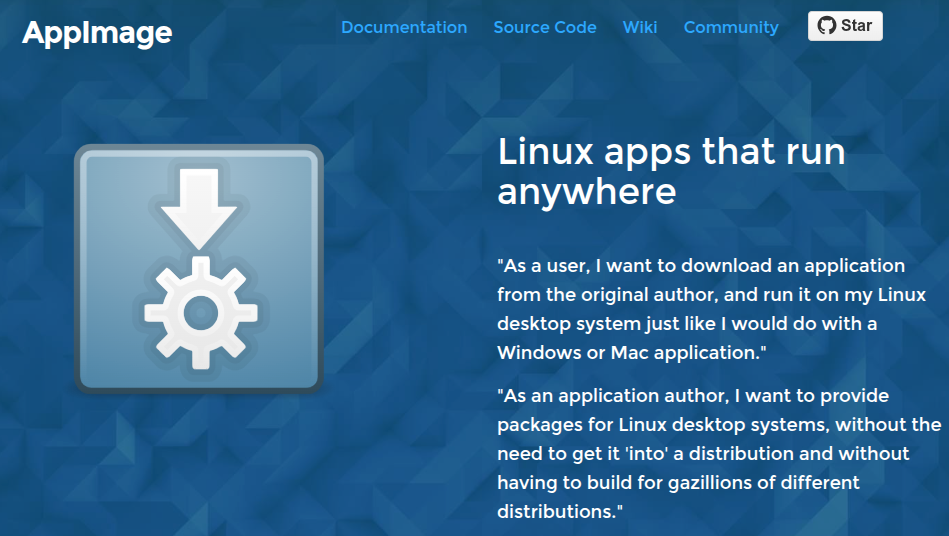
What is AppImage?
Linux typically uses command-line installation for applications. But this is better suited for CLI apps. For GUI third-party applications, we want them to be free from OS limitations:
- Download and use immediately
- Work across different distributions
- No dependency on a central package manager
There are currently several solutions:
- snapd — proposed by Ubuntu, generally not well-liked.
- flatpak — more people like it, but Ubuntu doesn’t include it by default.
- AppImage — vendor-independent, a third-party ecosystem. I happen to like it.
Benefits of AppImage
The advantage of AppImage is that you download it, put it anywhere in a directory, add executable permissions, and run it. In this regard, it’s very much like Mac OS.
Drawbacks of AppImage
- You often forget where you put it
- No application icons — not intuitive to find, and not visually appealing.
How to Improve the Experience
- appimage-thumbnailer — displays icons in Nautilus. Download: https://github.com/kem-a/appimage-thumbnailer/releases/tag/v4.0.0
- appimage-launcher — shows your AppImage apps in the launcher. Download: https://github.com/TheAssassin/AppImageLauncher/releases/tag/v3.0.0-beta-3
Best Practices
I usually do what I do on Mac OS — create an Applications folder in my Home directory and put all AppImage apps there. After installing the two tools above, the experience is excellent.
Comments