
Ubuntu 26.10 “Stonking Stingray” Lands: Myna, GNOME 51, and the End of the Rust Coreutils Migration
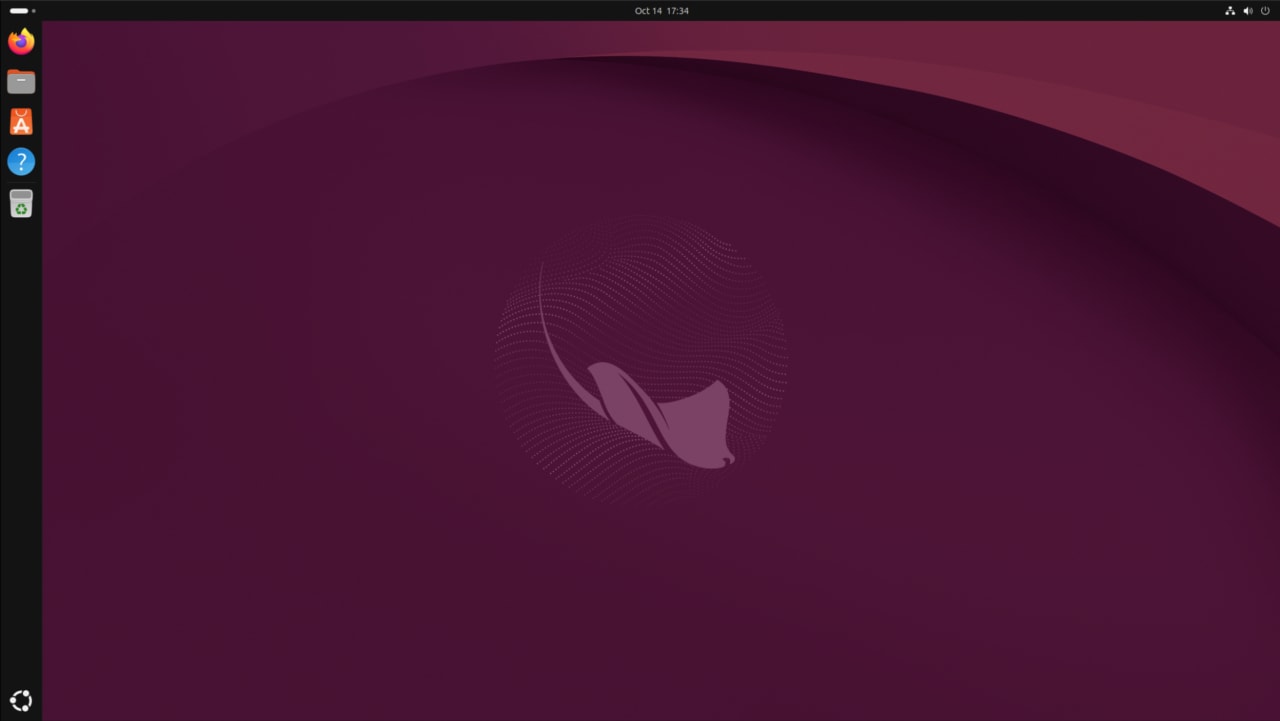
Figure: Canonical’s Ubuntu 26.10 announcement blog screenshot. Source — ubuntu.com/blog.
Canonical released Ubuntu 26.10, codenamed “Stonking Stingray,” on 15 October 2026. It is the second interim release after the 26.04 LTS (Resolute Raccoon) and ships with a more polished desktop, a finished Rust rewrite of coreutils, the first public technology preview of the Myna speech-to-text feature, post-quantum package signing, and Linux kernel 7.3. Maintenance updates will be provided for 9 months, until July 2027.
For a step-by-step guide to getting on the new version, read the companion piece — How to Upgrade to Ubuntu 26.10 Stonking Stingray (2026). For a comparison against the LTS, see Ubuntu 26.10 vs 26.04 LTS: Which One Should You Run in 2026?. For the kernel/RISC-V/AI details, see Ubuntu 26.10 Deep Dive: Kernel 7.3, RISC-V, amd64v3, Myna.
Headline features at a glance
- Myna — opt-in, locally-processed speech-to-text with on-device LLMs (Parakeet, Whisper, FunASR engines). The first building block of Canonical’s planned “context-aware desktop.”
- GNOME 51 — more responsive, more accessible, with a unified App Center that handles both snaps and debs the same way.
- Rust coreutils migration complete —
cp,mv,rm, and the rest of the standard toolkit are now the memory-safe Rust implementation by default. - Linux kernel 7.3 (7.3.0-9.9, based on 7.3-rc6) — newer AMD/Intel/RISC-V support, plus preliminary Apple M3 Pro / Max / Ultra enablement.
- Post-quantum package signing — APT now verifies packages using post-quantum-ready signatures, ahead of any peer distribution.
- TPM-backed FDE expansion — full-disk encryption with PIN/passphrase now works on hardware without a Hardware Root of Trust, in addition to the Hardware RoT path from 26.04 LTS.
- Microsoft Entra ID integration — password and MFA flows for enterprises that use Entra for identity.
- New RISC-V desktop images — first time Ubuntu ships a RVA23 desktop image, plus optimised amd64v3 install images for x86_64.
Myna — Ubuntu’s first on-device AI
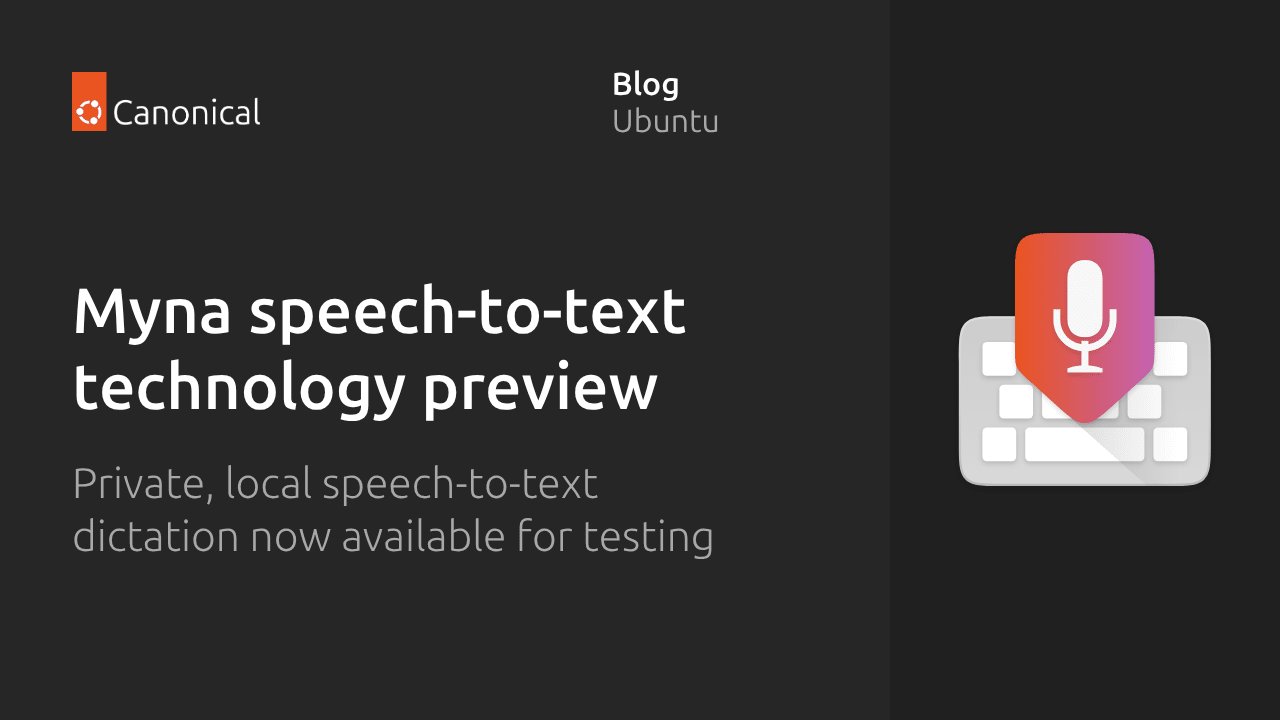
Figure: Myna — Ubuntu’s local speech-to-text agent. Source — Canonical Ubuntu blog.
Myna is the most user-visible new feature. It is an opt-in component that runs speech-to-text entirely on your machine — no upload of audio, no cloud dependency. The Canonical team named it after the myna bird, which is famous for mimicking human speech. Canonical framed Myna as “the first step towards a more natural, intent-driven Ubuntu Desktop experience.”
In practice it works like this: install the preview, pick an engine (Parakeet, Whisper, or FunASR), pick a hotkey, then put the cursor in any text field and start talking. Transcription happens locally and the audio never leaves the device. For NVIDIA GPUs there is an accelerated engine; more accelerator backends are planned. Myna is also available on Ubuntu 24.04 LTS and 26.04 LTS, so you do not need to be on 26.10 to try it.
Myna is deliberately scoped to dictation only — it is not a voice assistant and will not navigate your apps for you. The longer-term roadmap, per Canonical, is to grow it into the central intent layer of the desktop.
GNOME 51 — polished, faster, more consistent
Figure: AI-generated illustration of the GNOME 51 Ubuntu desktop. Real screenshots were unavailable at time of writing.
GNOME 51 lands in Ubuntu 26.10 with three things users will actually feel: better responsiveness under memory pressure, a more consistent App Center that unifies snap and deb package management, and broader accessibility improvements that align with the European Accessibility Act. The Quick Settings panel, lock-screen controls, and HDR brightness handling have all been refined. The Software Updater behaviour from 25.10 — small tray icon instead of an in-your-face dialog — carries forward.
Ubuntu 26.10 also exposes an opt-out for “Ubuntu Insights,” the opt-in telemetry feature introduced with 26.04 LTS. Users who never enabled Insights now have an explicit setting to make sure it stays disabled.
Rust coreutils migration complete

Figure: AI-generated illustration of the completed Rust coreutils migration. Real artwork was unavailable at time of writing.
26.04 LTS started the migration of coreutils to the Rust-based uutils implementation; 25.10 finished most of the common commands; 26.10 finishes the migration. As of this release, cp, mv, rm, ls, cat, chmod, and friends are all the Rust implementation by default. The motivation is memory safety — a memory bug in cp should not be able to compromise your system, and rewriting the lowest-level system tools in Rust closes a whole class of vulnerabilities.
The user-visible behaviour should be identical — same flags, same semantics, same script compatibility. If you maintain shell scripts that lean heavily on coreutils edge cases, run them through CI on 26.10 before deploying widely. The change is mostly invisible but it is worth a sanity check.
Kernel 7.3 and hardware support
26.10 ships with the Linux 7.3 kernel — specifically 7.3.0-9.9, based on the upstream 7.3-rc6 tag because the final 7.3 release lands after GA. Ubuntu backports its own patches on top. The notable items in 7.3 that Ubuntu users will see land:
- New AMD GPU display block (DCN 6.0) and the new Ryzen AI Halo LED/RGB driver
- Initial support for Apple M3 Pro / Max / Ultra (CPU side, not GPU yet)
- Power optimisation for M1 Pro / Max / Ultra SoCs
- Several new RISC-V extensions
- Qualcomm Shikra SoC support beginning to appear
- Scheduler improvements that help hybrid CPUs and old gaming hardware
- Initial IBM Power12 enablement; PPC gains in-kernel Rust
- Btrfs performance improvements
- Nouveau NVDEC support needed by NVK for Vulkan Video via Mesa 26.3
Ubuntu also uses the new kernel as a chance to ship the new RISC-V desktop image (the first Ubuntu desktop image targeting RVA23 silicon) and optimised amd64v3 install images for x86_64 systems that report v3 baseline CPU features. The amd64v3 image uses AVX2 and gives a measurable performance boost on supported CPUs.
Security posture: TPM-backed FDE, post-quantum signing, Entra ID
Three security stories shipped together:
- TPM-backed full-disk encryption was rolled out in 26.04 LTS for hardware with a Hardware Root of Trust. 26.10 extends it to hardware without a Hardware RoT — you can now require a PIN or passphrase on a much wider set of machines.
- Post-quantum package signing is enabled in 26.10 — APT will verify packages using post-quantum-ready signatures. This is forward-looking work: the quantum threat is not here yet, but Ubuntu is the first major distribution to make the cutover.
- Microsoft Entra ID integration — Canonical deepened the Entra hook so password and multi-factor authentication are first-class flows. Useful for enterprises standardising on Microsoft identity.
What is not new
A few things are worth flagging as “still the same as 25.10 / 26.04”:
- GNOME on Xorg is still gone. Ubuntu on Xorg has not been a thing since 25.10. If you rely on Xorg-only applications, Xubuntu / Ubuntu MATE / Ubuntu Cinnamon / Lubuntu are still options — they ship Xorg by default.
- 9-month support window. 26.10 is an interim release; you have until July 2027. If you want five years of updates, stay on 26.04 LTS.
- No upgrade from a system with TPM-backed FDE on day one. Systems running under TPM-backed FDE cannot upgrade from 26.04 LTS to 26.10 on release; Canonical anticipates enabling these upgrades during the 26.10 lifecycle.
How to get it
- Fresh install: download the desktop image from ubuntu.com/download. Choose amd64, amd64v3 (if your CPU supports AVX2), arm64, or RISC-V.
- Upgrade from 26.04 LTS: the upgrade channel typically opens within a few days of release. Use Software Updater or
sudo do-release-upgrade. Watch for the/lib32symlink and TPM-FDE blockers — both documented in the release notes. - Try Myna without installing 26.10: Myna runs on 24.04 LTS, 26.04 LTS, and 26.10.
sudo add-apt-repository ppa:canonical-desktop-team/myna && sudo apt install myna-config.
Verdict
Ubuntu 26.10 is a “consolidation” interim release, not a flashy one — but consolidation is exactly what it is supposed to be. The Rust coreutils migration is finally complete, the desktop is more polished and consistent, and the headline new feature (Myna) is genuinely interesting because it is the first building block of a longer-term AI-on-desktop story rather than a bolted-on chatbot. TPM-backed FDE expansion is the kind of default-secure change that matters more than any new wallpaper.
If you are a workstation user who wants the latest, run 26.10. If you run a fleet, stay on 26.04 LTS and let 26.10 settle. Either way, the in-place upgrade from 26.04 → 26.10 is straightforward — see the companion upgrade guide for the exact steps and the known pitfalls.
Sources: Canonical Ubuntu 26.10 announcement, Ubuntu 26.10 release notes, Canonical Myna tech preview blog, Phoronix — Ubuntu 26.10 Released.
Comments