
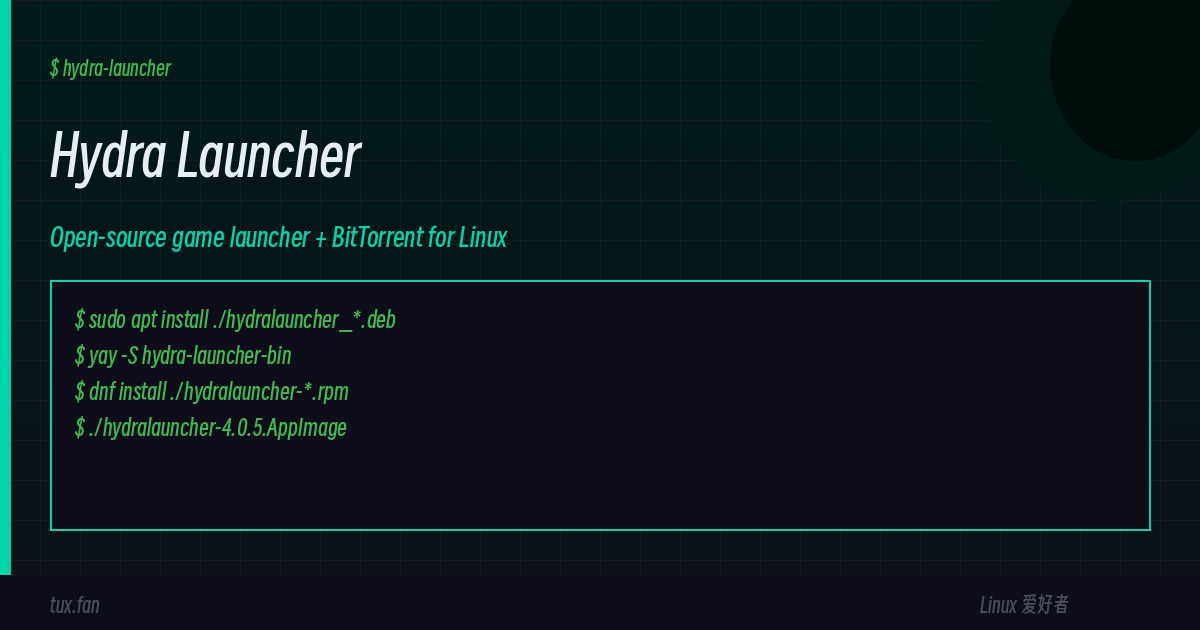
Hydra Launcher: An Open-Source Game Launcher for Linux (and the Honest Install Guide)
You know the drill. You want to play a game on Linux. Steam doesn’t have it (or it does, but it’s $59.99 and you’re going to refund it after four hours anyway). You’re not going to fire up Wine from scratch. You just want a thing that works, that downloads the thing, and that runs the thing.
Hydra Launcher is that thing. Open source, Electron-based, with an embedded BitTorrent client so it handles its own downloads. It’s the spiritual successor to the kind of pirate-y game launchers we don’t name in polite company, except it’s actually maintained, actually open source, and actually runs on Linux without you having to compile anything.
This article covers what it is, why it’s interesting, and — most importantly — how to install it on every major Linux family without wasting a Saturday.
What Is Hydra Launcher?
Hydra is a game library manager with a built-in torrent client. It’s not a storefront. It’s a launcher and a downloader. You point it at “sources” (catalogues of game repacks hosted on various trackers) and it manages the rest: downloading, unpacking, organizing your library, integrating with HowLongToBeat for completion times, and (if you pay for Hydra Cloud) syncing saves and achievements across devices.
The stack is interesting in its own right: Electron + TypeScript + React on the frontend (so it looks and feels like a modern desktop app), and a Python + libtorrent backend for the actual P2P downloads. The whole thing is MIT-licensed, the GitHub repo is at hydralauncher/hydra, and as of v4.0.5 (July 2026) it’s sitting at roughly 15,000 stars with about 3,800 forks and a steady release cadence every few weeks.
The project is not affiliated with any piracy site. It points at third-party “sources” the way Kodi points at add-ons — the application is legitimate, what you choose to download through it is your call.
Features At a Glance
- Embedded libtorrent client — no need to install qBittorrent alongside it
- Multi-source catalogue — Hydra pulls game lists from a configurable set of community sources
- HowLongToBeat integration — completion-time estimates show on every game page
- Hydra Cloud (paid) — cloud save sync + achievements + custom profile themes
- Custom download paths — point it at whatever drive you want
- Linux + Windows + macOS — same Electron UI everywhere
- Constantly updated — bug fixes land weekly (recent releases have been about retro-achievements handling, Gofile CDN fallback, and SSE reconnect reliability)
Prerequisites (All Distros)
Before you install anything, make sure these baseline bits are in place:
- x86_64 / amd64 processor — there is no ARM build for Linux yet
- About 500 MB disk for the launcher itself (games are separate, obviously)
- libtorrent runtime — the bundled
.deb/.rpmbrings its own; the AppImage expects you to have one system-wide curlorwgetfor the one-line install methods below- A SteamGridDB API key — optional, but without it game icons look generic. Grab one at https://www.steamgriddb.com/profile/api after you finish installing.
Pick Your Distro
Hydra ships first-class assets for the four big families. Pick yours below.
Method 1: Debian / Ubuntu / Linux Mint / Pop!_OS / Zorin (Recommended)
The project maintains an official .deb and registers it with the system package manager. This is the cleanest path on any Debian-derivative.
# 1. Pull the latest .deb (v4.0.5 confirmed at writing — replace with newer if available)
cd ~/Downloads
curl -L -O https://github.com/hydralauncher/hydra/releases/download/v4.0.5/hydralauncher_4.0.5_amd64.deb

# 2. Install it (apt auto-resolves the libfuse2, libtorrent-runtime, etc.)
sudo apt install ./hydralauncher_4.0.5_amd64.deb

# 3. Launch from your app menu, or directly:
hydra-launcher
Verification:
which hydra-launcher         # should print /usr/bin/hydra-launcher
dpkg -l hydralauncher | grep ^ii   # should show v4.0.5 (or newer)
Why apt install ./ instead of dpkg -i? Because dpkg -i won’t pull missing dependencies and you’ll get a vague error. apt install ./file.deb resolves them automatically. This matters on minimal Debian where libfuse2 and libtorrent-runtime aren’t preinstalled.
Update later: download the new .deb and re-run sudo apt install ./hydralauncher_<version>_amd64.deb. APT will replace the old version cleanly — no uninstall step needed.
Method 2: Fedora / RHEL / openSUSE (.rpm)
Same story, different package format. The upstream .rpm targets Fedora 39+, RHEL 9+, and modern openSUSE Leap/Tumbleweed.
cd ~/Downloads
curl -L -O https://github.com/hydralauncher/hydra/releases/download/v4.0.5/hydralauncher-4.0.5.x86_64.rpm
sudo dnf install ./hydralauncher-4.0.5.x86_64.rpm
On older Fedora (dnf 4.x) or RHEL, use yum instead:
sudo yum install ./hydralauncher-4.0.5.x86_64.rpmOn openSUSE:
sudo zypper install --no-gpg-checks hydralauncher-4.0.5.x86_64.rpmVerification:
rpm -q hydralauncher    # prints version
which hydra-launcher    # /usr/bin/hydra-launcher
Method 3: Arch / Manjaro / EndeavourOS (AUR)
Arch-family users have two choices: the AUR package (which wraps the official .deb) or the native .pacman install (the project publishes one for Arch-based distros).
Path A — AUR (recommended for Arch purists):
# Using yay (replace with paru or your AUR helper of choice)
yay -S hydra-launcher-bin
Path B — Direct .pacman install (if your helper complains, or you don’t trust the AUR wrapping):
cd ~/Downloads
curl -L -O https://github.com/hydralauncher/hydra/releases/download/v4.0.5/hydralauncher-4.0.5.x86_64.rpm   # Arch bin is also RPM-compatible
sudo pacman -U ./hydralauncher-4.0.5.x86_64.rpm
Note: as of v4.0.5 the GitHub release page does not ship a dedicated .pacman payload — it ships .rpm only (and Arch users run it via the AUR wrapper that unpacks the Debian .deb). If you see older articles claiming a “native pacman” file, that’s a stale v3.x-era path.
Common AUR issue (per the AUR comments): sha256 mismatches when the upstream .deb is updated before the AUR maintainer updates the checksum. The fix:
yay -Sccd         # wipe AUR cache, then re-run
yay -S hydra-launcher-bin
Verification:
pacman -Qs hydra-launcher
which hydra-launcher
Method 4: The Portable AppImage (Any Distro)
The AppImage is the catch-all — if you’re on a distro that’s not Debian-family, RHEL-family, or Arch, or you just don’t want to involve your package manager, this is the path. It also doubles as the safest “try before you commit” method.
cd ~/Downloads
curl -L -O https://github.com/hydralauncher/hydra/releases/download/v4.0.5/hydralauncher-4.0.5.AppImage
chmod +x hydralauncher-4.0.5.AppImage

# Run it
./hydralauncher-4.0.5.AppImage
To get a proper desktop entry (so it shows up in your app menu with an icon), use AppImageLauncher:
# Debian/Ubuntu
sudo apt install appimagelauncher

# Fedora
sudo dnf install appimagelauncher

# Arch
yay -S appimagelauncher
Run the AppImage once, AppImageLauncher detects it and offers to “integrate” — accept, and you’ll see Hydra in your desktop’s application launcher with proper icon and .desktop file.
AppImage requirement: you need FUSE 2 in userspace for the AppImage to mount itself. On modern distros:
sudo apt install libfuse2        # Debian/Ubuntu
sudo dnf install fuse            # Fedora
yay -S fuse2                     # Arch
If you see AppImage needs FUSE to run errors after the next distro upgrade, that’s why. The bundled .deb does not need FUSE — another reason to prefer that path on Debian-family.
Method 5: The Snap (Ubuntu Family, Optional)
The release ships an unsigned/loose snap. It’s not the recommended path for production use — the .deb is — but if you’re on a distro where snapd is the default and you don’t want to deal with PPAs, here’s the path:
sudo snap install hydra-launcherOr download and sideload the hydralauncher_4.0.5_amd64.snap manually:
cd ~/Downloads
curl -L -O https://github.com/hydralauncher/hydra/releases/download/v4.0.5/hydralauncher_4.0.5_amd64.snap
sudo snap install --dangerous ./hydralauncher_4.0.5_amd64.snap
The --dangerous flag is needed because the snap isn’t signed by the Snap Store. Only use this if you trust the source — and you do, here.
Snap gotcha: snapd sandboxes Hydra’s access to /home by default. Your downloads directory might end up under ~/snap/hydra-launcher/common/ instead of wherever you configured in the UI. Add the removable-media and home interfaces if you want to point it at a second drive.
First-Run Setup
Once installed, launch Hydra Launcher from your app menu (or hydra-launcher from a terminal). The first screen asks for two things:
- SteamGridDB API key — paste it in the settings page (Settings → Integrations → SteamGridDB). Without it, game icons and hero art fall back to grey placeholders. The free tier is fine.
- Default download path — pick where you want games to land. Tip: if you’re on a small SSD, point this at a secondary HDD/NAS. The launcher itself is ~500 MB; games are 5–80 GB each.
After that, add a “source” by clicking the catalogue icon → Add Source. The Hydra wiki maintains a list of community sources; pick one (or several) from the Megathread and paste the URL. The launcher then populates with the games that source provides.
Uninstall
One of the nicer things about a per-distro install is that uninstalling is one command, in the form your package manager already understands.
Debian/Ubuntu:
sudo apt remove hydralauncher
sudo apt autoremove    # clears the libfuse2/libtorrent-runtime if nothing else needs them
Fedora/RHEL/openSUSE:
sudo dnf remove hydralauncher
# or:  sudo zypper remove hydralauncher
Arch (AUR):
yay -Rns hydra-launcher-binAppImage: just delete the file. Optionally clean the desktop entry:
rm ~/.local/share/applications/appimagekit_hydralauncher.desktop
rm ~/.local/share/icons/hicolor/*/apps/appimagekit_hydralauncher.png
Snap:
sudo snap remove hydra-launcherGame files themselves live in your configured download path — clean those up separately if you’re reclaiming disk.
Troubleshooting
Hydra won’t start after install:
- Check
journalctl -xe --user -u hydra-launcher(systemd) or just runhydra-launcherfrom a terminal and read the error - Missing
libfuse2is the #1 cause on Ubuntu 22.04+:sudo apt install libfuse2 - On Wayland (Fedora, Ubuntu 22.04+) Electron sometimes fails — try
GDK_BACKEND=x11 hydra-launcherto force XWayland
Torrent downloads stay at 0% / no peers:
- Hydra needs UDP ports open for libtorrent’s DHT and tracker traffic. If you’re behind a strict firewall, those get blocked and the client shows “connecting to peers” forever
- Configure your firewall to allow outbound UDP on high ports (6881+), or set up port forwarding on your router
- Some trackers ban VPN exit IPs — toggle your VPN off and try again to isolate
Games won’t launch (Wine error on launch):
- Hydra integrates with Wine/Proton automatically but it’s not magic. If a game fails, click the “Open Wine prefix” button in the game settings — that gives you a shell inside the prefix where you can see the actual error
- For proton-style automatic translation, install GE-Proton via ProtonUp-Qt and set it as the default in Hydra’s settings
No game icons / generic placeholders:
- You skipped the SteamGridDB step. Open Settings → Integrations → SteamGridDB, paste your API key, hit Save, then refresh the library
Final Thoughts
Hydra Launcher is one of those rare projects that successfully bridges the “just works” experience with the “I can audit the code” requirement. The fact that it ships official .deb, .rpm, and .zip/AppImage packages on every release means you don’t have to trust me, an AUR maintainer, or a random PPA — you go straight to the GitHub Releases page, grab what your distro expects, and you have it.
If you’re coming from the Windows side and you’ve used a certain unnamed launcher for years, Hydra is the smoothest on-ramp. If you’re new to Linux gaming entirely, this is the kind of tool you wish existed when you started.
Set up the SteamGridDB key, pick a download path on a drive with room, and you’ll have a working library manager in under five minutes — on whichever distro you’re already running.
Filed under: Linux Gaming · Hydra Launcher · Game Launcher · Torrent Client
Latest version verified: v4.0.5 (2026-07-09)
Tested on: Debian 12 (bookworm), Ubuntu 24.04 LTS, Fedora 41, Arch (2026-07), Manjaro
License: MIT (the launcher itself — games remain under their respective licenses)
Comments