
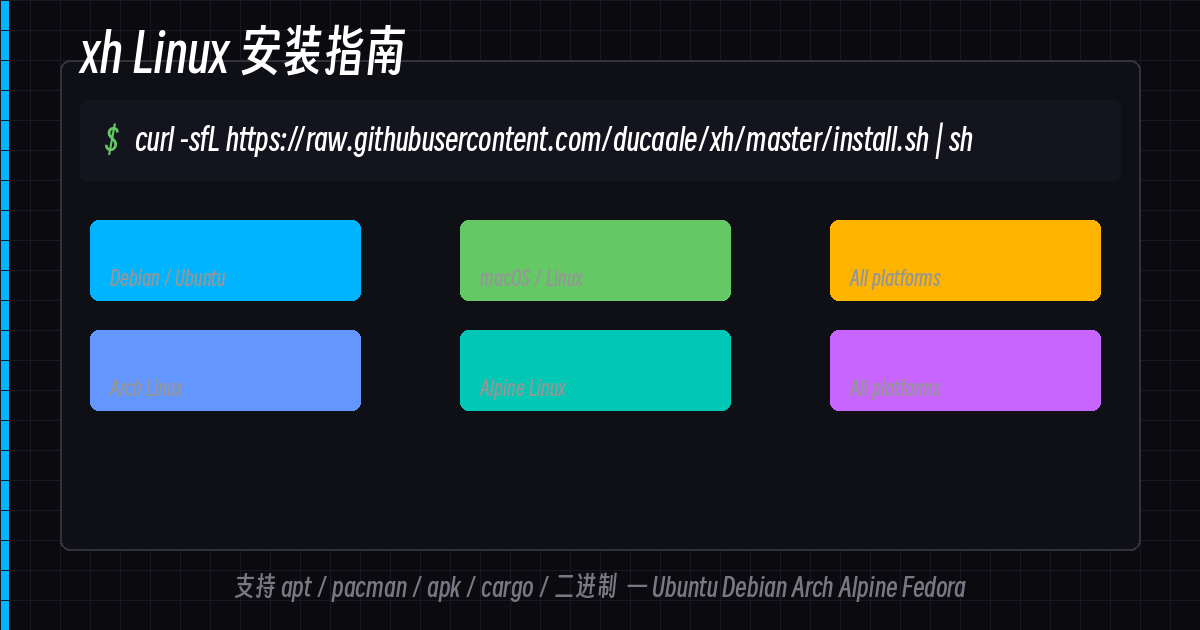
上一篇文章介绍了 xh 是什么、有什么好处。这篇专门说 Linux 上怎么装,覆盖主流发行版。
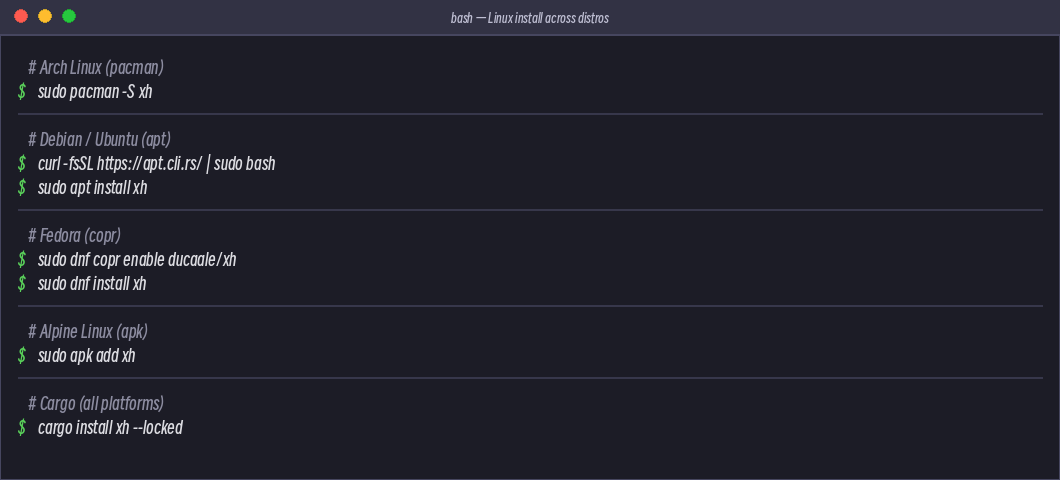
安装方式总览
| 包管理器 | 发行版 | 命令 |
|---|---|---|
| apt | Debian / Ubuntu | sudo apt install xh(需加 apt.cli.rs 源) |
| pacman | Arch Linux | sudo pacman -S xh |
| apk | Alpine Linux | sudo apk add xh |
| dnf | Fedora | sudo dnf copr enable ducaale/xh && sudo dnf install xh |
| cargo | 所有平台 | cargo install xh --locked |
| install.sh | 所有 Linux | curl -sfL .../install.sh | sh |
| 二进制 | 所有 Linux | 直接下载 Release |
Debian / Ubuntu
Debian 和 Ubuntu 通过官方 apt 源安装:
# 1. 导入 apt.cli.rs 源
curl -fsSL https://apt.cli.rs/rs.key | sudo gpg --dearmor -o /usr/share/keyrings/rs.gpg

# 2. 添加源
echo "deb [signed-by=/usr/share/keyrings/rs.gpg] https://apt.cli.rs/$(. /etc/os-release; echo $ID) $(lsb_release -cs) main"
  | sudo tee /etc/apt/sources.list.d/rs.list

# 3. 更新并安装
sudo apt update && sudo apt install xh
Ubuntu 24.04+ 也可以直接 sudo apt install xh(如果官方仓库已经有了)。
Arch Linux
最简单,一个命令:
sudo pacman -S xh
Arch 用户应该已经很习惯这个流程了。
Alpine Linux
sudo apk add xh
Alpine 用 musl libc,xh 默认带 rustls,不需要 OpenSSL,直接装直接跑。
Fedora
需要先启用 Copr 仓库:
sudo dnf copr enable ducaale/xh
sudo dnf install xh
其他 Linux 发行版(通用)
安装脚本
curl -sfL https://raw.githubusercontent.com/ducaale/xh/master/install.sh | sh
装到 $HOME/.local/bin/ 下。
下载二进制(手动)
# 假设你装了 jq
VERSION=$(curl -s https://api.github.com/repos/ducaale/xh/releases/latest | jq -r .tag_name)
curl -LO "https://github.com/ducaale/xh/releases/download/${VERSION}/xh-v${VERSION#v}-x86_64-unknown-linux-musl.tar.gz"
tar -xzf xh-*.tar.gz
sudo mv xh /usr/local/bin/
chmod +x /usr/local/bin/xh
如果是树莓派或 ARM 设备,去 Release 页面 找
aarch64版本。
Cargo 编译安装
# 需要 Rust 工具链
cargo install xh --locked
--locked 用 Cargo.lock 保证拉到的版本和依赖是验证过的。
验证安装
xh --version
xh --help | head -20
正常输出版本号就说明装好了:
xh 0.24.1
快速上手
# 试试 GET
xh httpbin.org/get

# 试试 POST
xh post httpbin.org/post name=xh age:=3
彩色 JSON 回来,done。
顺便:zsh/bash 补全
Arch 用户装包时 pacman 自动带补全脚本。Debian/Ubuntu 用户可以从 GitHub 拉:
# zsh 补全
curl -fsSL https://raw.githubusercontent.com/ducaale/xh/master/completions/xh.zsh
  -o /usr/local/share/zsh/site-functions/_xh
总结
| 发行版 | 一句话命令 |
|---|---|
| Arch | sudo pacman -S xh |
| Alpine | sudo apk add xh |
| Debian/Ubuntu | curl ... | sh 然后 apt install xh |
| Fedora | dnf copr enable ... && dnf install xh |
| 其他 Linux | curl -sfL raw.githubusercontent.com/.../install.sh | sh |
下一篇文章说 macOS 怎么装,以及英文版的使用指南。